Email marketing remains one of the most effective digital channels, but choosing the right service is crucial for long-term results. With dozens of email marketing platforms offering different features, pricing models, and levels of automation, it’s easy to choose a tool that doesn’t actually fit your business needs.
This guide explains what email marketing services are, how to choose the right platform based on what you’re sending and your growth stage, and compares the best email marketing services in 2026 to help you make a confident, informed decision.
What are email marketing services?
Email marketing services are software platforms (also known as email service providers) that help businesses send, automate, and analyze email campaigns at scale. Instead of manually sending emails through Gmail or Outlook, these email marketing tools enable businesses to communicate with thousands (or even millions) of subscribers with targeted, personalized messages.
Most email marketing services include features for building email campaigns, managing subscriber lists, segmenting audiences, automating emails based on user behavior, and tracking performance metrics such as opens, clicks, and conversions.
Why do businesses use email marketing services instead of regular email?
Businesses rely on professional services because standard email accounts weren’t designed for large-scale marketing:
- Bulk sending limits: Gmail caps daily sends, while email marketing services support high-volume delivery
- No tracking: Regular email tools don’t provide analytics
- Deliverability risks: Email service providers maintain infrastructure and sender reputation
- No automation: Marketing emails require manual sending without automation tools
- Limited design: Basic formatting vs branded templates and visual editors
- Compliance gaps: No built-in unsubscribe handling or consent management
Email marketing services solve these limitations by providing infrastructure purpose-built for scalable, compliant, and measurable communication.
What to look for in an email marketing service
Choosing an email marketing service isn’t about finding the “most powerful” platform — it’s about selecting the right solution for your use case, scale, and communication strategy.
To make the choice easier, we’ve prepared a step-by-step framework that helps you identify the most important criteria and confidently select the right platform from the list in the next section.
Let’s start by defining the key decision criteria.
Decision-making framework: how to choose the right platform
Step 1: Define what you’re sending
- Newsletters and promotions → simple email marketing platforms
- Lifecycle emails (welcome, onboarding, re-engagement) → services with automation
- Transactional emails → API-based transactional email services
- Cross-channel messaging → omnichannel platforms
Step 2: Match the service to your growth stage
- Early stage/small business: ease of use, free plans, simple automation
- Growing business: segmentation, reporting, and scalable pricing
Step 3: Evaluate the essentials
When comparing email marketing services, focus on:
- Ease of use and templates
- Segmentation and personalization
- Automation depth (basic vs advanced)
- Deliverability and compliance support
- Analytics and performance tracking
- Pricing model and scalability
- Available integrations
Step 4: Decide if email alone is enough
If email is only one part of your customer communication, choosing a platform that also supports push notifications, in-app messages, or SMS can help you build more consistent and effective customer journeys.
Best email marketing services in 2026
Now that you understand the most important criteria, you can confidently choose the right email marketing service for your business.
We evaluated 10 leading email marketing platforms based on the framework above, including deliverability, automation depth, ease of use, and scalability. Here’s what we found.
1. Pushwoosh: Best for mobile-first omnichannel engagement
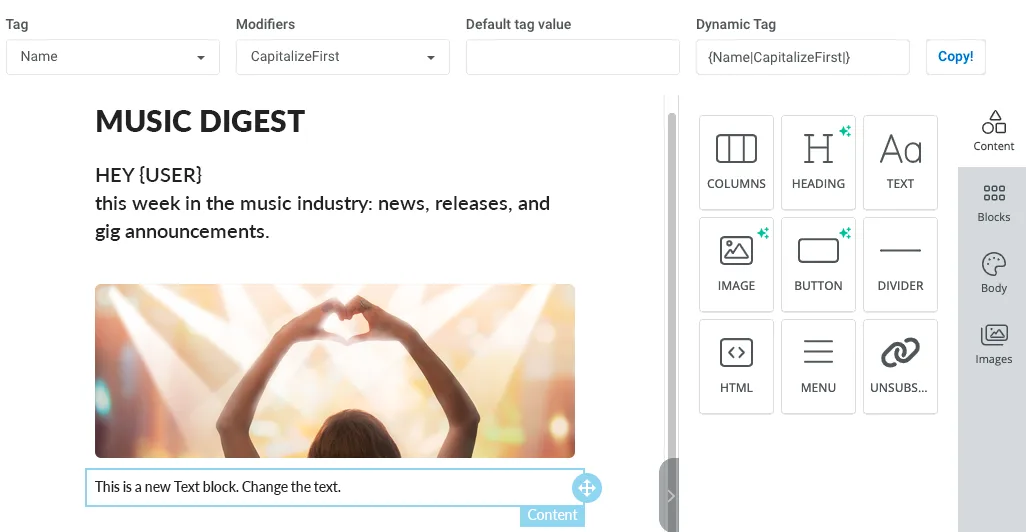
🌟 G2 Rating: 4.4 | 💰 Starting Price: $19/month | 🆓 Free Trial: Yes
Best for: Mobile app businesses and brands that need unified email, push, in-app, SMS, and WhatsApp campaigns in one platform.
What you’re sending:
✅ Cross-channel messaging (email + push notifications + in-app messages + SMS + WhatsApp)
✅ Lifecycle emails with behavioral triggers
Key strengths by criteria:
| Criteria | Pushwoosh |
|---|---|
| Ease of use | No-code Customer Journey Builder; visual drag-and-drop email editor; marketer-friendly (no developers needed) |
| Segmentation | Advanced: RFM analysis, behavioral + attribute-based, AI-assisted segment creation |
| Automation depth | Advanced: Event-based triggers, best-time-to-send, AI content creation and localization, silence periods, API for transactional emails |
| Deliverability | 97% deliverability rate (highest in this comparison); SPF/DKIM/DMARC authentication |
| Analytics | Analytics dashboard; tracks conversions across all channels; AI assistant for performance insights |
| Pricing model | Transparent usage-based: $19/month base + $1 per 1,000 emails; scales predictably with volume. You can use the pricing calculator to estimate your exact monthly cost. |
| Integrations | Native SDK for mobile apps; REST API; integrates with analytics tools, CDPs, and e-commerce platforms |
Why choose Pushwoosh: Unlike email-only tools, Pushwoosh orchestrates entire customer journeys across channels. Trigger a push notification when someone doesn’t open an email. Send an in-app message after a push click. Build once, engage everywhere. Perfect for mobile-centric businesses where email is one touchpoint among many.
⚠️ Consider if: You only need email campaigns and have no plans for push, SMS, or in-app messaging.
2. Mailchimp: Best for beginners and small businesses
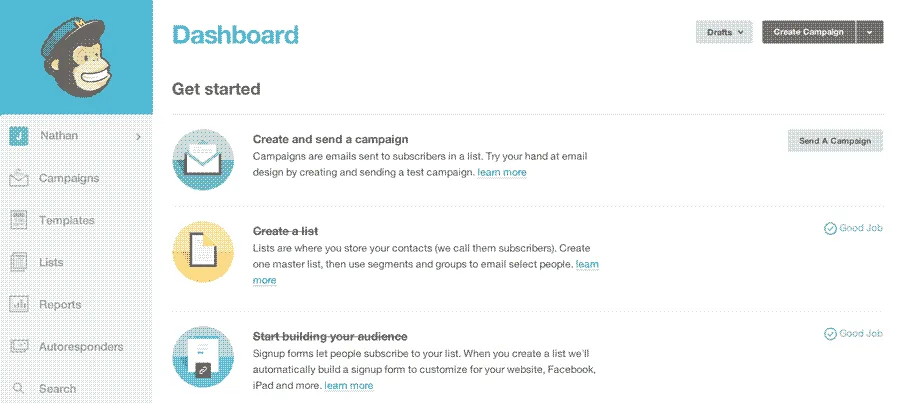
🌟 G2 rating: 4.4 | 💰 Starting price: Free (then $13/month) | 🆓 Free plan: Yes (500 contacts, 1,000 emails/month)
Best for: Small businesses, solopreneurs, and beginners who need simple email marketing with minimal setup.
What you’re sending:
✅ Newsletters & promotions
✅ Basic lifecycle emails (welcome series, simple automations)
Key strengths by criteria:
| Criteria | Mailchimp |
|---|---|
| Ease of use | Extremely intuitive; best-in-class onboarding; extensive template library; beginner-friendly |
| Segmentation | Basic to intermediate: tags, groups, simple conditions; predictive demographics on higher tiers |
| Automation depth | Basic to intermediate: pre-built workflows (welcome, abandonment), customer journey builder on paid plans |
| Analytics | Standard email metrics |
| Integrations | 300+ integrations including Shopify, WooCommerce, Salesforce, QuickBooks, Canva |
Why choose Mailchimp: The most recognized name in email marketing for good reason. It’s easy to get started, offers a generous free tier, and works well for straightforward campaigns. Great for newsletters, announcements, and simple promotions.
⚠️ Consider if: You need advanced automation or plan to scale past 10,000 contacts (pricing becomes expensive). Deliverability concerns with larger lists.
3. HubSpot Email Marketing: Free CRM integration
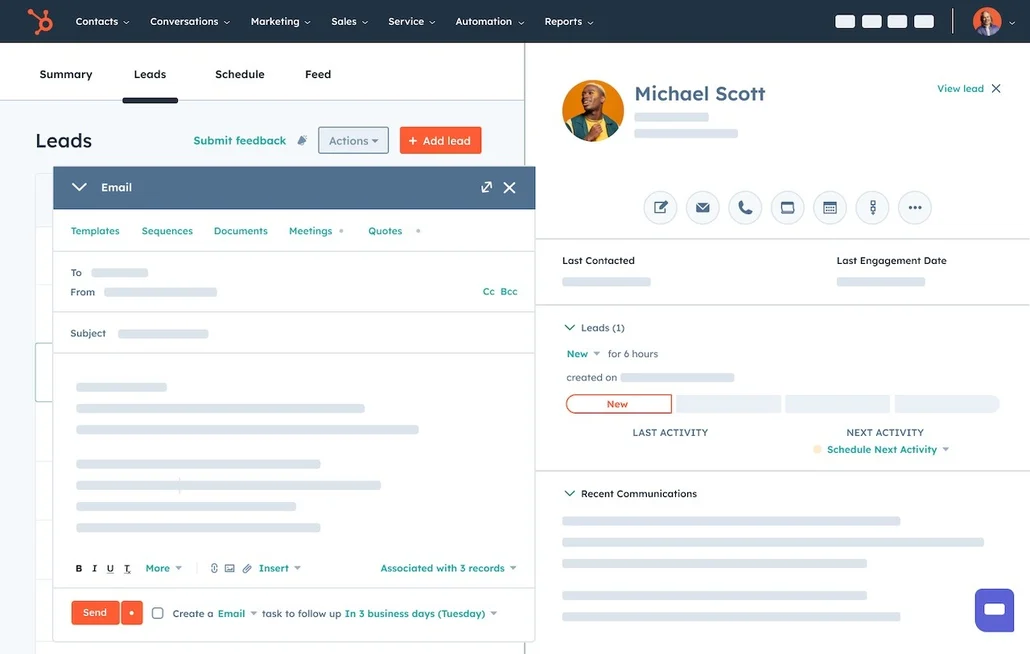
🌟 G2 rating: 4.5 | 💰 Starting price: Free (then around $20-$25/month for more features) | 🆓 Free plan: Yes (2,000 emails/month)
Best for: B2B companies, sales-driven teams, and businesses that want email marketing tightly integrated with CRM and sales workflows.
What you’re sending:
✅ Newsletters & promotions
✅ Lifecycle emails (lead nurturing, sales sequences)
✅ Cross-channel messaging (email + ads + social on paid plans)
Key strengths by criteria:
| Criteria | HubSpot’s Approach |
|---|---|
| Ease of use | Intuitive; drag-and-drop builder; steep learning curve for full CRM capabilities, but email alone is simple |
| Segmentation | Intermediate to advanced: list segmentation by lifecycle stage, lead score, CRM properties, behavior |
| Automation depth | Intermediate to advanced: workflows with branching logic, lead scoring, sales automation integration |
| Analytics | Excellent: unified reporting across email, CRM, website, ads; attribution reports; contact timeline |
| Integrations | Over 1,000; native Salesforce sync; Shopify, Stripe, Zoom, Slack, and custom API |
Why choose HubSpot: If you’re building a revenue engine (not just sending emails), HubSpot connects marketing, sales, and service in one platform. See which emails move deals forward. Score leads based on engagement. Best for B2B companies where email supports a longer sales cycle.
⚠️ Consider if: You’re purely e-commerce/B2C focused (Klaviyo or Omnisend might be better fits), or if you find the full CRM overwhelming for simple email needs.
4. Klaviyo: Best for e-commerce and Shopify stores
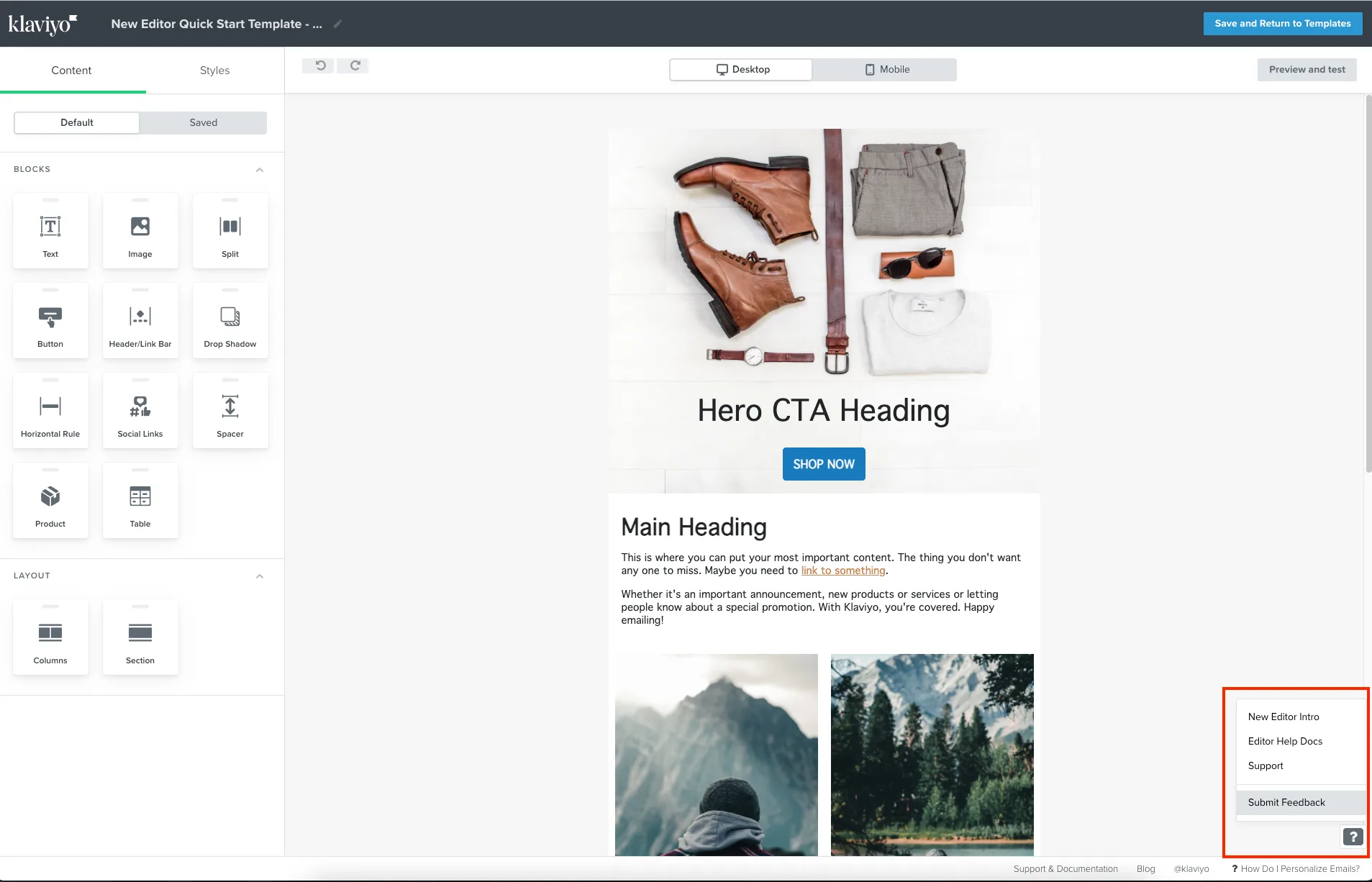
🌟 G2 rating: 4.6 | 💰 Starting price: Free (then $20/month) | 🆓 Free plan: Yes (250 contacts, 500 emails/month)
Best for: Shopify, WooCommerce, BigCommerce stores that need revenue-focused email and SMS automation.
What you’re sending:
✅ Lifecycle emails (cart abandonment, browse abandonment, post-purchase, win-back)
✅ Newsletters & promotions (with product recommendations)
Key strengths by criteria:
| Criteria | Klaviyo |
|---|---|
| Ease of use | Moderate learning curve; powerful once mastered; excellent template library for e-commerce |
| Segmentation | Advanced: real-time behavioral segments, predictive analytics (CLV, churn risk, next purchase date), RFM |
| Automation depth | Advanced: pre-built e-commerce flows, conditional splits, dynamic wait times, A/B testing in flows |
| Analytics | Excellent for e-commerce: revenue attribution per email, cohort analysis, predicted LTV, benchmarks |
| Integrations | 300+ integrations; deep Shopify, WooCommerce, Magento sync; real-time product catalog updates |
Why choose Klaviyo: Purpose-built for e-commerce with unmatched revenue attribution. See exactly which emails drive sales. Predictive analytics tell you who’s likely to churn or become a VIP. If you’re running an online store and email drives significant revenue, Klaviyo’s premium pricing is justified.
⚠️ Consider if: You’re not e-commerce focused (you’ll pay for features you don’t need), or if budget is tight (pricing scales very quickly).
5. Brevo (Sendinblue): Best budget-friendly email marketing service
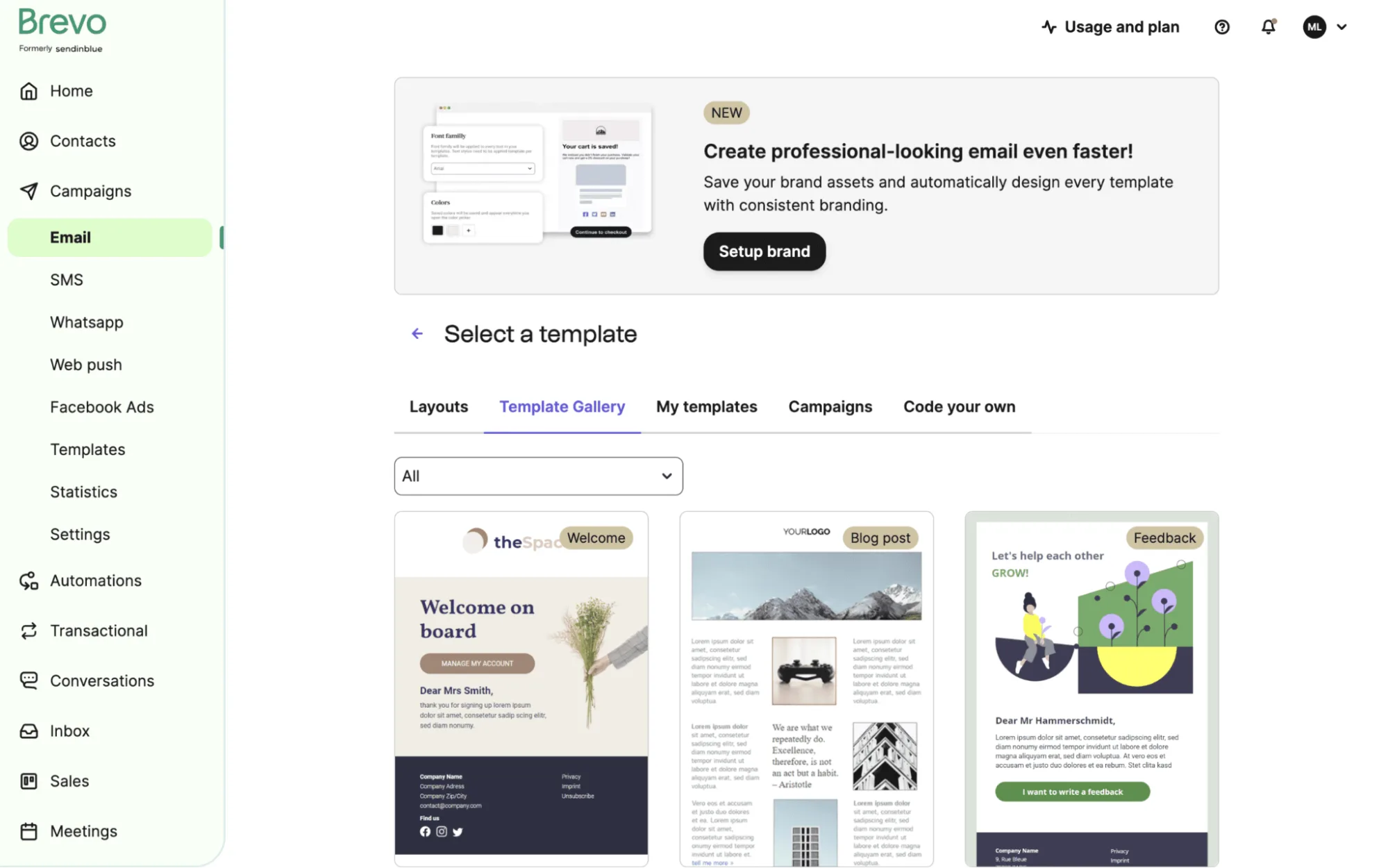
🌟 G2 rating: 4.5 | 💰 Starting price: Free (then $9/month) | 🆓 Free plan: Yes (300 emails/day, unlimited contacts)
Best for: Budget-conscious small businesses, startups, and solopreneurs who need email + SMS without high costs.
What you’re sending:
✅ Newsletters & promotions
✅ Basic lifecycle emails (welcome series, simple automation)
✅ Transactional emails
Key strengths by criteria:
| Criteria | Brevo |
|---|---|
| Ease of use | Very easy; intuitive interface; quick setup; drag-and-drop builder |
| Segmentation | Basic to intermediate: up to 100 conditions per segment; tags and lists |
| Automation depth | Basic to intermediate: if/then workflows, wait conditions, limited to simple paths |
| Analytics | Standard metrics (opens, clicks, bounces); real-time tracking; heatmaps on higher tiers |
| Integrations | 150+ integrations; Shopify, WooCommerce, WordPress; API for transactional emails |
Why choose Brevo: Best value if you have a large list but send infrequently. Unlimited contacts means you don’t pay more as your audience grows, only when you send more emails. Great for newsletters, event invitations, and promotional campaigns on a budget.
⚠️ Consider if: Deliverability is your top priority (reported rates lower than competitors), or you need advanced automation (capabilities are basic).
6. ActiveCampaign: Best for SMB automation + CRM
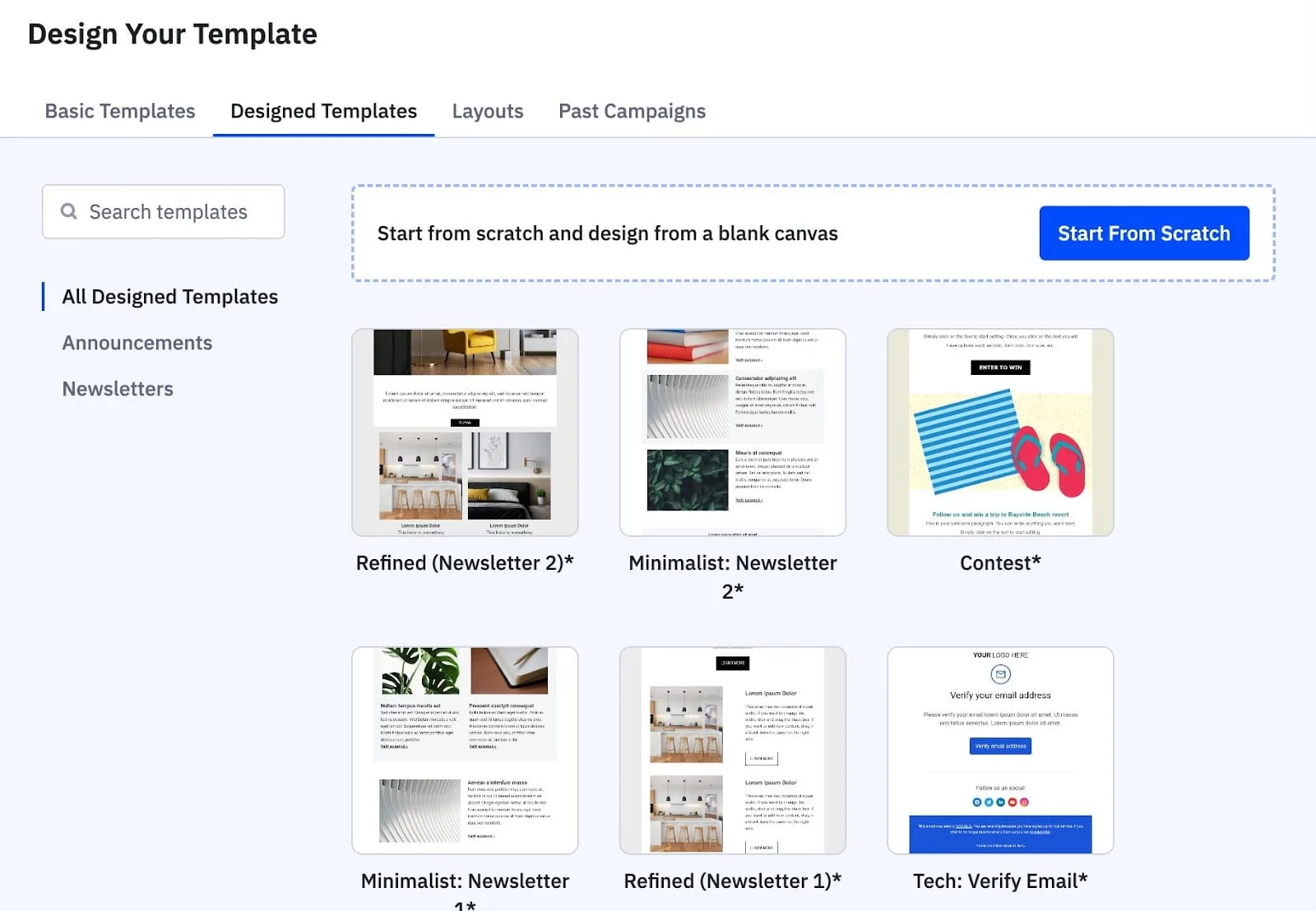
🌟 G2 rating: 4.5 | 💰 Starting price: $15/month | 🆓 Free plan: No (14-day trial)
Best for: Small to mid-sized businesses wanting sophisticated email automation combined with built-in CRM and sales tools.
What you’re sending:
✅ Lifecycle emails (complex nurture sequences, lead scoring, sales automation)
✅ Newsletters & promotions
Key strengths by criteria:
| Criteria | ActiveCampaign’ |
|---|---|
| Ease of use | Moderate learning curve; powerful automation builder; some users find UI/UX confusing initially |
| Segmentation | Advanced: dynamic segments based on behavior, tags, lead scores, deal stage, site tracking |
| Automation depth | Advanced: 250+ pre-built automations, conditional logic, goals, date-based triggers, split testing |
| Analytics | Strong: campaign reports, automation analytics, deal/revenue tracking, attribution, site tracking |
| Integrations | 900+ integrations; Shopify, Salesforce, WordPress, Stripe, Facebook Ads, Google Ads |
Why choose ActiveCampaign: Bridges email marketing and sales automation without enterprise pricing. Lead scoring identifies hot prospects. CRM tracks deals. Site tracking shows which pages leads visit. Perfect for B2B or considered-purchase businesses where nurturing matters.
⚠️ Consider if: You need only basic email (overkill for newsletters), or have very limited technical skills (steeper learning curve).
7. MailerLite: Best for creators and bloggers
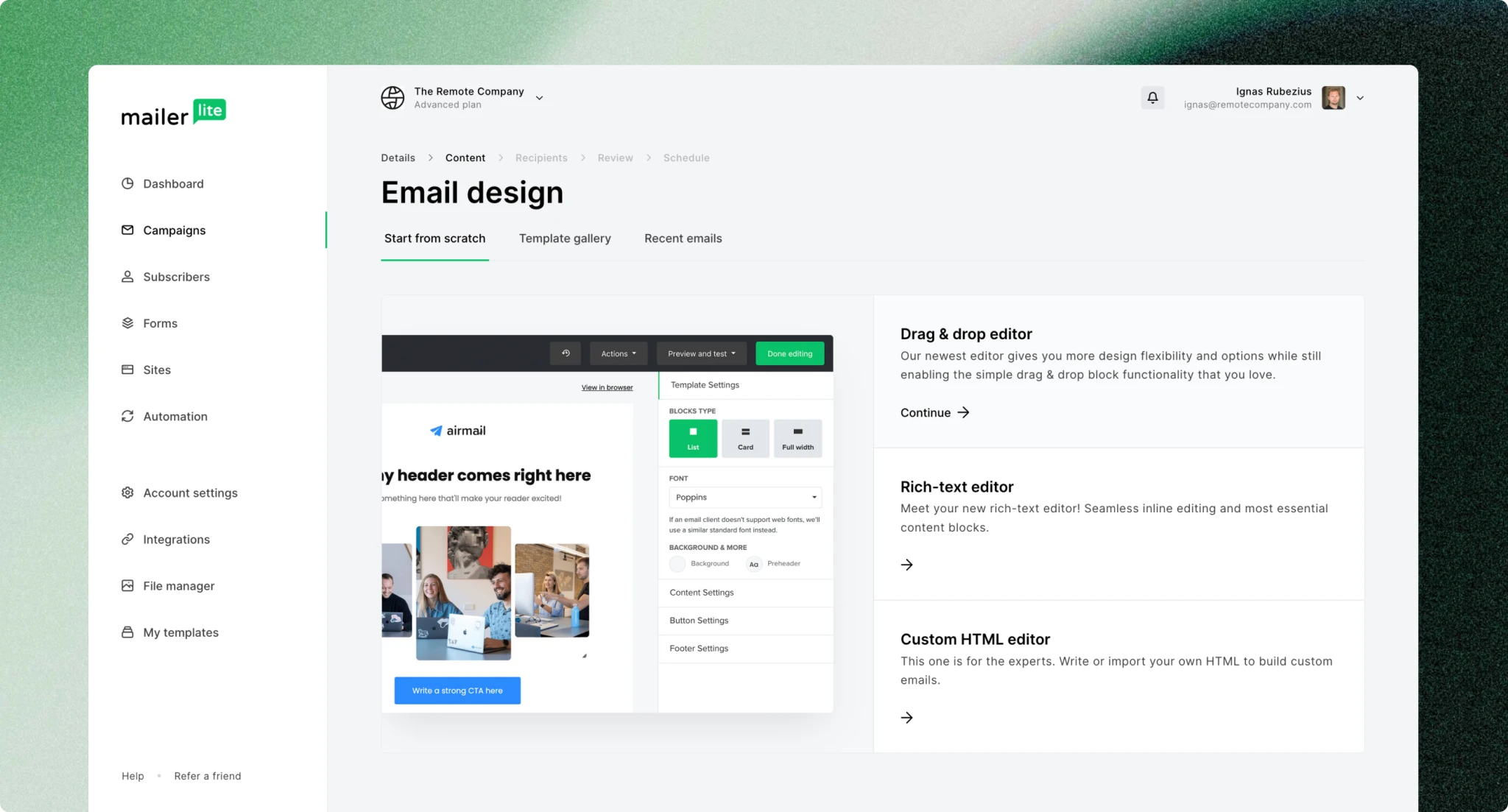
🌟 G2 rating: 4.6 | 💰 Starting price: Free (then $10/month) | 🆓 Free plan: Yes (1,000 contacts, 12,000 emails/month)
Best for: Content creators, bloggers, course creators, and small businesses that prioritize simplicity and design.
What you’re sending:
✅ Newsletters & promotions
✅ Basic lifecycle emails (welcome emails, simple drip sequences)
Key strengths by criteria:
| Criteria | MailerLite |
|---|---|
| Ease of use | Extremely simple; cleanest interface; fastest time-to-first-campaign; beautiful templates |
| Segmentation | Basic: simple segments by behavior (opens, clicks), tags, custom fields |
| Automation depth | Basic to intermediate: simple workflows, delays, conditional splits; adequate for most use cases |
| Analytics | Standard metrics; click maps; A/B testing; simple reporting (not overwhelming) |
| Integrations | 140+ integrations; Shopify, Stripe, WordPress, Zapier for extended connectivity |
Why choose MailerLite: If you value simplicity and beautiful design over advanced features, MailerLite delivers. No bloat, no overwhelming dashboards, just clean email marketing that works. Ideal for bloggers, newsletters, course launches, and straightforward campaigns.
⚠️ Consider if: You need sophisticated automation (capabilities are intentionally limited), or you’re running complex e-commerce flows.
8. GetResponse: Built-in webinar and funnel tools
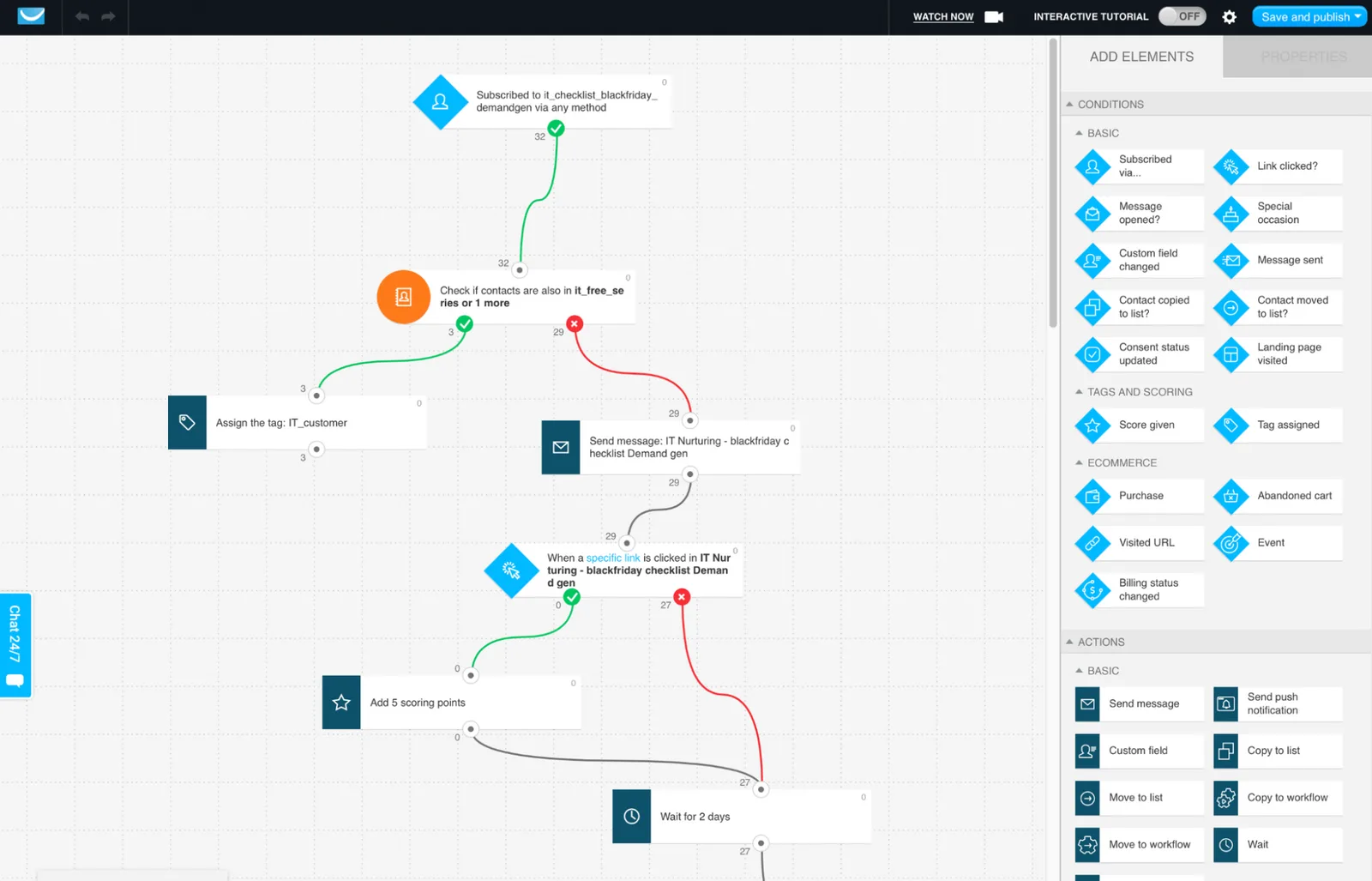
🌟 G2 rating: 4.3 | 💰 Starting price: Free (then $19/month) | 🆓 Free plan: Yes (500 contacts)
Best for: Marketers and coaches who want email marketing, landing pages, webinars, and sales funnels in one platform.
What you’re sending:
✅ Newsletters & promotions
✅ Lifecycle emails (webinar sequences, course launches, funnel-based automation)
Key strengths by criteria:
| Criteria | GetResponse |
|---|---|
| Ease of use | Easy; straightforward interface; AI-powered email generator speeds up content creation |
| Segmentation | Basic to intermediate: behavior-based segments, tags, custom fields; lacks RFM |
| Automation depth | Intermediate: Marketing Automation Builder with branching, conditions, scoring; good for funnels |
| Analytics | Standard email metrics, funnel analytics, webinar attendance tracking; ROI calculator |
| Integrations | 170+ integrations; Shopify, PayPal, Salesforce, WordPress, Zapier; API available |
Why choose GetResponse: Unique all-in-one approach: run webinars, build landing pages, create conversion funnels, and send emails without stitching together multiple tools. Great for coaches, online course creators, and info-product businesses that rely on webinars for conversions.
⚠️ Consider if: You don’t need webinars or funnels (you’re paying for features you won’t use), or you want best-in-class e-commerce automation (Klaviyo is better).
9. Omnisend: Best for e-commerce cart recovery
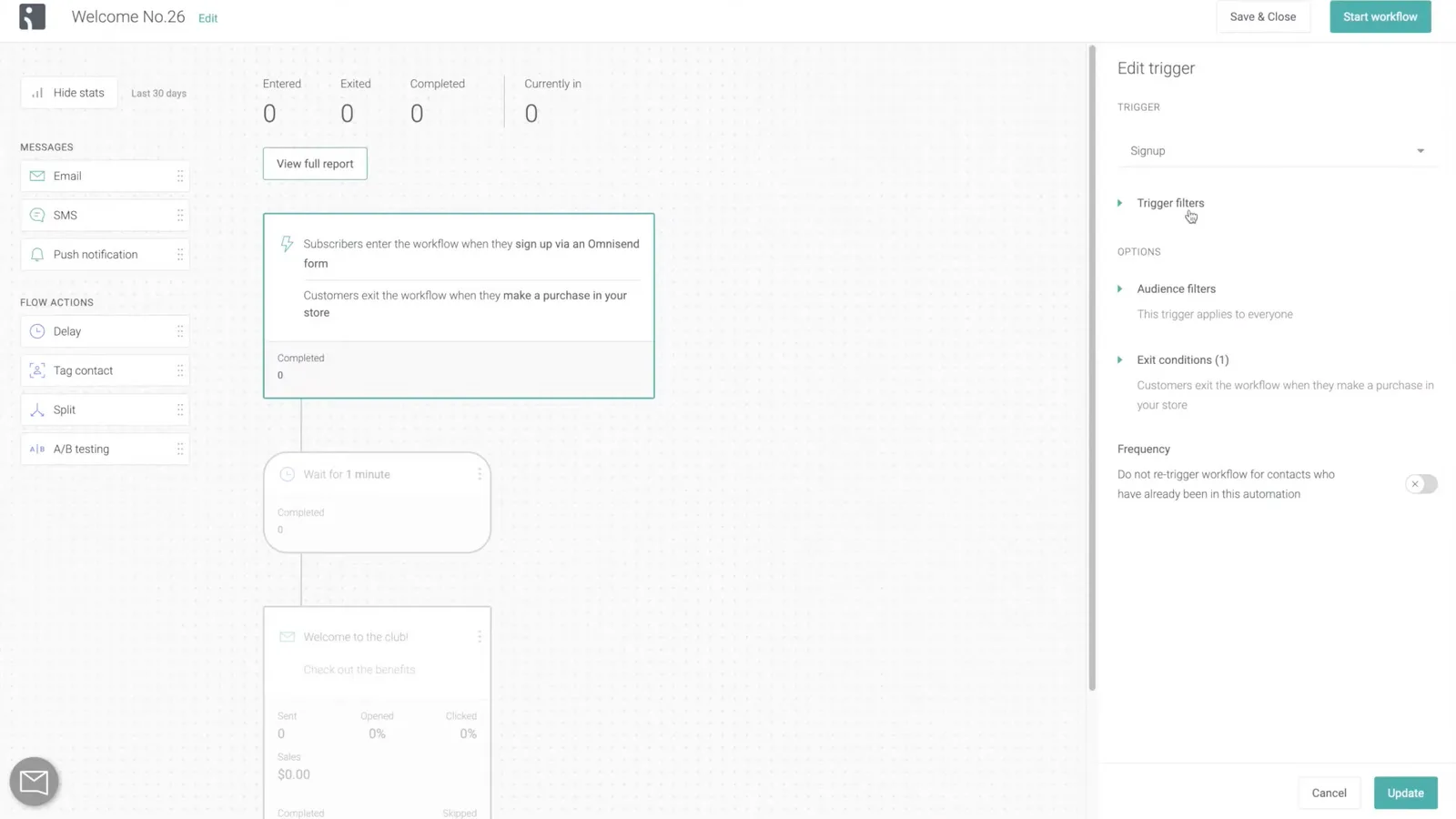
🌟 G2 rating: 4.6 | 💰 Starting price: Free (then $16/month) | 🆓 Free plan: Yes (250 contacts, 500 emails/month)
Best for: E-commerce brands (especially Shopify stores) focused on cart abandonment and browse recovery.
What you’re sending:
✅ Lifecycle emails (cart abandonment, browse abandonment, welcome series, product recommendations)
✅ Newsletters & promotions (with product blocks)
Key strengths by criteria:
| Criteria | Omnisend |
|---|---|
| Ease of use | Easy to moderate; pre-built e-commerce workflows; email builder has reported glitches |
| Segmentation | Intermediate: segments by purchase behavior, browsing, engagement; presets for common use cases |
| Automation depth | Intermediate: pre-built e-commerce automations (cart, browse, post-purchase), split testing in workflows |
| Analytics | Strong for e-commerce: revenue per campaign, sales attribution, detailed click maps, A/B test reports |
| Integrations | 130+ integrations; deep Shopify, WooCommerce, BigCommerce integration; Facebook, Google Ads sync |
Why choose Omnisend: Pre-built workflows for cart abandonment, browse recovery, and post-purchase upsells make setup fast. Product picker blocks simplify dynamic recommendations. Best for Shopify stores under 25,000 contacts.
⚠️ Consider if: Deliverability is your top concern (reported rates lower than others), or you have a very large contact list.
10. Braze: Best for enterprises
🌟 G2 rating: 4.5 | 💰 Starting price: ~$65,000/year (custom pricing) | 🆓 Free plan: No
Best for: Large enterprises (1M+ users) needing sophisticated, data-driven customer engagement across all channels at a massive scale.
What you’re sending:
✅ Cross-channel messaging (email + push + in-app + SMS + WhatsApp + content cards)
✅ Lifecycle emails (complex multi-touch journeys)
Key strengths by criteria:
| Criteria | Braze |
|---|---|
| Ease of use | Steep learning curve; requires technical resources; Canvas builder is complex but powerful |
| Segmentation | Advanced: real-time behavioral segments, predictive analytics, AI-driven audience discovery |
| Automation depth | Advanced: Canvas journey orchestration with unlimited complexity, multivariate testing, frequency capping |
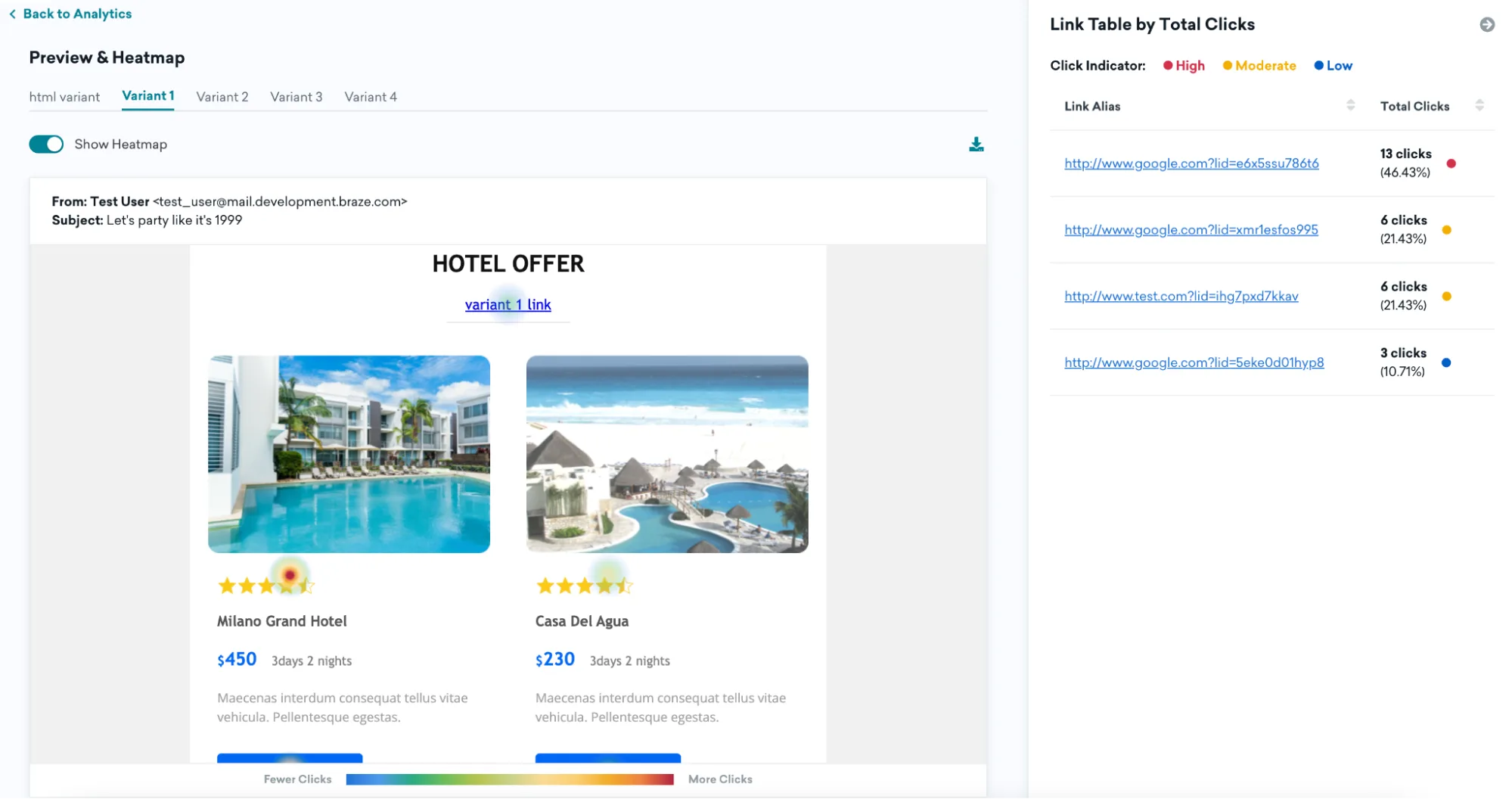
| Analytics | Excellent: unified cross-channel analytics, attribution modeling, funnel analysis, custom dashboards |
| Integrations | Extensive: Snowflake, Segment, mParticle, Amplitude; data warehouse integrations; robust API |
Why choose Braze: For brands with millions of customers and complex data needs. Connect your data warehouse. Run sophisticated experiments. Orchestrate messages across channels. Requires dedicated technical resources.
⚠️ Consider if: You’re not enterprise scale (minimum ~$65k/year), or don’t have technical resources to manage platform complexity.
Choose the right email marketing service
Choosing the right email marketing service comes down to what you’re sending, how fast you’re growing, and whether email is your only channel.
For newsletters → Mailchimp, MailerLite
For e-commerce → Klaviyo, Omnisend
For email + CRM → HubSpot, ActiveCampaign
For omnichannel engagement → Pushwoosh
For mobile-first teams, email alone isn’t enough. Pushwoosh combines email, push, and in-app messaging in one lifecycle platform — so every message works together.