Add automated in-app messaging to your marketing strategy and create the best experience for your customers.
Why add in-app messaging to your strategy?
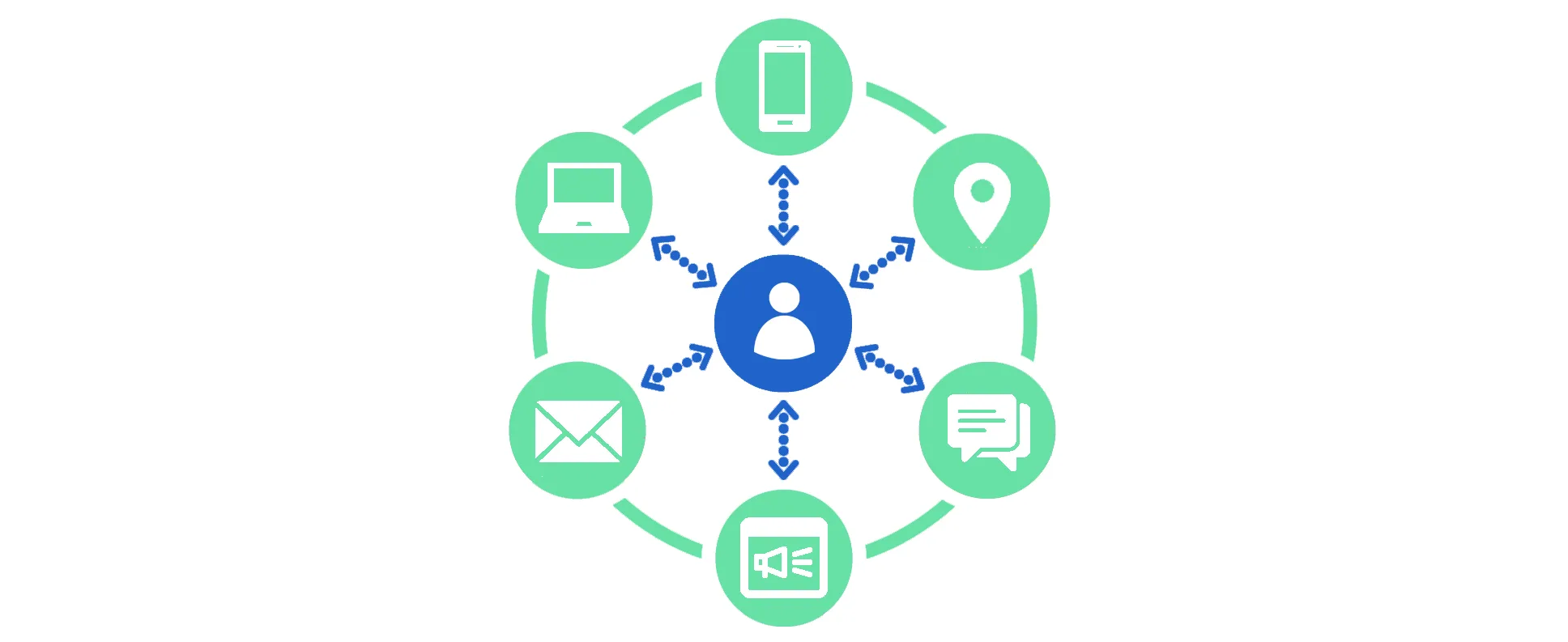
In the modern world, customers use a great variety of apps, devices, and services. It’s difficult to predict the best way to reach your audience and deliver your message in a way that won’t be ignored. Cross-channel communications are about finding a combination of such ways to reach every goal of your business.
According to Deloitte, when customers receive outreach in two or more channels, levels of engagement are 166% higher than with a single‑channel rate. Through using more touchpoints, organizations can: understand how consumers interact with brands and the touchpoints themselves; test new ideas by adapting the channel strategy; and ultimately create a richer experience for consumers.
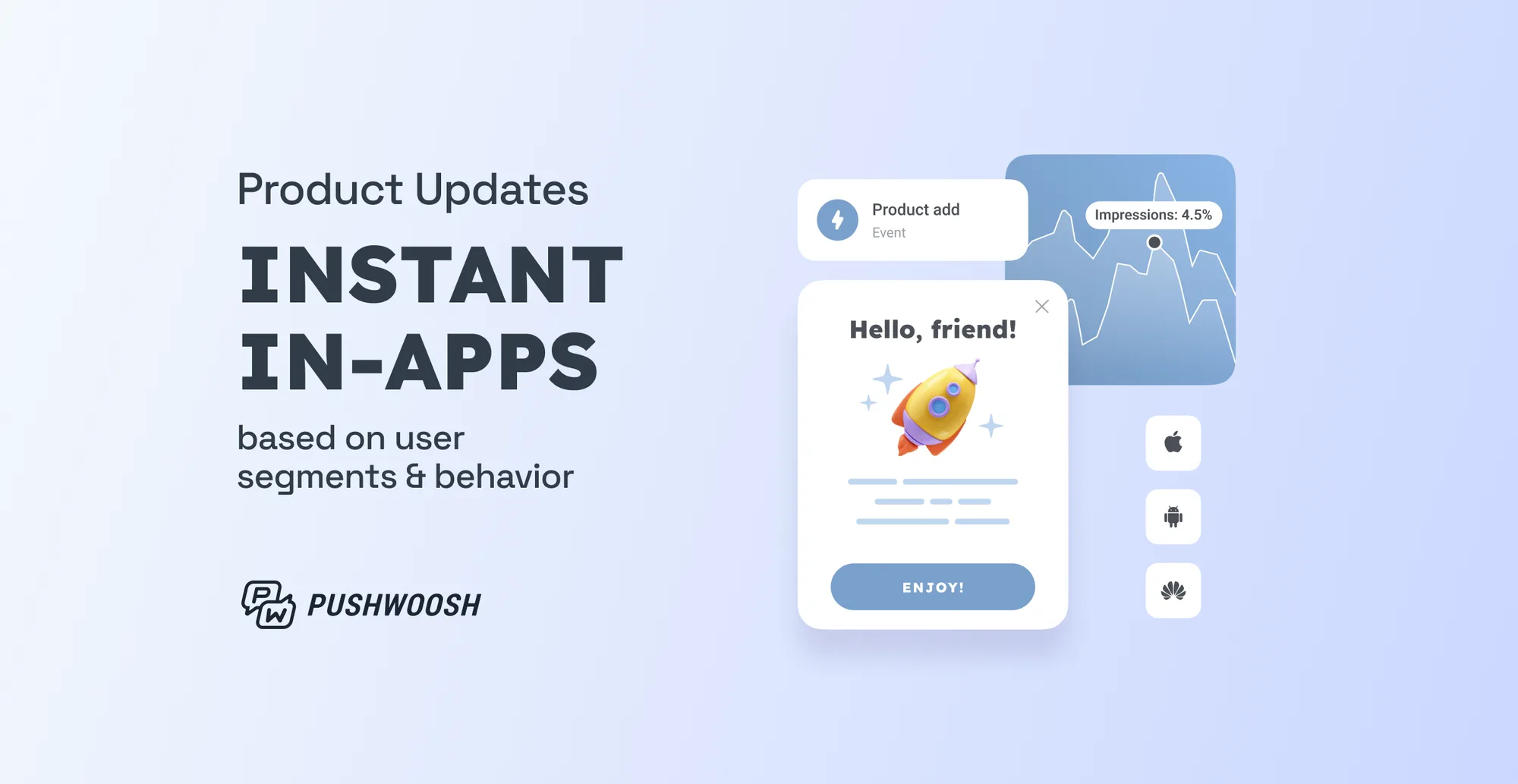
Now, you can use event-based in-app messaging via Pushwoosh Customer Journey Builder and create even more impactful experiences for your customers.
What is in-app messaging?
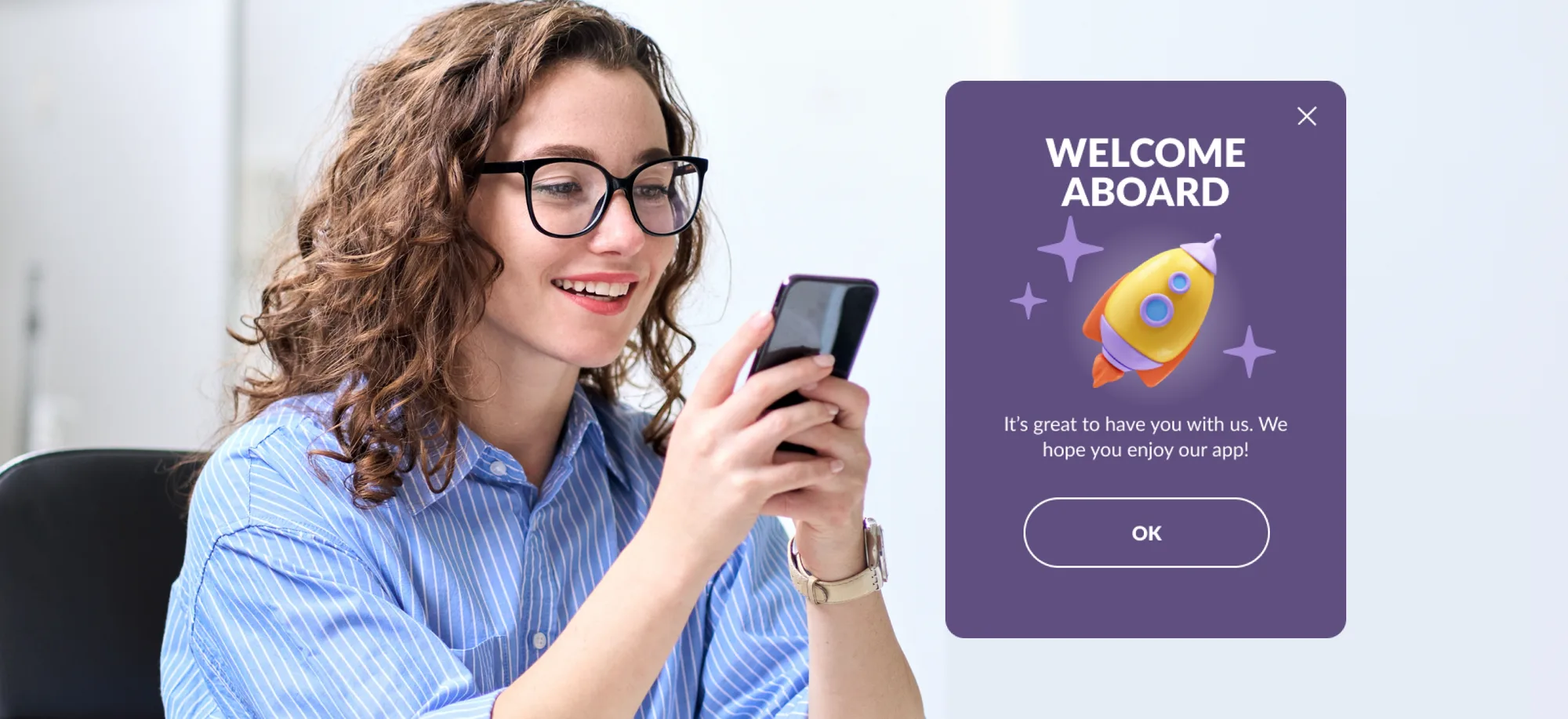
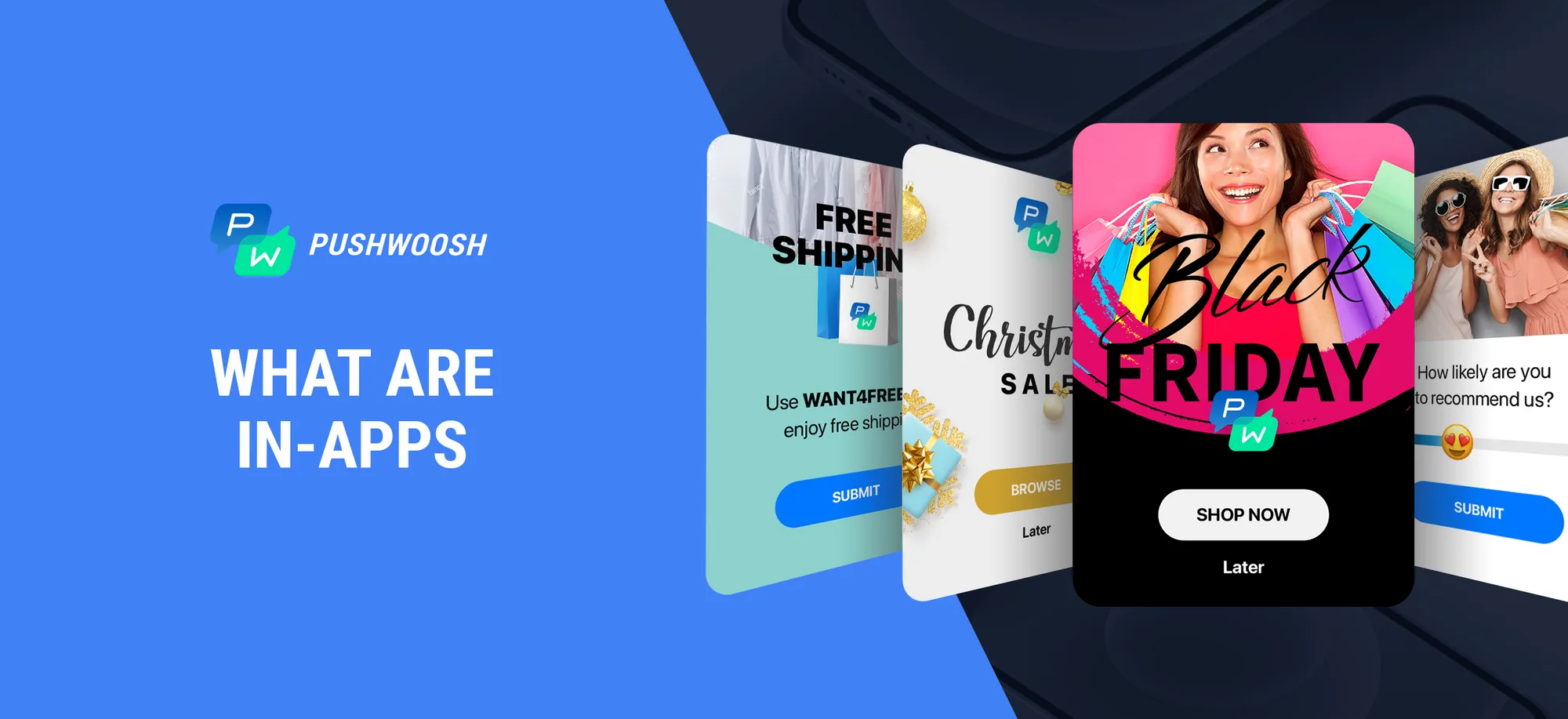
In-app messages are customizable banners that pop up on a user’s screen while they are using your app or browsing your site. They can appear as an automatic response to user actions or target certain customer groups and suggest information or actions of your choice (with customizable buttons). Such banners can help you achieve various goals.
📘Get into the world of in-app messaging with our ultimate guide
How to use in-app messages
In-app messages are especially useful for such purposes as customer onboarding, running promotions, collecting positive user feedback, showcasing new features, audience segmentation, and more.
Promotions
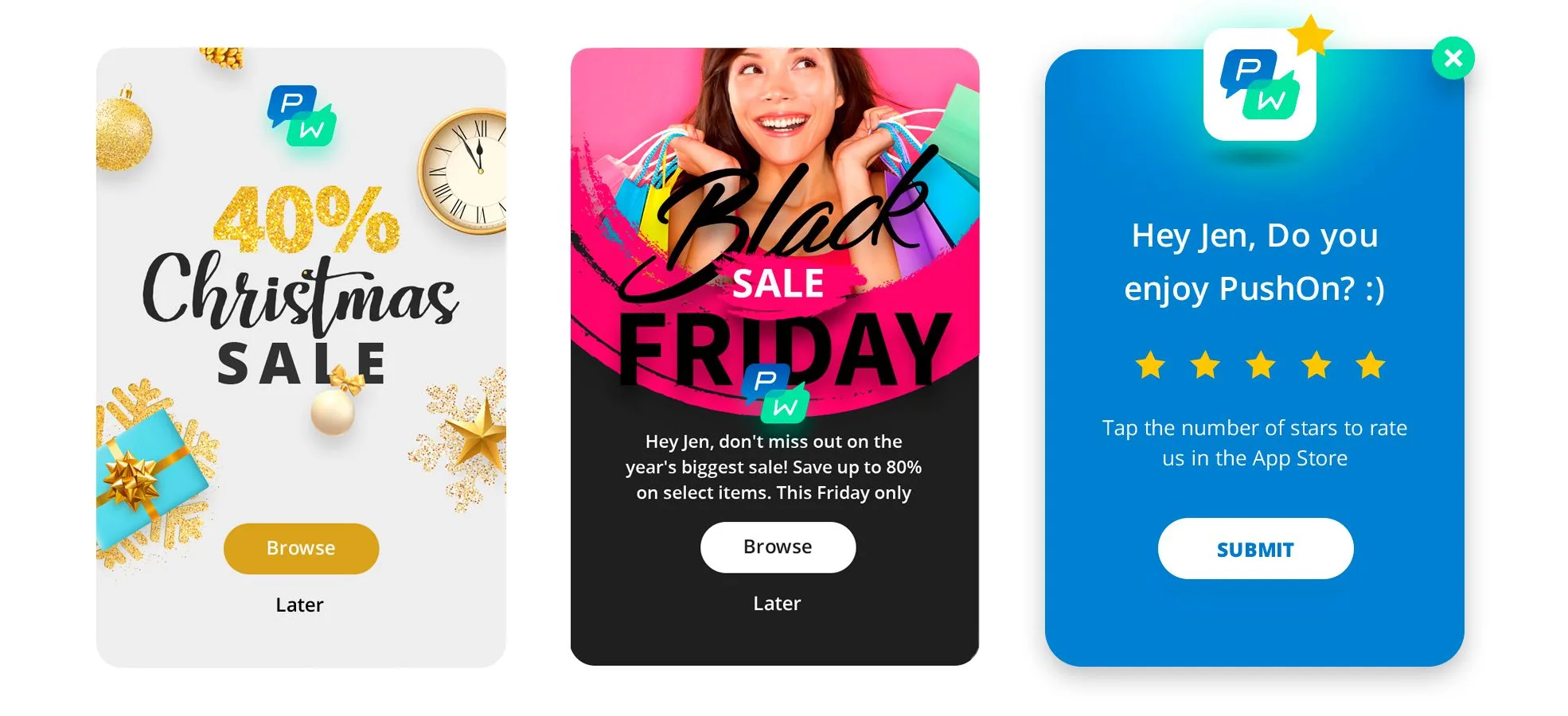
In-app messages are a great way to let your customers know about the latest hot deals and discounts — you can show the most relevant offer to each customer. In-app messages will easily draw users’ attention and send them to the right page inside your app, increasing the chance of a new purchase.
Collecting positive feedback
By asking users to leave feedback at their most satisfying moments, you can get a higher position in charts for your app and more downloads. Besides, in-app messages offer you a simple way to know if your customers are actually satisfied with your product/service and can give you ideas for improvement.
Audience segmentation
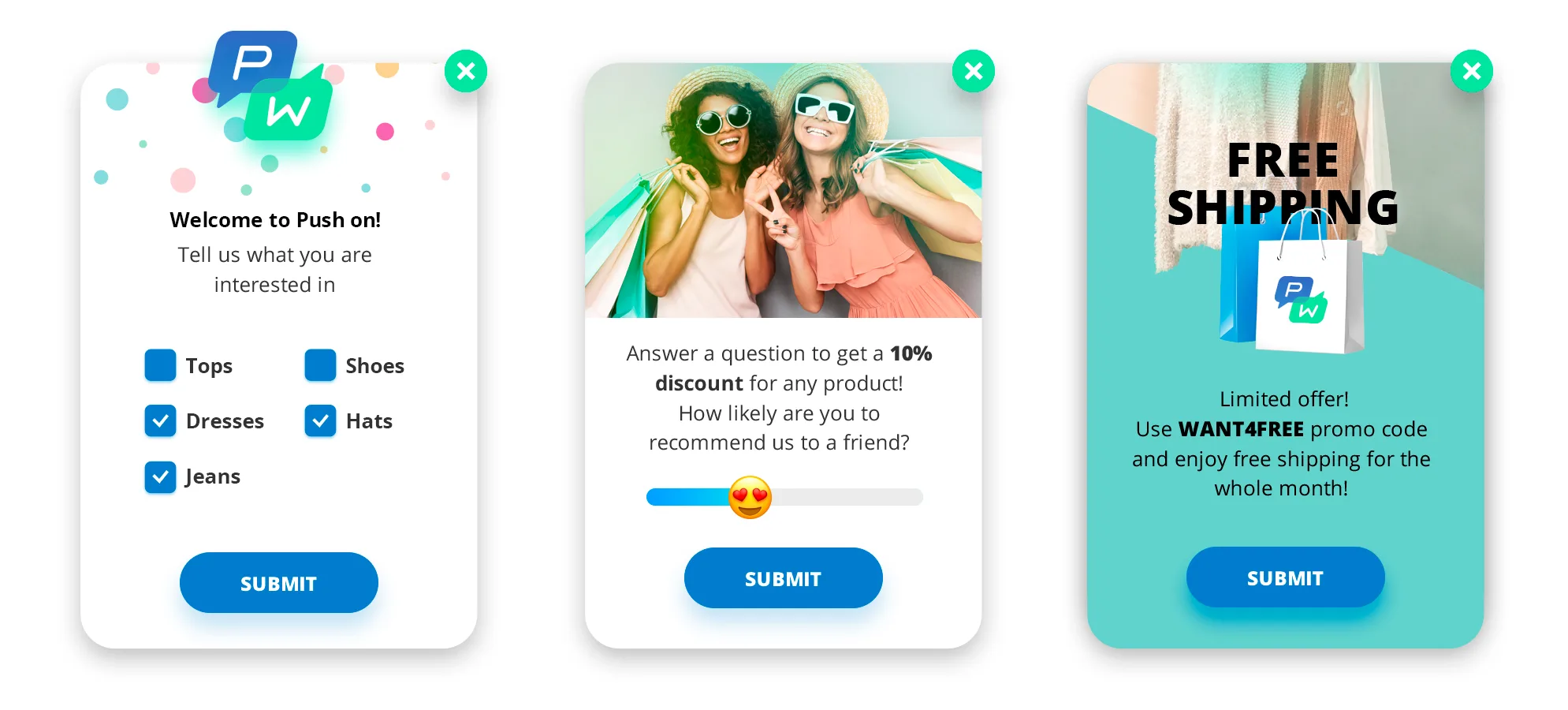
In-apps offer a quick way to gather information about new users in order to personalize their further experience. For example, by asking users to select the categories/topics they are interested in, you can easily give users tags that will be used for customer segmentation in the future.
Customer onboarding
A new user has just installed your app. It’s important to show them around and explain the basics by offering colorful and relevant pop-ups with tips and how-tos as soon as a user opens a certain page. Onboard new users to the app effectively to lead them towards their first purchase and your other goals.
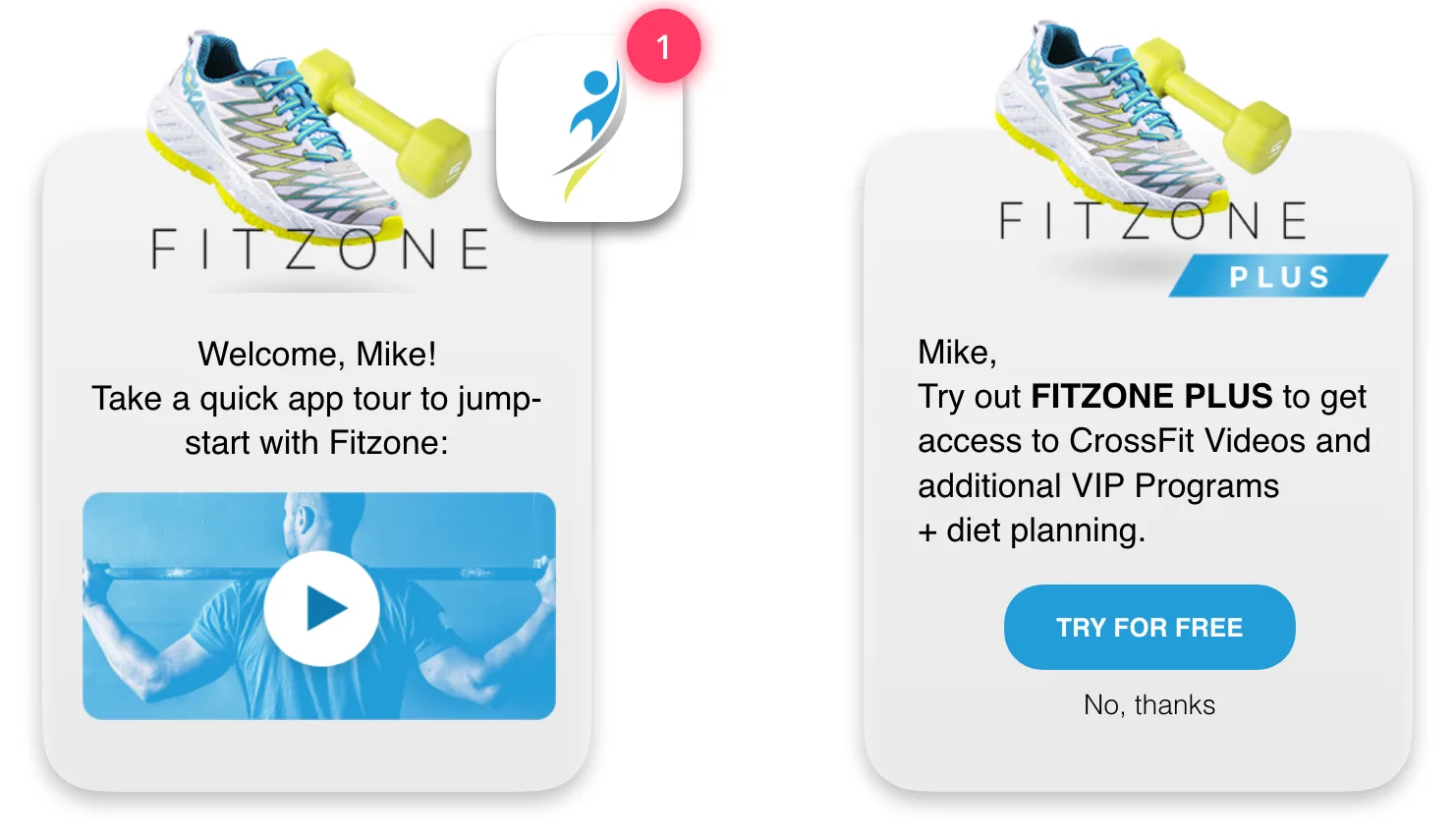
Showcasing new features
Your app has a new feature, and you need to let your users know so that they can start using it. A contextual in-app message will do the job, offering a video tutorial / a picture / a text explanation of the new feature to engage your customers.
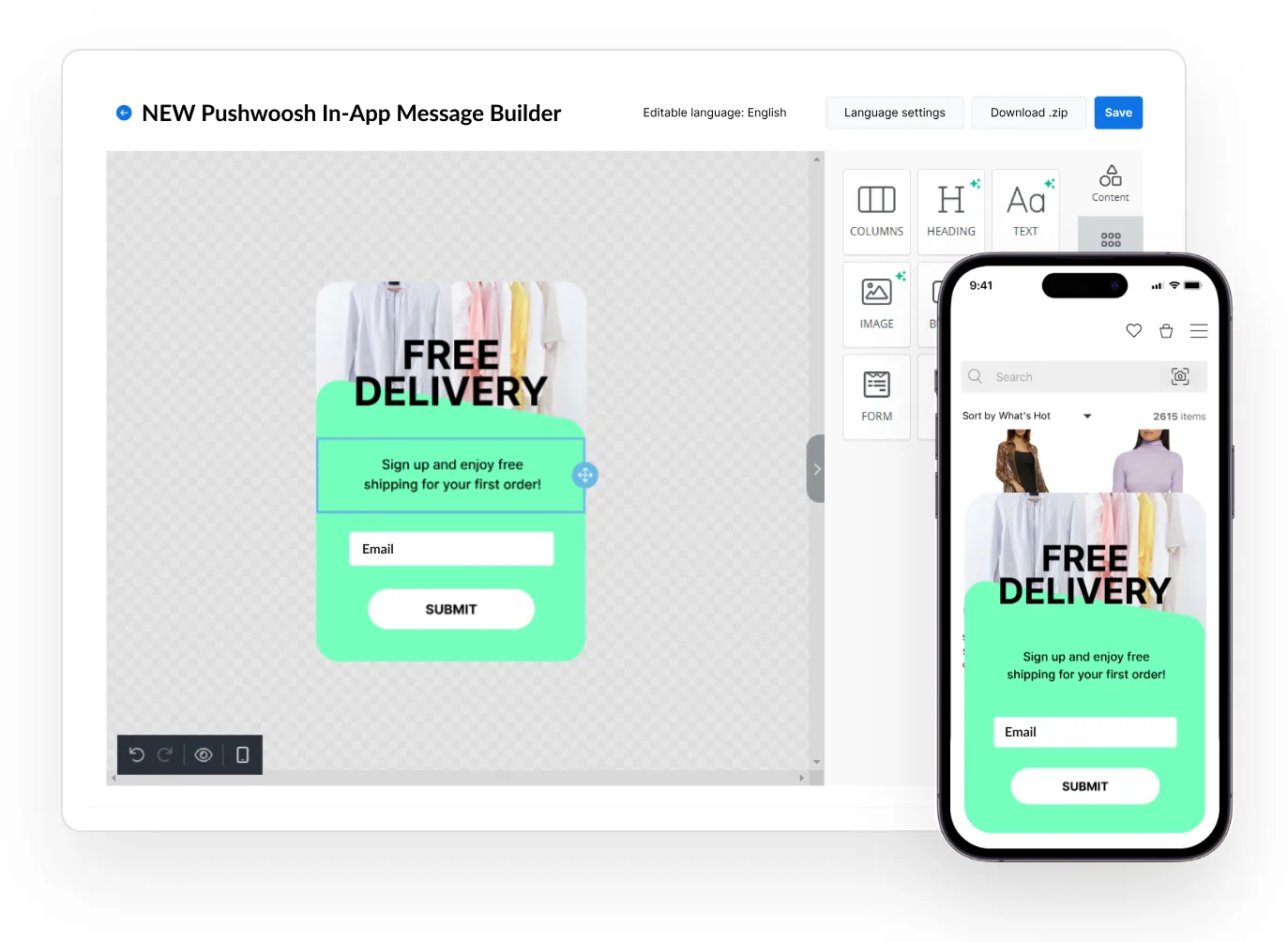
In-app messages built easily with Pushwoosh In-App Editor
Now here’s some good news: most of the in-app messages shown are easy to create with no code or designer skills! Sounds unbelievable? See for yourself — try the enhanced Pushwoosh In-App Editor.
In-app messaging with Pushwoosh Customer Journey Builder
On the canvas of **Pushwoosh Customer Journey Builder **, you can combine in-app messages with emails and push notifications within one consistent message flow. Use our drag-and-drop campaign builder to plan omnichannel message sequences and see real-time results of how users react to them.
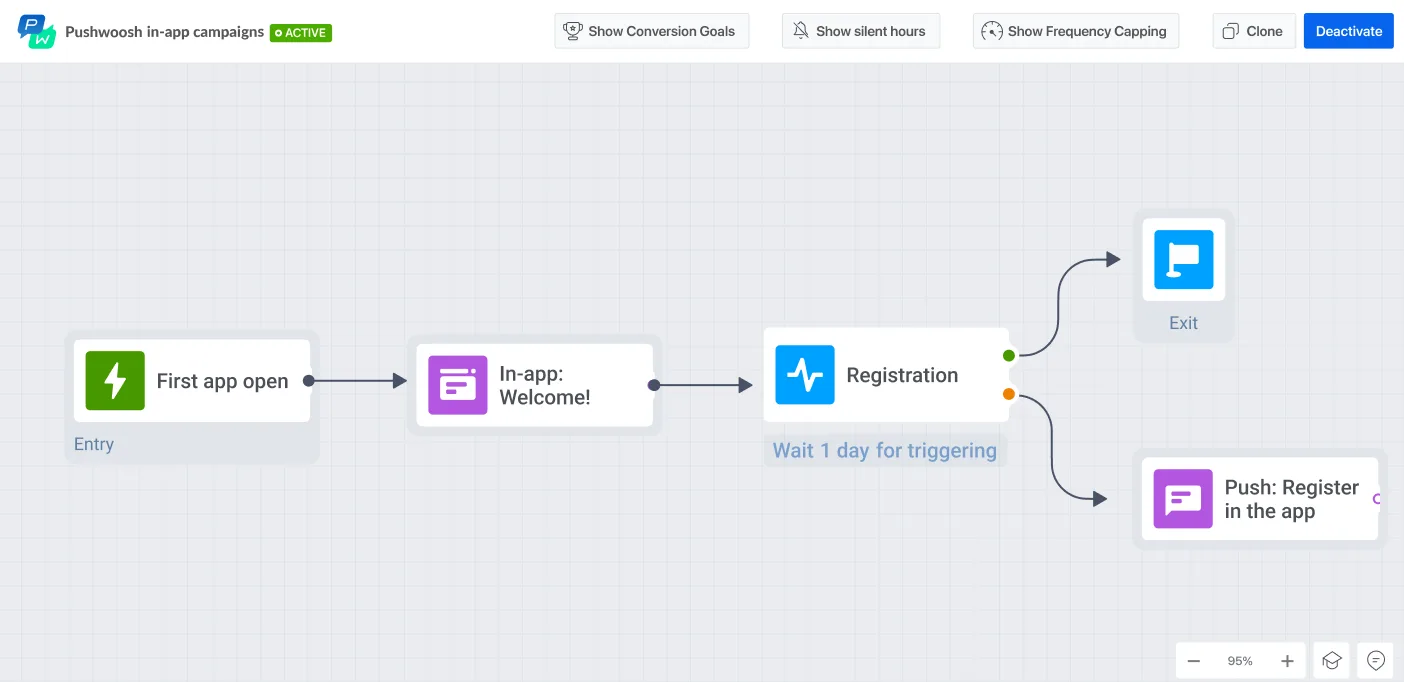
In Customer Journey, you can support your Android and IOS in-app messaging with push notifications and emails. This way, you can reach your customers even more effectively.
Look how easy it is to achieve your goals with Customer Journey:
Request a free demo and see how you can use in-apps to boost customer engagement with Customer Journey: