vol.1 के बाद भी June में shipping चलती रही। users तक पहुँचने के नए तरीके — wallet passes, push stories, एक richer in-app inbox, और segment-targeted Web popups, साथ ही App Store और Google Play से पूरी subscription tracking। support में journey और API controls का एक सेट भी काफी बार आया।
चलिए और गहराई में चलते हैं 👇
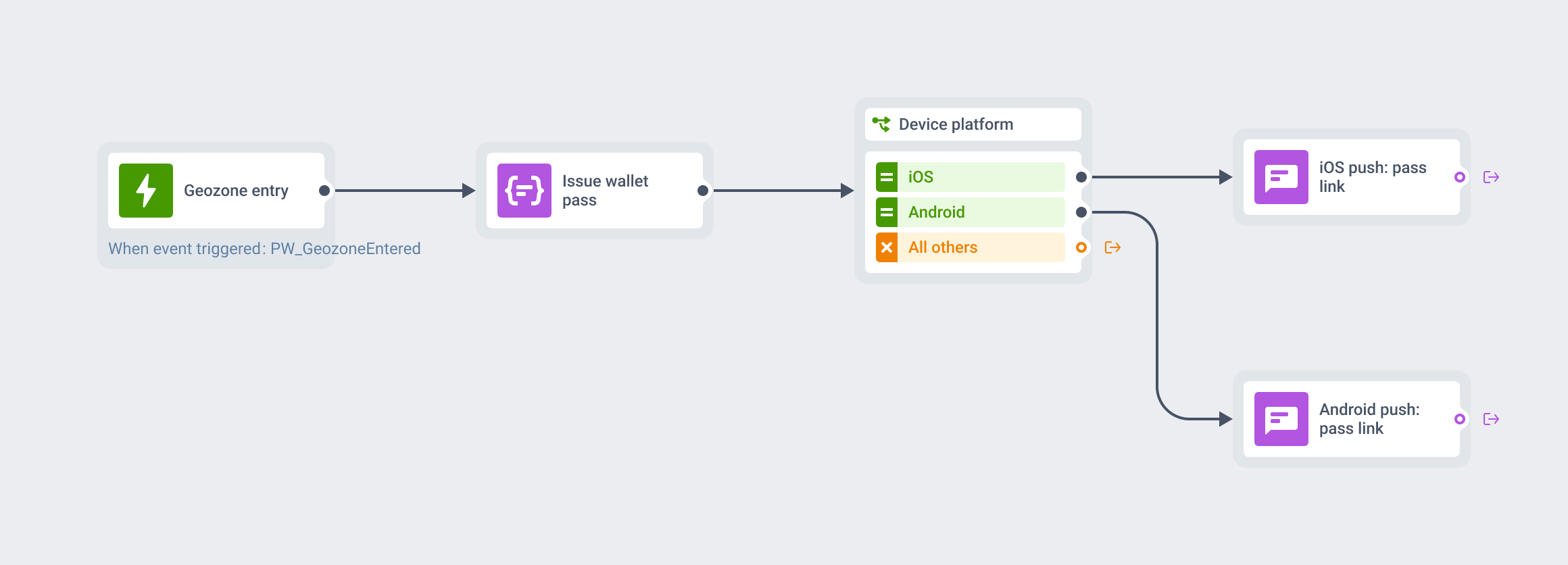
नया channel alert! Wallet passes आ गए — Apple और Google 🎟️
अब आप wallet passes सीधे Pushwoosh से design, distribute और update कर सकते हैं।
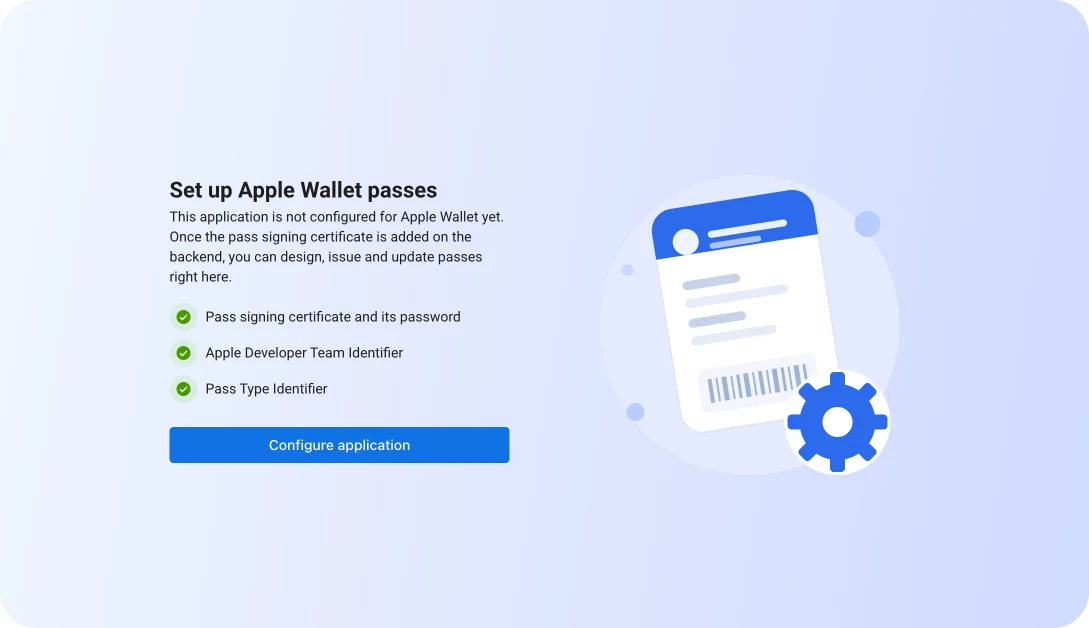
pass बनाइए — loyalty cards, offers, gift cards, event tickets, boarding passes — एक save link या QR code से share कीजिए, और जब चाहें update कीजिए।
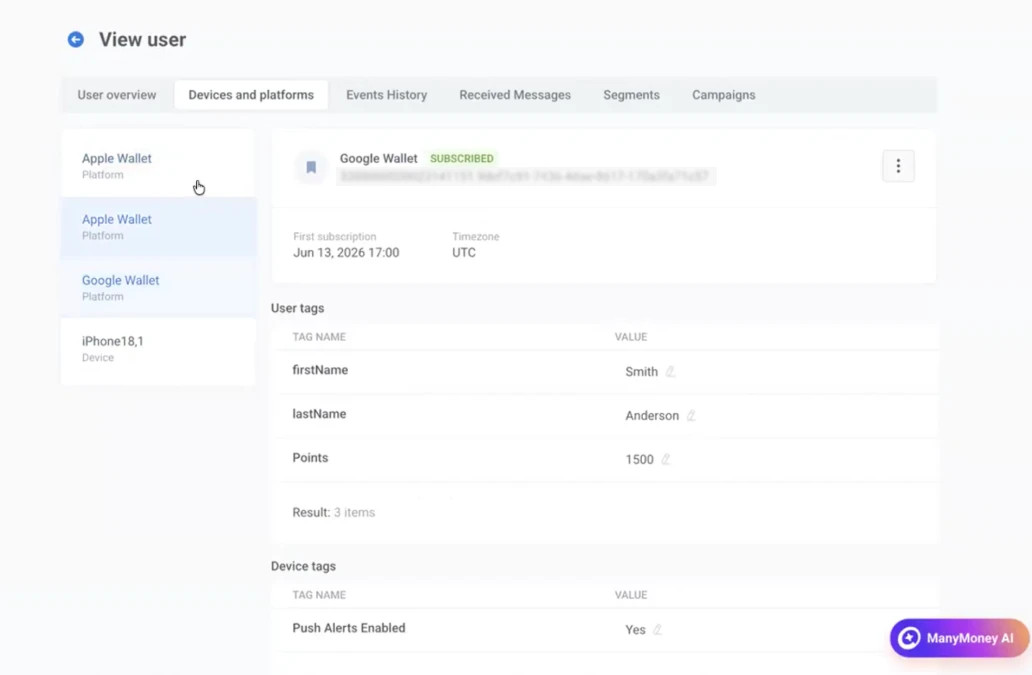
NB! Wallet passes एक ऐसा channel है जिसके लिए आपका app installed होने की भी ज़रूरत नहीं। pass user के wallet में रहता है, आपके app में नहीं। इससे आप उन लोगों तक भी पहुँच सकते हैं जिन्होंने इसे कभी download ही नहीं किया — या महीनों पहले uninstall कर दिया।
iOS पर full-screen push stories 📲
अब एक push notification एक full-screen, Instagram-style stories experience में खुल सकता है। text की एक line की जगह, user push को tap करता है और images, text, और CTAs वाले full-screen frames के एक sequence से गुज़रता है।
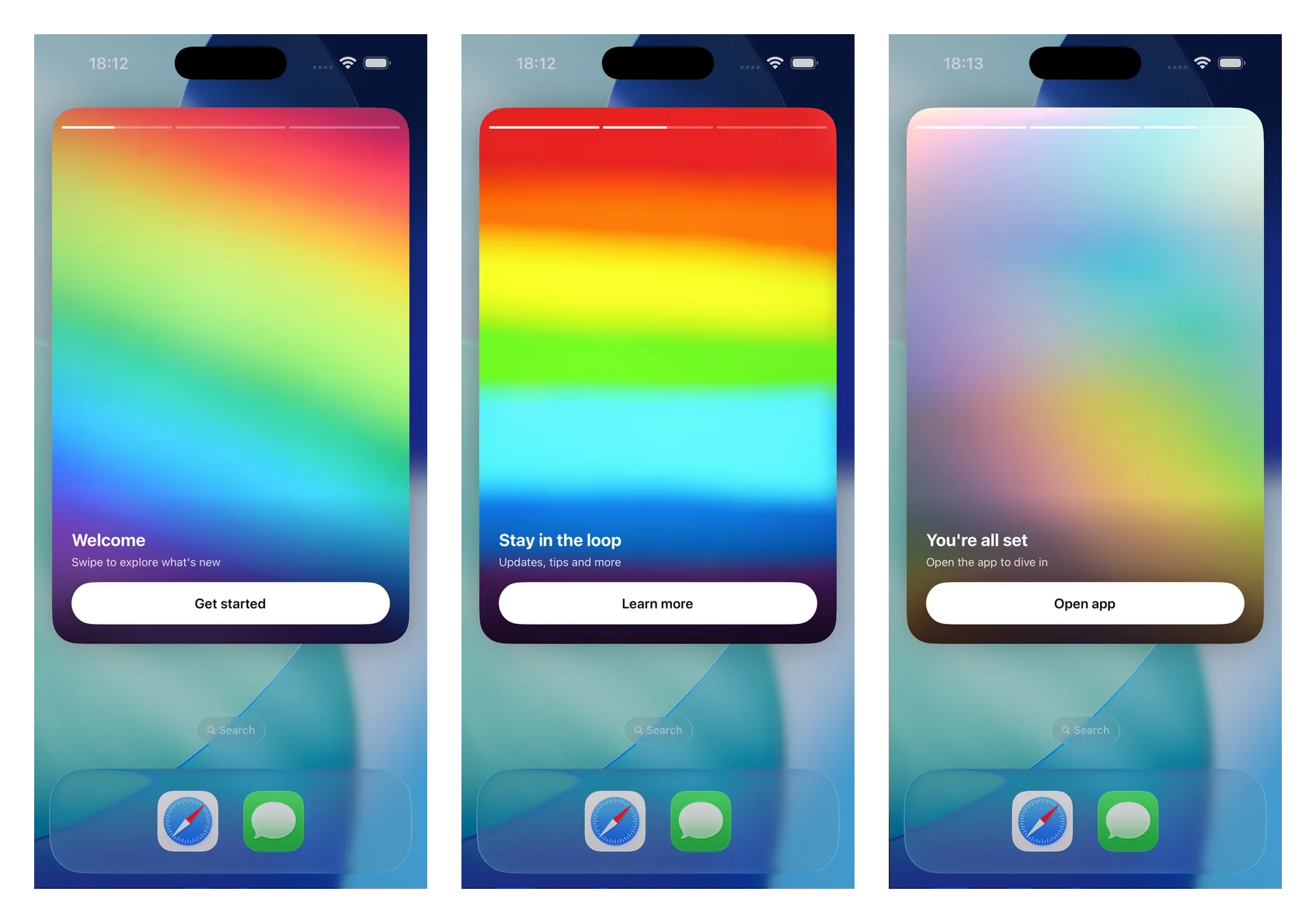
यह क्यों मायने रखता है: किसी push की ज़्यादातर potential character limit में ही दम तोड़ देती है। Stories आपको कुछ कहने की जगह देती हैं — एक multi-step onboarding, एक feature reveal, एक limited drop — सीधे notification से deliver होता हुआ, इससे पहले कि user आपका app खोले भी।
Push stories latest iOS SDK के साथ ship होती हैं, तो इन्हें enable करने के लिए अपने dev से कहिए।
एक richer app inbox 📥
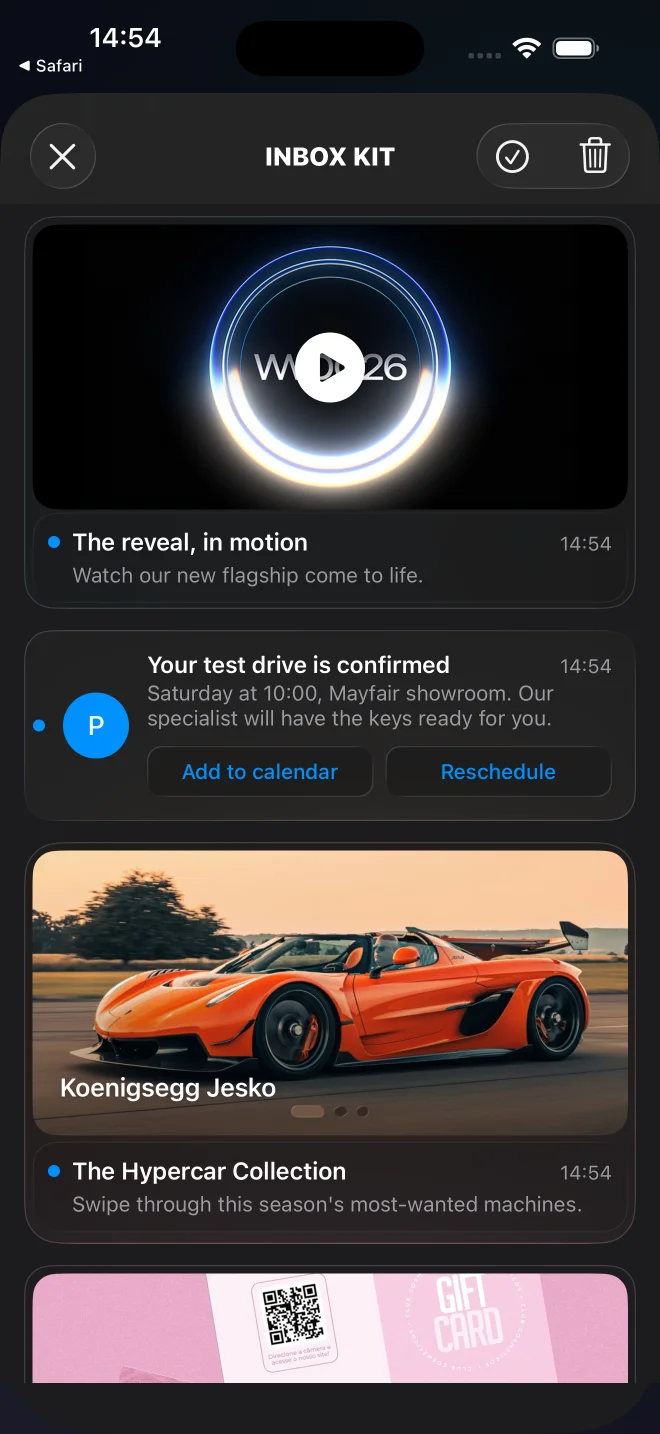
iOS के लिए Pushwoosh InboxKit को एक redesigned UI और नए card types मिले हैं। classic और banner layouts के साथ-साथ, अब आप carousel, video, और Apple Wallet cards दिखा सकते हैं — inline CTAs, pinned messages, और swipe-to-delete के साथ।
inbox एक plain text list रहना बंद कर देता है और एक content feed जैसा दिखने लगता है जिसे users सच में browse करते हैं:
Web popups को segment से target कीजिए 🌐
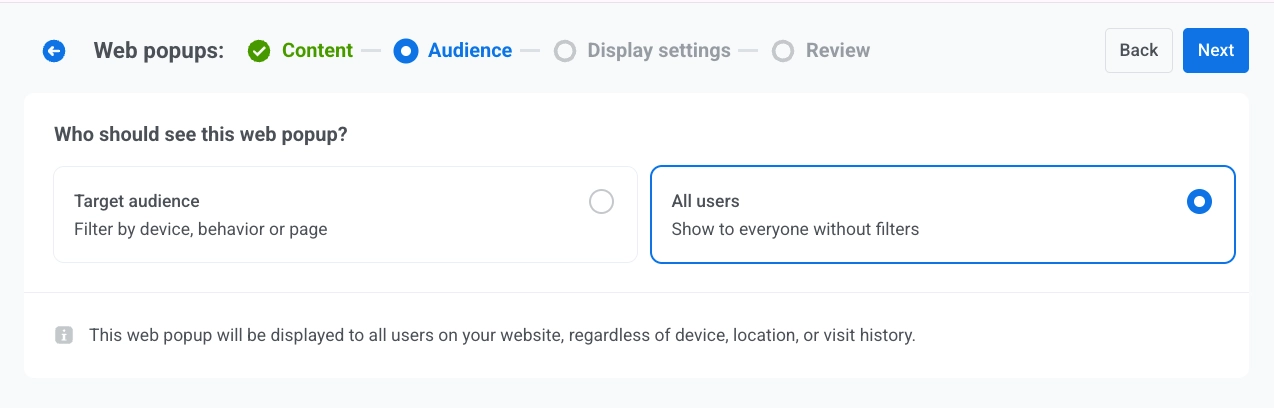
हमने Web popups को एक नए channel के रूप में launch किया था, और अब आप तय कर सकते हैं कि इन्हें कौन देखे।
audience step पर, एक ready-made segment चुनिए, या Tag, Event, Segment, और User ID पर बनी custom conditions:
Subscription tracking — App Store व Google Play से पूरा lifecycle 💳
App Store Server Notifications और Google Play को Pushwoosh से connect कीजिए, और पूरा subscription lifecycle events के रूप में अंदर आ जाता है: purchases, renewals, cancellations, billing issues, और refunds।
इससे क्या बदलता है: subscription state पहले stores में या किसी अलग tool में बैठा रहता था, आपकी messaging की पहुँच से बाहर। अब हर change Pushwoosh में एक event के रूप में आता है जिस पर आप segment बना सकते हैं और journeys trigger कर सकते हैं — तो जैसे ही कुछ होता है, आप तभी act कर सकते हैं। किसी subscription-driven app के लिए, यह renewal reminders और win-back journeys को real-time चलाने का साफ़ रास्ता है।
Live Updates अब Android पर भी available ⚡️
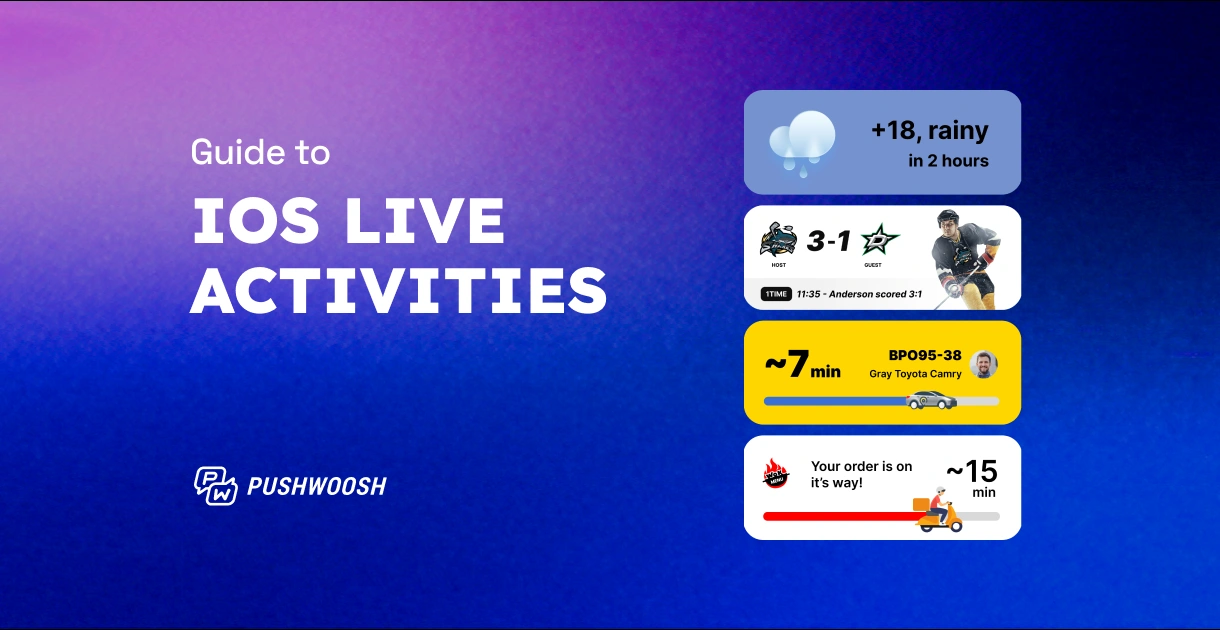
Android 16+ पर progress-style notifications जो जगह पर ही update होती हैं: order status, delivery ETA, ride arrival। यह iOS Live Activities का Android counterpart है।
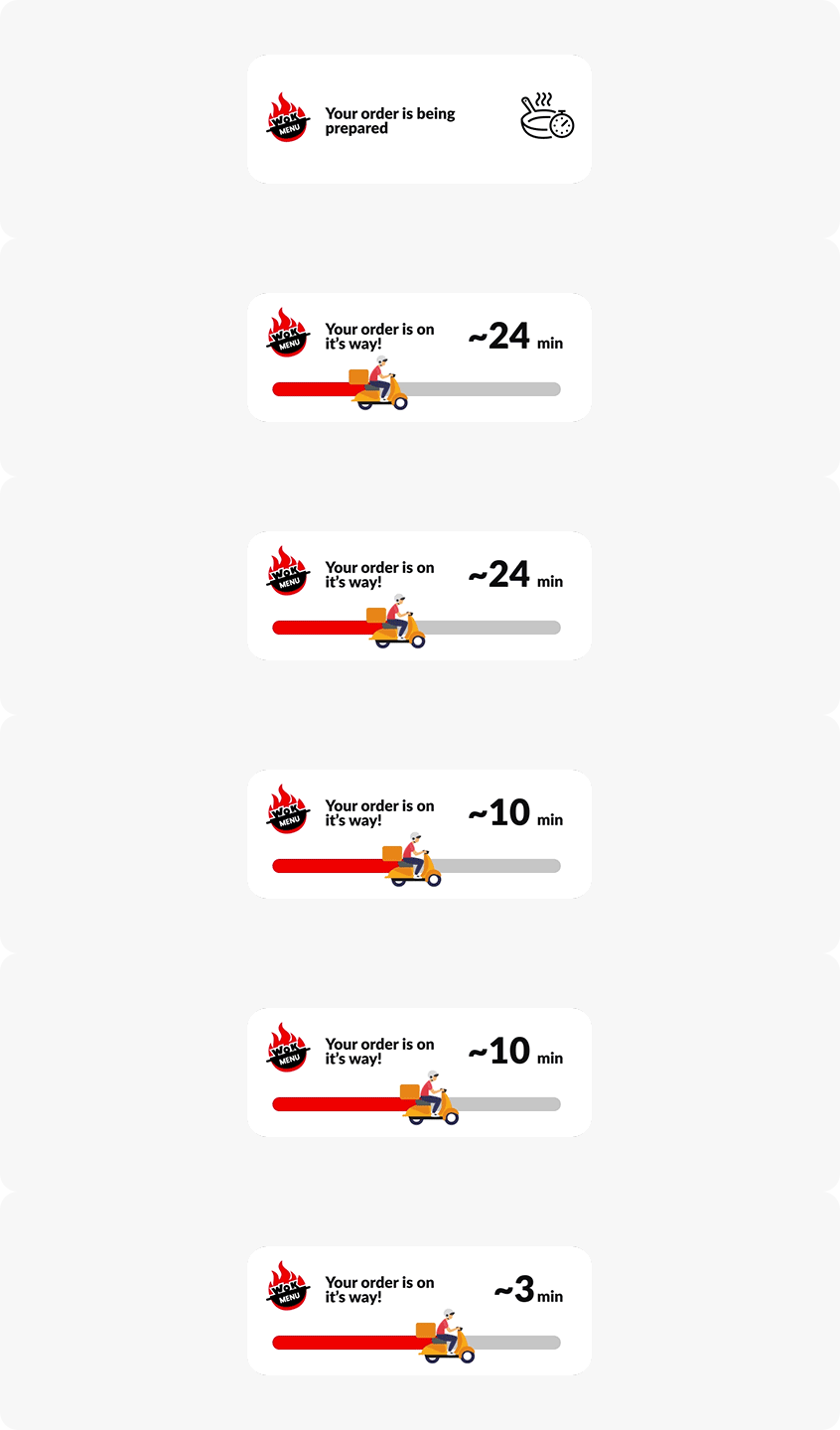
🔄 Android Live Updates के बारे में और जानिए →
journeys और APIs पर ज़्यादा control ⚙️
- ⚙️ Customer Journey API — journeys को programmatically create, update और manage कीजिए — API-based entries trigger कीजिए और REST/JSON पर journey statistics पढ़िए। तब काम का जब journeys हर बार हाथ से बनाने के बजाय किसी बड़े automated system का हिस्सा हों। Learn more →
- 📲 Send to last active device — Push element में एक नया toggle। इसके on होने पर, push user के सभी devices के बजाय सिर्फ़ last active device पर जाता है — multi-device users के लिए कम duplicate notifications। Learn more →
- ↩️ Allow re-entry — trigger-based entry में एक dropdown जो तय करता है कि जब कोई user journey को दोबारा trigger करे तो क्या हो: repeat को ignore करें, या उसका session शुरू से restart करें। Learn more →
- 🚫 send से पहले message cancel करें — Messaging API v2 में अब एक Cancel method है — किसी scheduled message को बाहर जाने से पहले वापस खींच लीजिए। Learn more →
- 📊 CJ Statistics API में in-app stats — in-app elements के लिए, journey statistics response अब in-app
pointStatfields लौटाता है — shows (Impressions), interactions (Interactions), और skipped (In-App Skips) — sent/opened/conversion की जगह। Learn more →
Content, sending और analytics updates 🛠️
वो छोटे-छोटे wins जो रोज़ काम आते हैं।
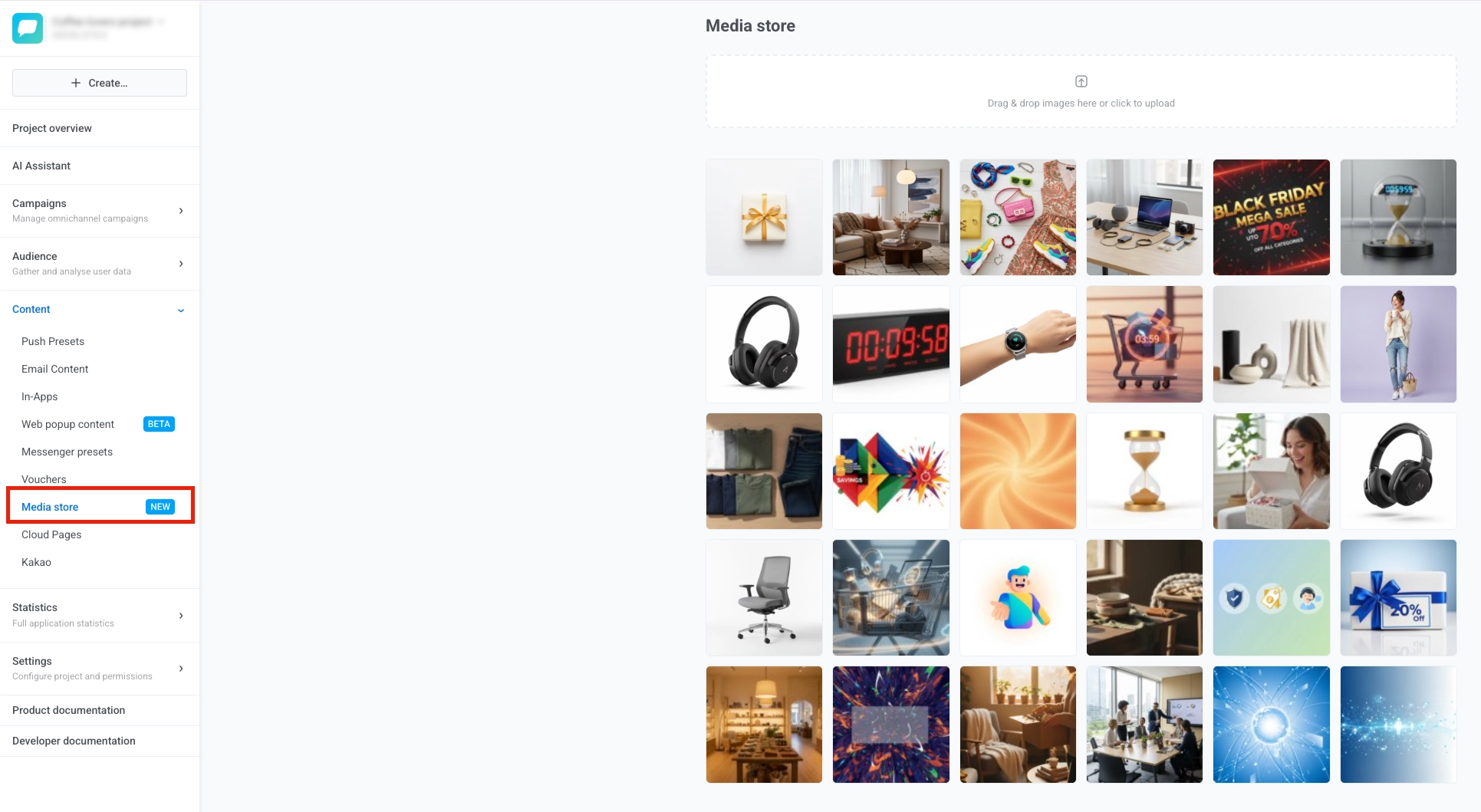
🔔 iOS Push Primer — iOS system permission prompt से पहले दिखने वाला एक customizable soft opt-in dialog। अपने शब्दों में, सही moment पर पूछिए, और real prompt सिर्फ़ उन्हीं users के लिए fire कीजिए जिनके “yes” कहने की संभावना है। कम hard “Don’t Allow” taps, higher opt-in। Learn more →
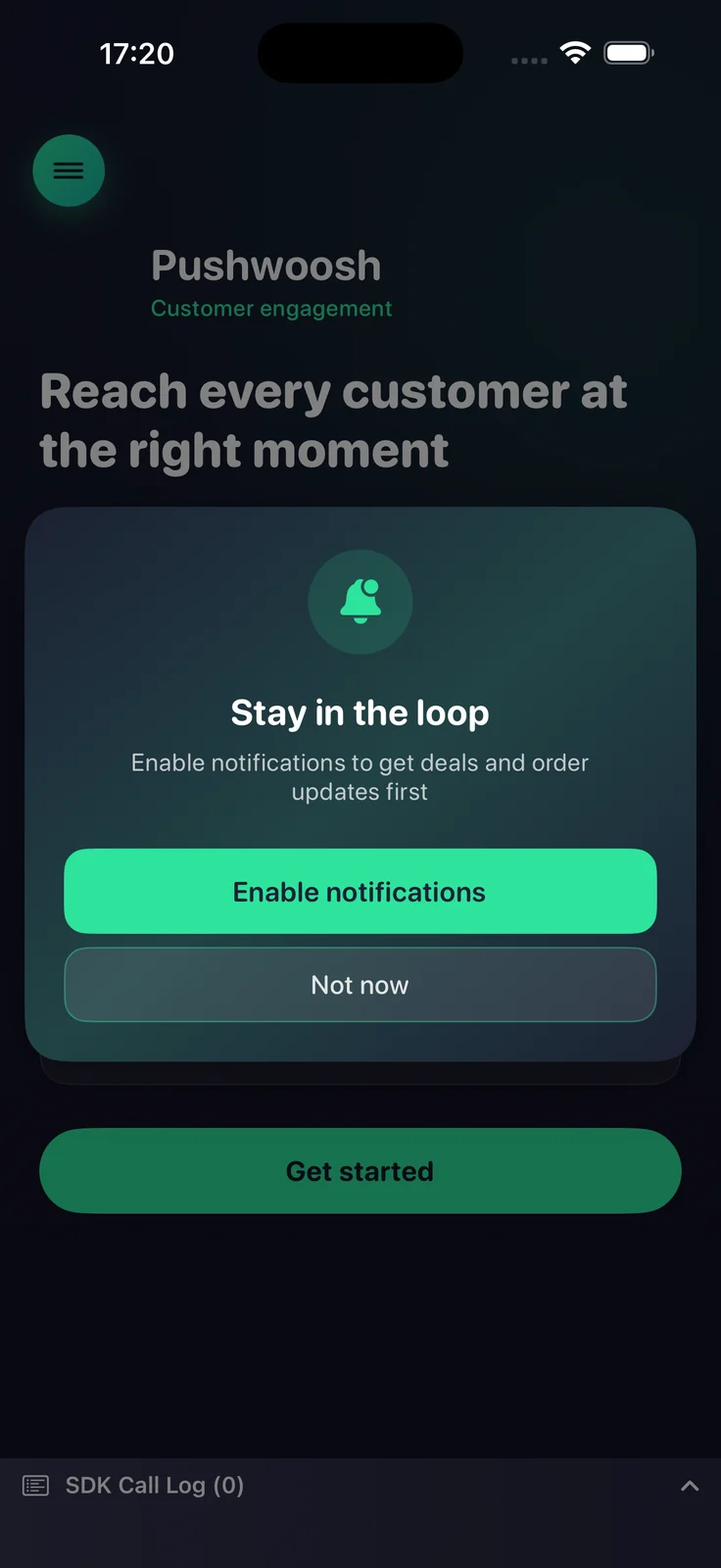
🖼️ Media store — एक project-level image library। एक image एक बार upload कीजिए, उसे उसके stable URL से कहीं भी reuse कीजिए, editor छोड़े बिना resized aspect-ratio variants बनाइए, और जो अब नहीं चाहिए उसे delete कीजिए। Learn more →
- 🗂️ One-time messages, reorganized — Message History अब Statistics से हट गया है; one-time messages अब Campaigns → One-time messages के नीचे रहते हैं। list को नए filters व sorting, साफ़ Scheduled / Pending statuses, और एक Copy message code button मिले हैं। अगर आपने पुराना path bookmark किया था, तो यह वहाँ move हो गया है। Learn more →
- 🕐 instant in-app schedule के लिए timezone — Display settings step पर किसी instant in-app campaign के start और end dates के लिए timezone set कीजिए। Learn more →
- 👁️ in-apps के लिए Unique Impressions और Unique Interactions — दो नए in-app metrics जो उन distinct users को गिनते हैं जिन्होंने किसी message को देखा और उससे engage किया, मौजूदा totals के साथ-साथ। Learn more →
- ✅ Liquid syntax validate कीजिए — push preset में एक button जो save करने से पहले आपके Liquid markup को check करता है, ताकि कोई broken tag users तक ship न हो। Learn more →
- 🔗 Singular integration — Push attribution और postbacks। attribution data segmentation और analytics के लिए वापस flow होता है, ताकि आप देख सकें कि आपकी messaging ने actually किन installs को move किया। Learn more →
Updates खुद try कीजिए
ऊपर का सब कुछ आपके account में live है। समझ नहीं आ रहा कहाँ से शुरू करें? Pushwoosh के marketing co-pilot ManyMoney AI को कोई goal बताइए और उसे आपके लिए पहला campaign draft करने दीजिए।
पूरी list के लिए, हमारे release notes देखिए।