June kicks off big. The Pushwoosh team has shipped a stack of important updates — new Web popups, a messaging MCP server, sharper segmentation, and revenue in your dashboard.
Here’s what’s new 👇
Catch website visitors with Web popups 🌐
Web popups are a new channel: a popup you design once and place on your website, with full control over when it shows and who sees it.
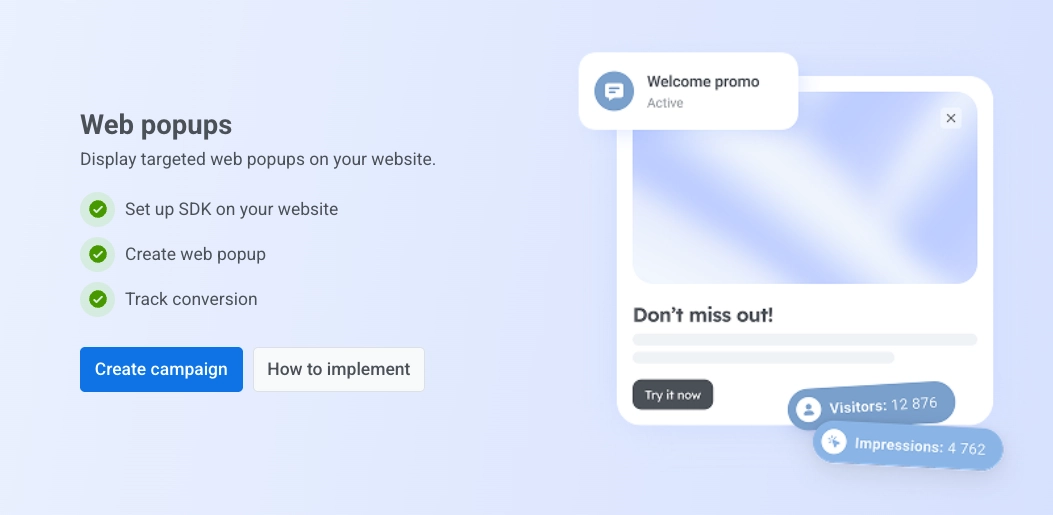
How it works: You build the popup content (the AI Builder can draft it for you 😉), then set up the campaign — target by device, new vs. returning visitors, and specific pages, choose when it appears, and how often each visitor sees it.
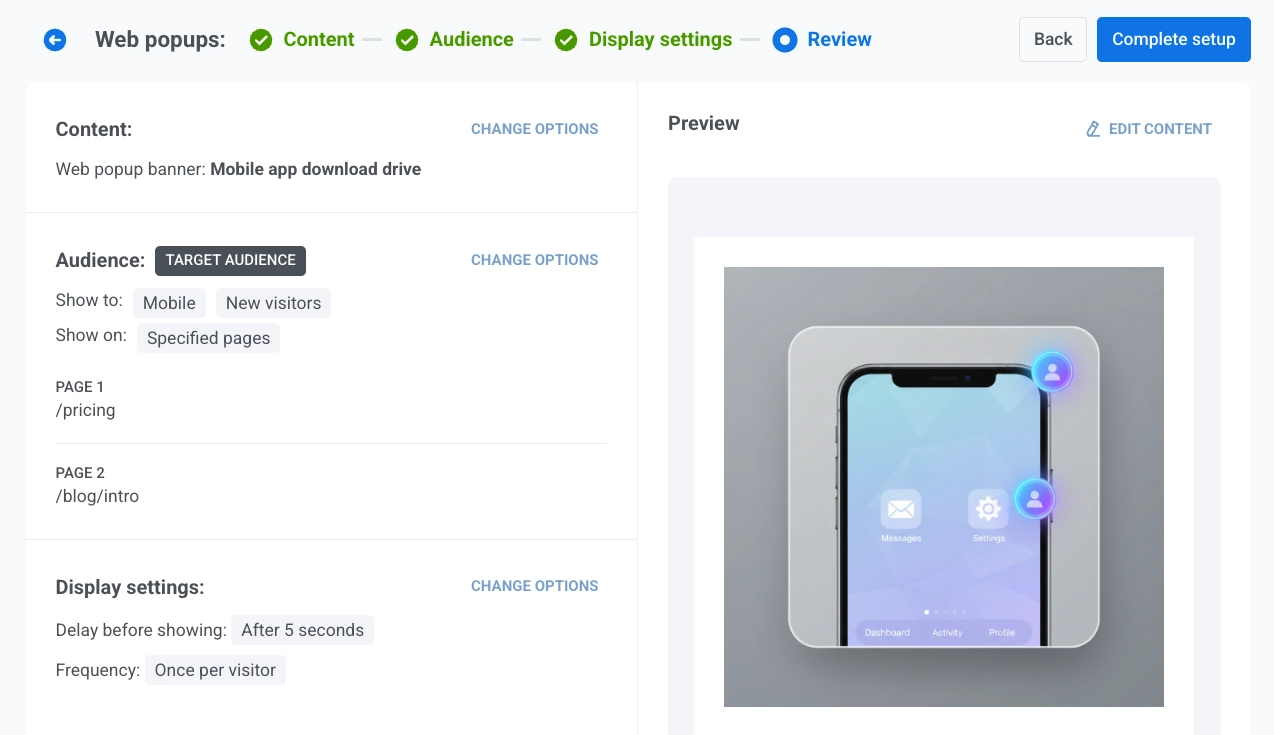
The real advantage of Web popups is that they let you act on a visitor before they’ve subscribed to anything: capture a lead, show an offer, or bring a returning visitor back at the very first touch.
We launched this right inside Pushwoosh on purpose: most teams bolt a separate popup tool onto their site and then reconcile two sets of data, but here you manage every channel from one platform.
And the best part is how you create it — with the AI Builder, you don’t need a designer or a developer. A marketer goes from idea to a live, targeted campaign in minutes.

Send messages straight from your AI client 🤖
Back in May, we shipped the ManyMoney AI MCP server: connect Pushwoosh to Claude or Cursor and plan and build campaigns from there — segments, presets, journeys.
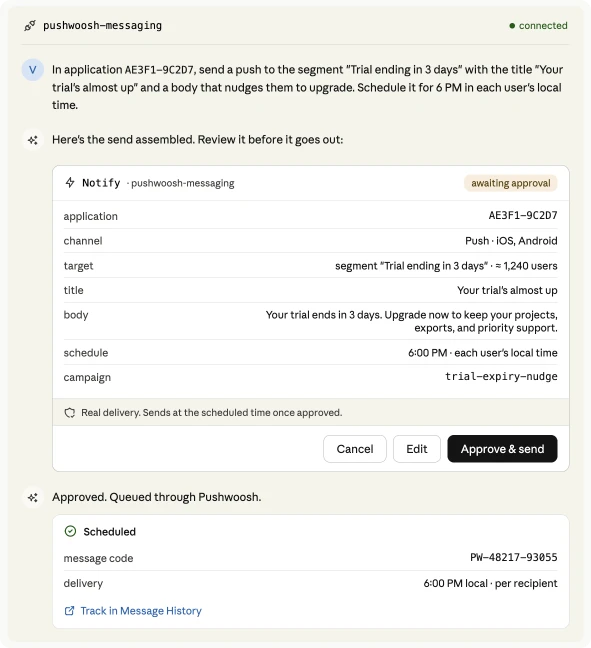
The new ManyMoney messaging MCP server is the sending counterpart to it. Your AI agent can now deliver the message itself — push notification, email, SMS, WhatsApp, Telegram, and more — from a single natural-language request.
Create sharper segments (geo & User ID) 🌍
Two new ways to build a segment.
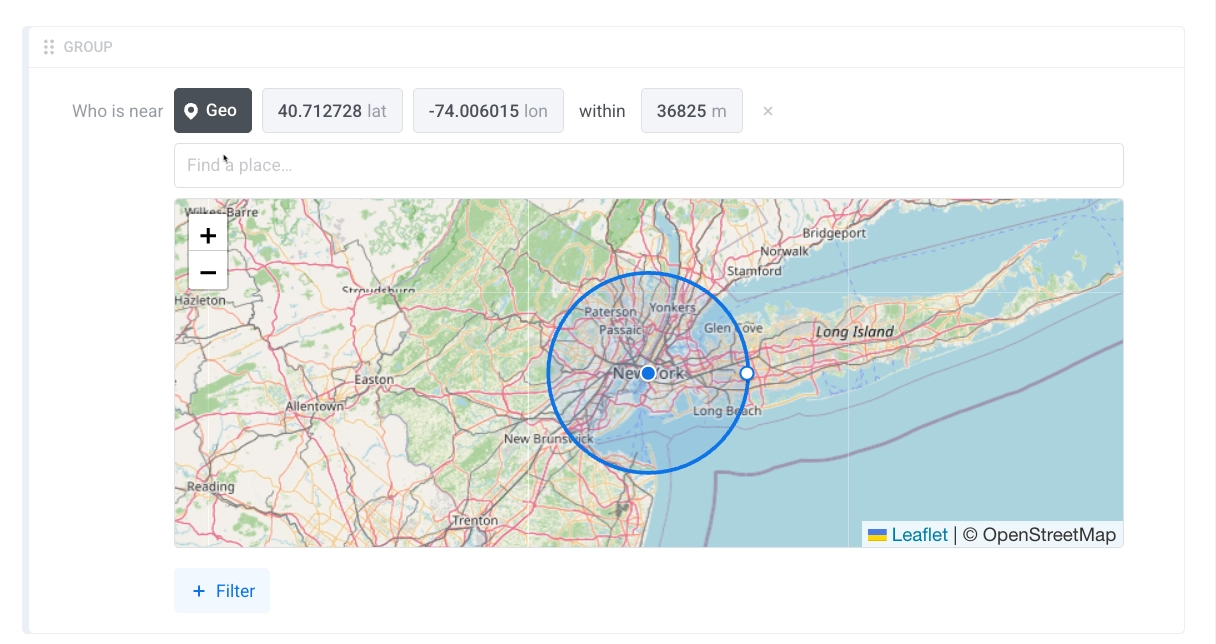
📍 Geolocation segments — pick a point on the map, set a radius, and you’ve got everyone in that area. A promo for users in one city, a heads-up for people near a venue, a regional offer — all without exporting anything or tagging users by hand.

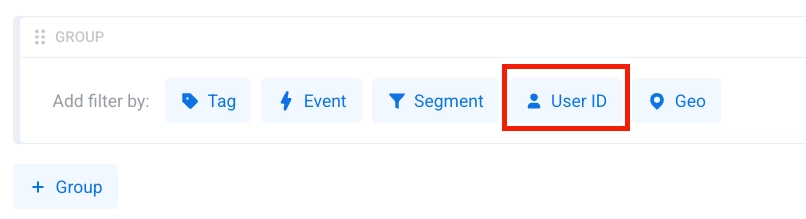
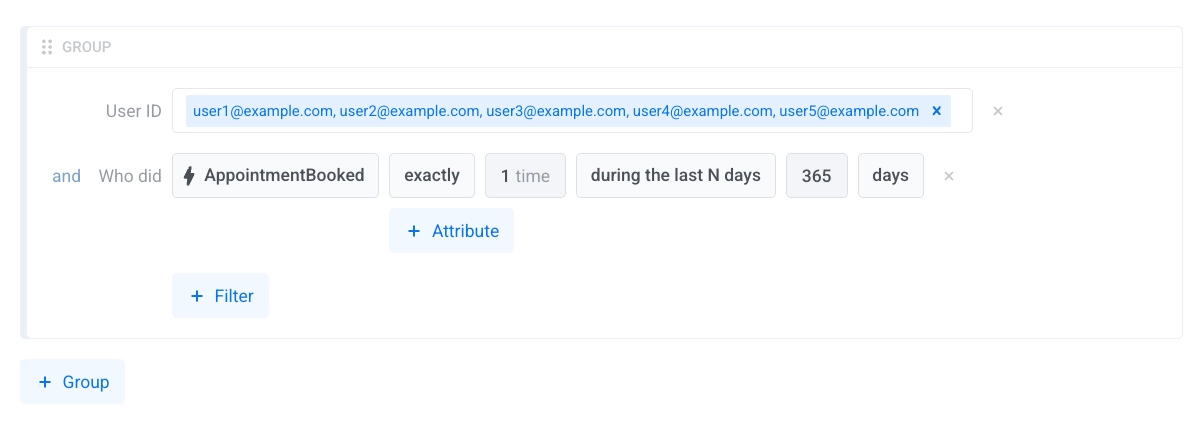
👥 Segment by a list of User IDs — paste or upload a list of User IDs and get exactly those users as a segment. Handy when the list comes from outside Pushwoosh: a partner export, a support cohort, a manual VIP list.
See your revenue in Dashboards 💰
Once you connect Stripe, two finance metrics — Gross Revenue and New Subscriptions — become available in Dashboards.
What it changes: The money side of your app now sits next to your messaging metrics, instead of in a separate BI tool or a spreadsheet. You open the dashboard and see revenue and new subscriptions alongside opens and clicks.
For a subscription app, that means watching New Subscriptions move week over week right where you’re already checking campaign performance — no stitching the two stories together after the fact.
More signal in your user data 🔍
3 small data additions that give you more to target and inspect.
- 🔤 String operators for tags — Tag filters now support starts with, ends with, and contains, not just exact match. So you can target everyone whose plan contains
enterprise, whose promo code starts withVIP, or whose email ends with@company.com— without setting up an exact value for each one. Learn more → - 📩 Last Email Open / Click Message Code tags — Two new default tags record the message code of the last email a user opened and the last one they clicked. Segment by the actual email someone last engaged with — for example, everyone whose last click was your renewal email. Learn more →
- 💬 Coordinates in PW_WhatsAppReceived — The
PW_WhatsAppReceivedevent now carries latitude and longitude when a user shares their location over WhatsApp, so you can act on it the same way as any other event data. Learn more →
New integration: stream message events to BigQuery 🔗
Pushwoosh now streams your message events to Google BigQuery as they happen. Pipe push, email, and SMS lifecycle events straight into your warehouse and join them with everything else you analyze there — product usage, revenue, support tickets.
Also shipped ➕
A few smaller updates that come up day to day.
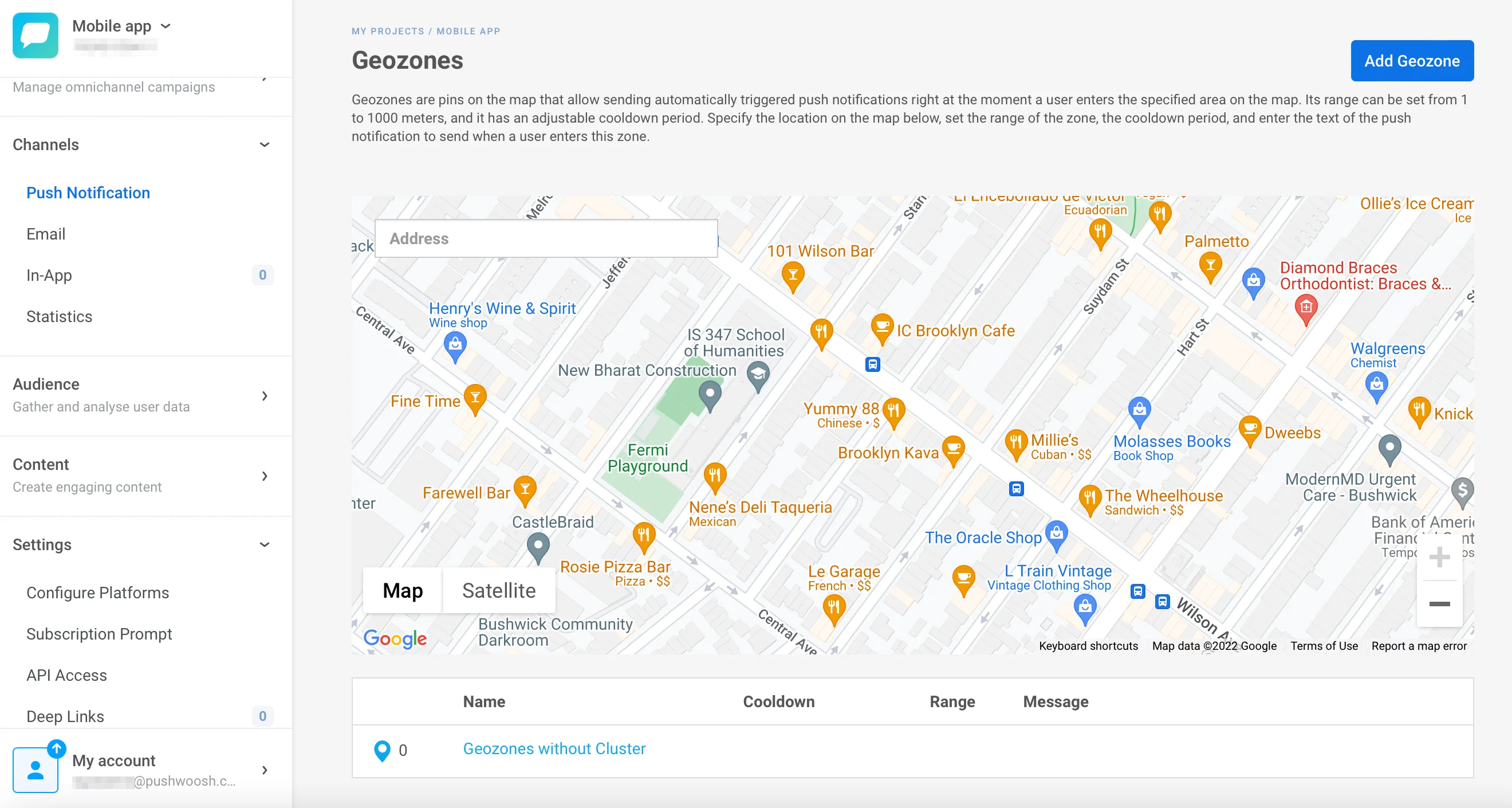
📍 Redesigned Geo Campaigns app — The interface for location-based push got a cleaner redesign that’s easier to set up. Learn more →
- Delivered in Customer Journey stats — The per-channel stats in Customer Journey now show a Delivered count for email, so you can see what actually reached the inbox at each step. Learn more →
- Richer Message History CSV export — The export now includes unique and total counts side by side, plus unsubscribed, so the file tells the whole story without extra math. Learn more →
- Clone in-app messages — Duplicate an in-app campaign in one click — same creative, trigger, audience, and display settings — then tweak and launch the copy. Learn more →
- User Explorer subscriber view — The subscriber view in User Explorer got an update that makes a single user’s profile easier to read at a glance. Learn more →
Try the updates yourself
Every feature above is live in your account. More June updates are on the way — until then, you can browse everything recent in the Pushwoosh release notes, or sign in and put these to work.