May has just started, and the Pushwoosh team has already shipped a stack of updates.
Here’s what changed 👇
Sign in with a passkey 🔑
Passkeys are now supported in Pushwoosh. Use Face ID, Touch ID, Windows Hello, or a hardware key on your device to sign in. No password to type, no code to wait for, and resistant to phishing attempts that catch credentials on lookalike pages.
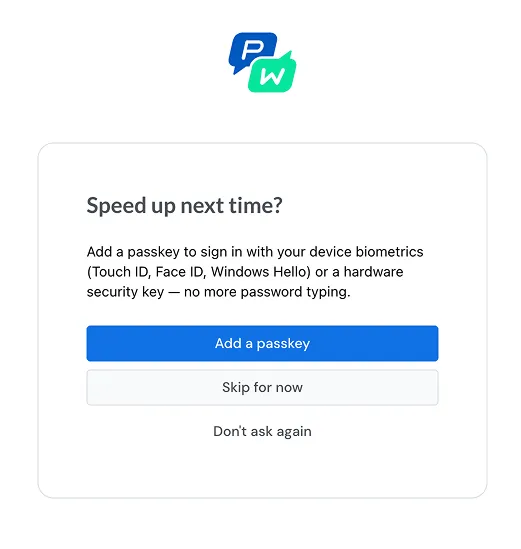
A passkey is cryptographically tied to the real Pushwoosh domain. If you land on a lookalike URL, your device has nothing to sign with, and the whole class of credential-theft attacks stops working.
The architecture is asymmetric — one-sided by design. Your device holds the private key; our server only ever sees the public half, which is useless to anyone who breaches it.
When you sign in, your device signs a one-time challenge from our server, and we verify it with your public key — no password ever travels, no shared secret exists to be stolen.
And you decide where the private key lives: locked inside your device’s hardware chip: TPM 2.0 on Windows, Secure Enclave on Apple, StrongBox on Android, or synced across your devices through iCloud Keychain, Google Password Manager, or 1Password. Either way, the key never leaves the secure boundary you chose.

Run Pushwoosh from Claude, Cursor, or any MCP client 🤖
ManyMoney AI, Pushwoosh’s marketing co-pilot, is now available as an MCP server.
Connect ManyMoney AI to Claude, Cursor, Windsurf, or any other MCP-compatible client, and drive your Pushwoosh project from there. Build segments, set up presets, configure customer journeys, diagnose delivery issues, and pull campaign performance — all from natural-language prompts in the AI tool you’re already using day to day.
Example: Build a campaign end-to-end from your editor.
Prompt:
In application XXXXX-XXXXX, create a segment of users who added a product to the cart in the last 7 days but did not purchase. Then create a push preset ‘Cart Reminder — discount 10%’ and a Customer Journey that targets this segment, sends the preset 1 hour after entry, and exits if a Purchase event is recorded.
Result: Your assistant assembles the segment, the preset, and the journey. You review and publish the result in Pushwoosh.
Catch dropped sessions with new PW_ApplicationExit event 🏃
PW_ApplicationExit is a new default event that fires when a user leaves the app and doesn’t come back within a configurable timeout. Use it to trigger a win-back push notification or email after a session dropoff — the moment when reactivation still has a real chance.
More control over journeys, capping, and exports ⚙️
Three smaller updates that come up a lot day to day.
👥 Choose who enters Audience-based journeys
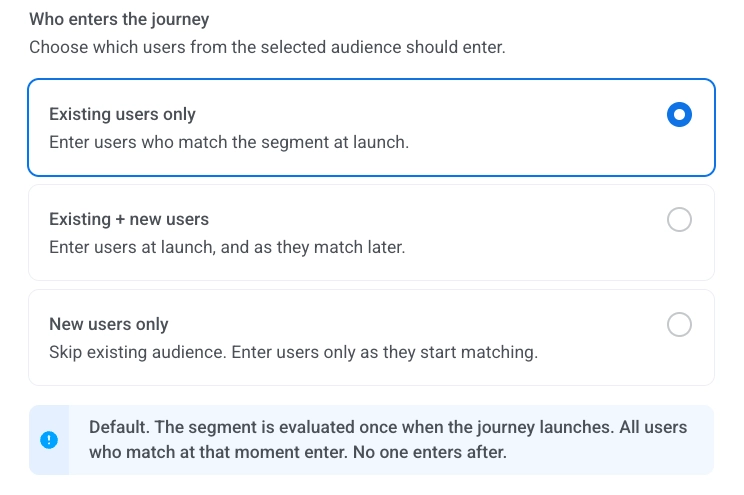
When the journey launches, you can now pick whether it includes existing users, only new ones, or both. Useful when you want a one-time campaign to your existing base, an onboarding flow only for new signups, or both groups kept in sync in an always-on journey.
🚫 Exclude specific users from frequency capping
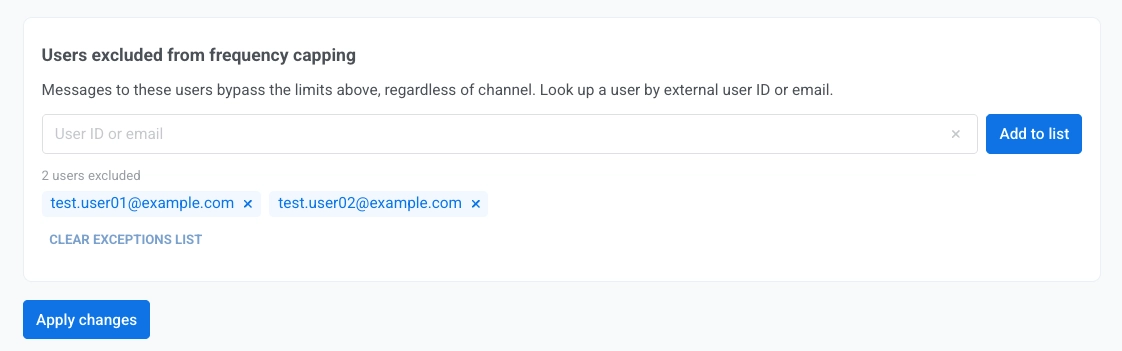
Some accounts always need your messages — VIPs, internal testers, key partners, or paying users on plans that promise unlimited communication. You can now add them to an exclusion list by User ID or email, and they bypass your global capping rules entirely.
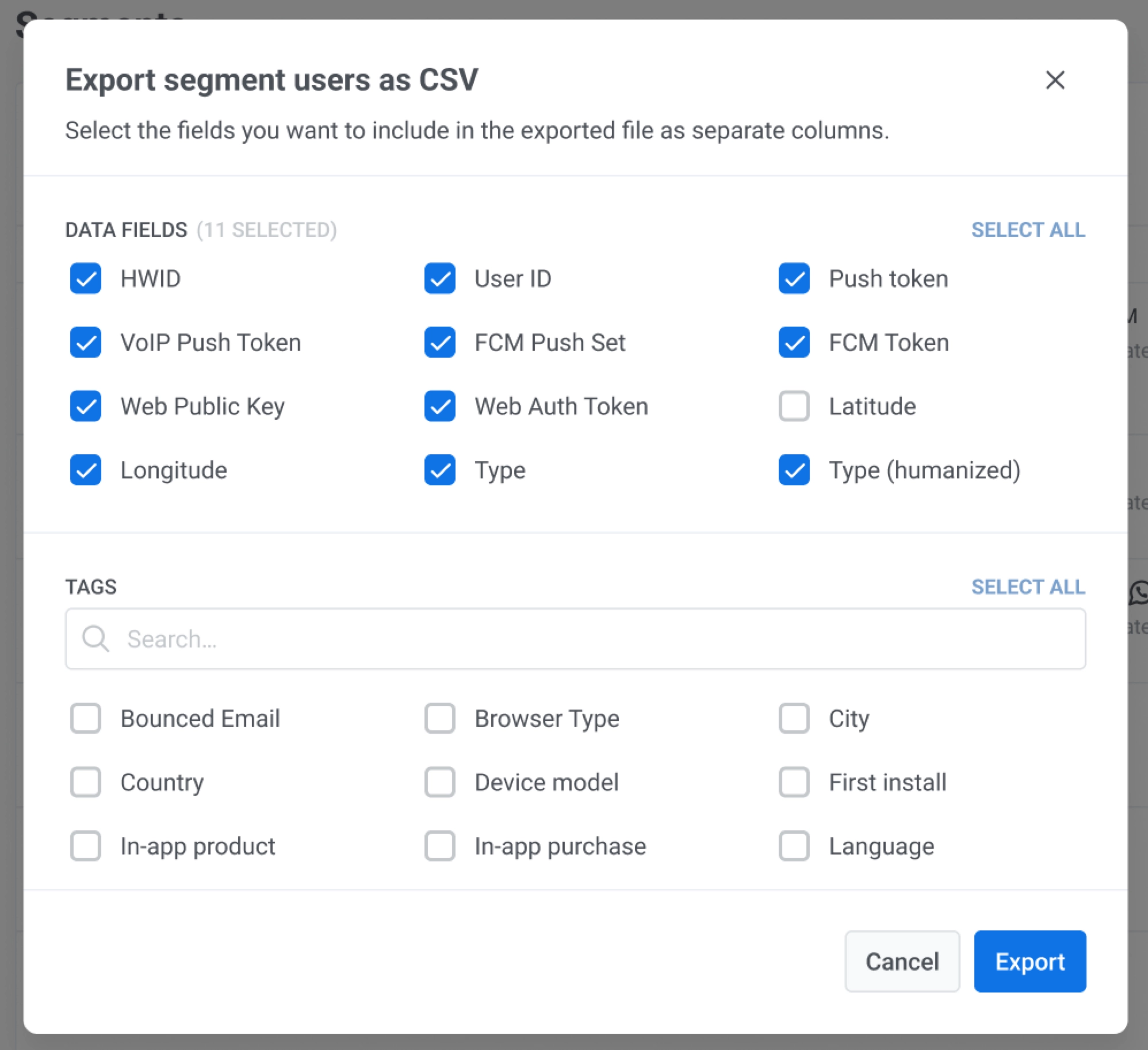
📤 Pick fields when exporting segments to CSV
When you export segment users to CSV, you can now choose which fields and tags to include instead of pulling the full user profile every time. Handy when you need a clean list for an upload to another tool, or when you want to share segment data with a partner without including attributes that aren’t theirs to see.
Try the updates yourself
More May updates are on the way. Until then, you can browse everything that shipped recently in the Pushwoosh release notes, or sign in and start using the new features.