Only tap away, never out of date
Issue native Apple and Google Wallet passes from Pushwoosh, without a third-party tool. The customer adds the pass once, and you keep reaching them through it for months.
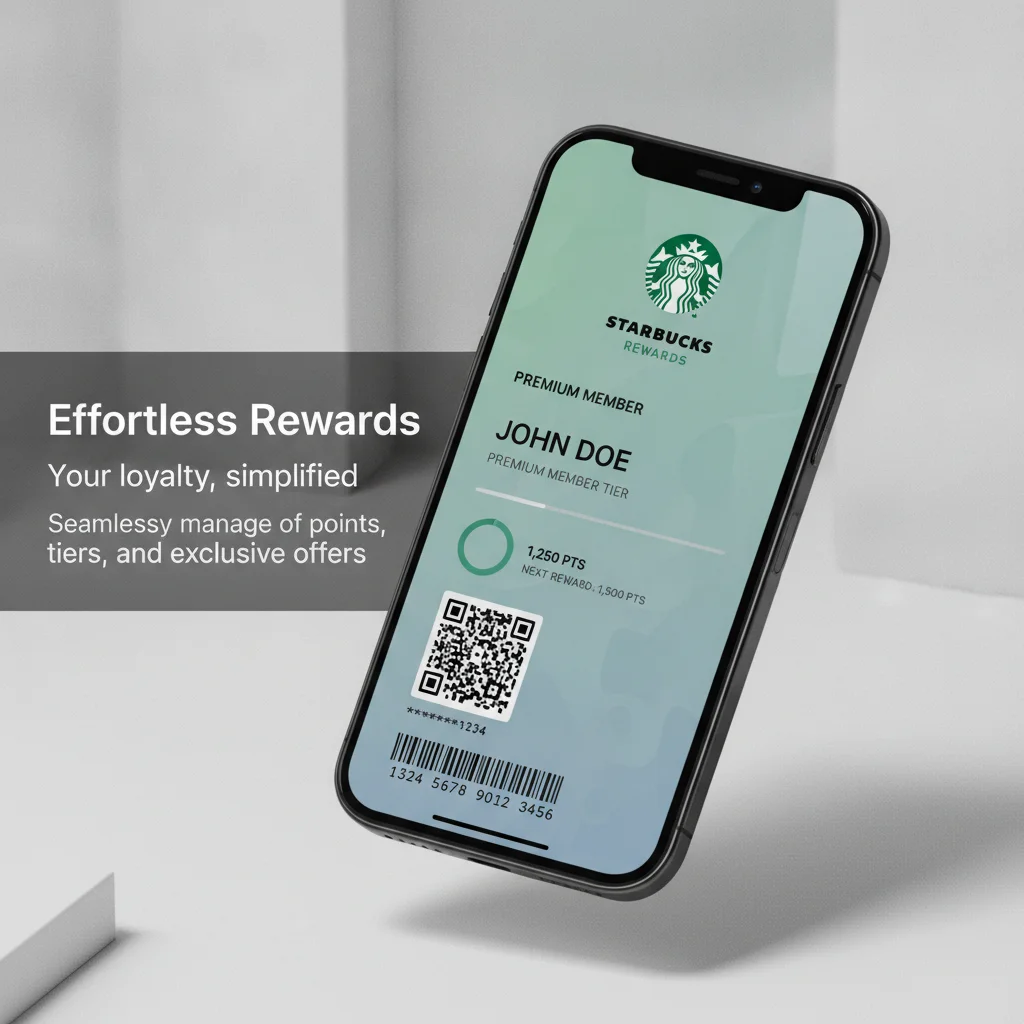
One pass, long-term contact
A wallet pass sits right in Apple Wallet or Google Wallet. The customer installs no app and carries no plastic. Messages disappear once you send them — a pass stays on the phone.
Add a new channel to your stack without a heavy integration or a third-party tool.
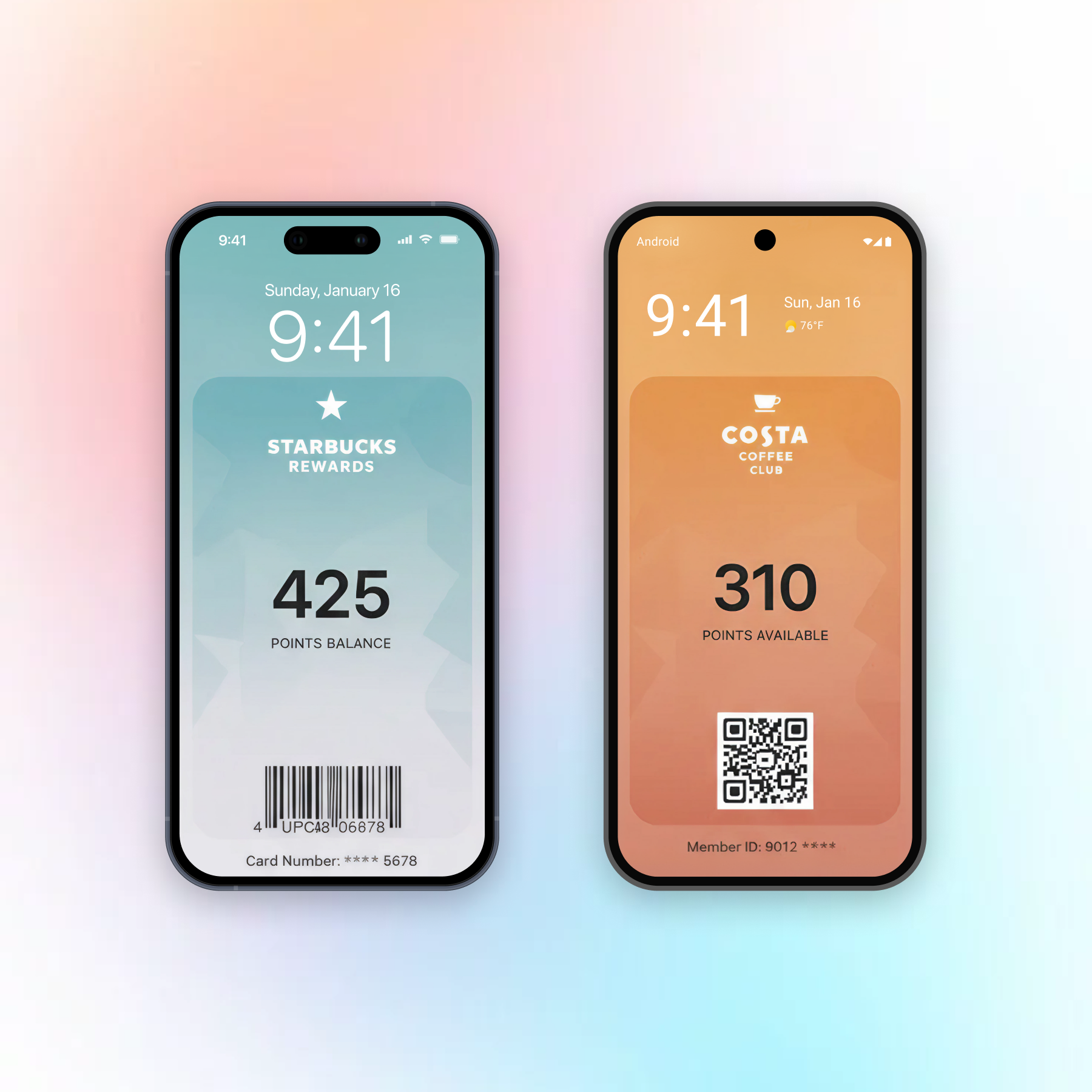
Work on the value — the card updates itself
The card refreshes the moment you change it. Add up to 10 locations, and it surfaces on the lock screen when the customer is near your store, venue, or terminal.
Loyalty card
Live points, tier, and rewards on the card itself.
Retail · QSR & coffee · grocery · fuel · fitnessMembership / ID card
A digital member or access card that’s always current.
Fitness & clubs · hotels · co-working · insuranceCoupon / offer
Surfaces near your store and greys out when it expires.
Retail · grocery · marketplaces · QSRGift card
A live balance the customer keeps — reach them even after it empties.
Retail · marketplaces · F&B · gamingEvent ticket
A scannable ticket that updates on a seat, gate, or time change.
Events & ticketing · live sports · theme parks · cinemaBoarding pass
Catches a gate or seat change the moment it happens.
Airlines · travel & OTATransit ticket
Single or round-trip passes for rail, bus, tram, or ferry.
Rail · public transitExtend your usual customer flows
Every pass shares the same User ID, so one Customer Journey can issue the pass, follow up by push or email, and update the card as the customer moves.
The pass is the card that stays. Push, email, and SMS are how customers find it and return to it.
Example: a loyalty card in one Journey
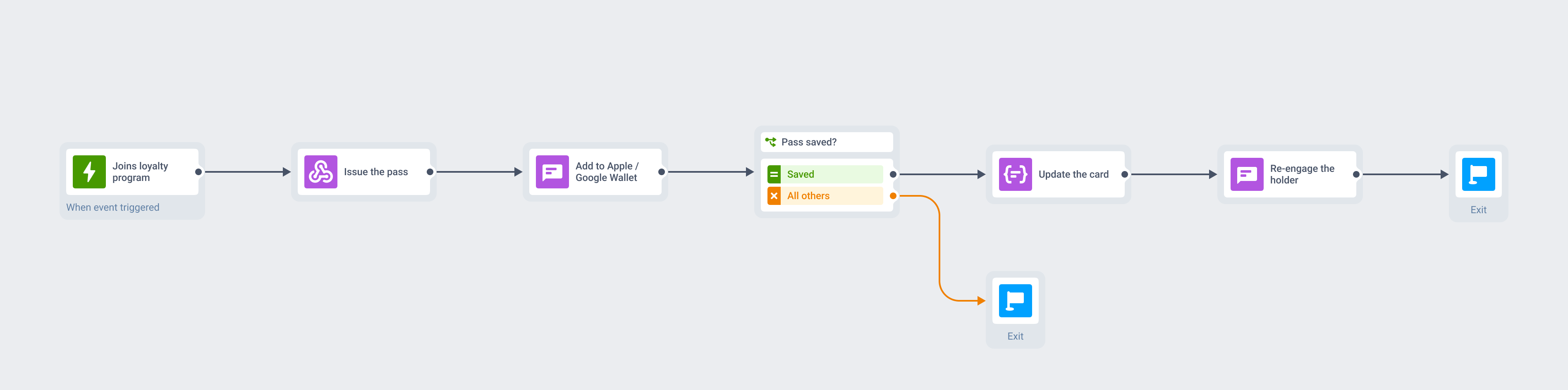
One opt-in at the top, and the same Journey issues the card, keeps it current, and pulls the customer back, all inside one tool.
Design, share, update
Hosted in the EU, GDPR-compliant and SOC 2 Type 2 certified.

-
Connect once
Your dev team links Apple and Google to your app, one setup per platform. There's no PassKit middleware or third-party pass tool to wire in — the passes are native to Pushwoosh.
-
Design
Pick a style in the builder, set your fields, barcode, and branding, then check the live preview. You skip the pass.json entirely. A scannable barcode goes on the pass for the register or the gate.
-
Share
Generate the pass, then send a save link or QR through the email, push, and SMS you already use.
-
Update
Edit a field and save. Apple and Google deliver the new version to every device that saved the pass, and the customer does nothing.
The same create, update, and delete actions also run through the Apple and Google Wallet REST API.
Add wallets to your channel stack
Native Apple and Google Wallet passes. On every plan, including free.
Explore related products
E-commerce analytics platform that drives results. Monitor shopping behavior, identify trends, and make data-driven decisions to boost performance.
E-commerce in-app messages that convert. Engage shoppers at key moments, reduce cart abandonment, and increase average order value with smart messaging.
Maximize conversions and customer lifetime value with automated omnichannel messaging powered by Pushwoosh.
Transform abandoned carts into revenue with cart recovery automation. Send timely reminders, personalized offers, and incentives that drive conversions.
E-commerce SMS solution that grows revenue. Automate transactional messages, send promotional campaigns, and create SMS experiences that convert.
E-commerce customer data platform that powers growth. Consolidate shopper data, automate segmentation, and deliver personalized experiences at scale.