July’s first volume brought Viber, pre-send email checks, and self-serve SMS. This round: a journey element that optimizes your push for you, real-time activity tracking on Android, and finer design control in the popup editor.
Here’s what changed 👇
Multi-Armed Bandit: push that optimizes itself 🔔
The Multi-Armed Bandit is a new element in Customer Journey. Instead of a single push preset, you hand it several content variants and let it decide which one to send. As opens come in, it routes more traffic to the variant people actually open, and keeps adjusting on live data.
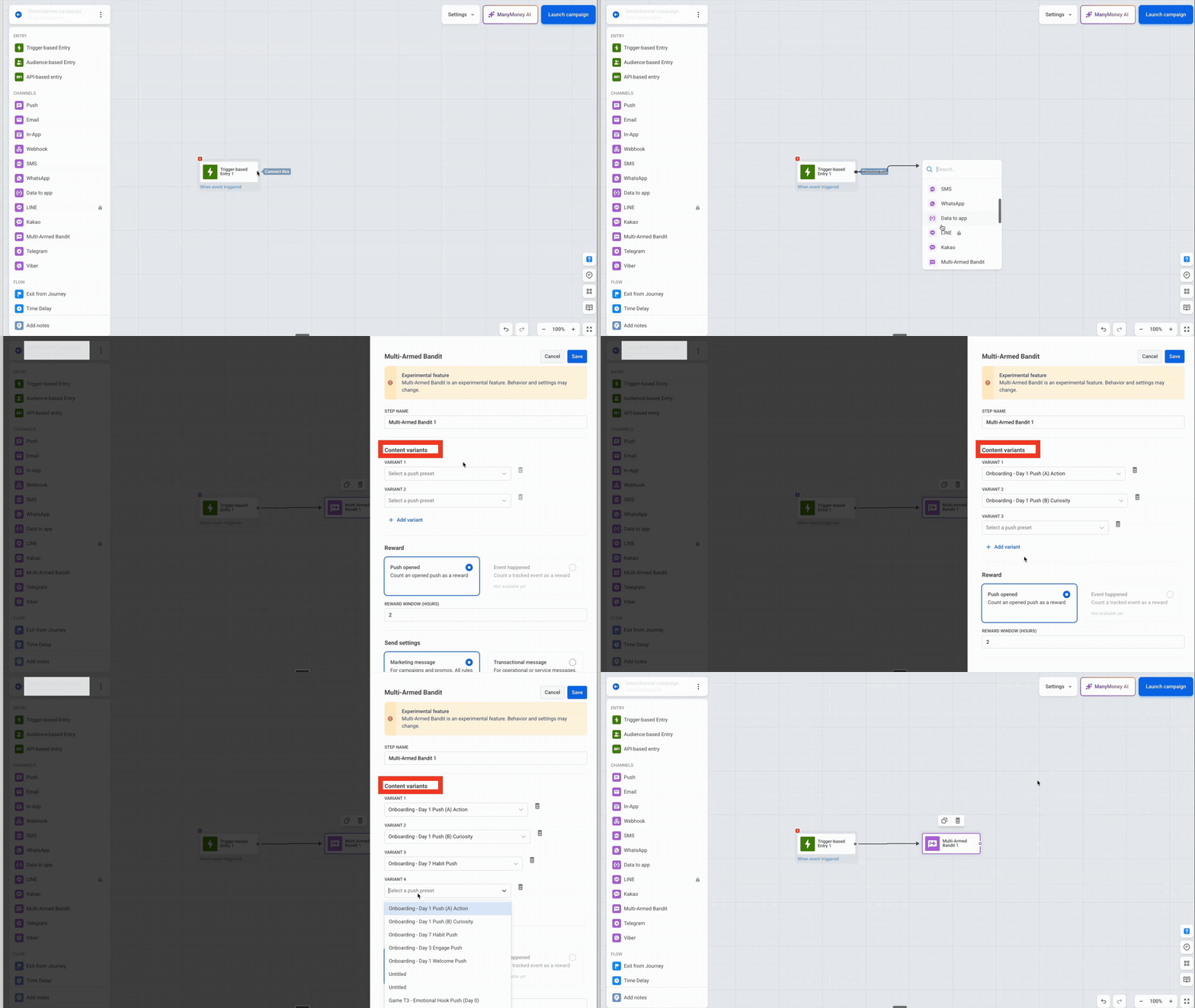
What it changes: Unlike an A/B/n test, the bandit doesn’t wait to reach statistical significance before it acts. It starts favoring the best-opening variant after the first handful of opens, and it keeps sampling the rest, so a slow starter still gets its chance.
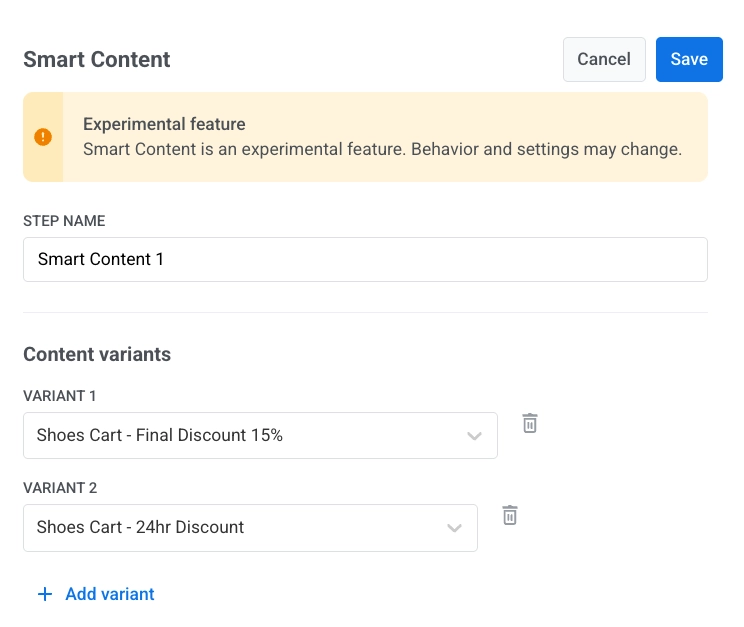
See how it compares to the A/B/n split.
Live Updates on Android 📱
Live Updates bring real-time, updatable notifications to Android 16+, the Android counterpart to iOS Live Activities. A single progress-style notification lives on the lock screen, in the notification drawer, and as a status chip in the status bar, and refreshes as the activity moves. Your mobile team enables them through the Android SDK.
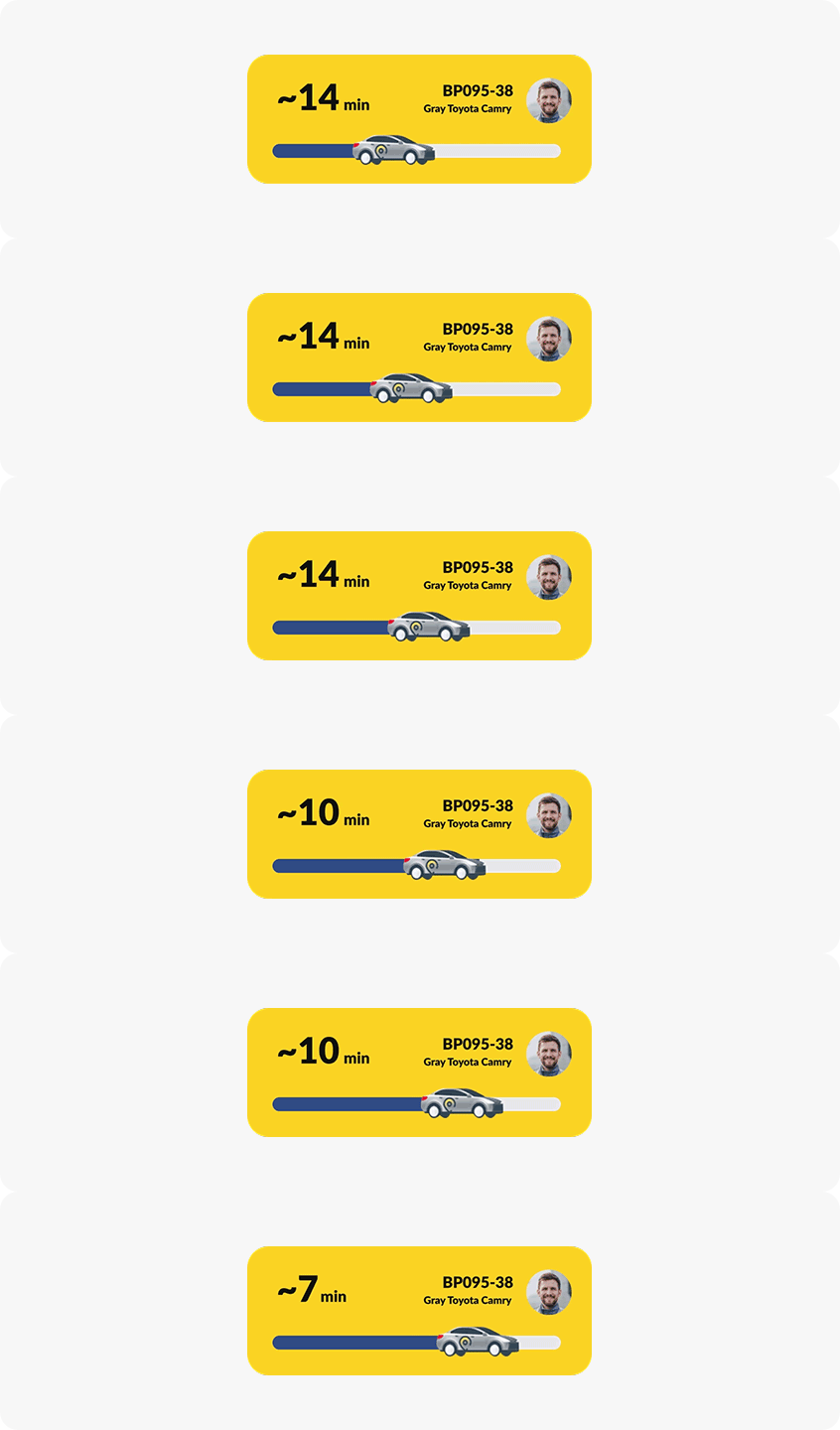
For delivery, mobility, and e-commerce apps, the status screen is where users look most.
Web popups: a redesigned editor with finer design control 🎨
Building on June’s Web popup launch, the editor now gives you more control over how a popup looks, with less back-and-forth with a designer:
- New Colors section for Text, Secondary text, and Text over image (the last one for layouts with a background image), on top of Background and Accent.
- Image controls — Fit (Natural / Cover / Contain) and Blur on any image; Dim on a background image.
- New Layout section for image width and position (side-by-side layouts) and button width (bottom bar).
- Per-page sizing — set Width and Height for each page, not once for the whole popup.
- Reorganized template gallery with a new Product tour (multi-page) example.
- Smoother page editing — ”+ Add page” now offers Duplicate current page or a single-page layout, and deleting a page asks for confirmation first.
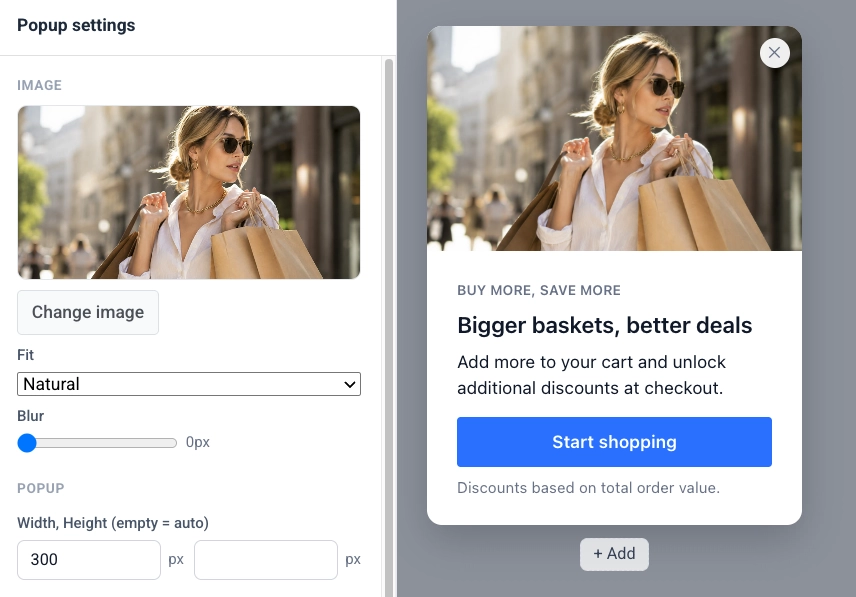
What it changes: You can match a popup to your brand and build a multi-step product tour without a designer or a developer.
Also new
2 smaller updates worth knowing about:
- 💬 Send one-time WhatsApp messages — reach a WhatsApp audience in a single send: pick an approved template, choose your audience, and deliver now or on a schedule. No journey required, matching how one-time push, email, and SMS already work. Learn more →
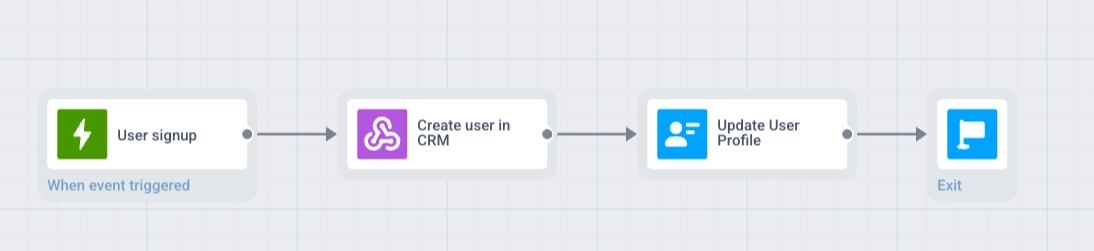
- 🔗 Webhook response mapping — a webhook can now bring data back into the journey, not just send a request out. Pull a value from the response, save it to the user’s profile, and use it in the next step — like checking an external system for a user’s flight tomorrow and sending a reminder with the details. Learn more →
Try the updates yourself
Everything above is live in your account.
For the full list, check our release notes.
Related articles
View all