Most mobile push notification platforms deliver reliably. The differences that matter — segmentation depth, journey automation, time from SDK to first campaign — show up in day-to-day operations, not feature lists.
This guide covers what to look for when evaluating push services, how the main platforms compare, and how to go from SDK integration to a live campaign in Pushwoosh.
What are mobile push notification services?
Mobile push notification services are platforms that manage the full lifecycle of push notification delivery: device token registration, audience segmentation, message construction, delivery via APNs (iOS) and FCM (Android), and analytics.
The distinction between mobile and web push is worth making explicit:
- Mobile push. Delivered to users who have installed your native iOS or Android app. Requires in-app permission. Uses APNs and FCM as delivery infrastructure.
- Web push. Delivered through browsers to users who opted in on your website. No app install required. Works even when the browser is closed. Supported across Chrome, Firefox, Edge, and (since iOS 16.4) Safari.
A push notification service abstracts the complexity of both: token management, payload formatting per platform, retry logic on delivery failure, and the analytics layer that connects sends to outcomes. What varies across services is everything that happens around the delivery — how you build audiences, design sequences, and measure results.
How mobile push notifications work
The delivery chain is the same regardless of which service you use:
- User grants permission. On iOS, explicit permission is required before any notification can be sent. On Android, users are opted in by default on install (Android 12 and earlier) or prompted on install (Android 13+).
- Device token generated. The OS generates a unique token for that app installation on that device. This token is the delivery address.
- SDK sends token to platform. Your app, integrated with the push service SDK, transmits the token to the platform’s servers and links it to the user profile.
- Campaign configured. You compose the message, define the audience segment, and set the trigger or schedule in the platform’s dashboard.
- Platform sends to APNs or FCM. The push service formats the payload correctly for each platform and sends it to Apple or Google’s delivery infrastructure.
- Device receives and displays notification. The OS renders the notification on the lock screen or notification center.
- Interaction tracked. Taps, dismissals, and resulting in-app actions are captured by the SDK and surfaced in analytics.
Where push notification services differentiate is in how well they maintain token accuracy, how precisely you can define who receives the message, and how much of the campaign logic you can automate without developer involvement.
What to look for in a mobile push notification service
Most platforms cover the baseline reliably. The criteria below are where meaningful differences show up in practice.
| Criterion | What to evaluate | Red flags |
|---|---|---|
| Segmentation depth | Can you target by behavioral events, not just demographics? | Only geo, device type, or last-seen date as targeting options |
| Journey automation | Visual, no-code builder vs. API-only workflows | Every automation step requires a developer or a support ticket |
| Delivery reliability | SLA, retry logic, APNs/FCM error handling | No transparency on delivery rates or failure reasons |
| Setup time | SDK integration to first campaign sent | Weeks-long onboarding with professional services required |
| Analytics depth | Can you tie push to revenue and CLV, not just opens? | Only delivery and open rate; no conversion or revenue attribution |
| AI features | Send time per user, content suggestions, churn prediction | AI as a checkbox feature with no measurable lift |
| Compliance | GDPR, CCPA, data residency options | No DPA, no data residency choice, vague data handling policy |
| Pricing transparency | Published per-MAU, per-contact, or per-message rates you can model yourself | Custom pricing that requires a sales call for every question |
Segmentation depth
Demographic segmentation (country, device, OS version) is table stakes. The platforms worth considering for retention use cases all support behavioral segmentation based on in-app events. The question is how that segmentation is configured — through a no-code interface or via API calls that require developer time for every new audience.
RFM segmentation (Recency, Frequency, Monetary) is a separate capability from behavioral segmentation and is not universally available. For e-commerce, gaming, and subscription apps, it’s the most reliable model for identifying which users to prioritize and which are at churn risk.
Journey automation without engineering bottlenecks
The most common complaint from marketing teams about push notification services isn’t about delivery rates — it’s about needing a developer to set up every automated sequence. A visual, no-code Customer Journey Builder resolves this. You can design a cart abandonment sequence, a welcome series, or a re-engagement flow without a ticket to engineering.
Check whether the journey builder handles conditional logic (if user purchased, exit the sequence), delays, A/B splits within the journey, and cross-channel fallbacks (push then email if no response). These aren’t advanced features — they’re the requirements for any serious lifecycle program.
Delivery reliability and transparency
All major push notification services use APNs and FCM as delivery infrastructure, so raw delivery rates are similar at the infrastructure level. What varies is how the platform handles edge cases: stale tokens, delivery failures, OEM-specific Android restrictions (Xiaomi, Huawei, OnePlus).
Transparency matters here. You should be able to see why a message wasn’t delivered — token invalid, user opted out, app force-stopped — not just an aggregate delivery percentage.
Time from SDK integration to first campaign
This is the setup criterion most teams underweight in evaluations but feel immediately in operations. For a platform with straightforward SDK documentation and a no-code campaign interface, the path from integration to first live campaign can be measured in hours. For platforms that require professional services onboarding or complex initial configuration, it’s weeks.
Test this during evaluation: integrate the SDK in a staging environment and attempt to send a test campaign. The actual experience tells you more than any feature comparison.
Top mobile push notification services: how they compare
The table below covers the platforms most commonly evaluated by mobile-first teams. Pushwoosh is covered in detail in the following section.
| Platform | Best for | Standout | Pricing |
|---|---|---|---|
| Pushwoosh | Mobile-first teams running lifecycle campaigns, from the free tier up | No-code RFM + behavioral segmentation and Customer Journey Builder; fast setup | Pay-as-you-go per 1,000 MAU; first 1,000 free |
| OneSignal | Startups and indie apps under 1,000 MAU | Fastest setup; free tier capped at 1,000 MAU from autumn 2026 | Free under 1,000 MAU; Growth at $19/mo + $0.012 per MAU |
| Airship | Large enterprises with dedicated technical teams | Real-time data streaming and deep API | Enterprise custom |
| Braze | Enterprise omnichannel programs | Canvas journey builder; unified customer profile | Enterprise custom (among the highest) |
| Iterable | API-first growth teams across email, SMS, push | Workflow studio + AI send-time (no native web push) | Tiered by contacts |
| FCM | Engineering teams building campaign tooling in-house | Free delivery infrastructure; no campaign layer | Free |
| CleverTap | Mid-market apps prioritizing behavioral analytics | Built-in RFM and cohort analysis | Tiered by MAU; free tier |
| MoEngage | Mobile-first teams scaling into omnichannel | Sherpa AI for send-time and predictive segmentation | Tiered by MAU |
| Leanplum | Existing customers evaluating CleverTap migration | A/B testing and personalization (now in CleverTap) | Unified with CleverTap |
| Insider | Enterprise e-commerce and retail | Predictive audiences across full cross-channel stack | Enterprise custom |
| Customer.io | SaaS and subscription apps needing transactional + marketing | Flexible data model; strong workflow logic | Tiered by people tracked |
Mobile push notification services: detailed breakdown
1. Pushwoosh
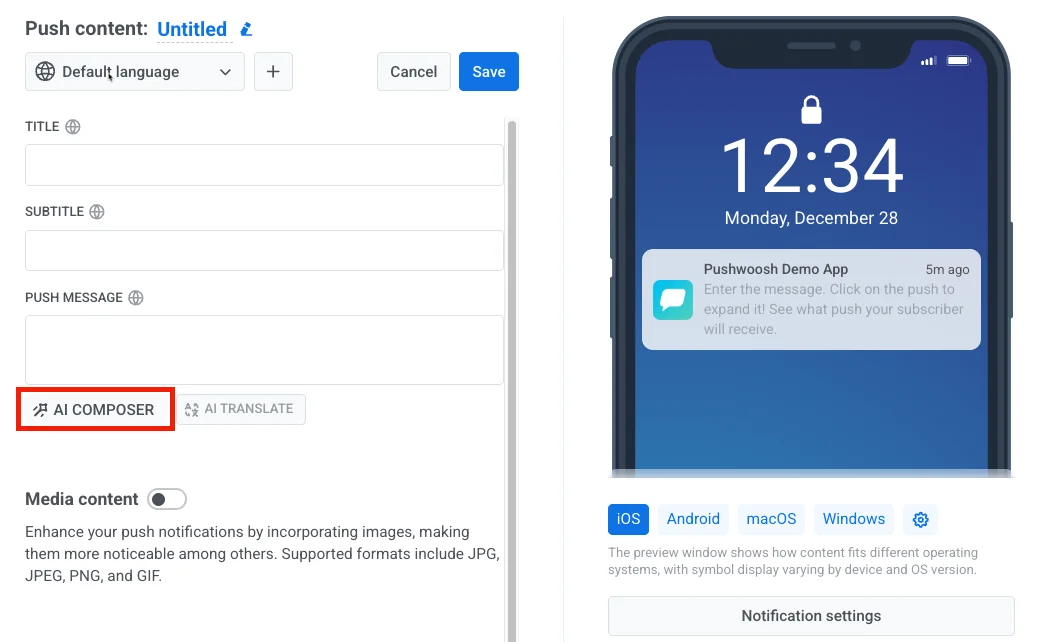
Pushwoosh is an omnichannel customer engagement platform built for mobile-first teams. The core differentiator is the combination of no-code campaign management and advanced segmentation in a single platform — RFM segmentation, behavioral targeting via Tags and Events, and the Customer Journey Builder are all accessible without developer involvement once the SDK is integrated.
Setup is designed to be fast. The SDK integration for iOS and Android typically takes a few hours for a developer who hasn’t worked with the platform before. First campaign can follow the same day.
- Best for: Mobile apps across e-commerce, gaming, fintech, news and media, and subscription apps, from the free tier upward. Teams that want to run complex lifecycle campaigns without building engineering dependencies into every campaign change.
- Pricing: Pay-as-you-go by monthly active users, with the first 1,000 MAU free every month. Omnichannel is $13 per 1,000 MAU and Email only is $5 per 1,000 monthly recipients, with no custom quotes for standard plans. Teams that only need the push channels can take the cheaper Push only plan instead — current rates are on pushwoosh.com/pricing.
2. OneSignal
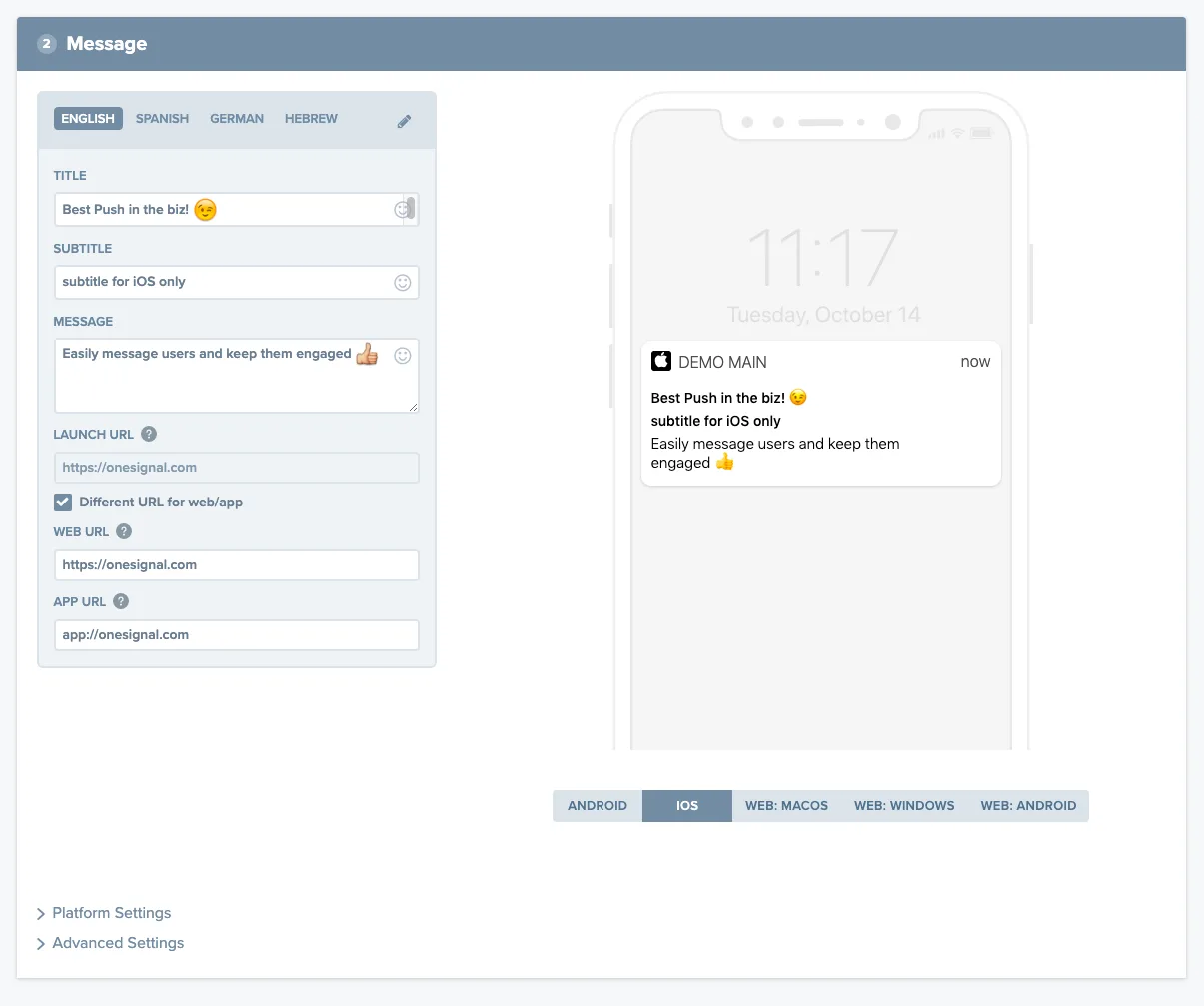
OneSignal is the most widely used push notification service for small apps and early-stage products. SDK integration is well-documented and the setup experience is the fastest in the market.
The free tier now has a hard ceiling. It already stops mobile push and in-app messaging on Free above 1,000 monthly active users for new accounts, since September 1, 2026; existing accounts follow on October 1. Web push and email are not affected. Two details decide how close you actually are: the count is organization-wide, so several small apps add up against one limit, and it uses a rolling 30-day window, so trimming inactive subscribers takes a month to show up rather than a day.
The second ceiling is segmentation. OneSignal’s free and mid-tier plans support basic filters but not behavioral segmentation based on custom events or RFM models. Teams that outgrow simple demographic targeting typically find themselves looking at other platforms within 12-18 months of growth.
- Best for: Startups, indie developers, apps under 1,000 MAU, teams testing push for the first time.
- Pricing: Free below 1,000 MAU. Above it, the Growth plan runs $19 a month plus $0.012 per MAU — $139 at 10,000 MAU, $319 at 25,000, with self-serve ending above 50,000.
3. Airship
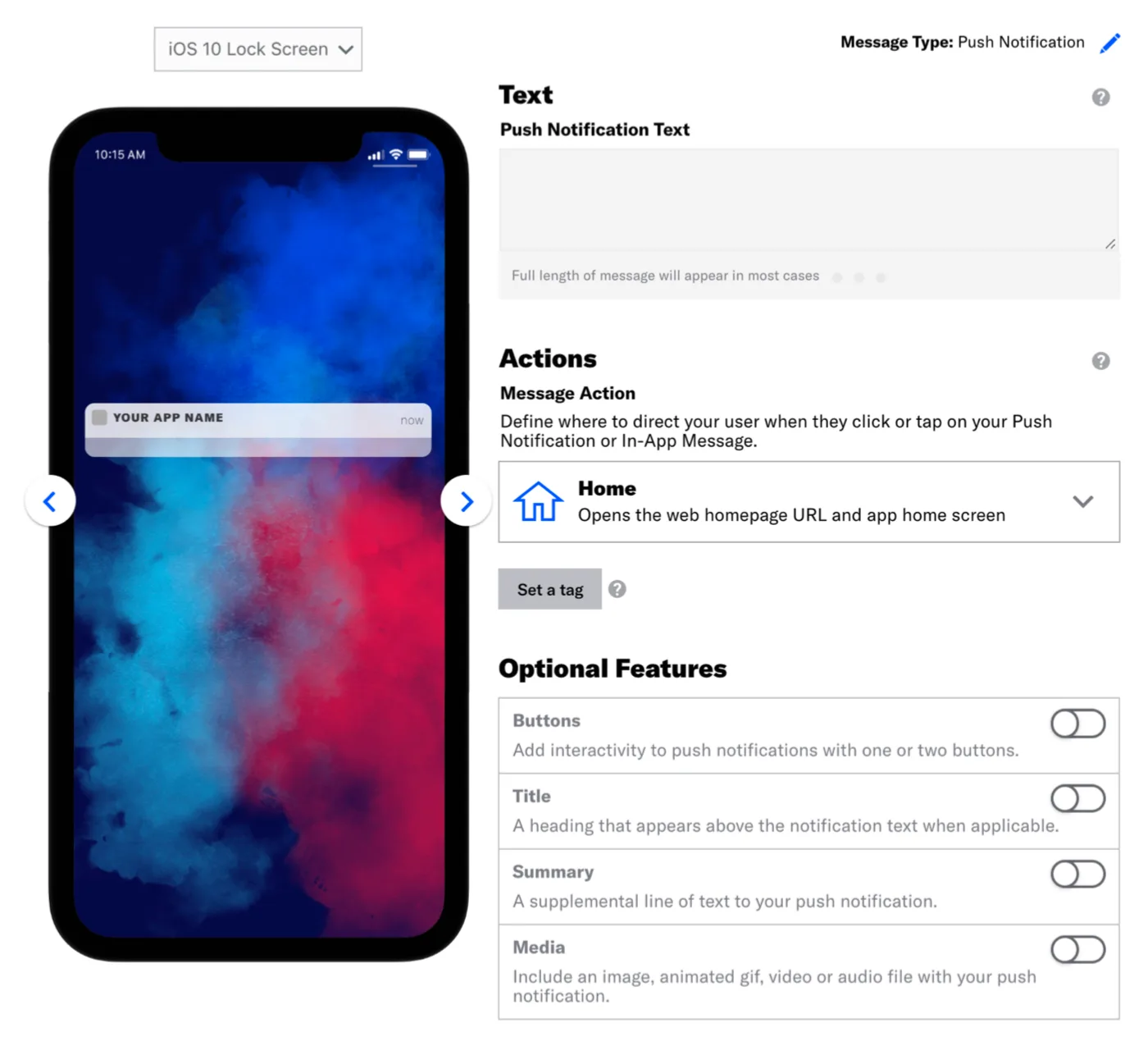
Airship is positioned for large enterprises with high data volumes and complex multi-channel requirements. The real-time data streaming capabilities and API depth are strong. The tradeoff is implementation complexity — Airship typically requires dedicated technical resources to set up and maintain, and the platform’s learning curve is steeper than most alternatives.
- Best for: Large enterprises with high data volumes, dedicated technical teams, and complex cross-channel orchestration needs.
- Pricing: Enterprise custom. Expect a multi-month procurement process.
4. Braze
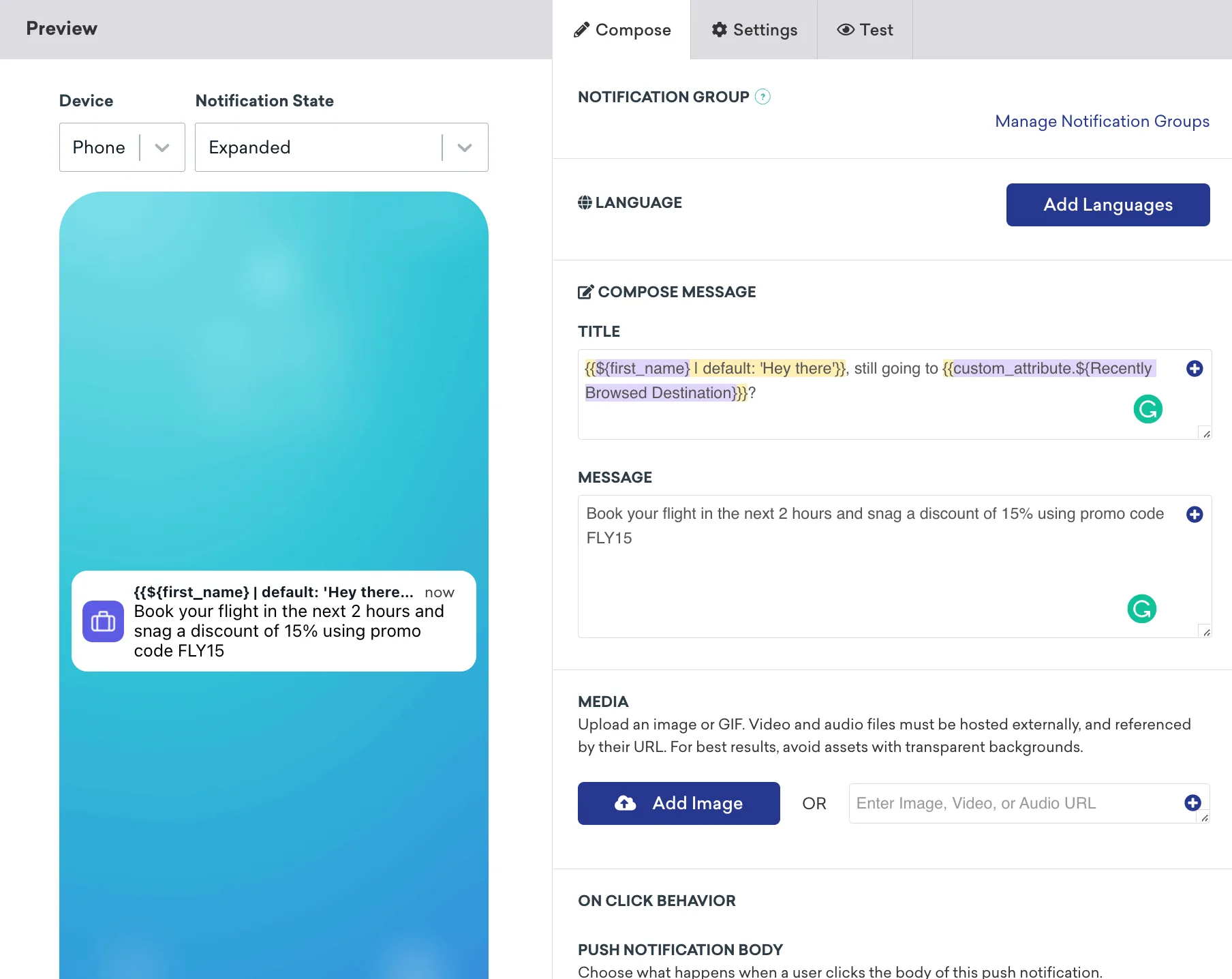
Braze is the default choice for enterprise marketing teams that want a unified customer profile across every channel. The Canvas journey builder is powerful and the developer tools are excellent. The main friction point is cost — Braze pricing is structured for enterprise budgets, and the feature breadth means teams often pay for capabilities they don’t use.
- Best for: Brands running complex omnichannel programs at enterprise scale with dedicated marketing operations resources.
- Pricing: Enterprise custom, typically among the highest in the market.
5. Iterable
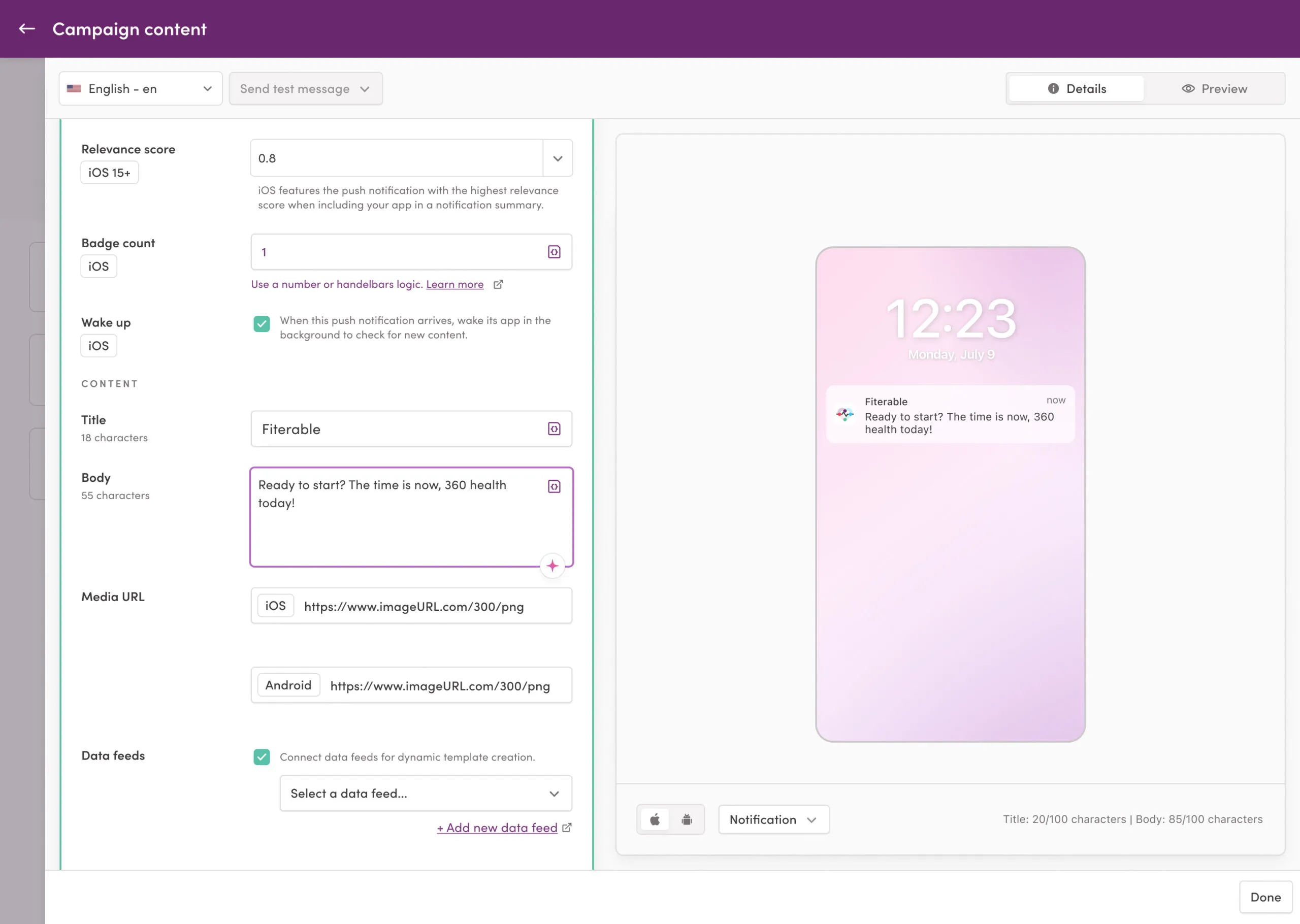
Iterable appeals to growth teams that prioritize flexibility and API-first design. The workflow studio is capable, AI send time optimization is solid, and the integration ecosystem is broad. Compared to Pushwoosh, Iterable doesn’t support web push natively, and RFM segmentation requires more manual configuration.
- Best for: Growth teams with strong data infrastructure, API-first stacks, and campaigns that span email, SMS, and mobile push.
- Pricing: Tiered by contacts. Higher price point than Pushwoosh for comparable mobile push functionality.
6. Firebase Cloud Messaging (FCM)
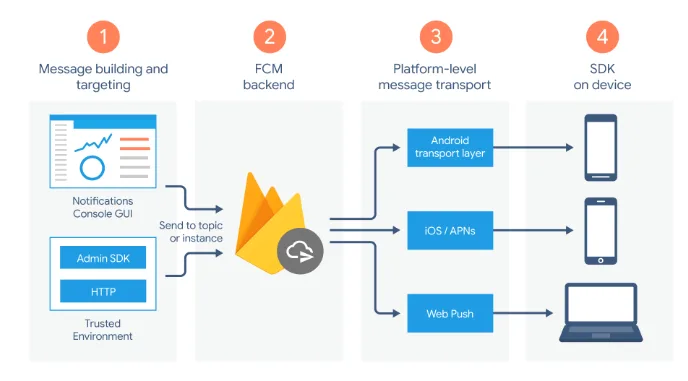
Firebase Cloud Messaging is Google’s free push notification infrastructure — the delivery layer that sits underneath most of the platforms on this list. As a standalone tool, FCM handles message delivery but offers no segmentation, no journey builder, and no analytics beyond what you build yourself. It’s an infrastructure component, not a campaign platform.
Teams starting from scratch sometimes use FCM directly to avoid platform costs. The tradeoff is building everything around it: audience management, scheduling, analytics, A/B testing. This makes sense for engineering-heavy teams with very simple messaging needs, and less sense for any team that expects to run lifecycle campaigns.
- Best for: Engineering teams that want full control over delivery infrastructure and are building campaign tooling in-house. Not suitable for marketing-led campaign programs.
- Pricing: Free.
7. CleverTap
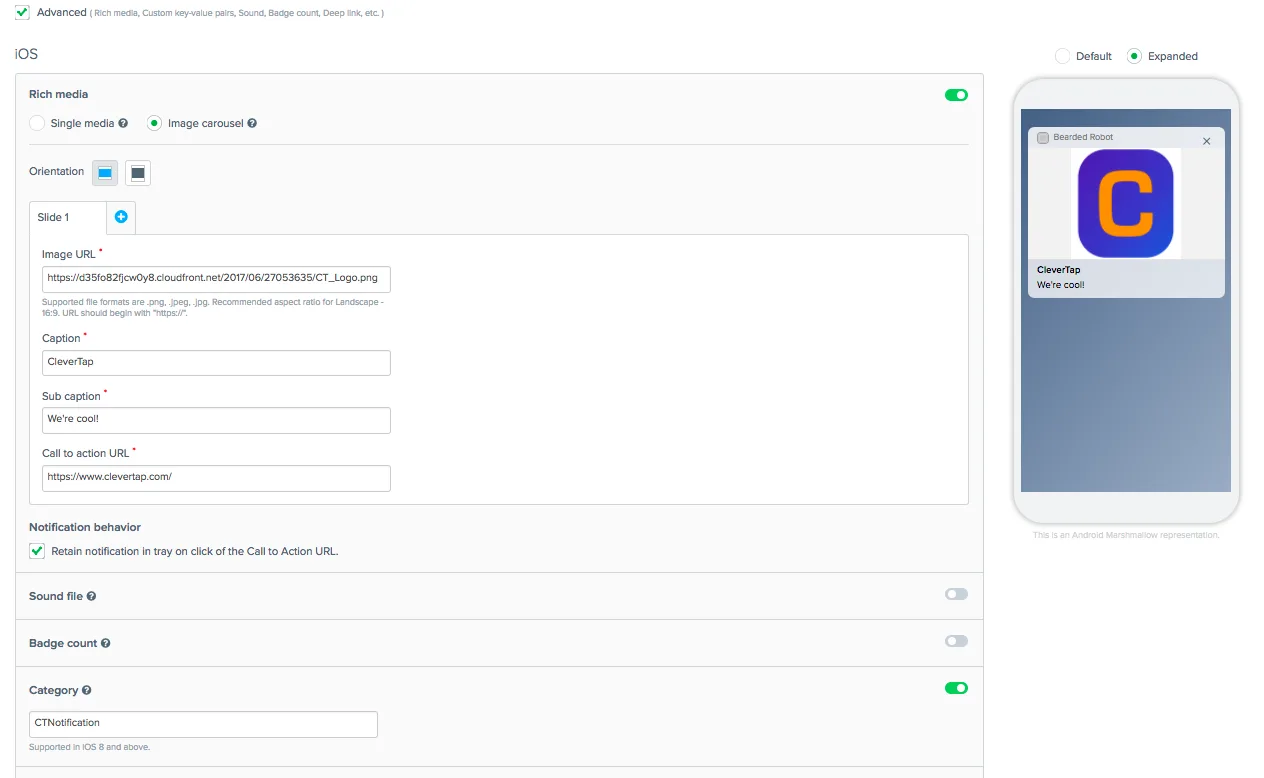
CleverTap is a mobile marketing platform with strong analytics and lifecycle automation capabilities. Its built-in RFM and cohort analysis tools give marketing teams visibility into user behavior that most platforms reserve for enterprise tiers. The journey builder is visual and supports multi-channel sequences including push, in-app, email, and SMS.
CleverTap’s pricing jumps significantly at scale — it’s competitive at mid-market volumes but can become expensive for apps with large MAU counts. The analytics depth is its strongest differentiator over simpler platforms.
- Best for: Mid-market mobile apps prioritizing deep behavioral analytics and lifecycle automation. Strong fit for e-commerce and fintech.
- Pricing: Tiered by MAU. Free tier available for early-stage apps.
8. MoEngage
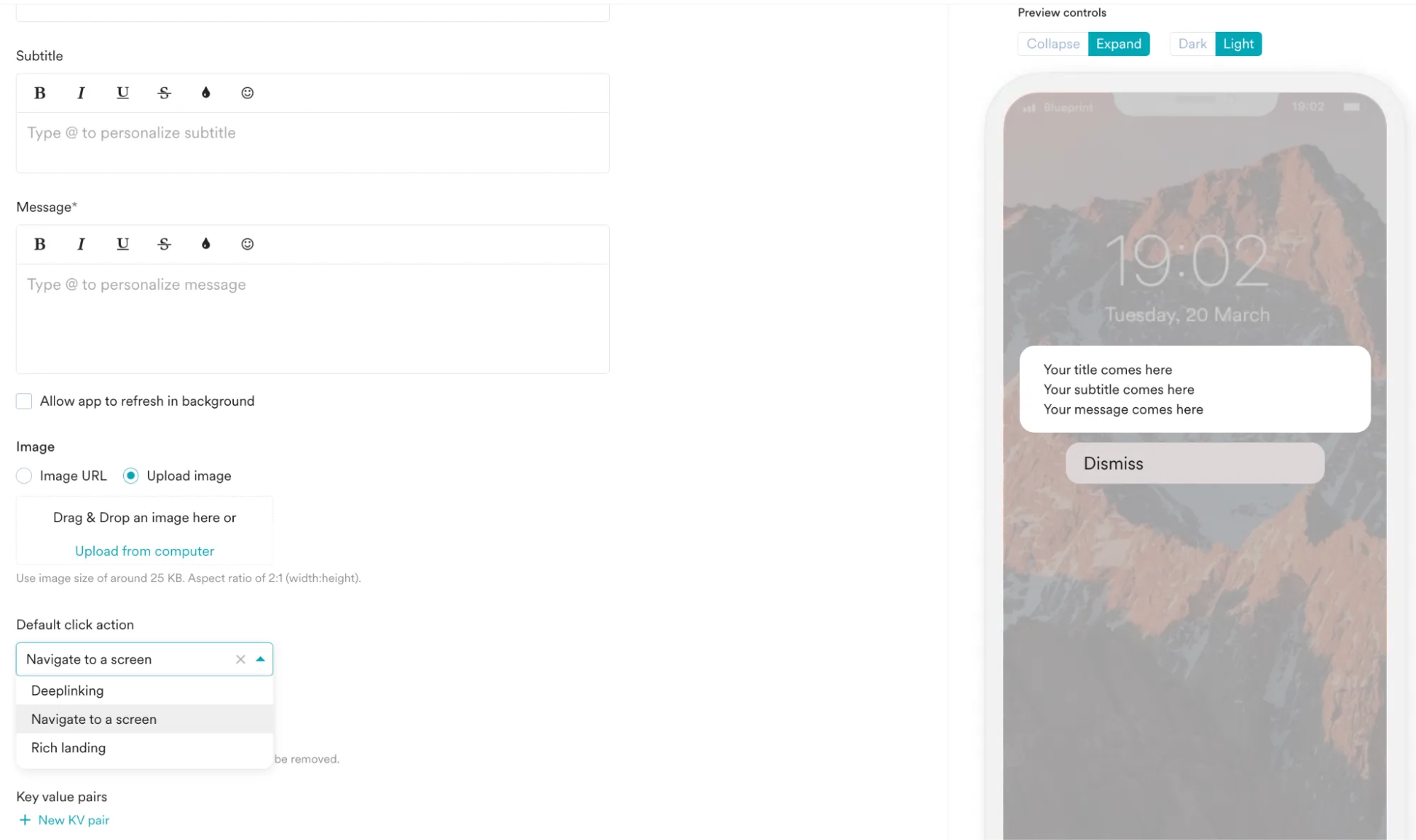
MoEngage is an insights-led engagement platform with AI-driven features across push, in-app, email, and SMS. Its Sherpa AI engine handles send time optimization and predictive segmentation. The platform is particularly strong for teams that want to use behavioral data to personalize campaigns without building data pipelines manually.
The onboarding experience is more involved than Pushwoosh or OneSignal — MoEngage is built for teams with some marketing ops maturity. Web push support and omnichannel reach make it a full-stack option for mobile-first teams expanding to other channels.
- Best for: Mobile-first teams scaling into omnichannel, with focus on AI-driven personalization and behavioral segmentation.
- Pricing: Tiered by MAU. Growth and enterprise tiers.
9. Leanplum (now part of CleverTap)
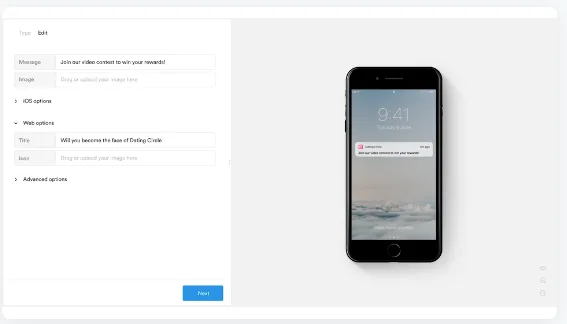
Leanplum was acquired by CleverTap and its functionality has been progressively integrated into the CleverTap platform. Existing Leanplum customers are being migrated to CleverTap over time. For new evaluations, CleverTap is the relevant platform to assess — Leanplum as a standalone product is effectively at end-of-life for new signups.
What Leanplum brought to the market was strong A/B testing and personalization tooling, particularly for in-app content. These capabilities now live within CleverTap’s broader feature set.
- Best for: Existing Leanplum customers should evaluate CleverTap migration. New teams should start with CleverTap directly.
- Pricing: Effectively unified with CleverTap pricing post-acquisition.
10. Insider
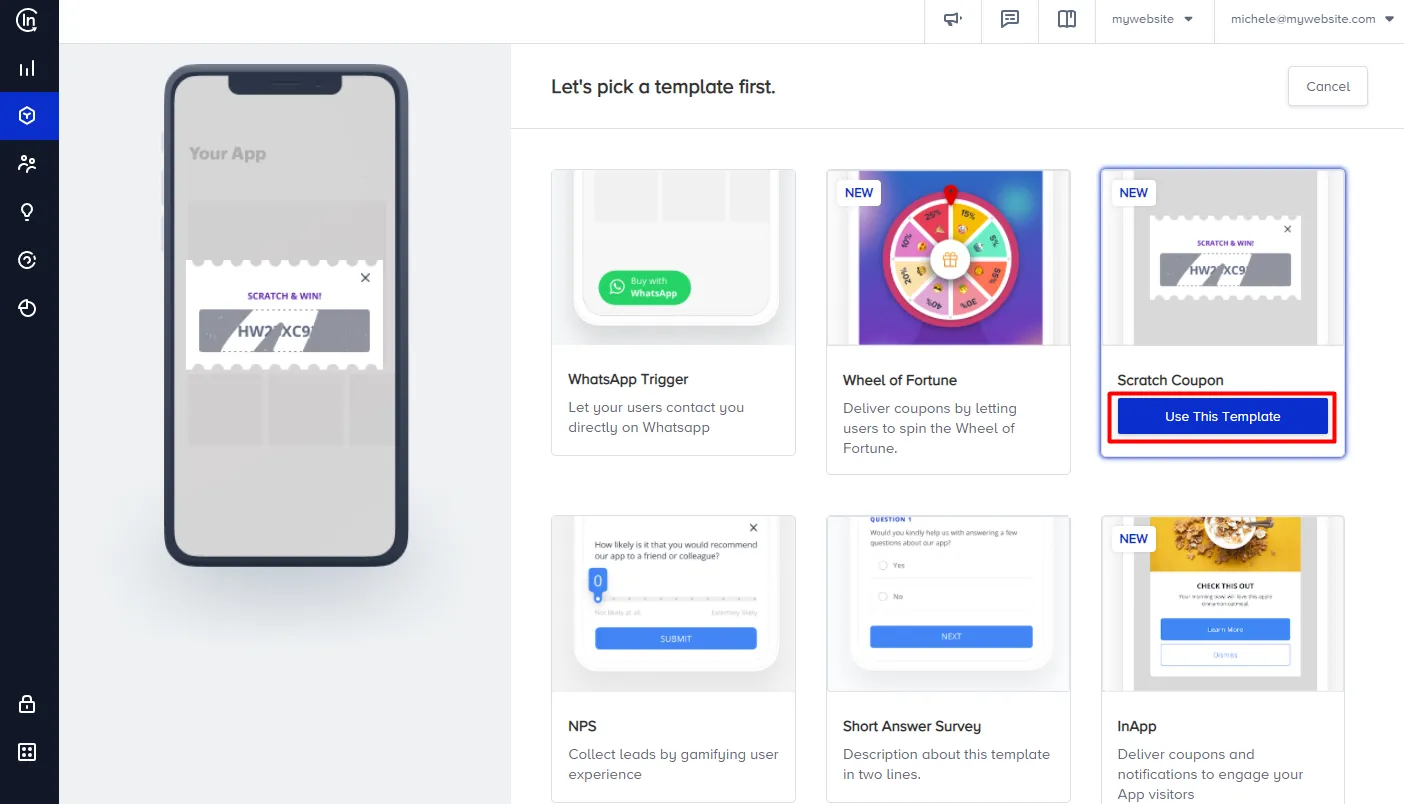
Insider is a cross-channel growth management platform with strong e-commerce and retail use cases. Its segmentation capabilities include predictive audiences (likelihood to purchase, churn risk, discount affinity) built on top of behavioral data. The platform covers push, web push, in-app, email, SMS, and onsite personalization in a single tool.
Insider is positioned at the enterprise end of the market. Implementation typically involves professional services and the pricing reflects that. For teams that need deep e-commerce personalization across every channel, the breadth justifies the investment. For teams primarily focused on mobile push, it’s likely more platform than needed.
- Best for: Enterprise e-commerce and retail teams running full cross-channel personalization programs.
- Pricing: Enterprise custom.
11. Customer.io
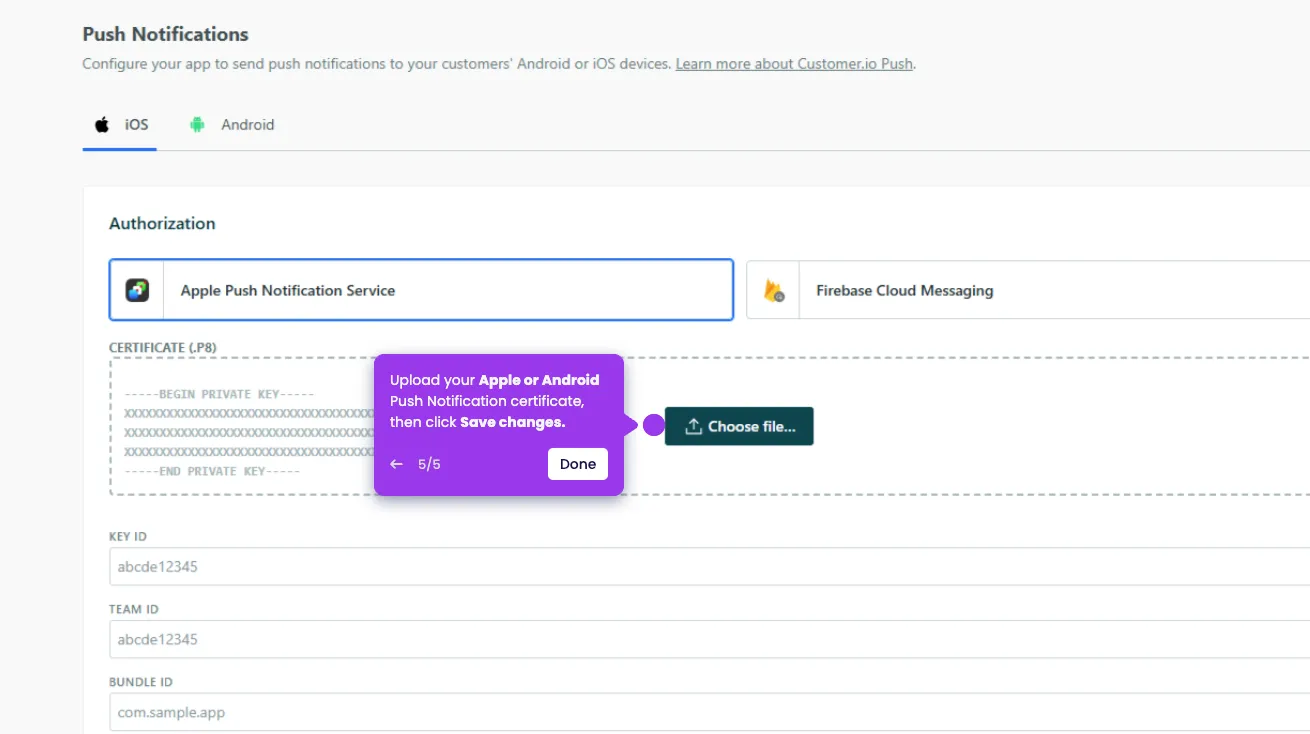
Customer.io is a messaging automation platform built around a flexible data model that accepts any event or attribute you send it. It supports push, email, SMS, and in-app messages with a workflow builder that handles complex conditional logic well. The platform is popular with SaaS and subscription app teams because it handles transactional and marketing messaging in the same tool.
The tradeoff versus Pushwoosh is mobile-specific depth. Customer.io doesn’t include built-in RFM segmentation, and its push capabilities — while solid — are less feature-rich than platforms built primarily for mobile. For teams whose primary channel is mobile push with lifecycle automation, Pushwoosh covers the same ground with stronger mobile-specific tooling.
- Best for: SaaS and subscription apps that need transactional and marketing messaging in one platform, with a data-model-first approach to segmentation.
- Pricing: Tiered by number of people tracked. Transparent pricing.
How to set up Pushwoosh and send your first campaign
The setup path is the same for iOS and Android. A developer handles the SDK integration once; everything after that is accessible through the Pushwoosh dashboard without code.
Step 1: SDK integration (developer, ~2-4 hours)
Add the Pushwoosh SDK to your iOS and Android projects. For iOS, this means configuring the APNs credentials (.p8 key) in the Pushwoosh console and adding the SDK via CocoaPods or Swift Package Manager. For Android, add the SDK via Gradle and configure it with your FCM credentials.
The SDK handles device token registration automatically. Full integration documentation: docs.pushwoosh.com.
Step 2: configure your app in the Pushwoosh console (~30 minutes)
Create your app in the Pushwoosh console, upload your APNs .p8 key for iOS, and add your FCM server key for Android. This connects the platform to Apple and Google’s delivery infrastructure. Once configured, Pushwoosh handles all APNs and FCM communication from here.
Step 3: verify device registration (~10 minutes)
Install your app on a test device. Open it once after SDK integration. The device token appears in the Pushwoosh console under your app’s devices list within a few seconds. This confirms the pipeline is working before you build any campaigns.
Step 4: define your first segment (~15 minutes)
Even for a first campaign, skip the ‘all users’ option. Start with a specific segment: users who installed in the last 7 days, users in a specific country, or users who completed onboarding but haven’t made a purchase. In the Pushwoosh console, segments are built visually using filter conditions on tags and events. See: segmentation documentation.
Step 5: create and send the campaign (~20 minutes)
In the campaign editor, choose ‘Push notification’, write your title and message body, add a deep link to the relevant screen, attach rich media if applicable, select your segment, and schedule or send immediately. Before sending to the full segment, use ‘Send test’ to verify the notification renders correctly on a real device.
First campaign sent. The analytics dashboard starts populating with delivery, open, and click data in real time.
Step 6: build your first automated journey (~1-2 hours)
Once the baseline setup is confirmed, move into the Customer Journey Builder. A cart abandonment sequence is a reliable first journey: entry trigger on add_to_cart event without a subsequent purchase event, 30-minute delay, first notification, 24-hour delay, second notification with a discount to users who still haven’t purchased, exit on purchase event.
This sequence runs automatically without any further manual work. Add A/B test splits on message copy or timing to start building performance data from the first week.
Choose the right push notification service and start sending with Pushwoosh
The difference between push notification services shows up in operations, not feature lists. Segmentation that stops at demographics limits every campaign downstream. A journey builder that requires a developer for every change creates a permanent bottleneck. Analytics that show opens but not revenue make it hard to justify the channel.
Pushwoosh is built for mobile-first teams that need advanced segmentation, no-code automation, and fast time to first campaign — without enterprise pricing or enterprise onboarding timelines.
Or go straight to pushwoosh.com/pricing to see plans.