.pkpass is the file format Apple Wallet uses for passes: boarding passes, loyalty cards, coupons, event tickets. It’s not an app and it’s not an image. It’s a signed ZIP archive with a specific structure, and once you know what’s inside it, most of the questions people have about Wallet passes answer themselves.
Inside a .pkpass file: What’s actually in it
Rename a .pkpass to .zip, unzip it, and you’ll find a small set of files. Four things matter:
- pass.json — the pass itself. Fields, colors, barcode, the text that shows on the front and back. This is where a boarding pass becomes a boarding pass and a coffee card becomes a coffee card.
- manifest.json — a list of every file in the archive with a SHA-1 hash of each. It’s the checksum sheet that proves nothing was tampered with.
- signature — a cryptographic signature of the manifest, made with an Apple-issued certificate. This is the part that makes Wallet trust the pass. No valid signature, no pass.
- Images — icon.png, logo.png, and any strip or thumbnail art, usually at 1x, 2x, and 3x resolutions for different screens.
That’s the whole package. The design lives in pass.json, the images sit next to it, and the manifest plus signature are there to prove the bundle is authentic and unaltered. It’s a deliberately boring, verifiable container.
Do you need an Apple Developer account to create one
Short answer: yes to make them, no to receive them.
The signature file is what forces the account. It has to be produced with a Pass Type ID certificate, and you only get one of those through an Apple Developer account, which runs $99 a year. Without that certificate you can assemble every other file correctly and Wallet will still refuse the pass, because it can’t verify who issued it.
Your customers need none of this. The developer account is a requirement for the issuer, the business creating and signing passes, not for the person adding one to their phone. They just tap Add. The certificate work happens once, on your side, long before a pass reaches anyone.
.pkpass vs. a generic wallet pass
People say “wallet pass” loosely, so it’s worth pinning down. A .pkpass is specifically Apple’s format. Google Wallet uses a different mechanism entirely, based on pass objects defined through its API rather than a signed file you download.
So a .pkpass is one kind of wallet pass, the Apple kind. If you’re building for both platforms, you’re producing an Apple .pkpass and a Google Wallet object from the same underlying data, not one file that works everywhere. Same idea for the customer, two different technical paths behind it.
How to open or test a .pkpass file
A few practical ways to inspect one before you ship it:
- On an iPhone or Mac, double-tap or open the file and Wallet previews it directly, exactly as a customer would see it.
- To see the guts, rename the file to .zip, unzip, and open pass.json in any text editor. This is the fastest way to check fields, colors, and barcode values.
- To validate the signature, Apple’s signpass tool and various online pass validators will tell you whether the manifest and certificate check out. A pass that previews fine on your own device can still fail for others if the signing is off.
Skipping the file format entirely
Most people who need Wallet passes never want to touch pass.json, manage a signing certificate, or debug a manifest hash. They want a card their customers can add, one that updates when the data changes. The format is a means, not the goal.
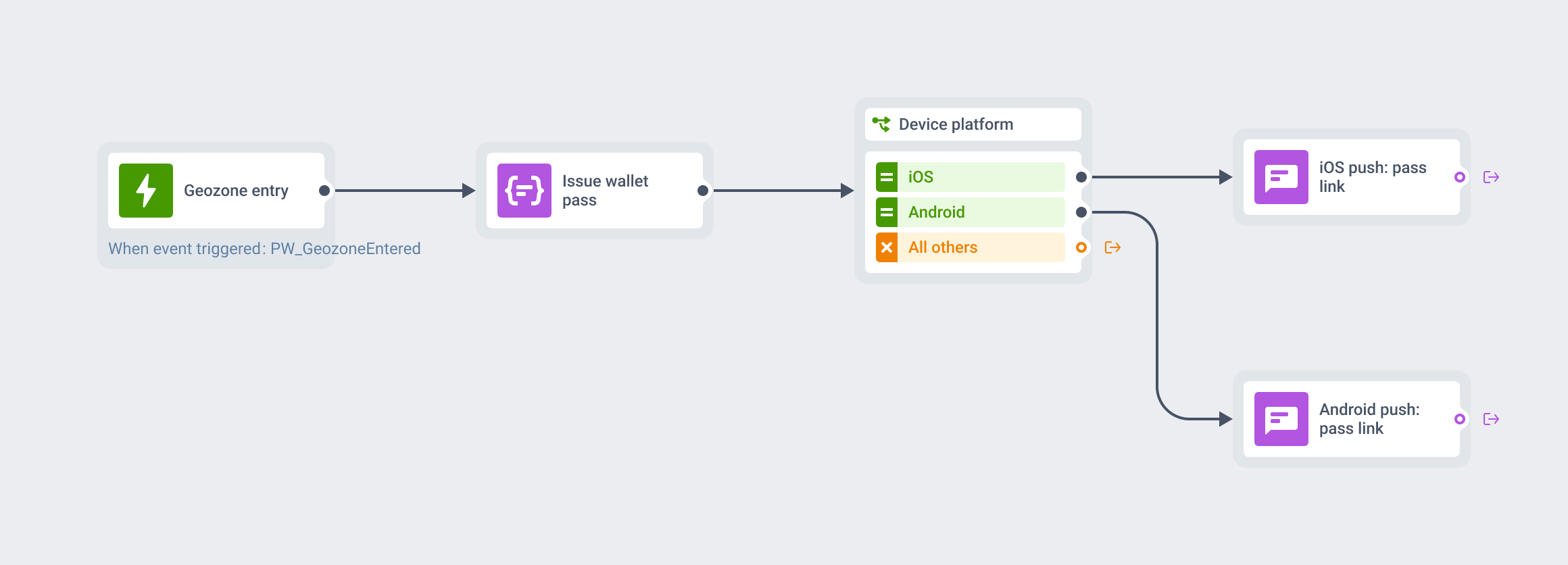
You don’t have to touch the .pkpass format at all. Pushwoosh handles the signing and packaging; you design the card and it ships. See Wallet Passes.