July’s barely started, and the team has already shipped a full stack: a brand-new channel, a safety net for your email sends, and SMS you can run start to finish on your own.
Here’s what changed 👇
New channel: Viber 💬
You can now configure Viber in Pushwoosh, send one-time Viber campaigns, and add a Viber step inside Customer Journey Builder, alongside push notifications, in-app, email, SMS, WhatsApp, and Telegram.
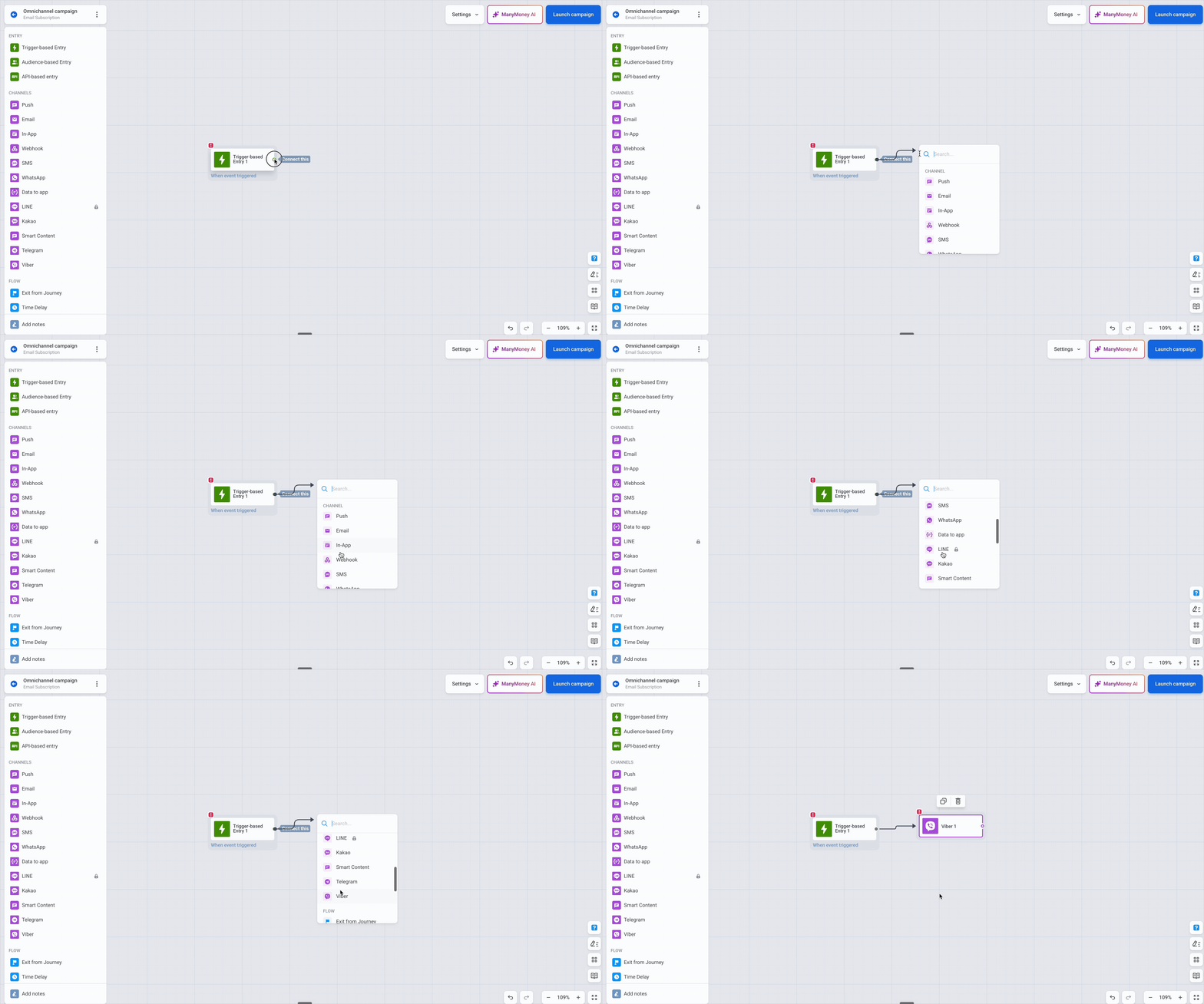
Why it’s important: For a lot of apps — especially across Eastern Europe, the Middle East, and parts of Asia — Viber is where a real share of users actually read messages. Reaching them there used to mean running a separate tool on the side. Now Viber orchestrates the same way as every other channel: same segmentation, same triggers, same reporting on one canvas.
Catch email issues before you hit send 📩
The email send form now has an Audit your email step that runs two checks before anything goes out: a Content check and a Compliance check.
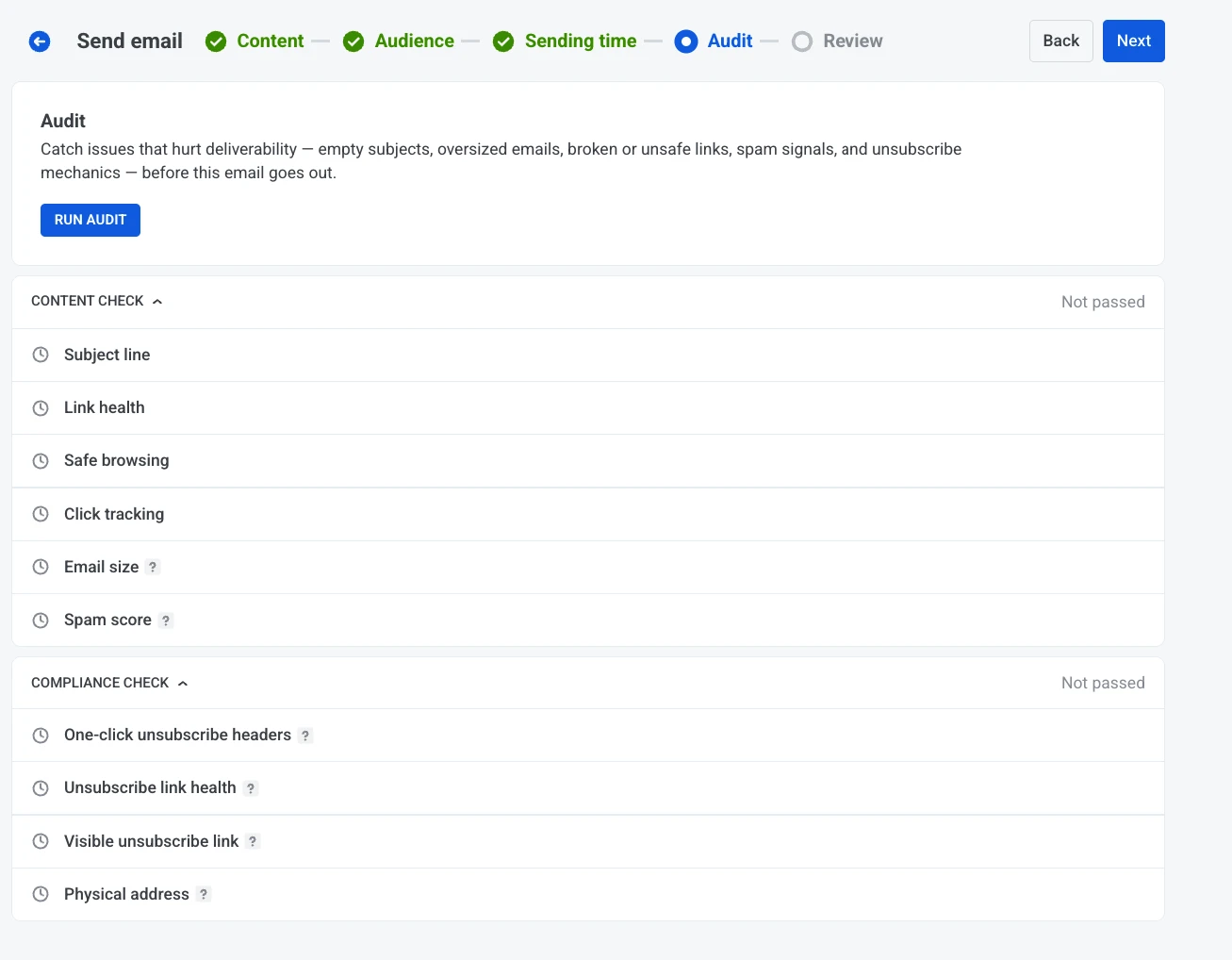
Why it matters: A broken CTA link, a missing unsubscribe, or a compliance gap is the kind of thing you only notice the second after you click Send — once it’s already in a few hundred thousand inboxes. The audit surfaces those problems while you can still fix them, not in the post-send report when it’s too late to matter.
Say you’re pushing a promo to your full list. Run the audit, and Pushwoosh flags the dead link and the missing unsubscribe footer up front. You patch both and send clean.
For the bigger picture on inbox placement, see our email deliverability guide.
SMS is now self-serve, end-to-end 📲
3 changes that, together, mean you can run SMS without a setup ticket or a journey:
Connect your own provider. Pick a supported SMS provider in the Control Panel and connect it yourself in minutes, instead of waiting on a manual setup.
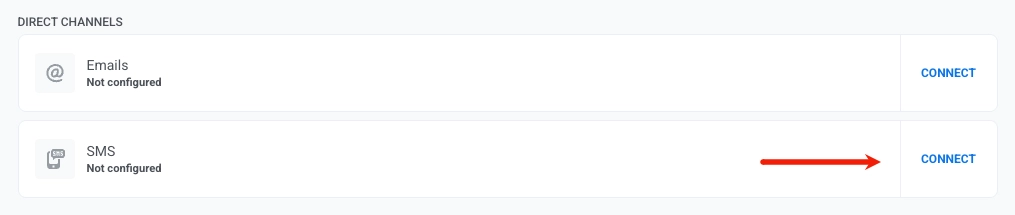
Send one-time SMS without a journey. Fire a single SMS campaign straight from the send form. Changed your mind after scheduling? Edit or cancel it before it goes out.
A tighter builder. The SMS preset editor shortens links inline so messages stay lean, and shows character count, encoding, and message parts as you type — so you can see what actually drives cost before you send.
In-app editor: entry animations and autosave 🎬
2 quality-of-life updates in the rich media editor.
Entry animation. Choose how an in-app message enters the screen — None, Fade, or Default — so the appearance matches the message. Learn more →
Autosave. The editor keeps a draft in your browser as you work. Reopen a template and it offers to restore unsaved changes, kept for up to 7 days. No more losing a half-built creative to a closed tab. Learn more →
Work in your language 🌍
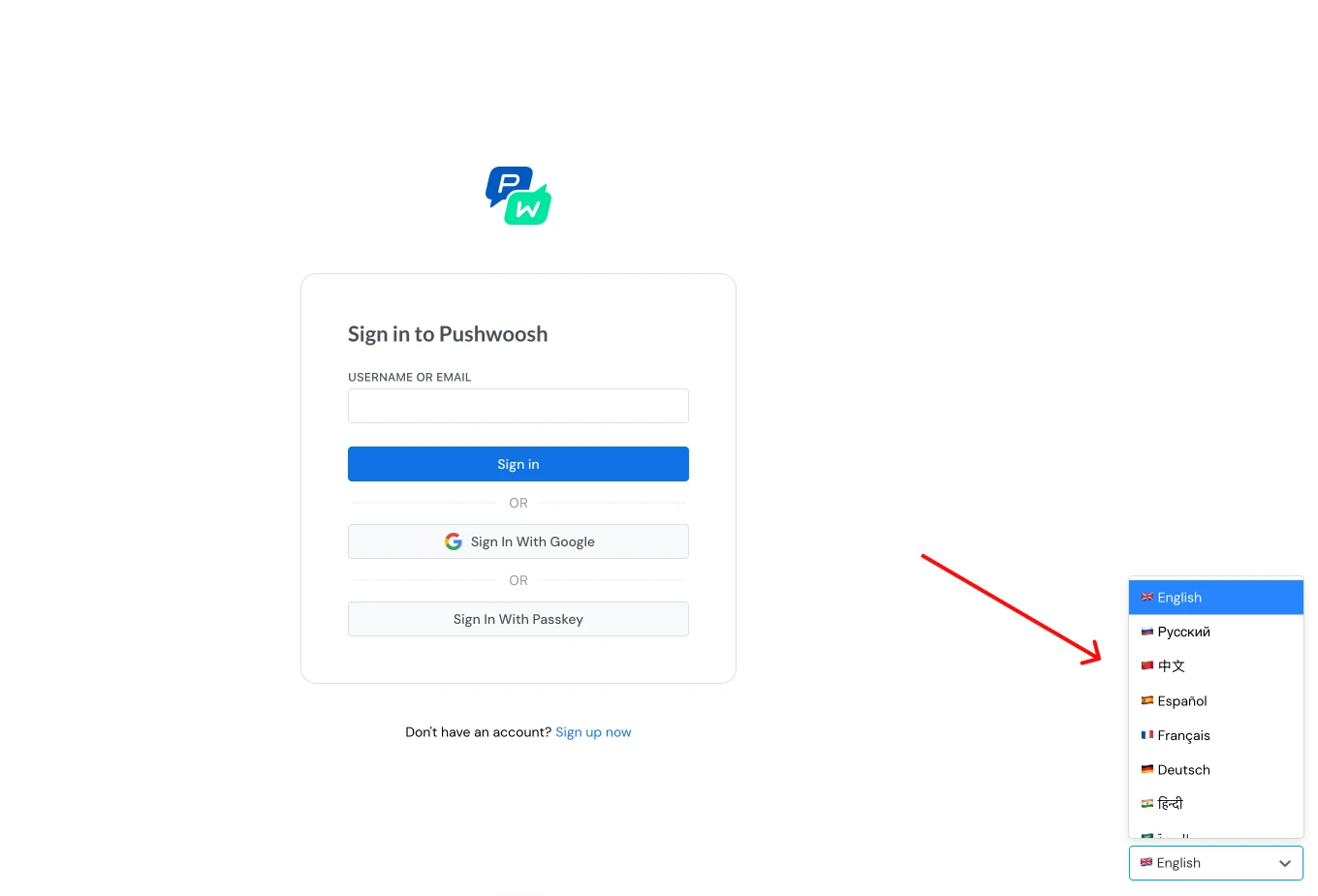
The Pushwoosh Control Panel is now available in 14 languages. Now, everyone on the team can work in the language they think in — useful when the people running campaigns aren’t all in the same office or the same country.
Sharper reporting & faster investigation 📊
3 updates that make it easier to see what your messaging is doing:
- 📊 Frequency capping statistics — See exactly how sending limits affect delivery. Suppressions and affected users now show up in push, email, and Customer Journey reports, plus a dedicated block on the project dashboard. Learn more →
- 🗂️ Refreshed message history — A cleaner, more functional layout for reviewing message and campaign performance, with detailed stats a click away. Learn more →
- 🔎 Filter received messages by type in User Explorer — When you’re investigating a single user, filter their received-message list by message type to get to the relevant activity faster. Learn more →
For developers: Messaging API v2 ⚙️
A few additions for teams sending via the API:
- Viber via Notify — Send Viber messages through the Notify endpoint. See the payload reference.
sms_preset— Reference a saved SMS preset directly in your API payload.- Update — Replace a scheduled message by its
message_codebefore it sends, without cancelling and recreating it. See Update → use_latest_user_device— Deliver only to a user’s most recently active device instead of all of them. See Notify →
Try the updates yourself
More July updates are on the way. Until then, browse everything that shipped recently in the Pushwoosh release notes, or sign in and put these to work.