June kept shipping after vol.1. New ways to reach users — wallet passes, push stories, a richer in-app inbox, and segment-targeted Web popups, plus full subscription tracking from the App Store and Google Play. A set of journey and API controls also came up a lot in support.
Let’s dive deeper 👇
New channel alert! Wallet passes are here — Apple & Google 🎟️
You can now design, distribute, and update wallet passes straight from Pushwoosh.
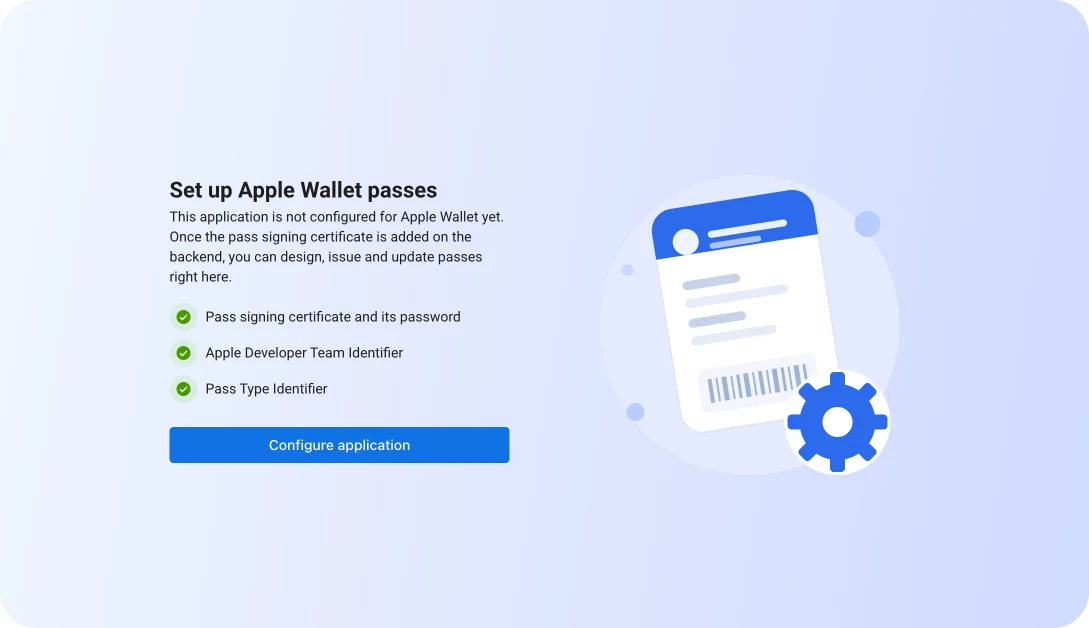
Build the pass — loyalty cards, offers, gift cards, event tickets, boarding passes — share it with a save link or QR code, and update it whenever you need to.
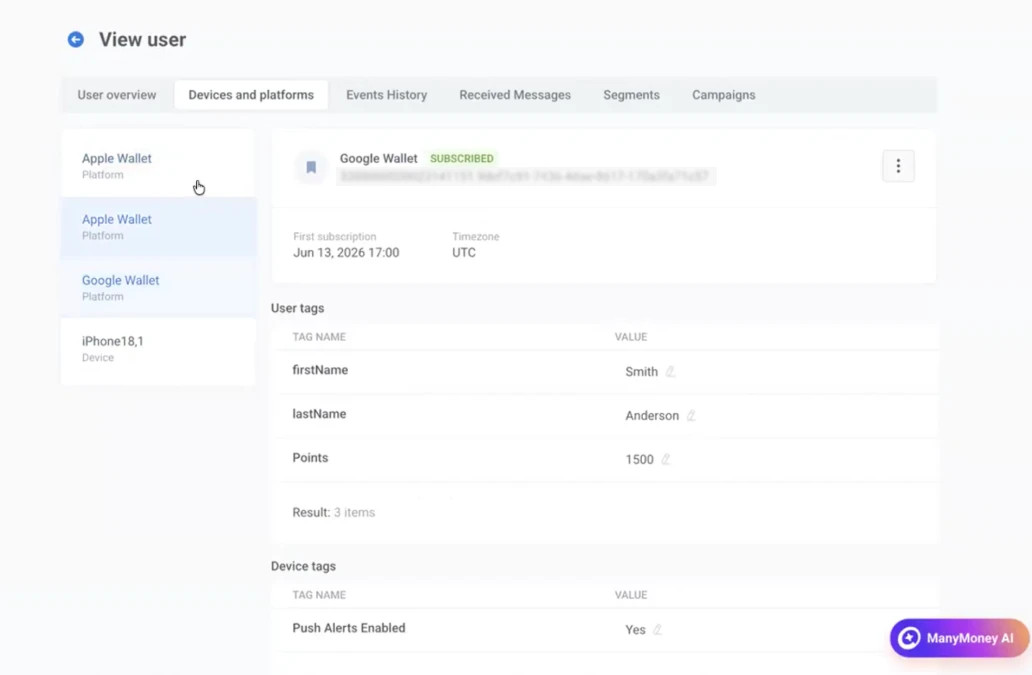
NB! Wallet passes are a channel that doesn’t even require your app to be installed. The pass lives in the user’s wallet, not in your app. This lets you reach people who never downloaded it — or uninstalled it months ago.
Full-screen push stories on iOS 📲
A push notification can now open into a full-screen, Instagram-style stories experience. Instead of one line of text, the user taps the push and steps through a sequence of full-screen frames with images, text, and CTAs.
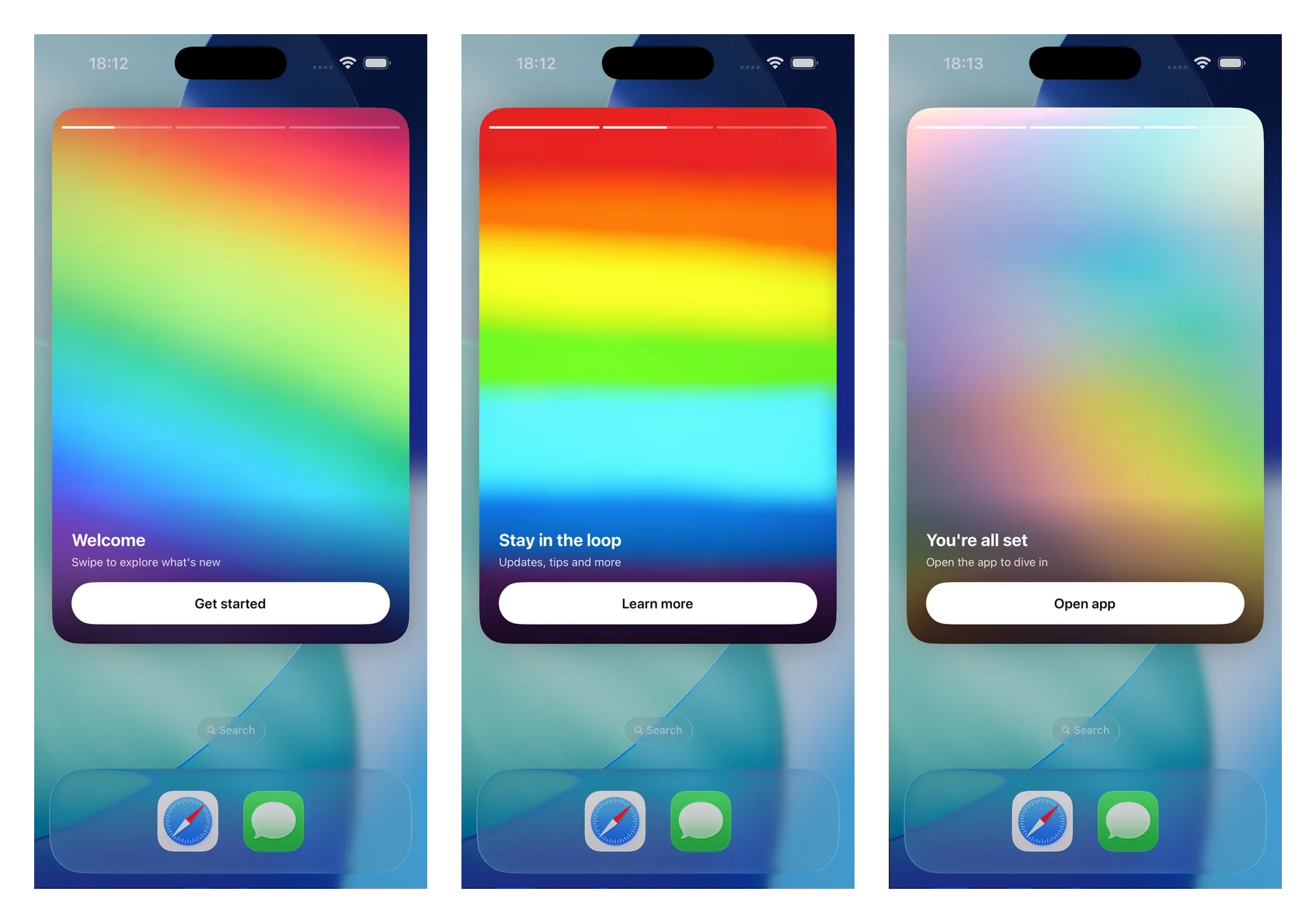
Why it matters: Most of a push’s potential dies in the character limit. Stories give you room to tell something — a multi-step onboarding, a feature reveal, a limited drop — delivered straight from the notification, before the user even opens your app.
Push stories ship with the latest iOS SDK, so ask your dev to enable them.
A richer app inbox 📥
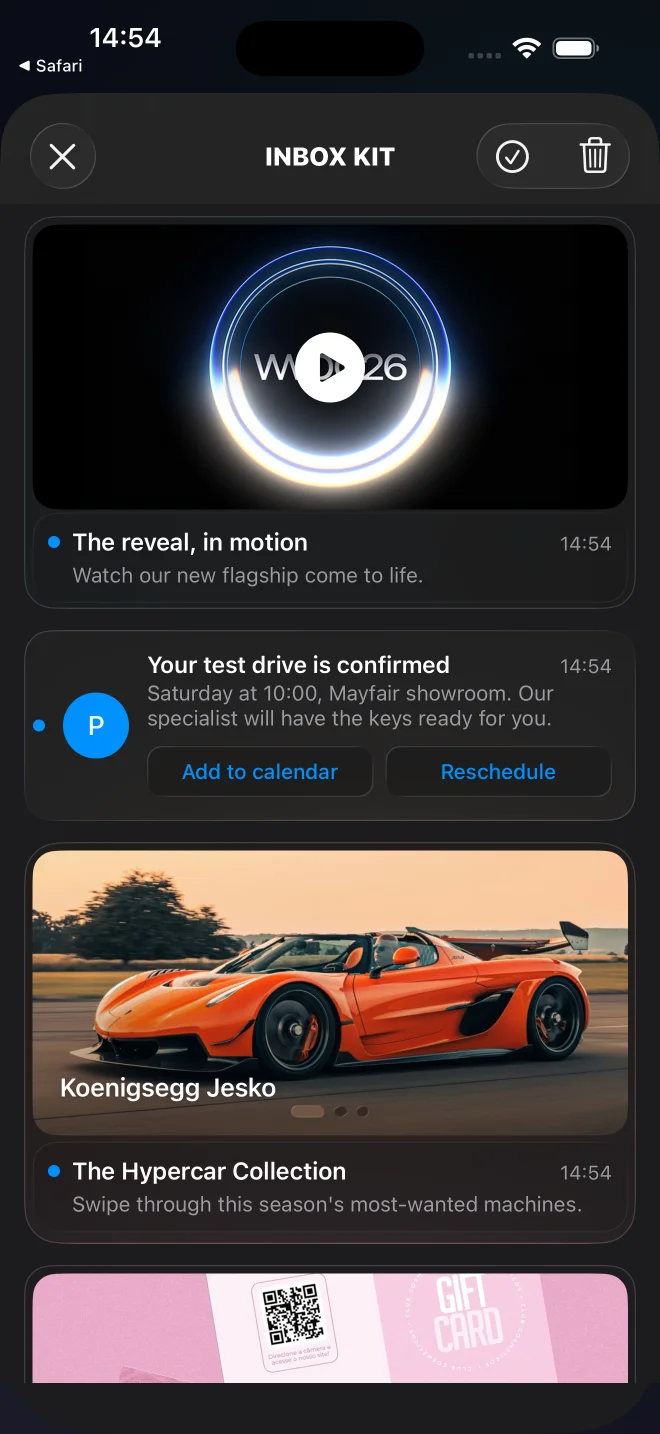
The Pushwoosh InboxKit for iOS got a redesigned UI and new card types. Alongside the classic and banner layouts, you can now show carousel, video, and Apple Wallet cards, with inline CTAs, pinned messages, and swipe-to-delete.
The inbox stops being a plain text list and starts looking like a content feed users actually browse:
Target Web popups by segment 🌐
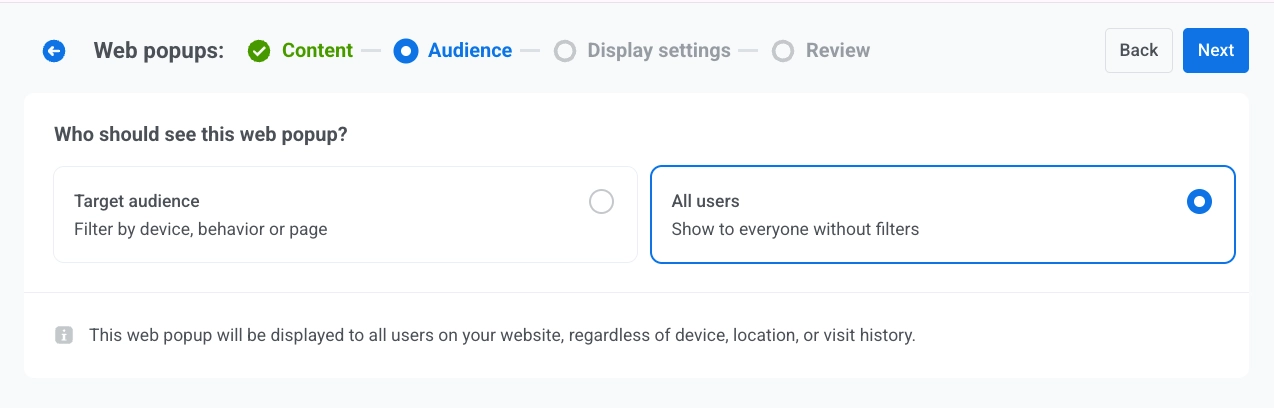
We launched Web popups as a new channel, and now you can decide who sees them.
On the audience step, choose a ready-made segment, or custom conditions built on Tag, Event, Segment, and User ID:
Subscription tracking — full lifecycle from App Store & Google Play 💳
Connect App Store Server Notifications and Google Play to Pushwoosh, and the whole subscription lifecycle flows in as events: purchases, renewals, cancellations, billing issues, and refunds.
What it changes: Subscription state used to sit in the stores or a separate tool, out of reach of your messaging. Now every change arrives in Pushwoosh as an event you can segment on and trigger journeys from, so you can act the moment it happens.
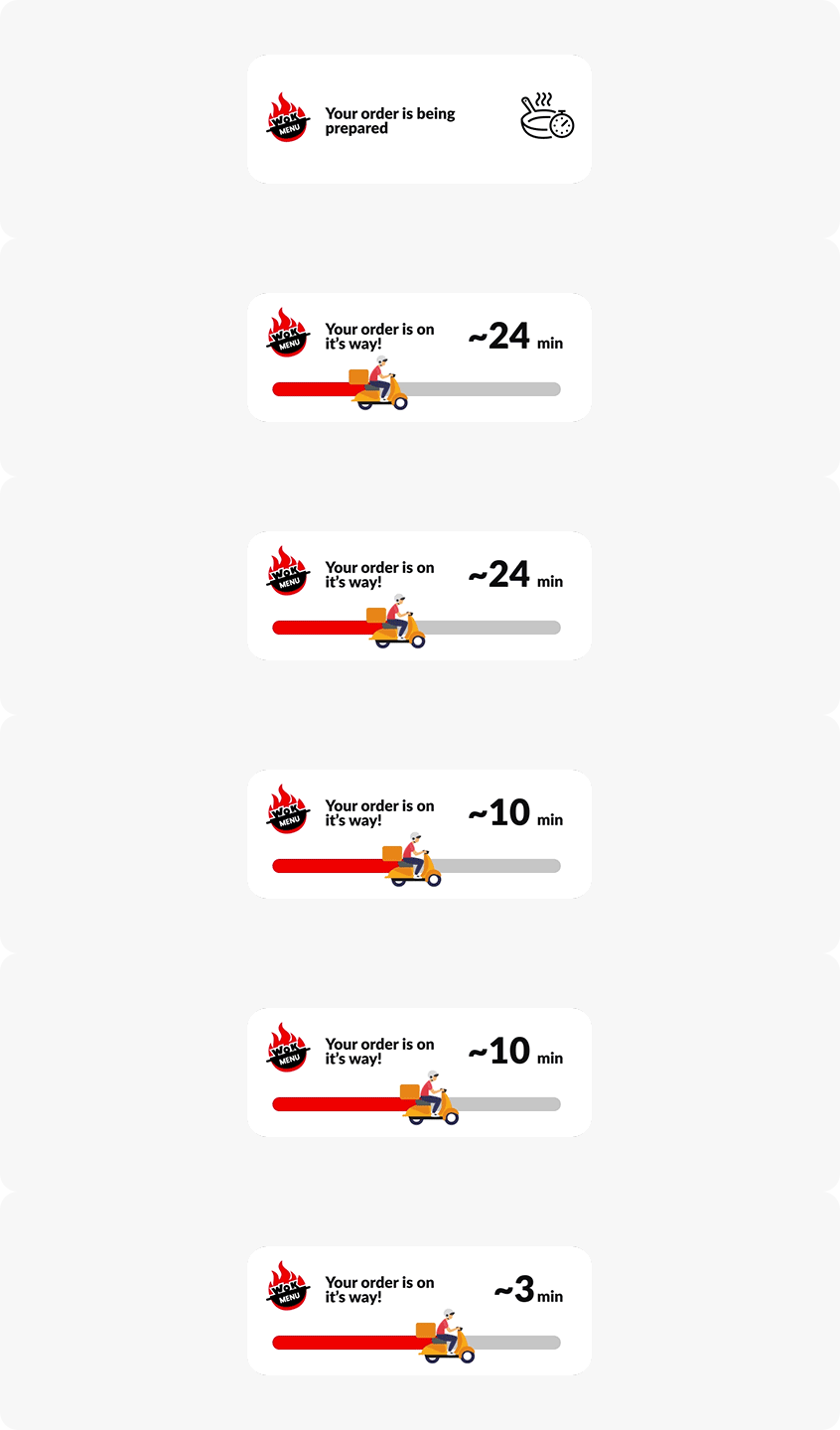
Live Updates are now available on Android ⚡️
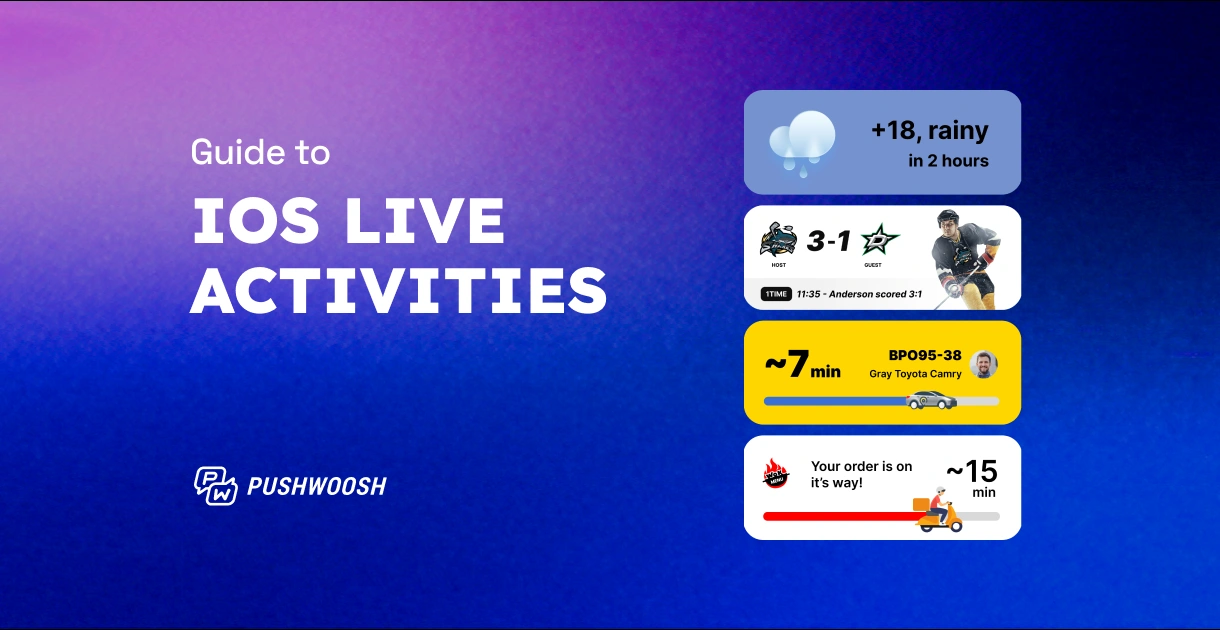
Progress-style notifications on Android 16+ that update in place: order status, delivery ETA, ride arrival. The Android counterpart to iOS Live Activities.
🔄 Learn more about Android Live Updates →
More control over journeys & APIs ⚙️
- ⚙️ Customer Journey API — Create, update, and manage journeys programmatically — trigger API-based entries and read journey statistics over REST/JSON. Useful when journeys are part of a larger automated system instead of built by hand each time. Learn more →
- 📲 Send to last active device — A new toggle in the Push element. With it on, the push goes only to the user’s last active device instead of all of them — fewer duplicate notifications for multi-device users. Learn more →
- ↩️ Allow re-entry — A dropdown in trigger-based entry that decides what happens when a user triggers the journey again: ignore the repeat, or restart their session from the top. Learn more →
- 🚫 Cancel a message before send — Messaging API v2 now has a Cancel method — pull back a scheduled message before it goes out. Learn more →
- 📊 In-app stats in the CJ Statistics API — For in-app elements, the journey statistics response now returns in-app
pointStatfields — shows (Impressions), interactions (Interactions), and skipped (In-App Skips) — in place of sent/opened/conversion. Learn more →
Content, sending & analytics updates 🛠️
The smaller wins that come up every day.
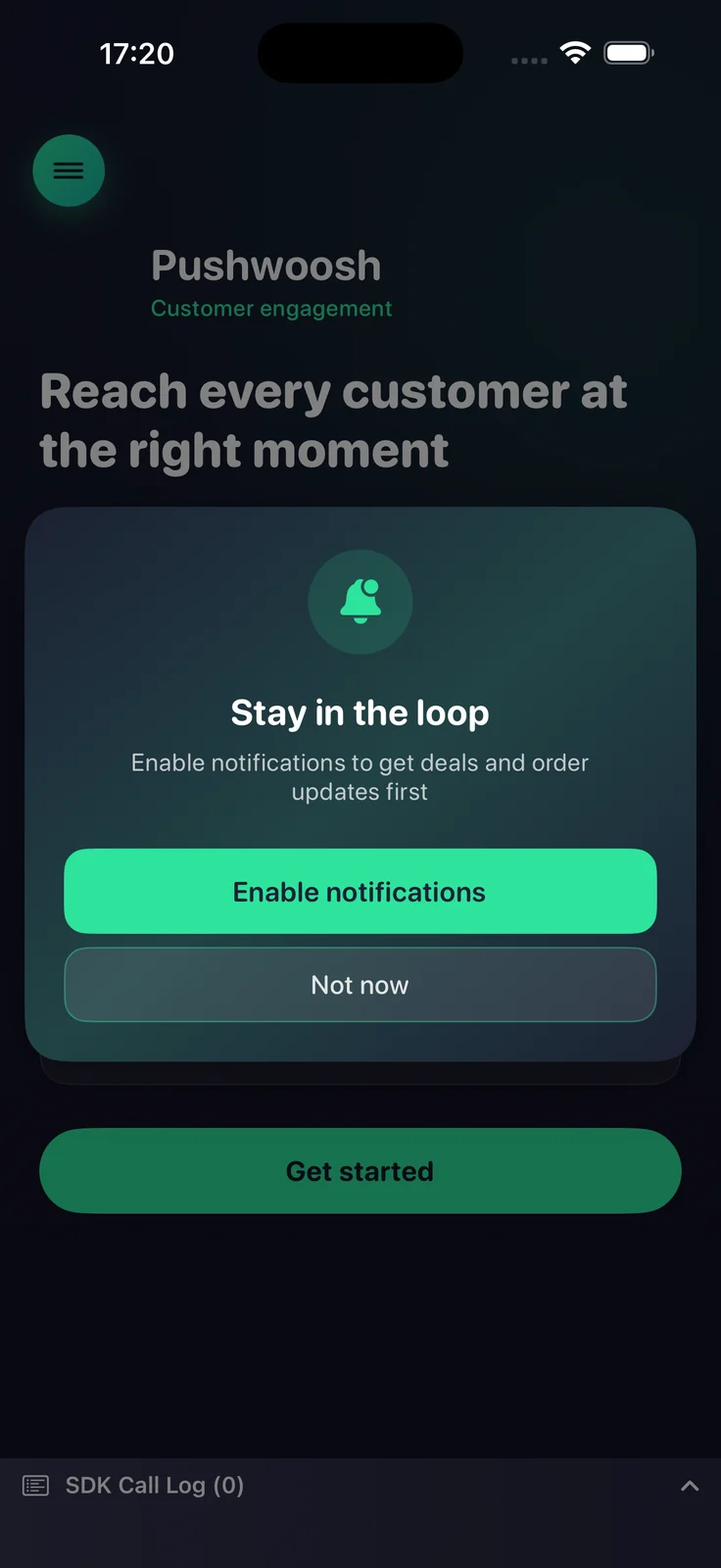
🔔 iOS Push Primer — A customizable soft opt-in dialog shown before the iOS system permission prompt. Ask in your own words, at the right moment, and only fire the real prompt for users likely to say yes. Fewer hard “Don’t Allow” taps, higher opt-in. Learn more →
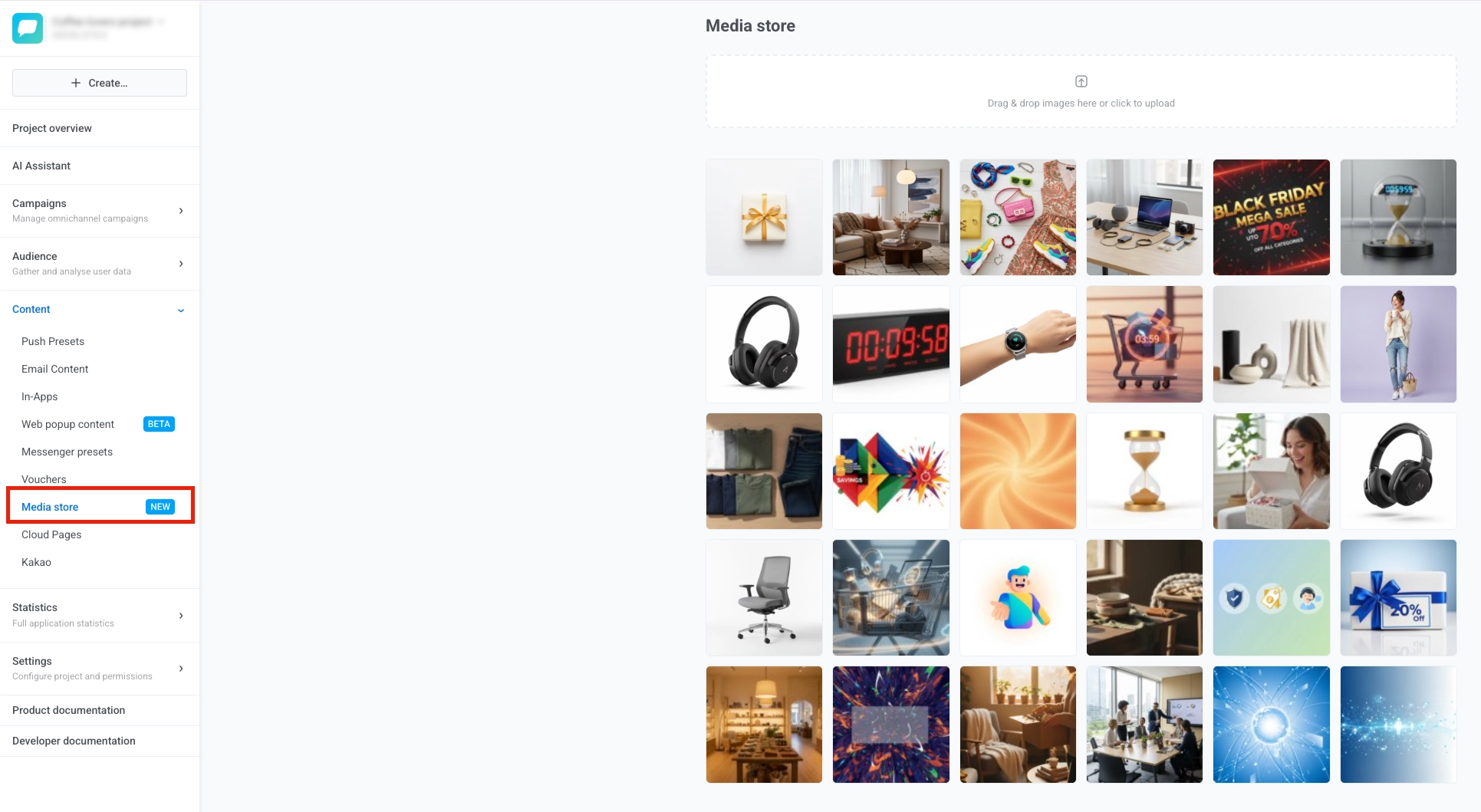
🖼️ Media store — A project-level image library. Upload an image once, reuse it anywhere by its stable URL, create resized aspect-ratio variants without leaving the editor, and delete what you no longer need. Learn more →
- 🗂️ One-time messages, reorganized — Message History is gone from Statistics; one-time messages now live under Campaigns → One-time messages. The list gets new filters and sorting, clearer Scheduled / Pending statuses, and a Copy message code button. If you bookmarked the old path, that’s where it moved. Learn more →
- 🕐 Timezone for instant in-app schedule — Set the timezone for an instant in-app campaign’s start and end dates on the Display settings step. Learn more →
- 👁️ Unique Impressions and Unique Interactions for in-apps — Two new in-app metrics that count distinct users who saw and engaged with a message, alongside the existing totals. Learn more →
- ✅ Validate Liquid syntax — A button in the push preset that checks your Liquid markup before you save, so a broken tag doesn’t ship to users. Learn more →
- 🔗 Singular integration — Push attribution and postbacks. Attribution data flows back for segmentation and analytics, so you can see which installs your messaging actually moved. Learn more →
Try the updates yourself
Everything above is live in your account. Not sure where to start? Describe a goal to ManyMoney AI, Pushwoosh’s marketing co-pilot, and let it draft the first campaign for you.
For the full list, check our release notes.