Reach users right inside your Windows and Mac app
Send push notifications to your installed Windows and Mac apps, even when they're closed, from the same campaigns you already run on mobile.
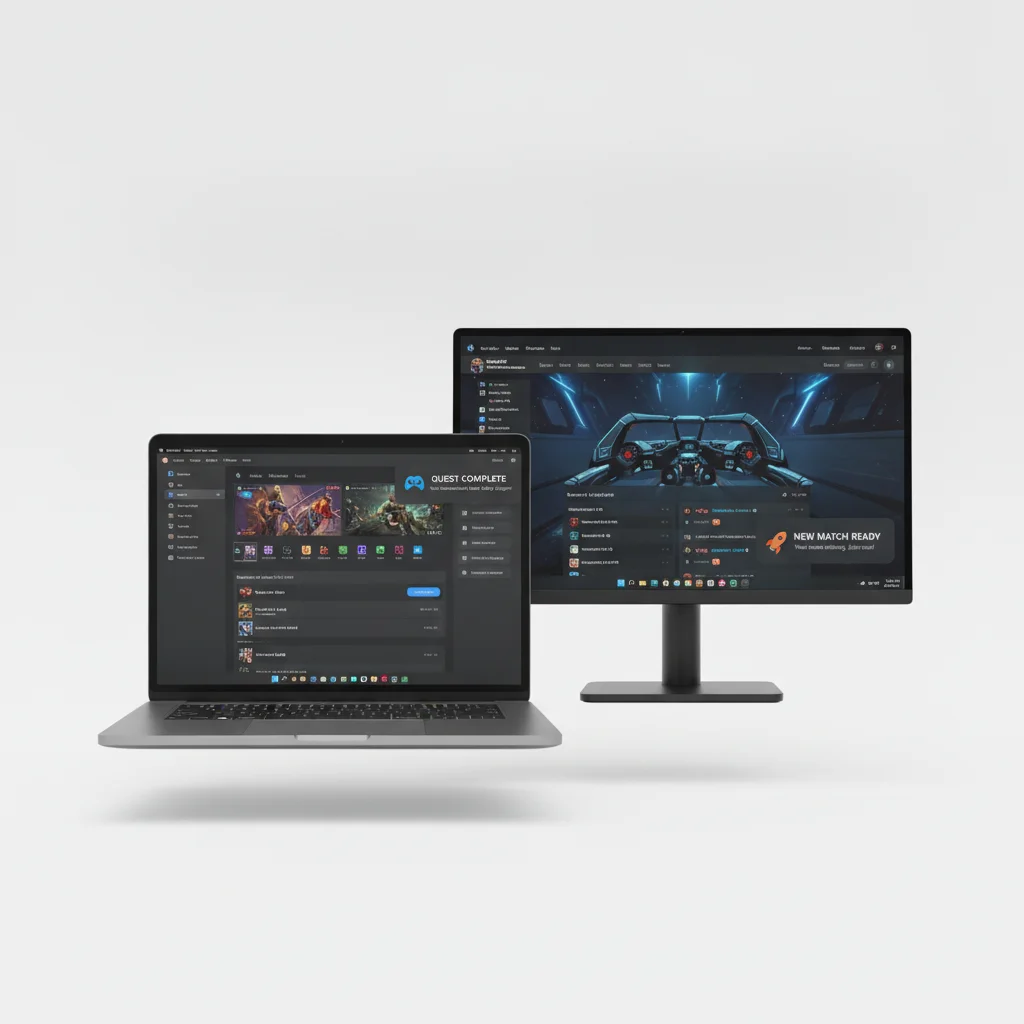
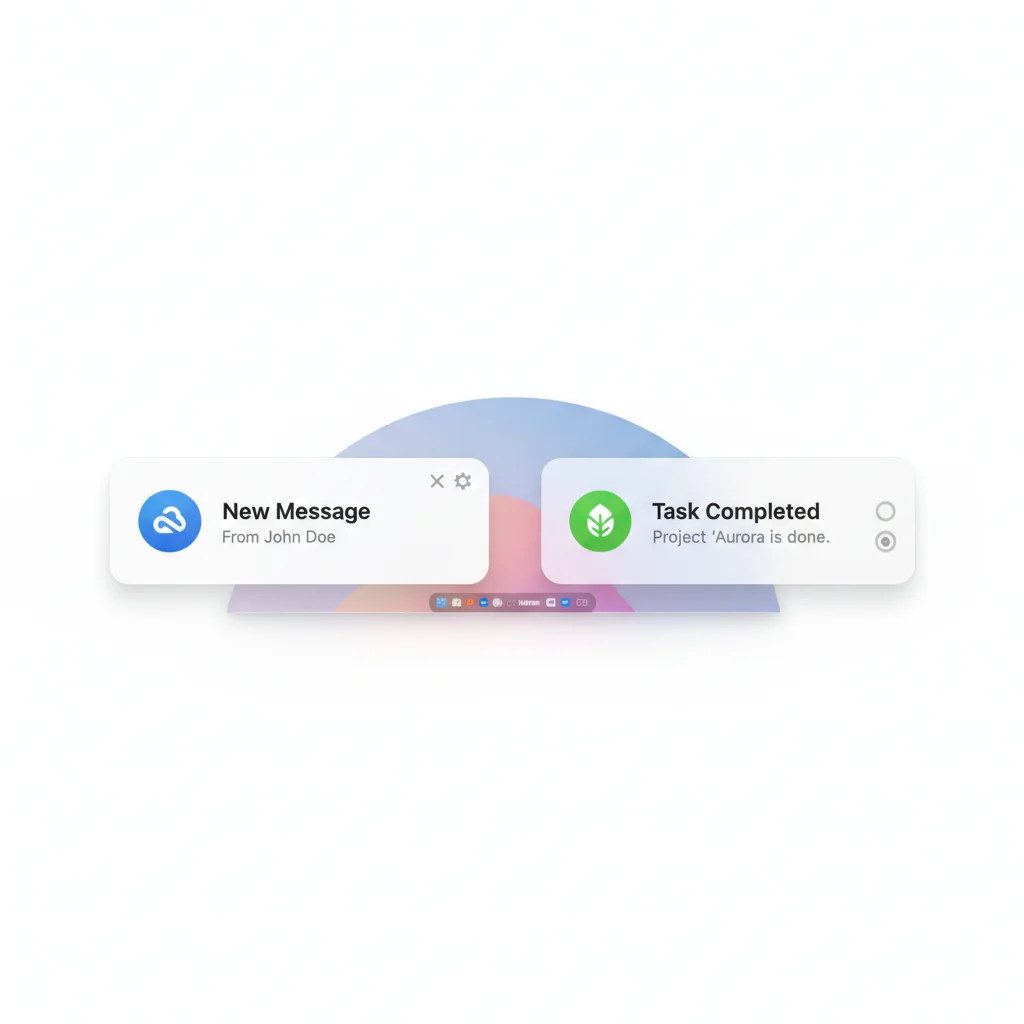
Native push to Windows and Mac apps
Desktop push notifications go to an installed app, not a browser.
- Windows — Pushwoosh delivers through the Windows Push Notification Service (WNS) to UWP and Microsoft Store apps.
- macOS — delivery runs through Apple’s APNs to a native app.
- Works when closed — the app can alert the user even when it is not running.
Everything out of the box
Native Windows & Mac push
A toast on Windows, a Notification Center banner on Mac — even when the app is closed.
Same campaigns as mobile
One audience, one Journey, one set of segments across every device.
Every surface in one platform
Mobile, web and desktop, with fallback across all of them.
What desktop push is for
Desktop push earns its place when you ship a real Mac or Windows app. It is built for desktop moments that pull a user back to the client.
Games
Live-ops, timer refills, new content and return nudges to the installed game.
Media & streaming
New episode, live show or breaking-news toast on the desktop app.
Mac App Store apps
Re-engagement and "what's new" to your macOS app.
Windows business apps
Task, approval and status alerts to a UWP or Store app.
Cross-platform fallback
Reach users on desktop when mobile can't.
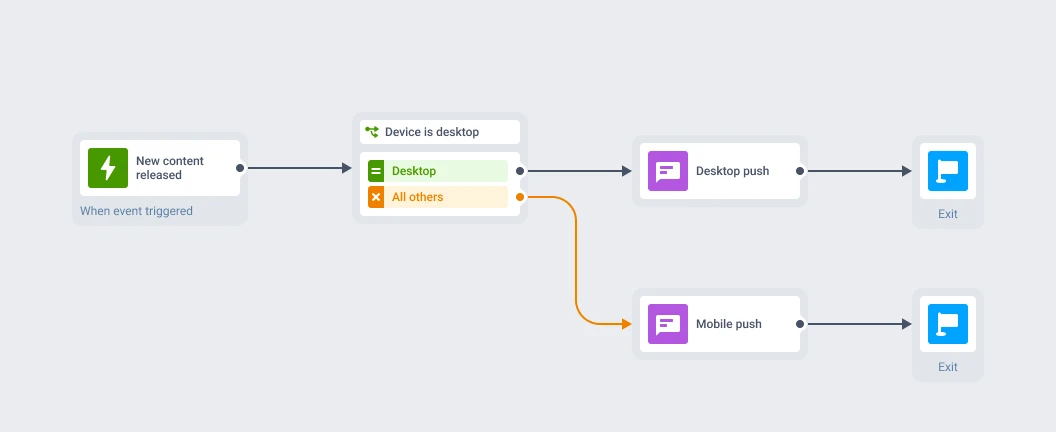
One campaign across every surface
Desktop is not a separate tool. Your Mac and Windows app is just another device on the same user profile, carrying the same tags, events and segments as your mobile and web audience.
Build one message in the Customer Journey and reach players on iOS, Android, web and desktop, with reachability checks and fallbacks.
How you set it up
-
Add the native SDK
Desktop push uses a native SDK in your app.
-
Register on macOS
The Pushwoosh OS X SDK registers with APNs.
-
Connect on Windows
The Pushwoosh Windows SDK connects to the Windows Notification Service and renders Toast notifications for your UWP or Store app.
-
Manage from one place
The desktop is addressable from the same Control Panel, REST API and Customer Journey as every other channel.
Reliable and EU-hosted
Pushwoosh runs at 99% uptime and delivers fast, even during a live-ops spike. Your data is stored and processed on Pushwoosh’s own hardware in the US and Germany, with GDPR and BDSG compliance for European senders.
99% uptime
Fast, dependable delivery that holds up during a live-ops spike.
Own hardware, US & Germany
Your data is stored and processed on Pushwoosh's own infrastructure.
GDPR & BDSG
Compliance built in for European senders.
Add desktop to your communication reach
Reach your users on desktop, alongside mobile and web. Book a demo or start for free.
Explore related products
Web push notifications by Pushwoosh — browser-delivered pushes that reach visitors after they leave your site. Any browser, desktop and mobile, plus iOS via PWA. Free to start.
Mobile push notifications by Pushwoosh — every-device reach, rich content, precise targeting, cross-channel Journeys and 99% uptime. Turn notifications into loyal, paying users.
From sports updates to breaking news to weather alerts and travel updates, seconds can make a huge difference. Our powerful High-Speed Delivery technology allows sending up to 500,000 push notifications per second!
In-app messaging by Pushwoosh — onboard, upsell, announce and collect feedback right when app users are paying attention. No-code editor, native SDK layouts, per-element analytics. Free to start.
Message Inbox adds an in-app notification center to your app and website. Silent delivery reaches every user, including the ones who declined push, and saved messages stay available on their own time.
Move fast with a visual editor that turns your ideas into clicks.