Reach users who never turned push on
Message Inbox adds an in-app notification center to your app and website, where important updates stay available. Choose a notification, or silent delivery that reaches everyone, including users who declined push.
Trusted by 80,000+ companies to scale their engagement
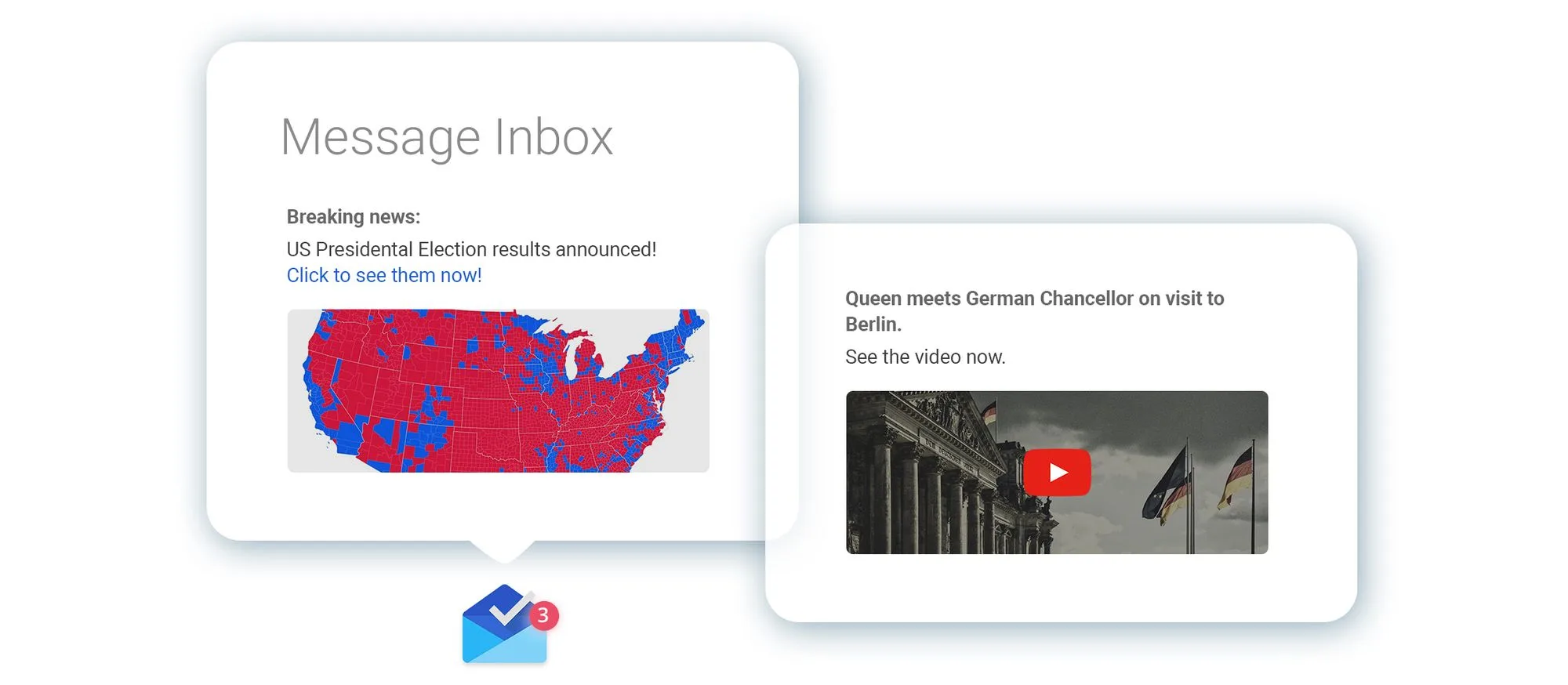
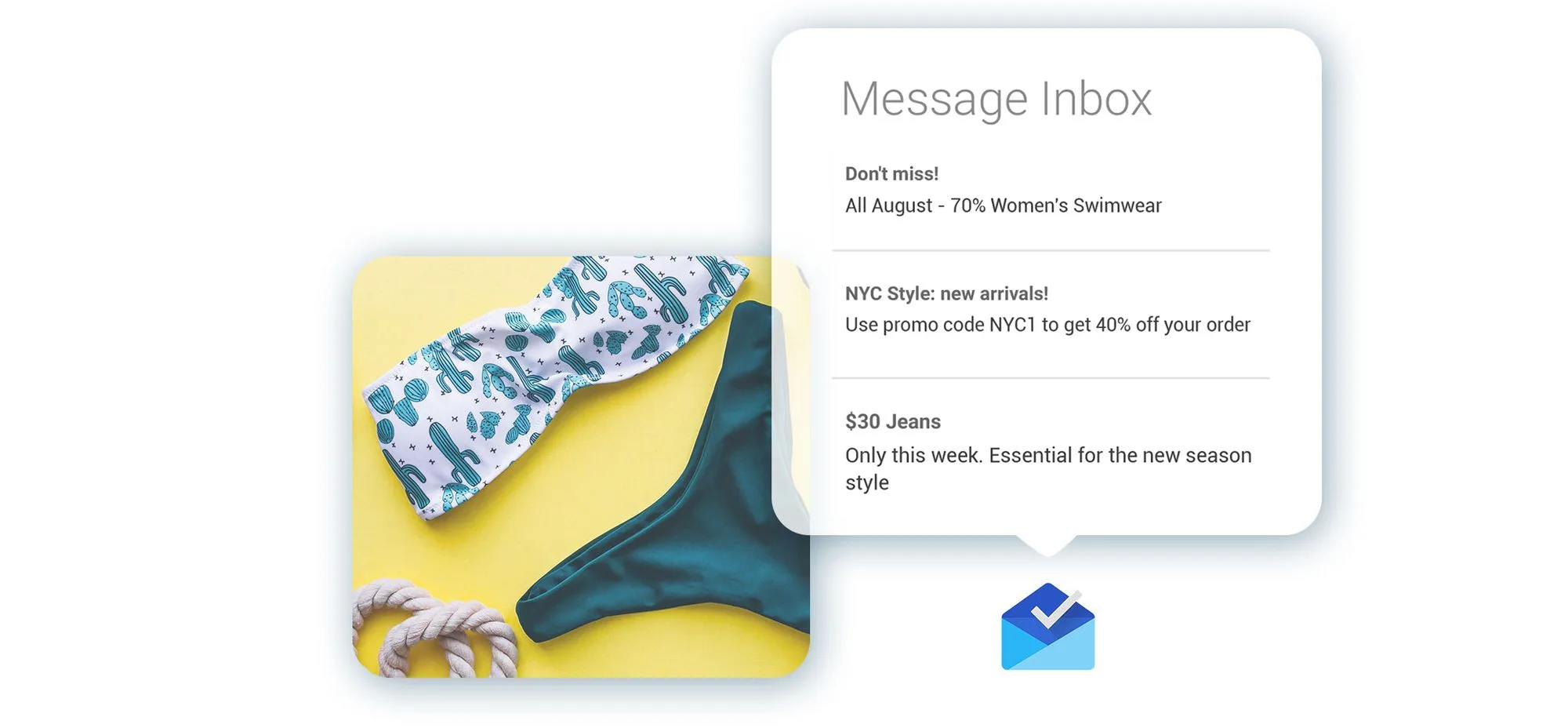
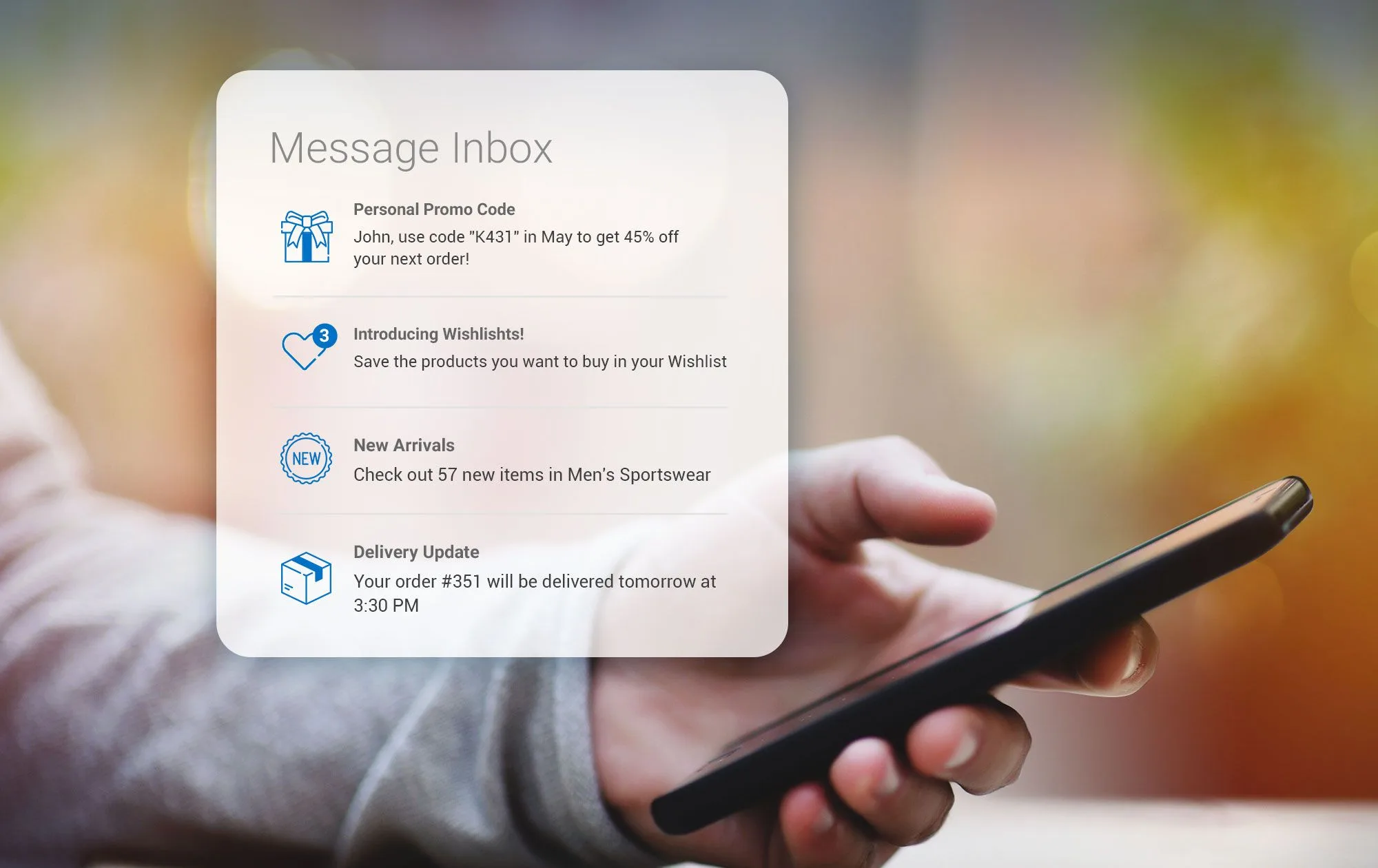
A mailbox built into your app and website
Flag any message to persist and it lands in a message center users can reopen on their own time, on mobile or on the web.
- Messages stay readable after the notification is gone.
- Read and unread state, with an unread count.
- Rich media and a custom icon per message.
- Tap actions — reopen the original action, an in-app banner, or a rich page.
- Ready-made inbox UI, or a fully custom one you build.
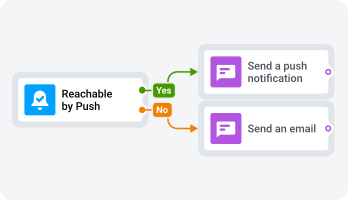
Silent delivery, no push permission needed
An inbox message arrives silently and surfaces the next time the user opens your app. Pushwoosh can keep the device token even when someone opts out, so the message still reaches them.
Let users keep what matters most
The inbox carries both the transactional messages people need to re-find and the offers they want to act on later.
Order & booking confirmations
Confirmations, shipping updates, and statements.
Payment & transfer alerts
Charges, transfers, and payment reminders.
Security & account notices
Login alerts and account changes, kept after the alert clears.
Coupons & sale reminders
Codes and offers with a shelf life.
Product updates
A what's new feed users can scroll back through.
In-game mailbox
Rewards, gifts, and event reminders.
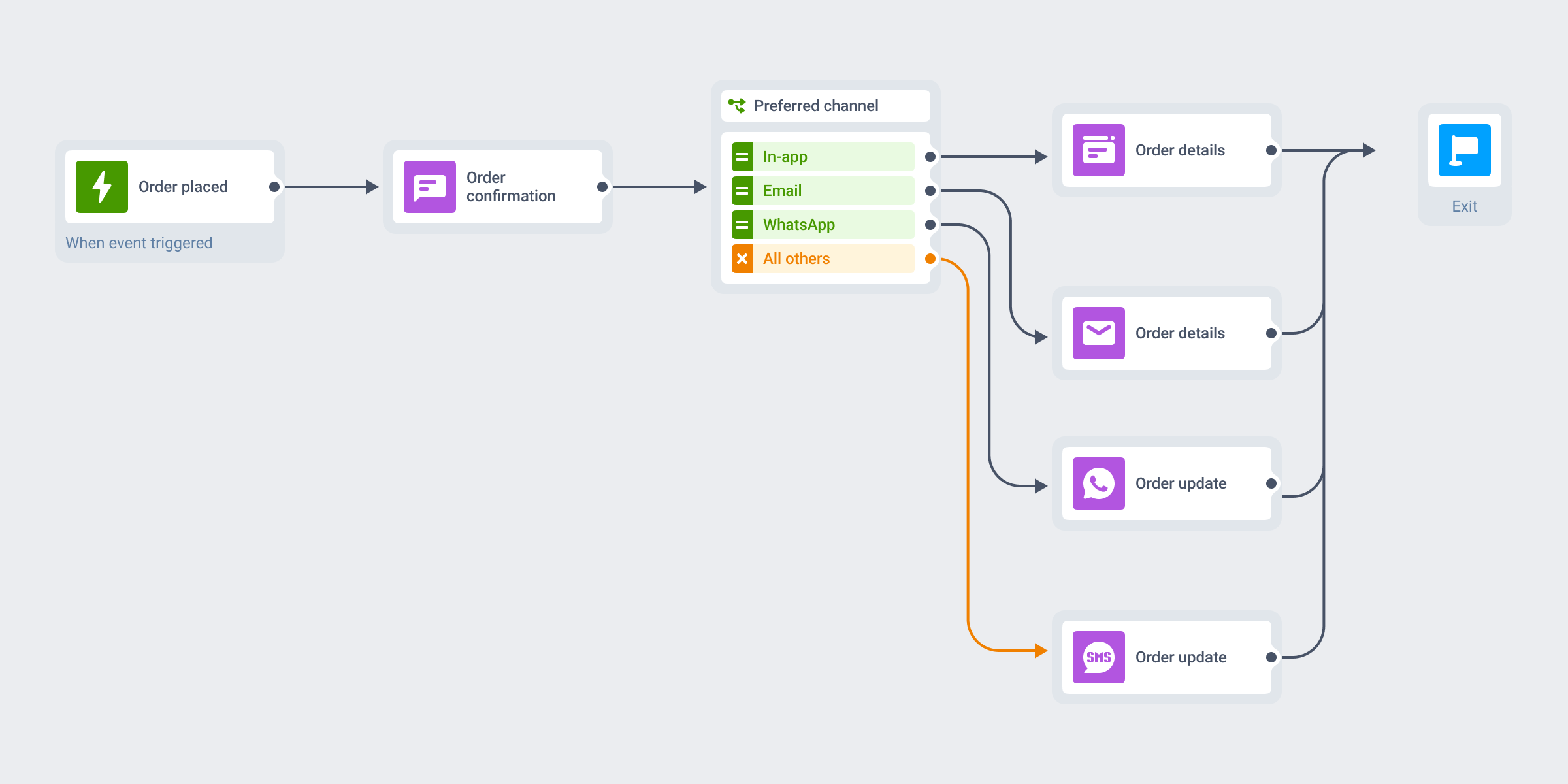
Save to inbox from a journey or a one-time push
Toggle Save to inbox on a push step in a customer journey, or on a one-time push, and the message you already send is kept too. No separate campaign to build.
- Set how long each message stays before it clears out.
- Adjust how the saved message displays in the inbox.
- Same journey as push, in-app, email, SMS, and WhatsApp, against one profile.
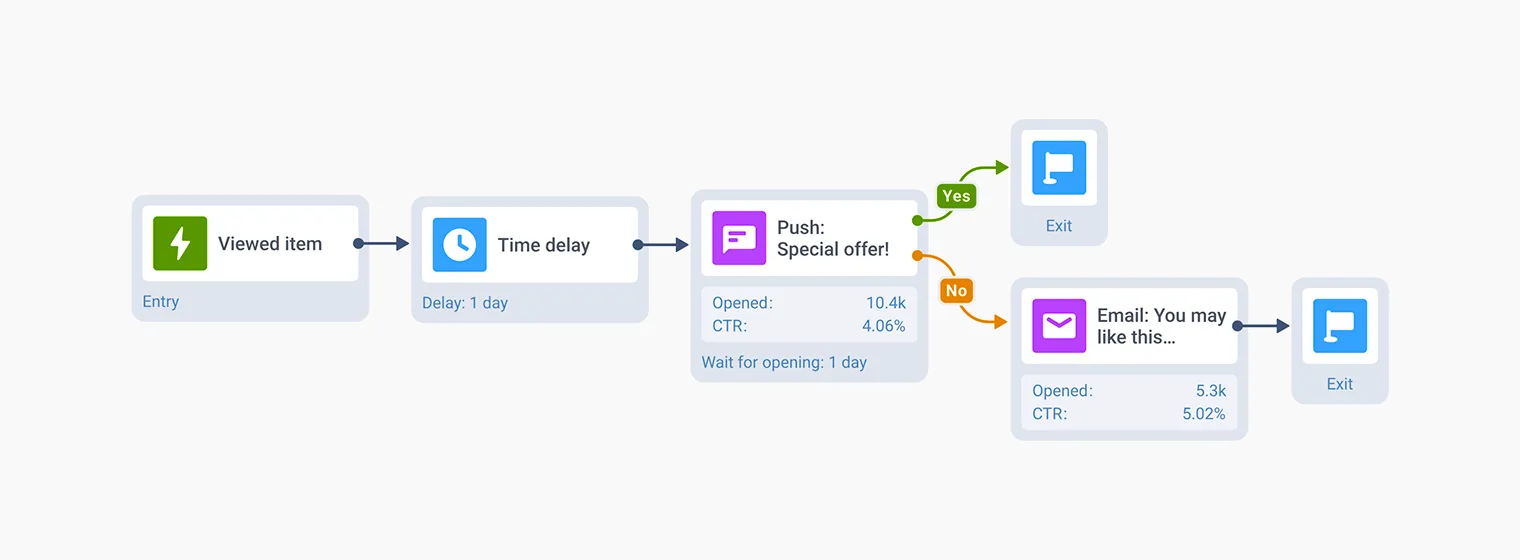
See how the inbox performs
See which saved messages people open, and how much reach you recover from users who never get a notification.
- Mobile inbox statistics inside the customer journey, next to the push step.
- Detailed inbox interaction data through the Pushwoosh API.
Stored on your own EU hardware
Inbox messages persist on the device and on Pushwoosh’s own hardware in Germany, under GDPR and BDSG, with no US cloud provider involved. The inbox stores content server-side, including transactional data, and it stays there.







How it works
-
Configure your platforms and embed the SDK
Set up iOS, Android, or web in the Control Panel, add the Pushwoosh SDK, and start subscribing users.
-
Add the inbox UI
Your developers use the native iOS and Android libraries, the cross-platform presentInboxUI, or the Web Push SDK. Take the ready-made screen, or build a custom one.
-
Turn on Save to inbox
Switch it on in a journey or a one-time push, or set the inbox fields via the createMessage API.
Start reaching your whole base
See the Message Inbox demo, or start building on your own.
Explore related products
Wake your app in the background to refresh data or sync state, with no alert or sound shown to the user. Free on every Pushwoosh plan.
In-app messaging by Pushwoosh — onboard, upsell, announce and collect feedback right when app users are paying attention. No-code editor, native SDK layouts, per-element analytics. Free to start.
Mobile push notifications by Pushwoosh — every-device reach, rich content, precise targeting, cross-channel Journeys and 99% uptime. Turn notifications into loyal, paying users.
Web push notifications by Pushwoosh — browser-delivered pushes that reach visitors after they leave your site. Any browser, desktop and mobile, plus iOS via PWA. Free to start.
Map out and streamline your campaigns with one visual tool. Communicate, engage, retain, convert, segment, and experiment using Pushwoosh Customer Journey Builder.
Unify customer experiences with multi-channel orchestration. Coordinate messaging across email, SMS, push, and more for seamless, personalized journeys.