Silent push notifications
Wake your app in the background to refresh data or sync state, with no alert or sound shown to the user. Available on every plan, including free.
What silent push gives you
No-code toggle
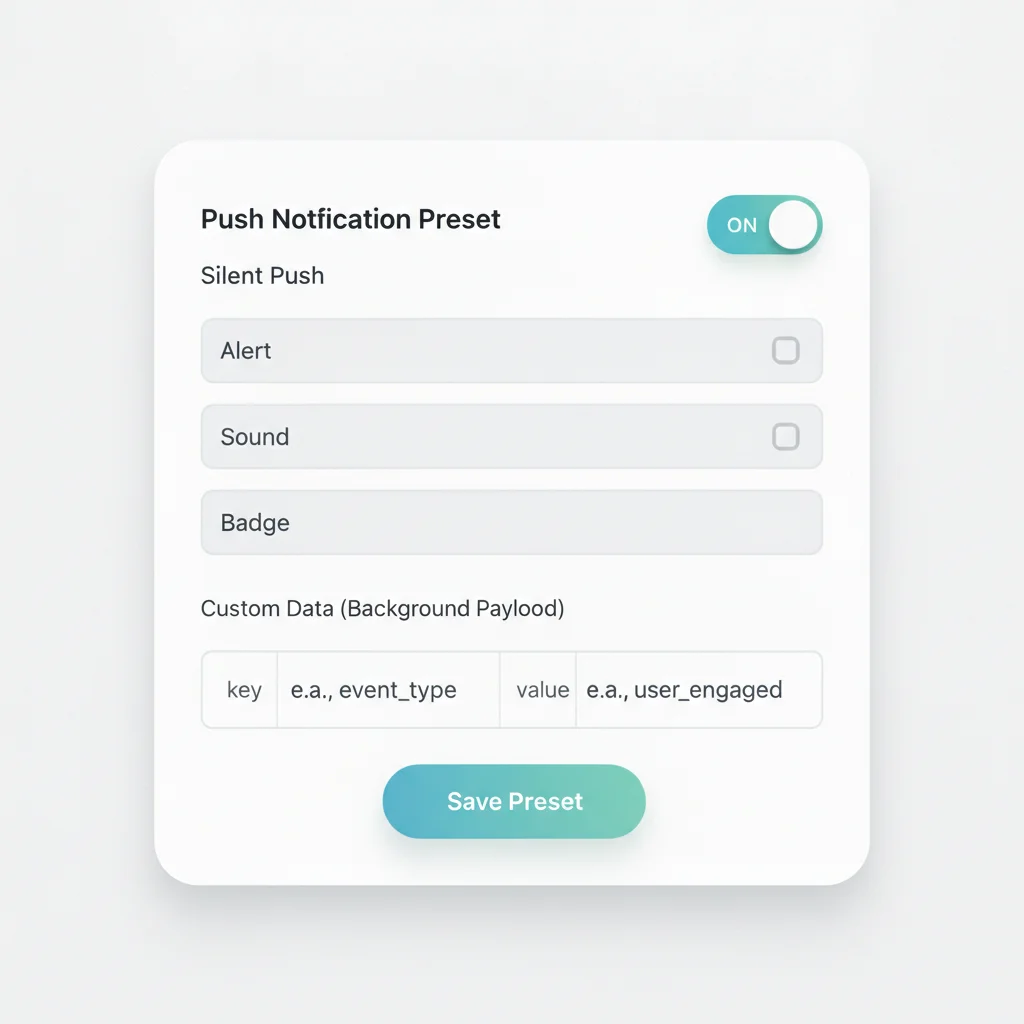
Silent Push in a push preset, or Send silent notification on a one-time push. No custom payload to write by hand.
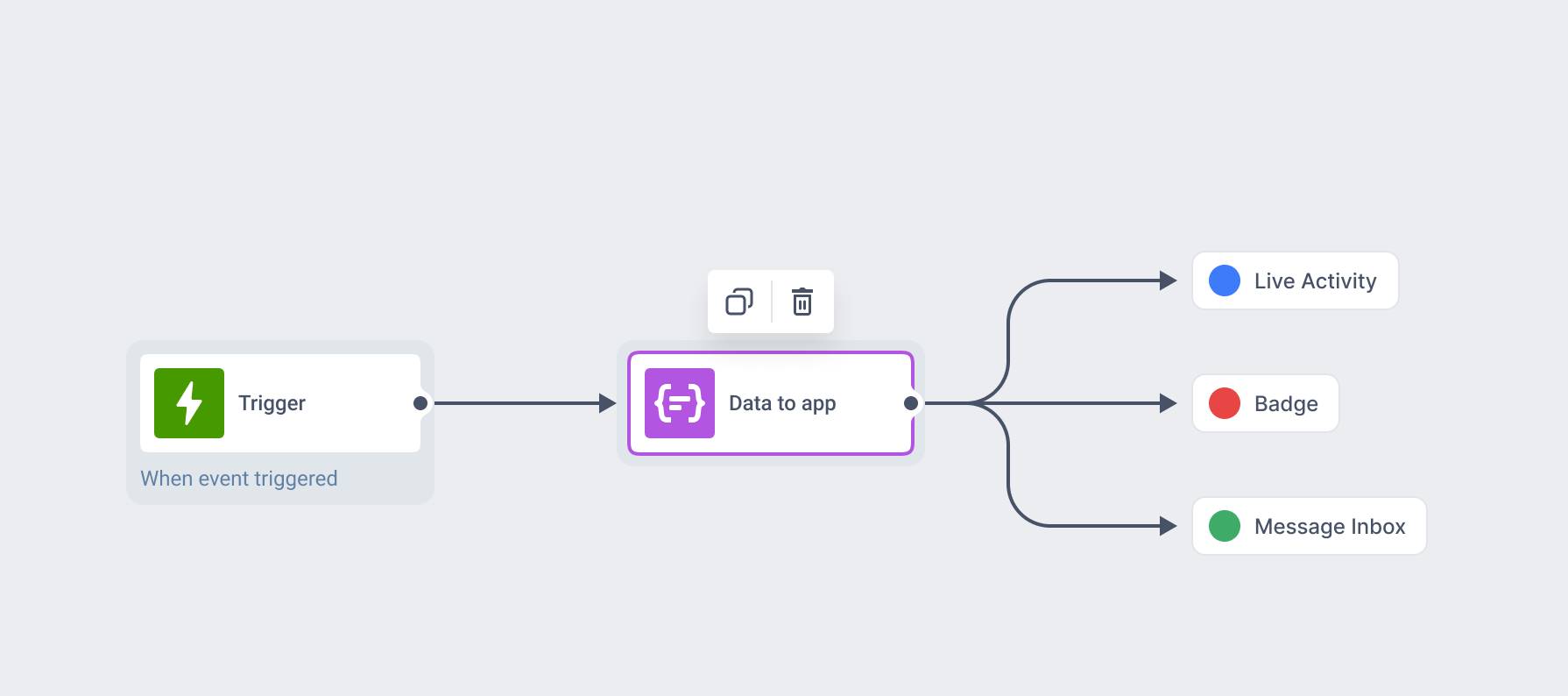
A dedicated Journey step
Data to app runs the same background delivery inside Customer Journey Builder, alongside every other channel.
One API field, both platforms
ios_root_params and android_root_params in the Messages API carry the same payload the toggle builds for you.
Carries your own data
Attach the key-value payload your app needs: a new state, an entity ID, a refresh-now flag.
Cleans up tokens for free
Every send helps clear invalid or expired tokens from your audience, on by default.
Free on every plan
No upgrade needed to turn on silent delivery or the Data to app step.
Where to turn it on
A silent push carries no visible content: no alert, sound, or badge. It only sends a signal that wakes the app to run a task, plus any custom data it needs. On iOS this is a content-available payload with no alert; on Android it’s a data-only FCM message.
| Where to set it | Surface |
|---|---|
| Silent Push toggle | Push preset |
| Send silent notification | One-time push |
| Data to app | Customer Journey step |
| ios_root_params / android_root_params | Messages API |
It’s the same flag no matter where you turn it on, and it runs through the same segmentation, targeting, and Journey logic as a visible mobile push.
Nothing to build on the Pushwoosh side
Turn on Silent Push in a preset or tick Send silent notification on a one-time push, and Pushwoosh builds the payload for you. Add a custom data field, and it rides along in the same send.
A developer still implements the background handler once, on the app side, as a one-time setup rather than a per-message step.
Keeps mobile push honest
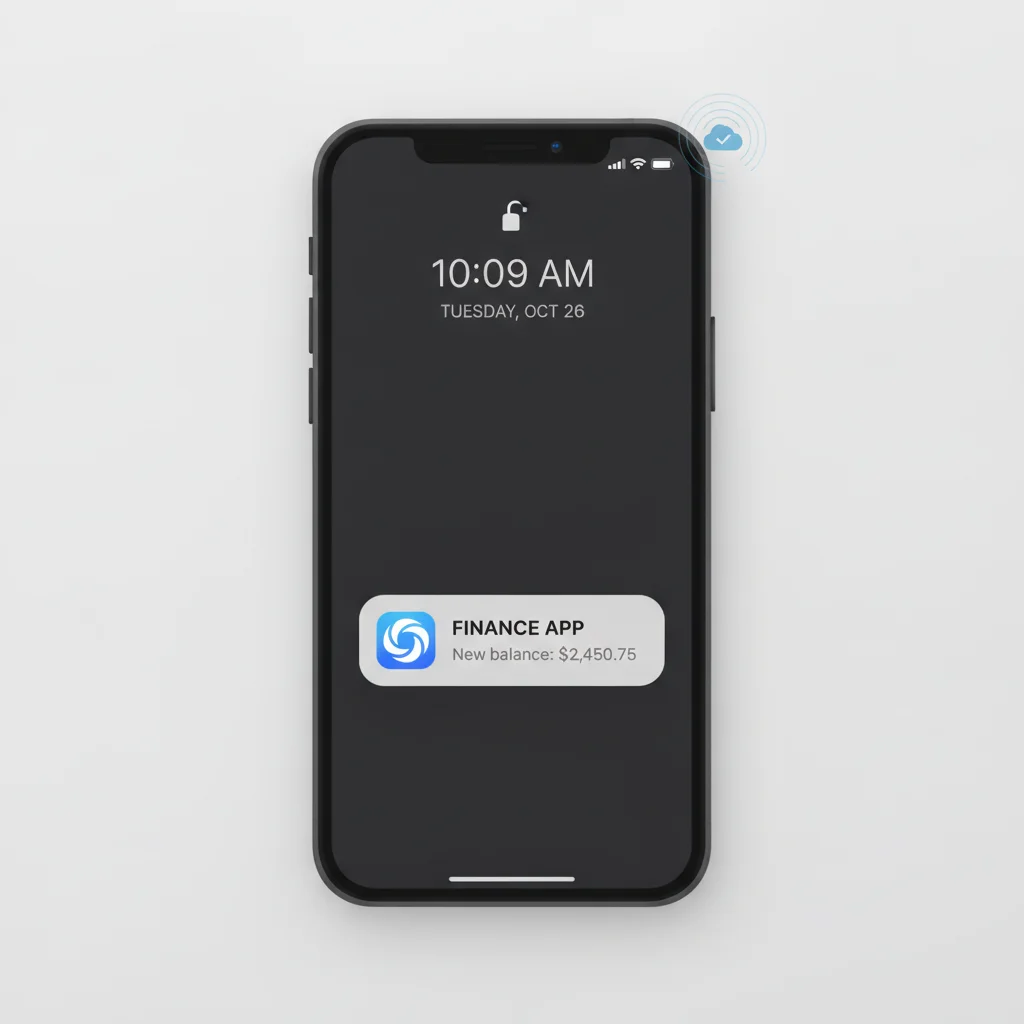
A push channel that only fires when there’s something worth showing runs on stale data between sends. Silent push keeps that data, the price, the balance, the feed, current in the background, so Mobile push shows something accurate the moment it does fire.
The badge, inbox, or Live Activity sitting next to it stays accurate too.
One background layer, three visible surfaces
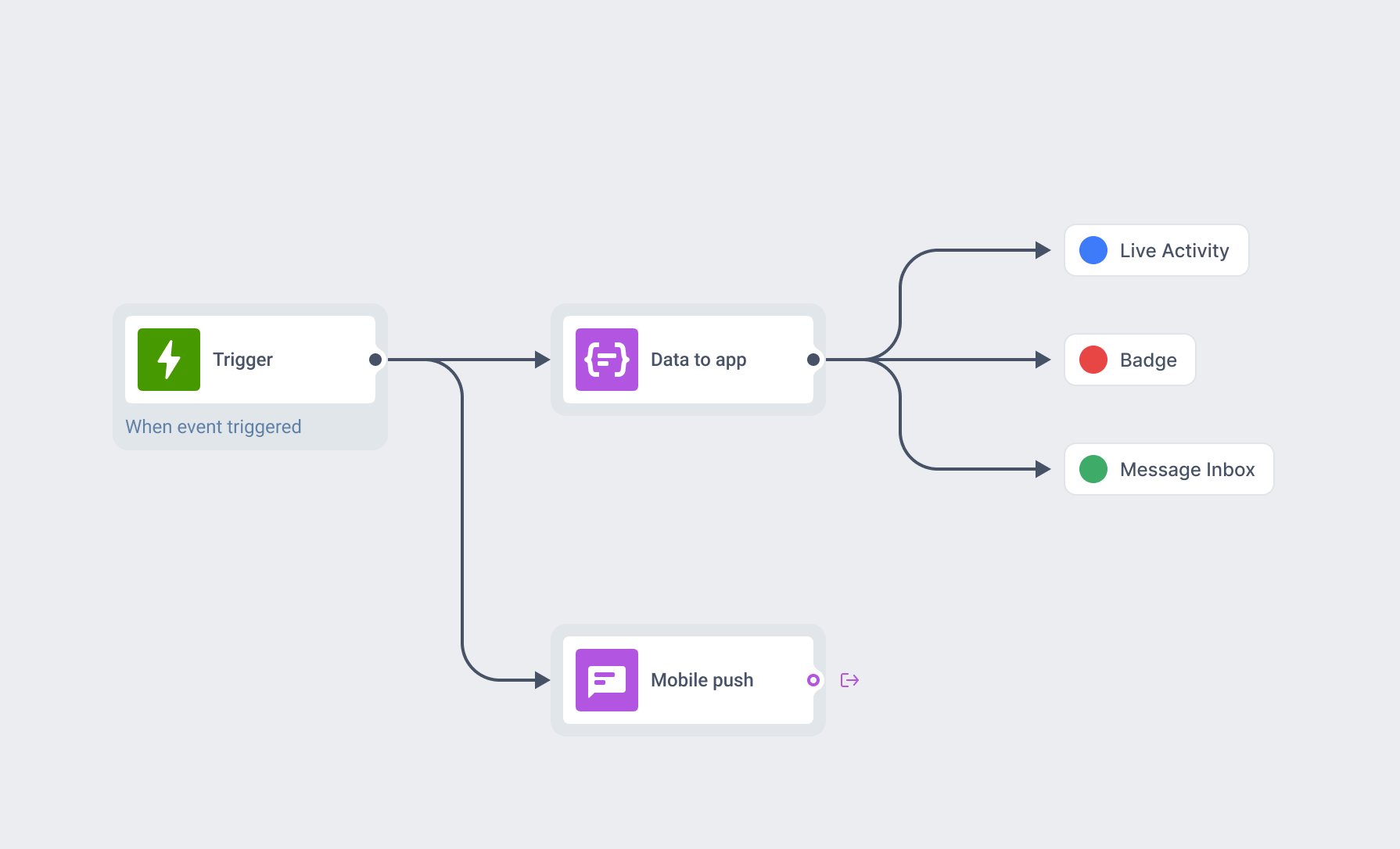
Silent push usually runs as a Data to app step inside a Journey: sync in the background, then let the Journey decide whether a visible push is worth sending at all.
The same background signal can push a content-state update into a Live Activity or quietly add an entry to Message Inbox, so the lock-screen card and the unread count are already correct before anyone looks.
Where this earns its place
Prefetch content
Pull in tomorrow's feed, the next episode, or fresh game assets before someone opens the app.
Sync state across devices
A purchase on the web, a balance change, a price update, reflected quietly before the next open.
Feed a live surface
Keep a Live Activity, a badge count, or an inbox entry accurate between visible pushes.
- Mobile games
- Creator / subscription apps
- Fintech / banking
- E-commerce / retail
- Marketplaces
- Media / news / streaming
- Ride-hailing / taxi
- Food delivery
Sensitive data stays on infrastructure you can name
Silent push often carries the data people care about most: a balance, a health metric, a location. That payload runs through the same infrastructure as the rest of the platform: Pushwoosh is SOC 2 Type 2 and ISO 27001:2022 certified, GDPR-compliant, and runs on its own hardware in the US and Germany, under BDSG. Full detail sits on the data safety page.






How it works
-
Turn it on where you already send
Switch on Silent Push in a push preset, tick Send silent notification on a one-time push, or add a Data to app step in Customer Journey Builder.
-
Attach the data your app needs
A new state, an entity ID, a refresh-now flag, whatever the background task should act on.
-
Implement the background handler once
didReceiveRemoteNotification on iOS, the FCM data handler on Android, both set up once as part of the app build.
FAQ
Explore related products
Mobile push notifications by Pushwoosh — every-device reach, rich content, precise targeting, cross-channel Journeys and 99% uptime. Turn notifications into loyal, paying users.
iOS Live Activities put an order, a ride or a match on the iPhone lock screen as one live card, started and updated by push. Pushwoosh runs it from the same campaign and Journey as any other message.
Message Inbox adds an in-app notification center to your app and website. Silent delivery reaches every user, including the ones who declined push, and saved messages stay available on their own time.
Map out and streamline your campaigns with one visual tool. Communicate, engage, retain, convert, segment, and experiment using Pushwoosh Customer Journey Builder.
Deep links and custom data attach a URI and a JSON payload to a message preset, so every push, journey step and API send built from it opens the right screen with the data to act on it.
A branded ask that runs before the native browser or OS permission dialog. Default web widgets, a popup you can show more than once, and a mobile pre-permission pattern built from in-app messages.