Subscription prompts
Ask before the browser or the OS does, with something a visitor actually reads. Pushwoosh ships a default web prompt, a subscribe bell, a popup you can show more than once, and a mobile pre-permission pattern built from in-app messages – all before the native dialog most people only ever see once.
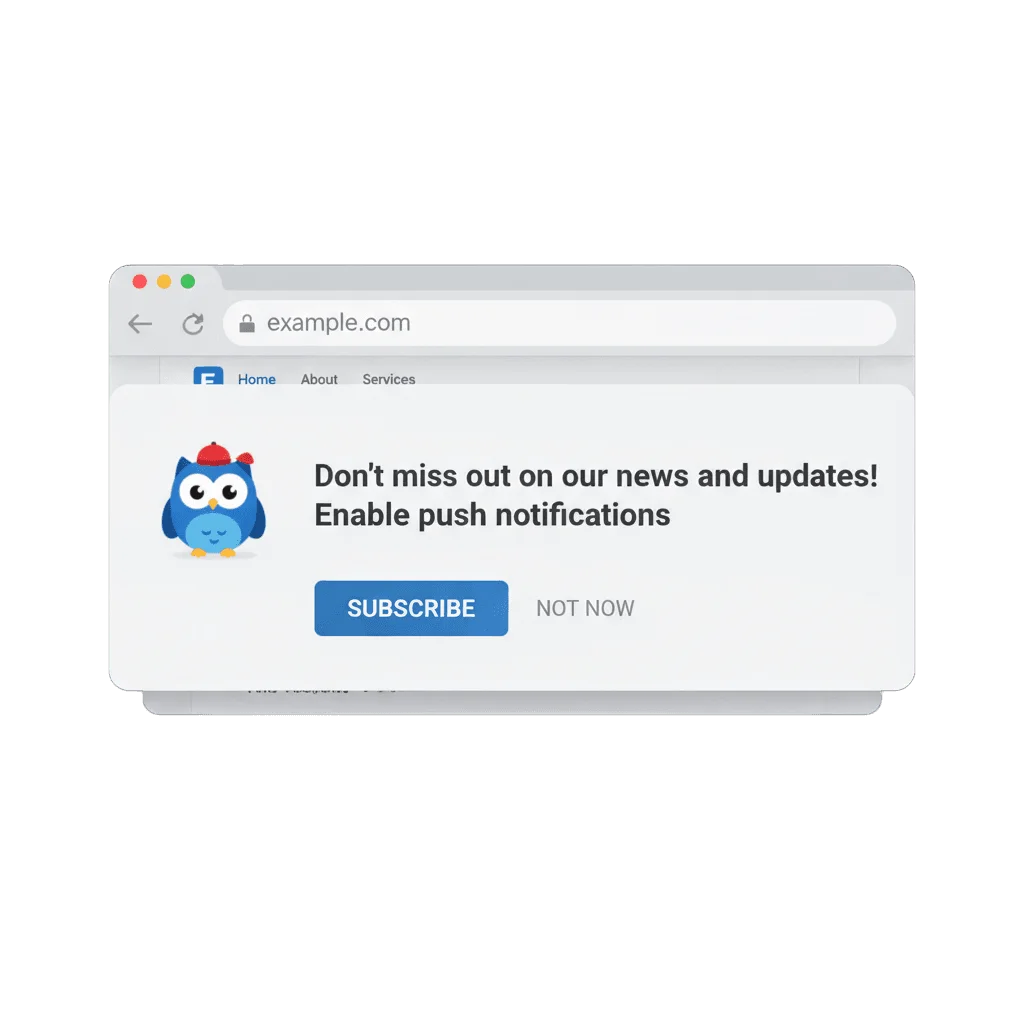
You only get to ask once
A visitor lands on your site, and the browser interrupts them with a permission dialog before they know what the site even does. They click block out of habit, and that decision is close to permanent: Chrome and Firefox start treating a site as blocked after two refusals, and iOS gives you exactly one native prompt, ever. A subscription prompt is the ask that goes first: a bell, a slide-in, an in-app screen, something that explains what someone is agreeing to before the system dialog appears and uses up that one real chance.
What ships out of the box
On the web, the default subscription prompt is a no-code widget that shows before the native browser dialog and triggers it only once someone agrees. A bell button (subscribeWidget) stays fixed on the page for anyone who skipped that first ask, and a custom popup (subscribePopup) offers “Ask later” or “Subscribe,” customizable and callable through a toggle() API whenever your own logic decides the moment is right. Email subscription forms collect a second, separate opt-in, with double opt-in as an option.
Repeatable, not one-shot
The custom popup can be shown as many times as it takes, unlike the native dialog that Chrome and Firefox block after two refusals.
Mobile pre-permission, built by hand
An in-app message works as the primer screen, calling the native permission request only after someone taps through it – there is no ready-made request-permission button, so this one you assemble yourself.
iOS and Android 13 handled in the SDK
iOS provisional authorization subscribes people quietly with no dialog at all; Android 13's runtime permission is requested through the SDK, timed however you choose.
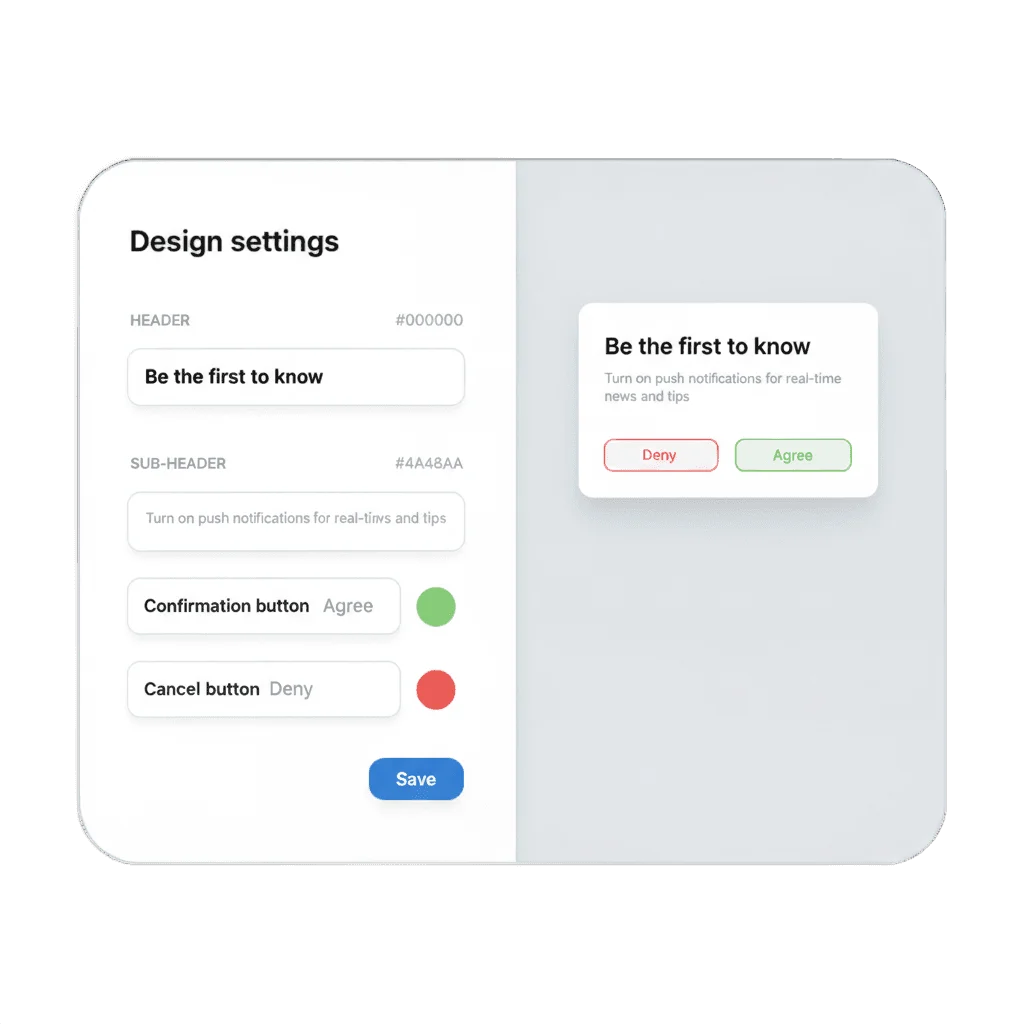
Shown as many times as it takes
Show the custom popup again, and again, until someone subscribes or blocks it outright – no cap, and no risk of the browser marking your site as blocked the way it would after two native refusals. That persistence is the whole point of building a custom popup instead of relying on the native dialog alone.
Why this matters for Web push
Web push only reaches people who said yes, and on the web that yes has to survive a hostile default – a system dialog built to get an answer, not to sell anyone on one. A subscription prompt is the step that turns a random visit into a subscriber the rest of the product can work with – more of your traffic ends up with something that can actually reach it.
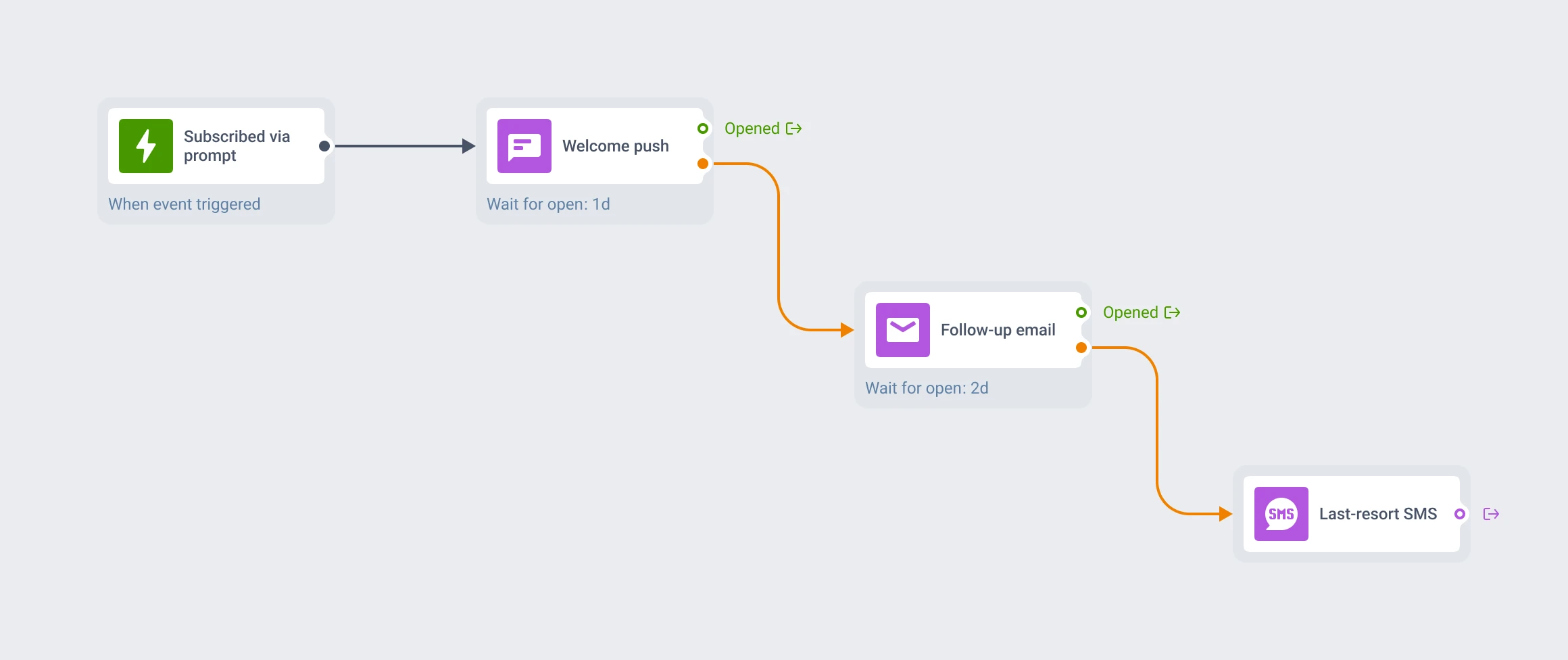
One opt-in, not one channel
The same opt-in that a web widget or mobile primer collects registers a single profile across push, web, email and in-app. From there, reachability checks and channel fallback in Customer Journey Builder decide which channel actually gets through to that person – push, then email, then SMS – so the moment you capture here is worth more than a subscriber on one channel alone.
How it works
-
Turn on your widgets
Enable the default prompt, the bell or the custom popup from Settings → Platform Configuration → Web Push, or set them directly in the
Pushwoosh.initconfig. -
Time it to a real moment
Trigger the popup through its
toggle()API after a visitor does something that signals interest – reading an article, adding to cart – instead of the instant the page loads. -
Build the mobile primer
Assemble an in-app message as the pre-permission screen, and call the SDK's permission request only once someone has tapped through it.
Ask once more, in the right place
A subscription prompt is a small ask, and it decides how much of your audience you can actually reach.
Explore related products
Web push notifications by Pushwoosh — browser-delivered pushes that reach visitors after they leave your site. Any browser, desktop and mobile, plus iOS via PWA. Free to start.
Mobile push notifications by Pushwoosh — every-device reach, rich content, precise targeting, cross-channel Journeys and 99% uptime. Turn notifications into loyal, paying users.
In-app messaging by Pushwoosh — onboard, upsell, announce and collect feedback right when app users are paying attention. No-code editor, native SDK layouts, per-element analytics. Free to start.
Map out and streamline your campaigns with one visual tool. Communicate, engage, retain, convert, segment, and experiment using Pushwoosh Customer Journey Builder.
When a push lands while your app is open, iOS hands the decision to you. The Pushwoosh iOS SDK draws it as an animated, haptic banner in your own colors and fonts, with a card image or GIF and Apple's Liquid Glass material on iOS 26. Same push, same payload, same Customer Journey.
Put the unread count on your app icon and keep it honest. Set an exact number, bump it with +1, or clear it to 0 from the Pushwoosh Control Panel Badges field or the ios_badges API key, on the same campaign and Journey you already run.