Create Apple Wallet pass in minutes
An Apple Wallet pass is the digital loyalty card, ticket, or coupon your iOS customers save with one tap, straight into the Wallet app, no separate download.
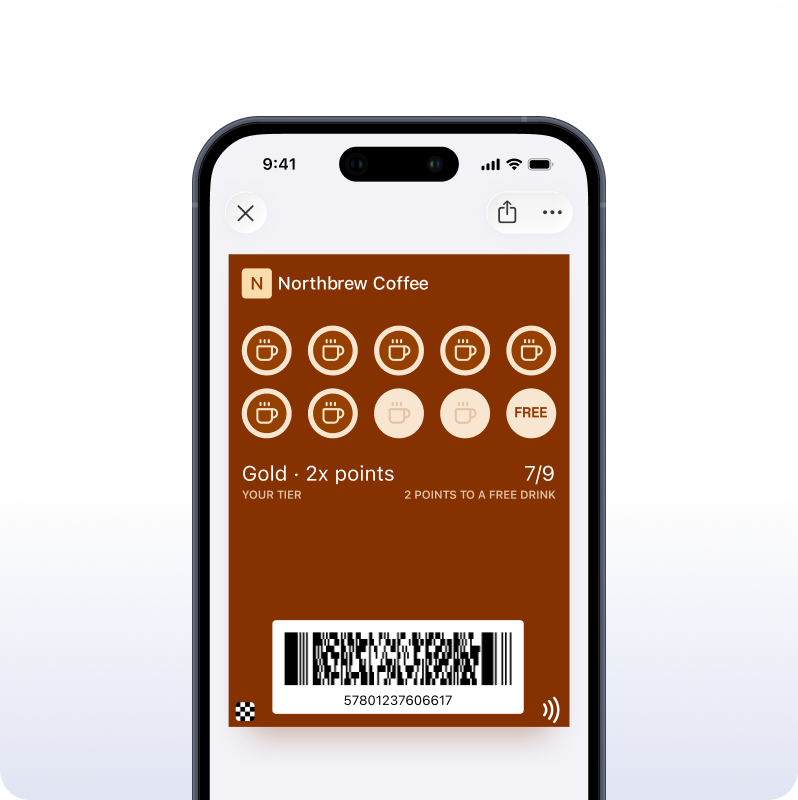
No separate Apple Wallet pass generator — build it in Pushwoosh
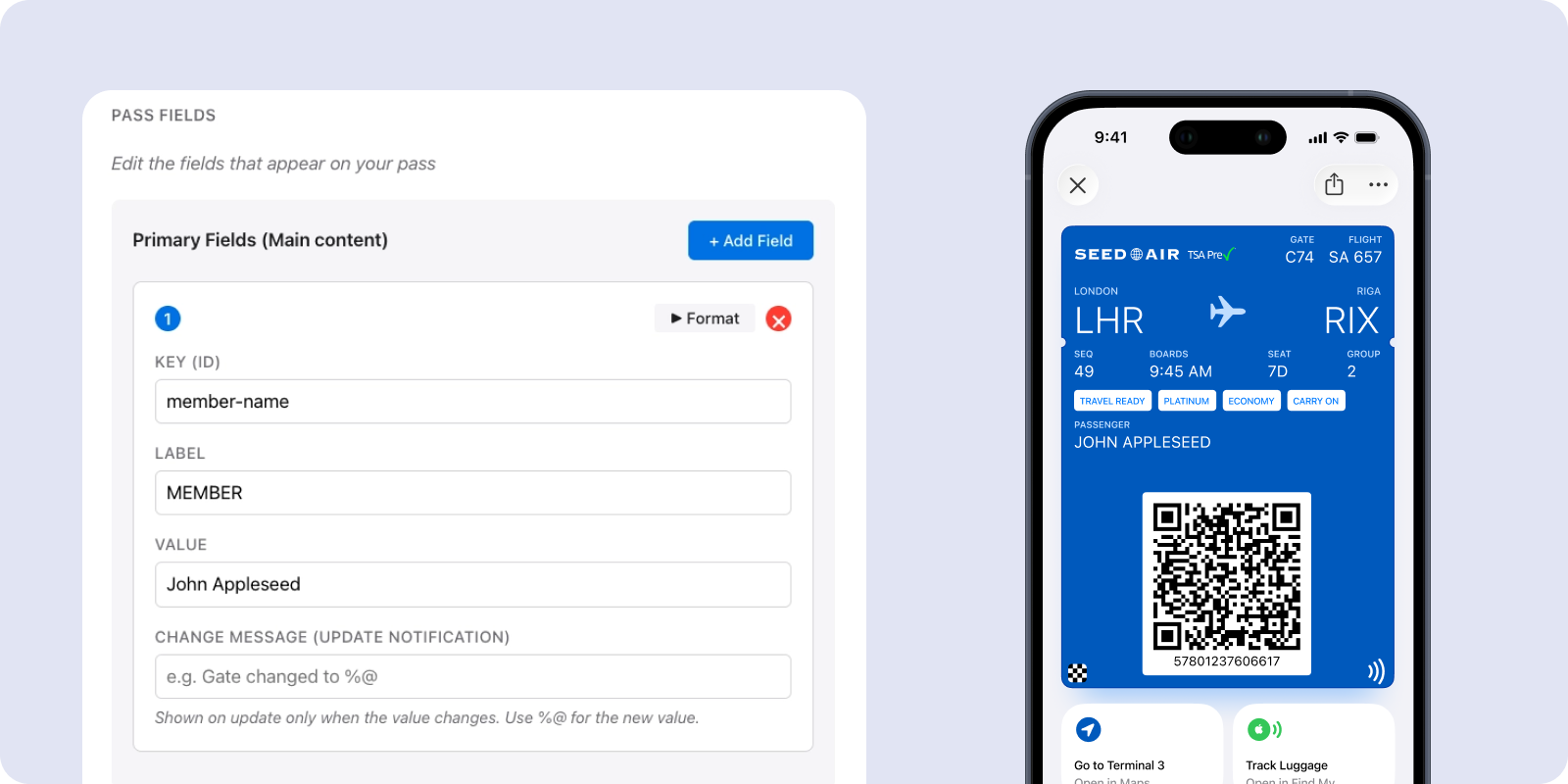
You don’t need a standalone tool to make the pass. Pushwoosh has a visual builder in the Control Panel: pick a style, set fields and branding, check the live preview, and generate a signed .pkpass ready to install.
-
Design
Choose a pass style, add your logo, colors, fields, and barcode. No pass.json to write by hand.
-
Generate
Pushwoosh validates the pass, sizes the images, and signs it with your certificate. It's ready in seconds.
-
Distribute
Share the pass as a file, an install link, or a QR code. When someone adds it, their device registers for updates. Running this across a big list is the platform view for wallet passes for business.
Apple Wallet Pass — FAQ
Create your Apple Wallet pass — free to start
Design it, generate it, and share it today.
Explore related products
Issue native Apple and Google Wallet passes from Pushwoosh — loyalty cards, membership cards, coupons, tickets, and more. No third-party pass tool required.
API integration designed for online store success. Trigger campaigns, sync data, and track events with simple, powerful e-commerce APIs.
Add labelled action buttons to the push you already send, so users accept, claim, approve or track in one tap. Build the iOS button sets no-code in the Pushwoosh Control Panel and send them from the same campaign and Journey.
E-commerce in-app messages that convert. Engage shoppers at key moments, reduce cart abandonment, and increase average order value with smart messaging.
Maximize e-commerce revenue with push notifications. Automate cart recovery, promote sales, and re-engage customers with targeted mobile alerts.
Email automation for online stores that drives revenue. Send welcome series, cart reminders, and post-purchase emails that increase customer lifetime value.