Consent management
Hold data collection dormant on iOS, Android, Unity, and Web until a user consents, then reverse it with one call if they change their mind. A native double opt-in toggle confirms subscription-form signups without a custom build.
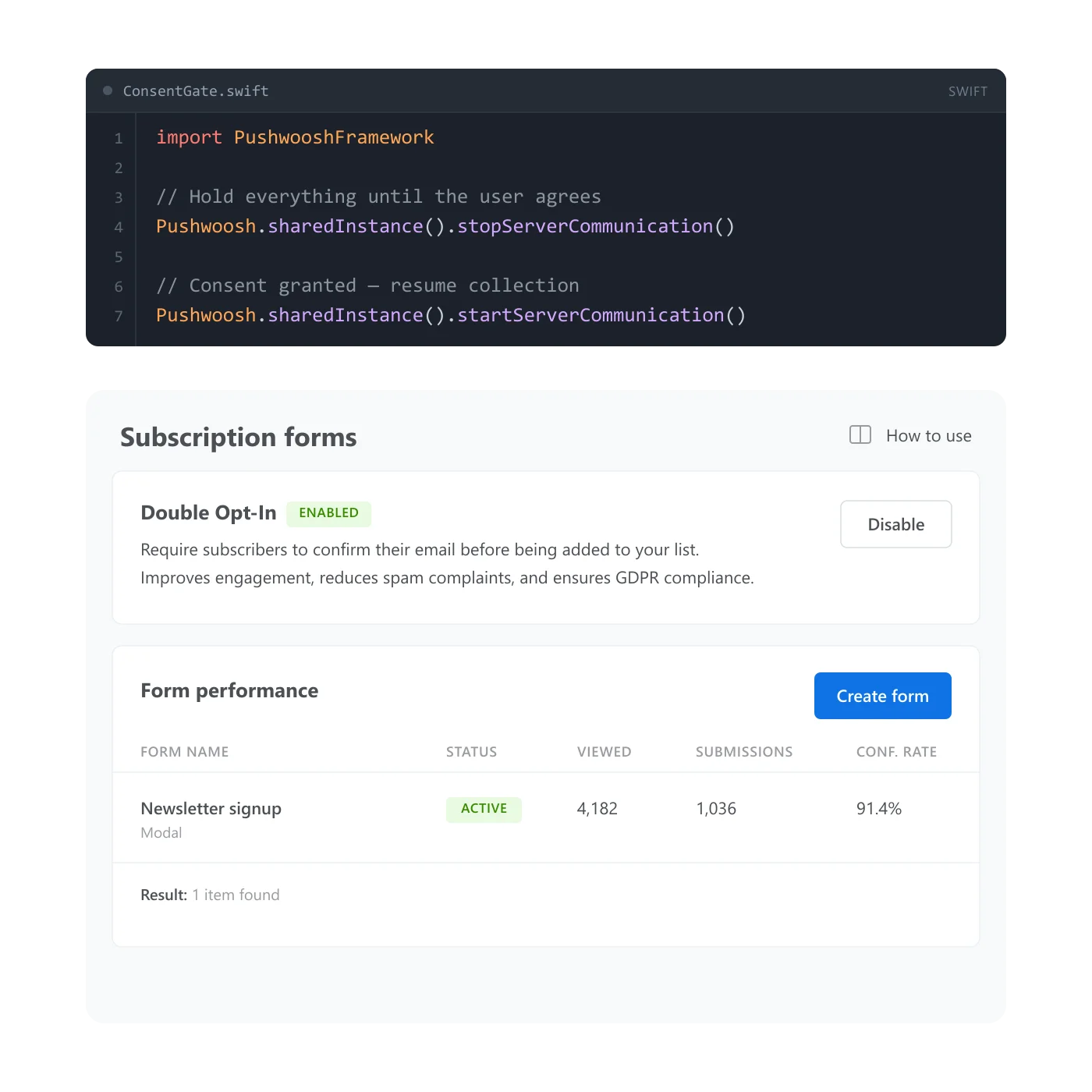
Nobody checks the order of events until an audit does
An unsubscribe link fixes the wrong problem. GDPR and CCPA ask for more than “stop messaging someone who opted out.” They ask for proof that data collection itself never started before consent did. That’s a sequencing question, and most consent handling on the market answers it after the fact, with tags bolted onto data already collected. Consent management holds the collection itself dormant until a user says yes, and puts it back to sleep the moment they say no.
Two mechanisms, one gate
| Mechanism | Platforms | What it does |
|---|---|---|
| SDK gateway | iOS, Android, Unity, Web | Holds data collection off from launch until you turn it on, and off again if consent is withdrawn |
| double opt-in toggle | Subscription forms | One project-wide toggle: new signups get a confirmation email with a 24-hour link before they're added |
The SDK gateway starts dormant through configuration set before launch: an Info.plist key on iOS, a manifest flag on Android and Unity, an init parameter on Web. Once consent arrives, the platform’s own enable call takes over, and the same call in reverse turns collection back off if someone withdraws consent. The exact name differs per platform; the shape doesn’t.
The double opt-in toggle is the part most competitors leave to a manual build. Turn it on once, and every new subscription-form signup gets a confirmation email automatically, no journey to assemble. The trade-off is that it’s one setting for the whole project: a single confirmation template, shared across every form on the account.
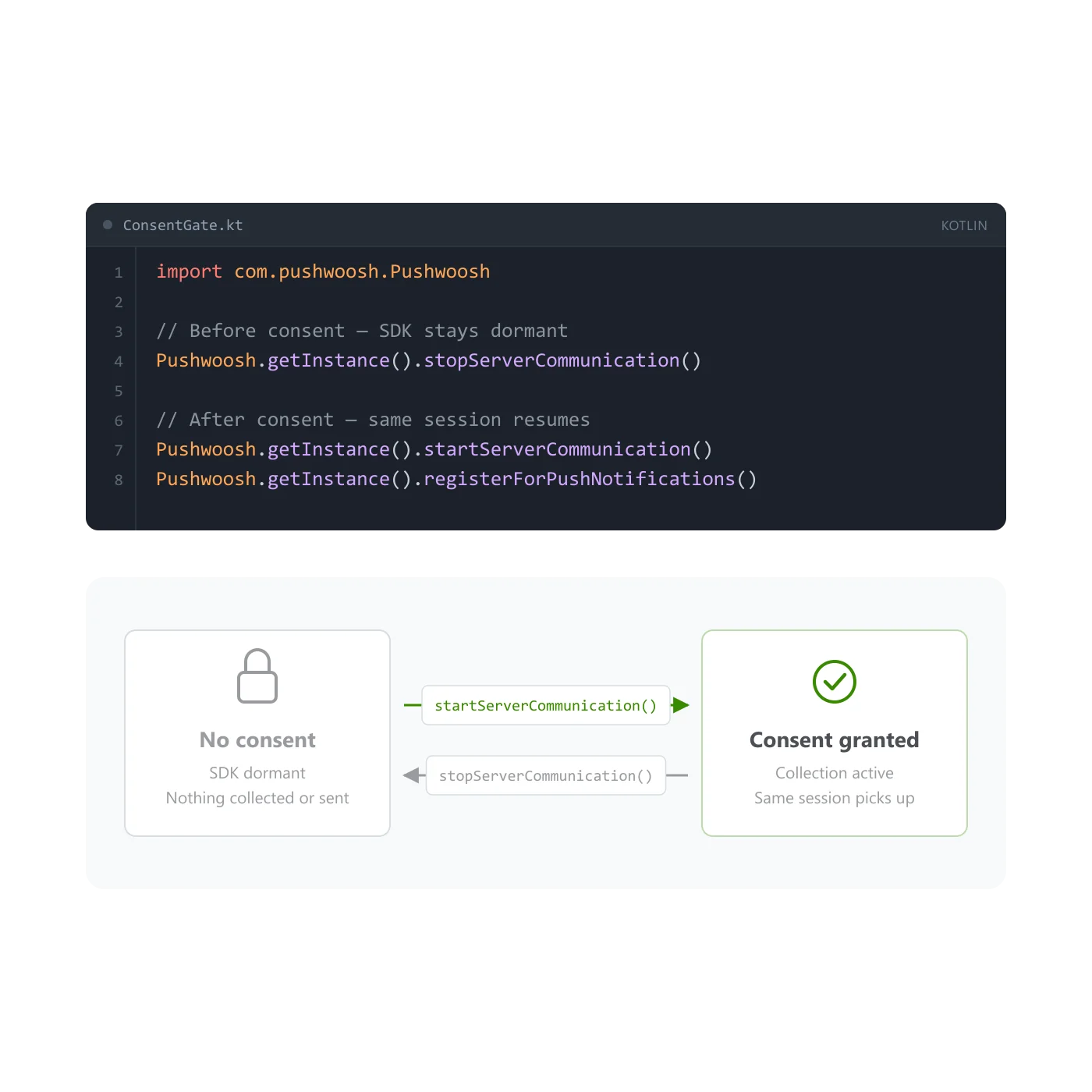
Dormant at launch, and everything downstream waits with it
Set the SDK to start dormant, and it holds off on collecting or sending data at all, before a user has agreed to anything. Once consent comes in, one call flips it on and the same session picks up from there, without a reinstall or a fresh init: startServerCommunication on iOS and Android, SetCommunicationEnabled on Unity, setCommunicationEnabled on Web.
Why it has to cover every channel
A consent gate that only reaches one channel isn’t much of a gate. Push, email, in-app, and SMS all read from the same unified customer profile, so the SDK’s dormant state holds back what every one of them would otherwise collect, not just the channel you had in mind when you called it. Certifications and hosting cover the infrastructure underneath: SOC 2 Type 2, ISO 27001:2022, GDPR. This is the setting that decides whether a device’s data reaches that infrastructure in the first place.
How it works
-
Set the SDK to start dormant
Add the platform's off-by-default config ahead of your own consent screen: an Info.plist key on iOS, a manifest flag on Android and Unity, an init parameter on Web. It holds every SDK-driven collection and send until you turn it on.
-
Turn on double opt-in for subscription forms
On the Subscription forms page, enable the toggle and fill in the shared confirmation template once. Every new form signup then gets a confirmation email with a 24-hour link before it counts as consented.
-
Enable the SDK when consent lands, or revoke it
Once a user agrees, call the platform's enable method and collection resumes. If they withdraw consent later, the same call in reverse puts it right back to sleep.
How it works with the rest
The gate decides whether data flows at all. Once it’s open, Tags and Events are what that data becomes on the user’s profile, and a Message preset is what actually gets sent once someone is reachable. Subscription prompts sit one step earlier: they’re how you ask for consent in the first place, and the gateway above is what happens to data collection once the answer comes back.
- Tags: where consent state and other attributes land on the profile once collection starts
- Events: behavioral data the gateway was holding back until consent arrived
- Message presets: the content that goes out once a user is both consenting and reachable
Consent first, collection second
Set the gate once, and every channel downstream waits on the same yes before it reads anything.
Explore related products
Your data is safe with Pushwoosh. Pushwoosh meets industry standards for online security, with ISO 27001:2022 and SOC 2 Type 2 certifications.
Attach text, numbers, dates, currency, and app version to a device or a user, then use it to build segments, branch journeys, and personalize messages.
Log what a customer did as a typed, timestamped event, with up to 100 attributes and per-event retention, then use it to trigger journeys and segment on frequency and recency.
Build a push, email or in-app message once, with every language version, and reuse it across campaigns, journeys and API sends on all 7 Pushwoosh channels.
A branded ask that runs before the native browser or OS permission dialog. Default web widgets, a popup you can show more than once, and a mobile pre-permission pattern built from in-app messages.
Gain actionable insights across all messaging channels and increase your campaign ROI with Pushwoosh's comprehensive analytics.