Default and custom tags for flexible segmentation
Attach typed data to a device or a user, then use it to build segments, branch journeys, and personalize messages.
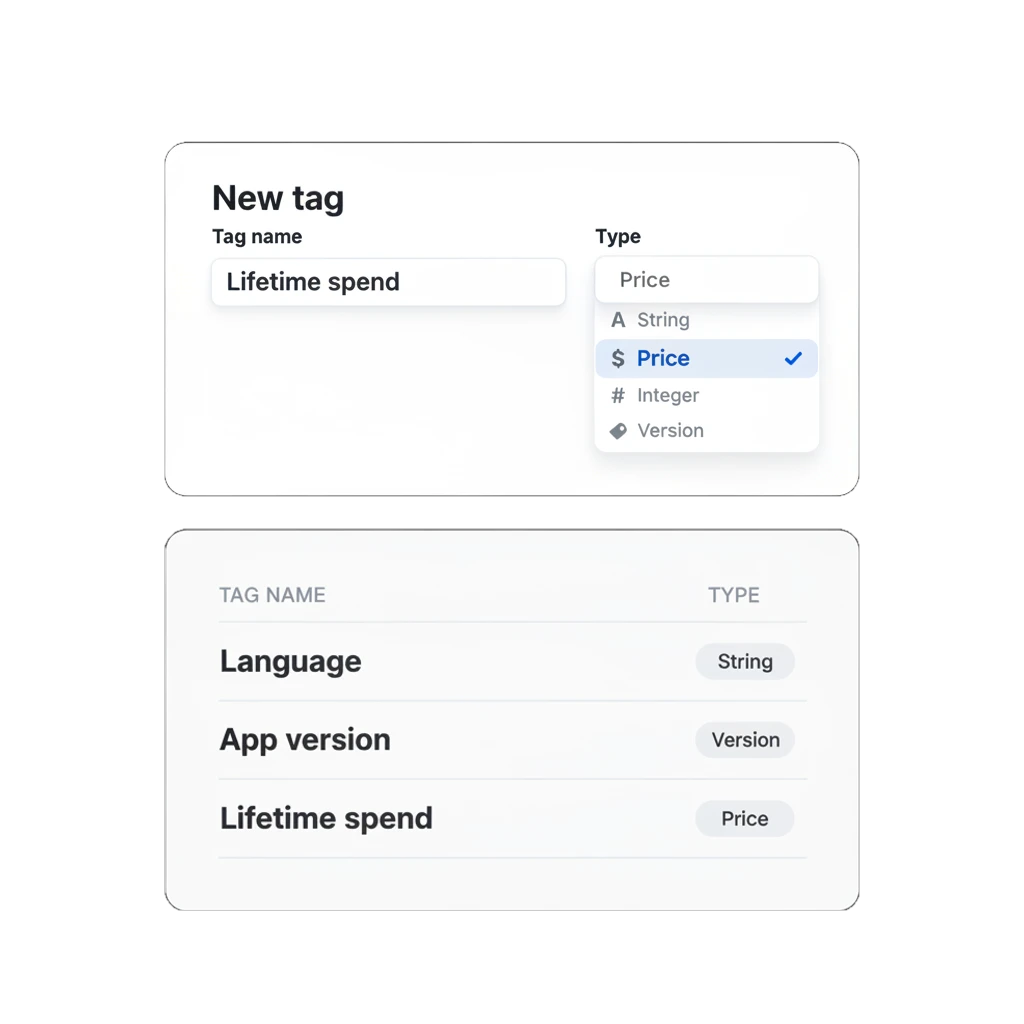
Match the message to what you actually know
You want to message people who’ve spent over $50 differently from everyone who opened the app once and left. That’s one condition, easy to hold in your head. It gets harder the week marketing wants trial users on app version 2.1 who haven’t cleared level 12, three separate facts about one person, and a segment can only use what’s already recorded against them.
A tag is where that fact lives before any journey or campaign can act on it.
What a tag can hold
A tag attaches one piece of data to a device or to a user, in one of 7 types.
| Type | Holds |
|---|---|
| String | Text, like an email, a subscription tier, or a name |
| Integer | Whole numbers, like a level reached or loyalty points |
| List | Several values on one tag at once, like favorite categories or interests |
| Boolean | True or false, like opted into a program or finished onboarding |
| Date | A calendar date, stored as a Unix timestamp |
| Price | A currency-formatted value, in ISO 4217 format |
| Version | An app version number, compared the way version numbers should be |
Every tag also carries a scope. General stores the value per device, so two phones under the same person can hold different values. User-specific stores it per user ID instead, and one update applies across every device that person owns.
Price compares as currency and Version compares as a version number. Most tag systems leave both as plain strings for you to parse.
Some tags need no setup at all: Language, Country, App version, and Last Application Open arrive with the SDK, ready to segment on from day one.
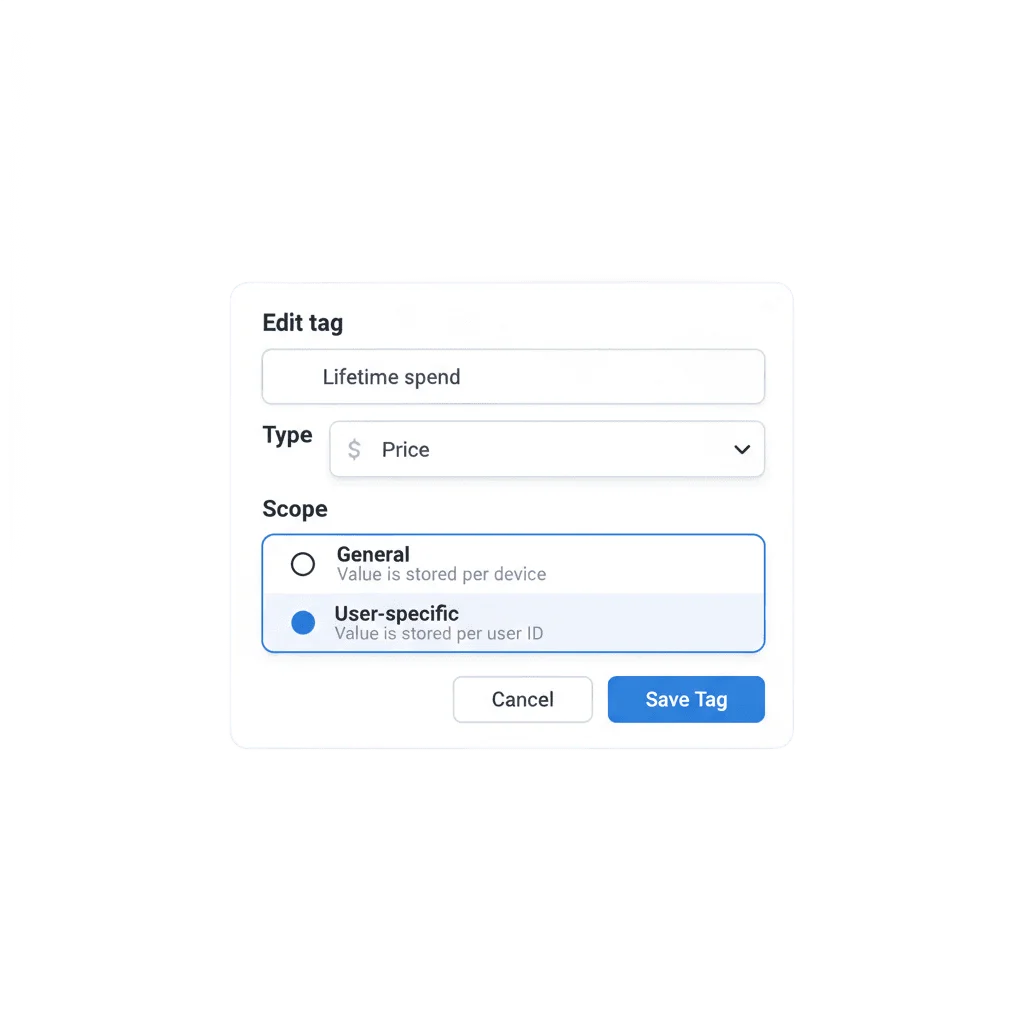
Pick a type and a scope when you create it
Custom tags are named and typed once, in the Control Panel or through the API. General scope covers per-device facts like a cart total; User-specific scope covers facts that belong to the person, like a loyalty tier or lifetime spend.
The data every segment and message reads
Actionable CDP exists to turn stored data into messaging decisions: a segment that fires, a branch that routes, a placeholder that fills in with the right name. A tag is the fact it reads to make that call. Default tags cover what the SDK already collects; a custom tag covers the one attribute your business actually runs on, like lifetime spend or subscription tier.
How it works
-
Default tags need no setup
Language, Country, App version, and similar device facts arrive automatically through the SDK.
-
Create a custom tag
Open Tags in the Control Panel, name it, and pick a type: String, Integer, List, Boolean, Date, Price, or Version. Choose General for a per-device value or User-specific for one shared across a person's devices.
-
Set values, then use the tag
Set values through the API, the SDK, a CSV import, or by hand in User Explorer. From there it works as a segment condition, a Condition split branch, or a personalization placeholder.
One tag among the features it feeds
A Price tag holding lifetime spend can branch a Condition split into a high-value path, feed the calculation behind RFM segmentation, and fill a first-name placeholder in whatever personalization sends out. None of the three does its job without a tag already sitting on the profile, and all three sit inside Actionable CDP.
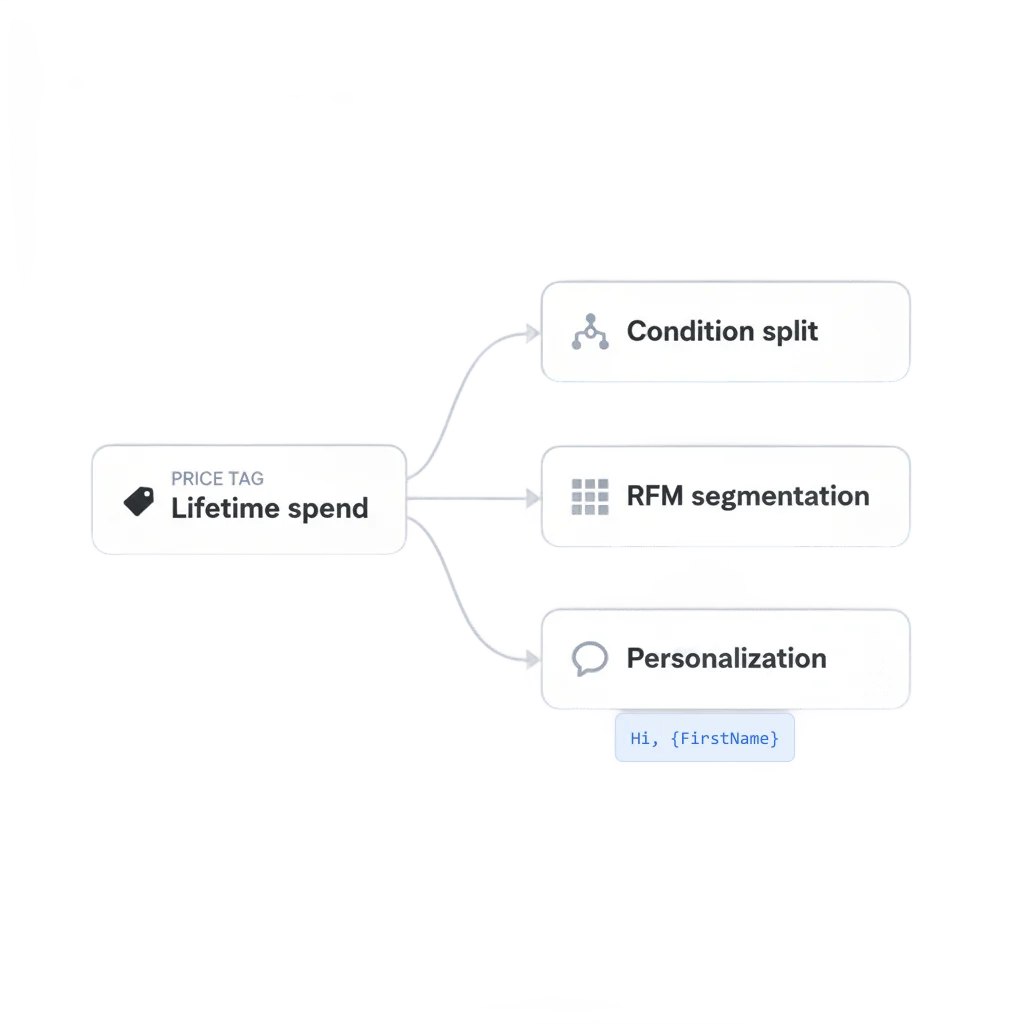
Built to feed the rest of the platform
Condition split reads a tag to route a journey. RFM segmentation reads tags to score a customer’s value. Personalization reads a tag to fill in a message. One tag, three jobs.
How to tell it is working
Tags statistics, in the Control Panel, shows how many users carry each tag and value as a pie chart, bar chart, or table: a Boolean tag split between true and false, a Price tag bucketed by range. It’s the view to check before trusting a segment built on a tag you just added.
What to keep in mind
Send on what you actually know about someone
Default tags cover the basics. A custom one covers the fact your business runs on.
Explore related products
Synchronize & activate your customer data with Pushwoosh's actionable CDP for mobile apps.
Send each user down one of up to 10 branches based on segment, tag, or event attribute data already on their profile, with a guaranteed catch-all branch and no wait.
Score every user on recency, frequency, and monetary value, and get the 10 standard RFM segments as ready tags and audiences you can send to.
Deliver personalized messaging across push, in-app, email, SMS, and WhatsApp. Tailor journeys, timing, and content to boost engagement with ease.
Gain actionable insights across all messaging channels and increase your campaign ROI with Pushwoosh's comprehensive analytics.
Split journey traffic across up to 4 branches, score each one against your conversion goals, and route new users to the winning branch automatically once the result is significant.