Find the winning variant inside your journey
Split journey traffic across up to 4 branches, each with its own copy, timing, or channel. Pushwoosh scores every branch against your conversion goals and sends new users down the one that performs best.
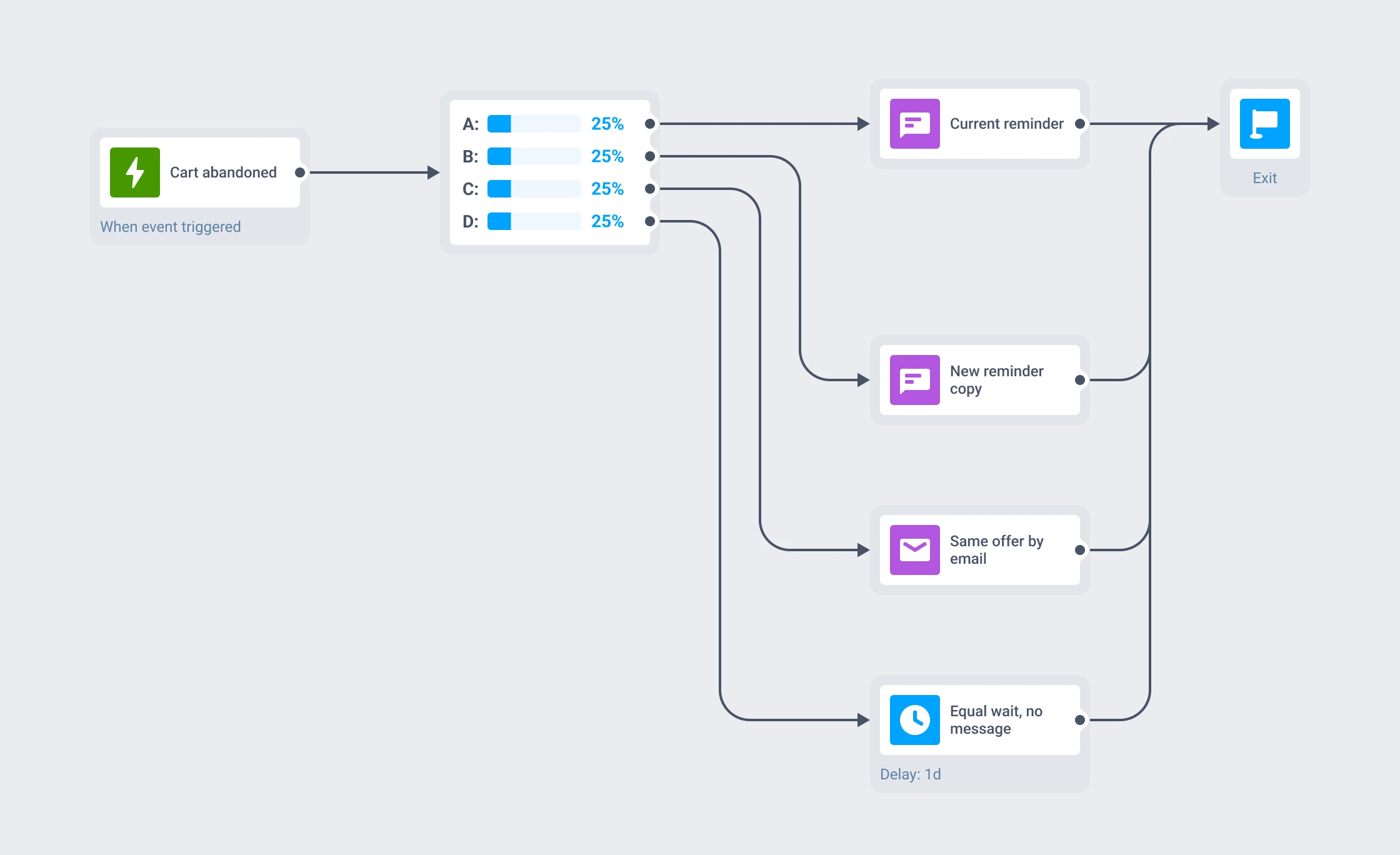
Everything you need to run a split test
Up to 4 branches
Branch A is the control. You set the traffic share for each branch.
Random allocation
Every new entrant is assigned by the percentages you configure.
Goal-driven results
Track 1 conversion event or several, each scored separately.
Significance built in
Z-Score and P-Value, marked Significant at 90% confidence.
Automatic winner routing
New users are routed to the winning branch without a manual step.
In-flight users protected
Anyone already in a branch finishes the path they started.
What each branch can change
Drop the A/B/n Split element anywhere on the journey canvas and give it 2 to 4 branches. Each branch runs its own sub-flow, so a variant can differ by message copy, by delay length, by channel, or by sending nothing at all. Traffic percentages have to add up to 100%, and a reset control puts them back to an even distribution.
- Branch A – the control, either the flow you run today or a fresh baseline.
- Branches B, C and D – the challengers, each with its own messages, delays and channels.
- Traffic share – any split that totals 100%. An even split reaches significance fastest.
The split element carries no messaging logic of its own. It decides who goes where, and the channel blocks underneath it do the sending.
Two ways to close a test
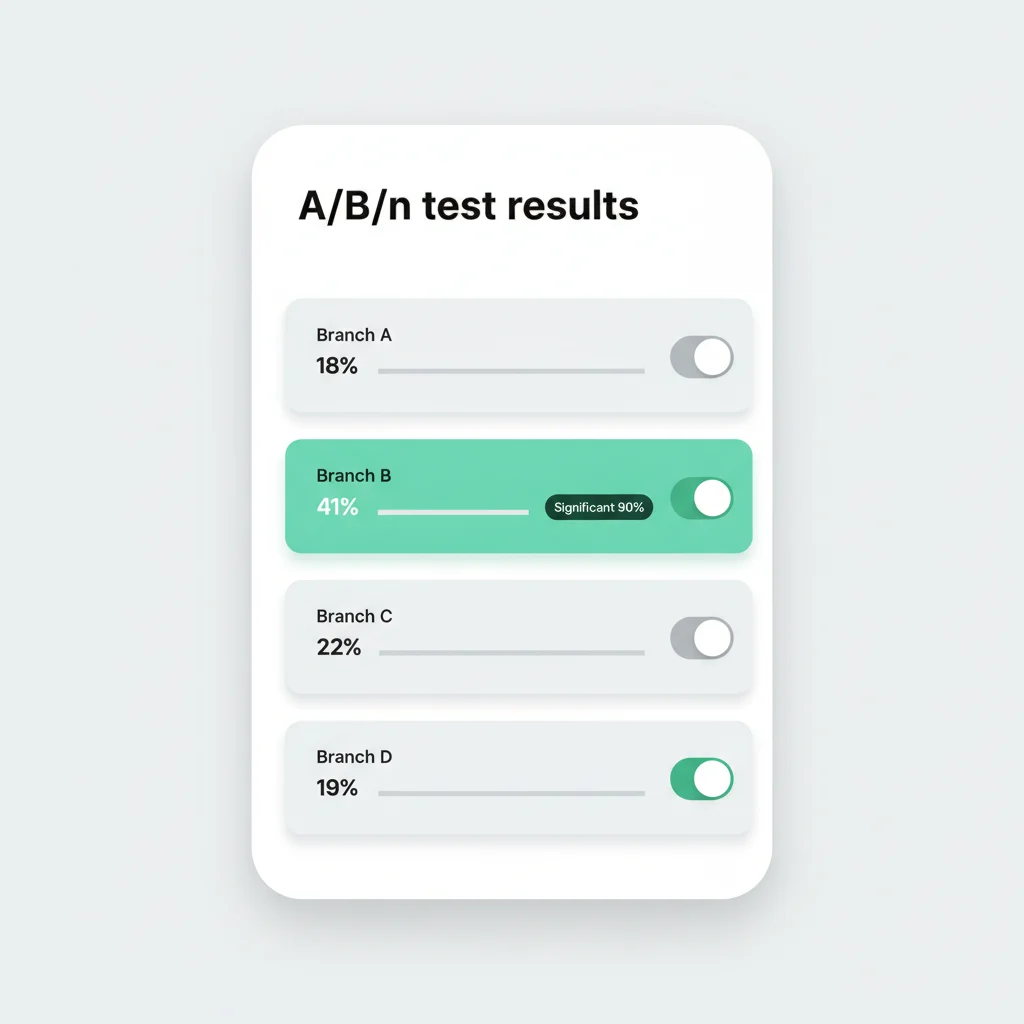
Automatic winner selection
The platform watches your goal continuously. Once a branch clears the 90% confidence bar, Pushwoosh deactivates the underperforming branches and sends every new entrant to the winner.
That happens whether or not anyone is looking at the dashboard.
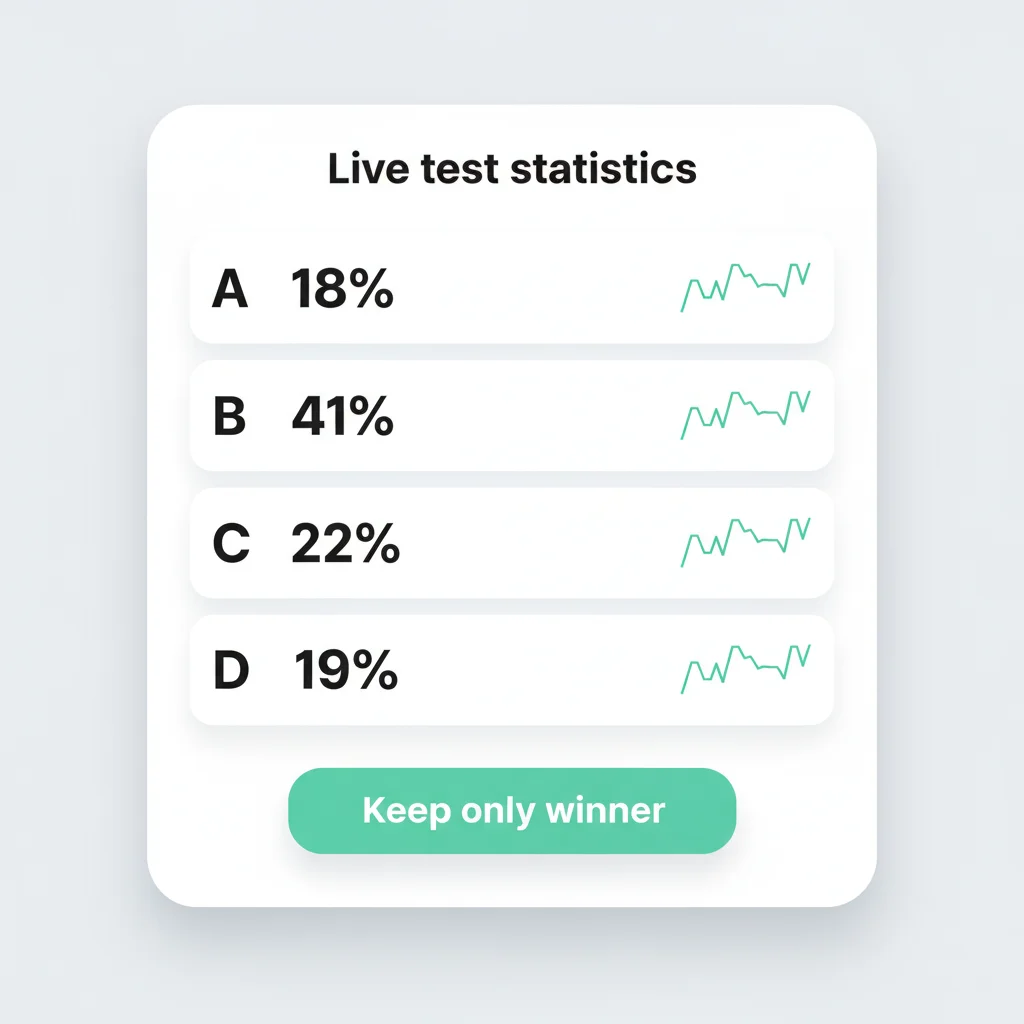
Manual control when you want it
Manual mode surfaces the same live statistics and leaves the call to you. Read the numbers, then click Keep only winner to deactivate the losing branches.
The journey keeps running while you decide. Closing a test does not require pausing it.
What A/B/n split testing is best for
Cart abandonment
Test reminder copy and delay length, then keep the version that recovers more carts.
Paywall and trial messages
A/B the wording or the timing of a trial-ending message against your conversion event.
Digest headlines and send times
Run 2 headlines or 2 send times on a recurring digest and score them on opens or clicks.
Channel preference
Send the same message on push, email and SMS to find out which one converts for a segment.
Monetization offers in games
Test offer copy or timing inside a re-engagement journey, with purchase events as the goal.
Win-back timing
Compare how long to wait before reaching out to a dormant user.
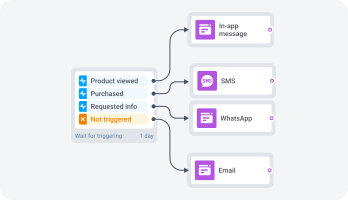
One journey, every channel
The split element sits on the same canvas as every channel block, so a branch can carry mobile push, in-app messages, email, SMS, WhatsApp or web push against a single customer profile.
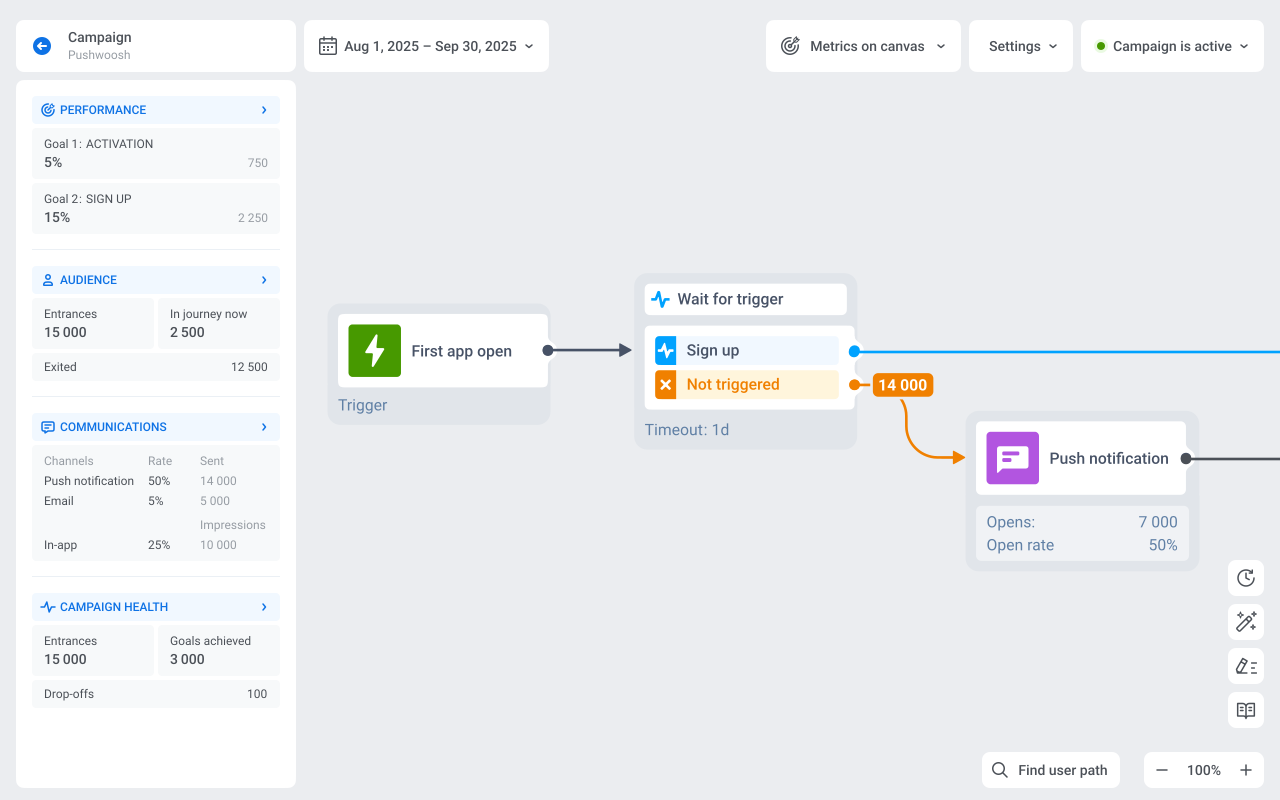
You build the test where the journey already runs, inside the Customer Journey Builder, instead of wiring up a separate experimentation tool alongside it.
Three ways to design the test
Current flow vs a new idea
Branch A keeps what you send today. B, C and D carry the challengers.
New idea vs new idea
No incumbent involved. Pick one new version as the control and score the rest against it.
Message vs no message
Give one branch an equal Time Delay and no message, to measure whether the touch moves the metric at all.
How a winner is decided
Define at least 1 conversion goal before the test can launch. A goal is a tracked event you already send to Pushwoosh: a purchase, a checkout, a subscription start, a level completion.
Pushwoosh scores each branch against the control with a Z-Score and a P-Value, and marks the result Significant at a 90% confidence level.
Several goals can run on the same test at once. Results are calculated separately per goal, and you choose which goal to read when more than one is live.
Testing on infrastructure you can name
Pushwoosh runs on its own hardware in the US and Germany, under GDPR and BDSG. Your test data, goal events and customer profiles stay on the same platform that sends the messages.





Full certification detail on the data safety page.
How it works
-
Pause the journey and add the split
Place the A/B/n Split element on the canvas, set 2 to 4 branches, and give each one its traffic share.
-
Define the conversion goal
Pick the event that counts as a win. Check that it can fire in every branch, including the control.
-
Launch and pick your mode
Automatic routes new users to the winner on its own. Manual leaves the Keep only winner call to you.
Explore related products
Map out and streamline your campaigns with one visual tool. Communicate, engage, retain, convert, segment, and experiment using Pushwoosh Customer Journey Builder.
Marketing experimentation platform that works. Test everything from subject lines to send times, measure impact, and optimize campaigns for better ROI.
Drive engagement with event-based triggers. Automatically launch campaigns when customers take actions, capturing perfect moments for conversion and retention.
Unify customer experiences with multi-channel orchestration. Coordinate messaging across email, SMS, push, and more for seamless, personalized journeys.
Transform abandoned carts into revenue with cart recovery automation. Send timely reminders, personalized offers, and incentives that drive conversions.
Gain actionable insights across all messaging channels and increase your campaign ROI with Pushwoosh's comprehensive analytics.