Ring the call, even when the app is closed
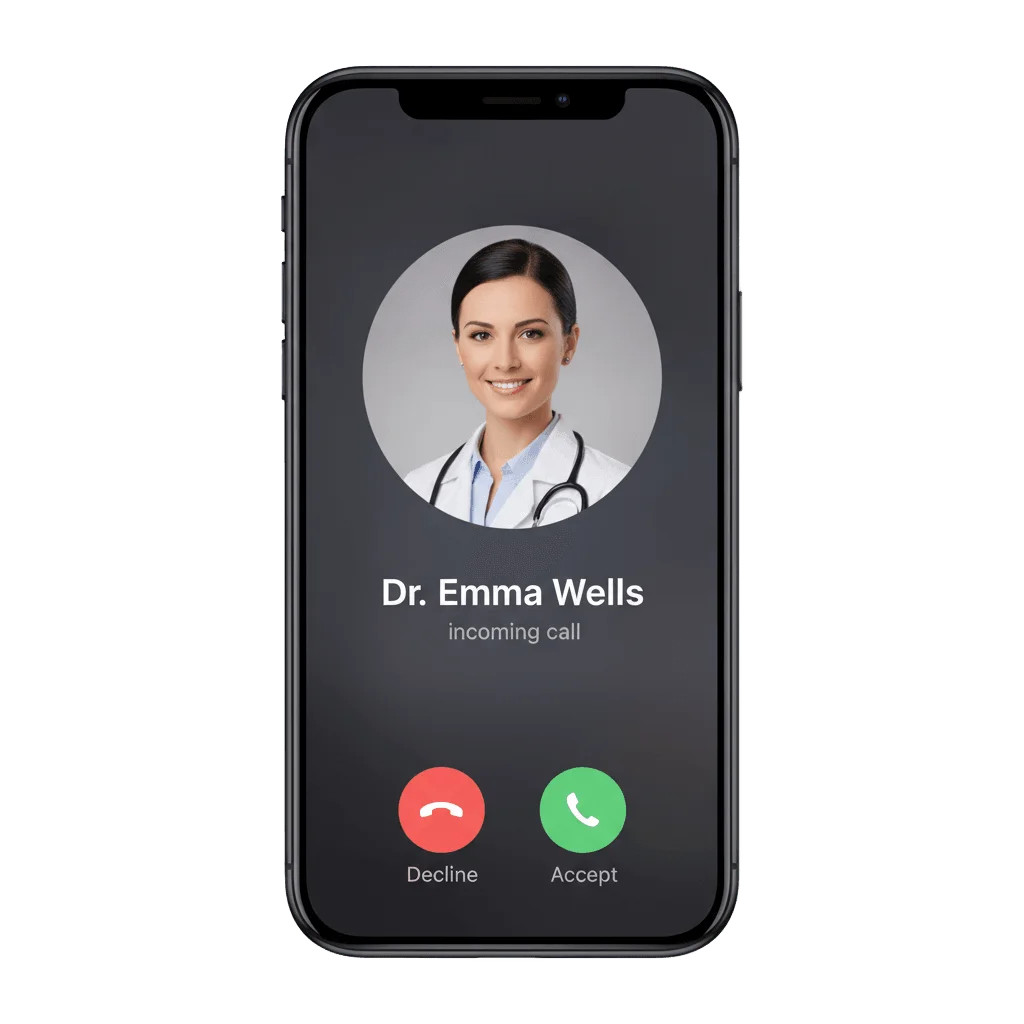
Make an iPhone ring with a real incoming call, even when your app is fully closed. Pushwoosh delivers the native iOS VoIP push that does it, over PushKit and CallKit.
Trusted by 80,000+ companies to scale their engagement
How it works
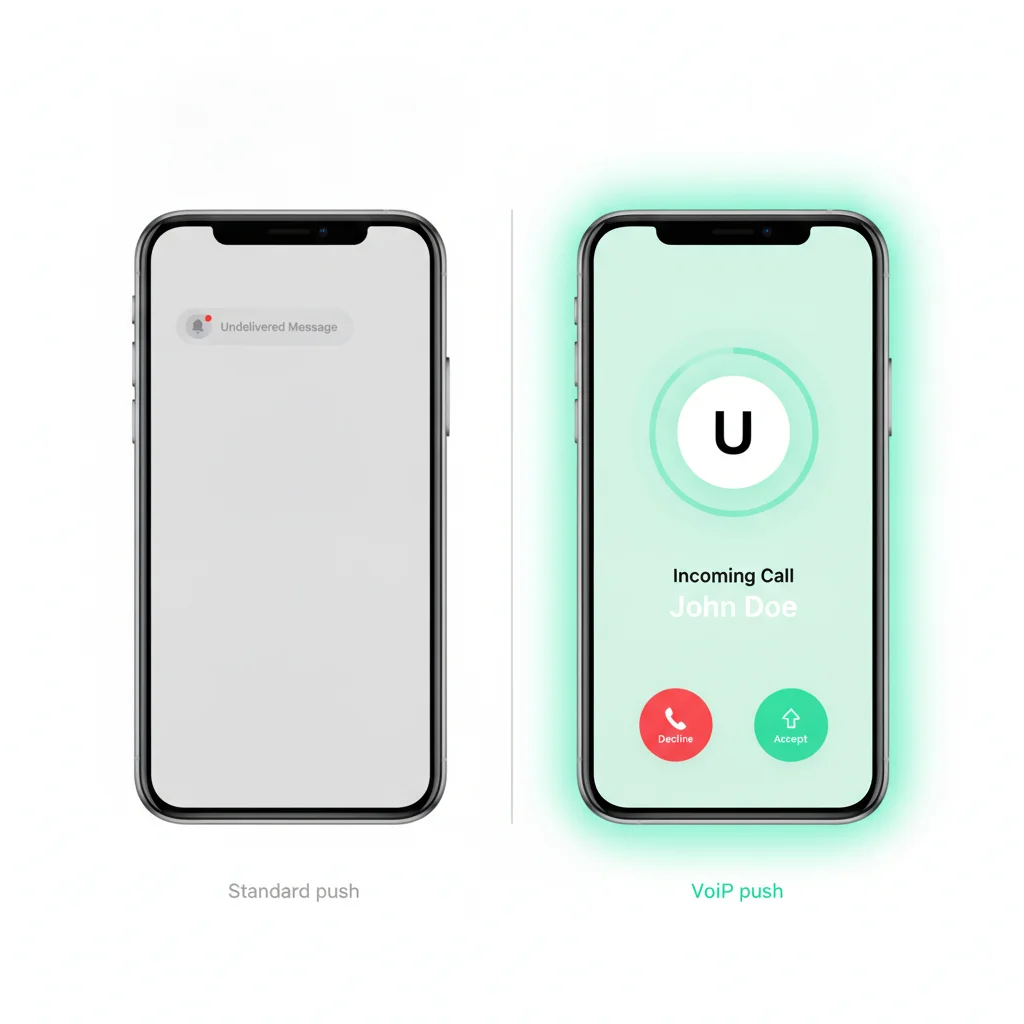
When a user swipes your app away, a standard APNs alert cannot reliably wake it. For a calling app, that means the call never rings.
Apple’s PushKit VoIP push is a separate, highest-priority transport. It wakes even a terminated app and shows the native call screen at once.
An SDK module instead of a DIY PushKit build
The PushwooshVoIP module registers the PushKit VoIP token and wires CallKit for you, with a ready-made call delegate.
- Registers the PKPushRegistry VoIP token for your app’s VoIP configuration.
- Reports every incoming call to CallKit, so the native screen appears.
- PWVoIPCallDelegate callbacks for incoming, answered, ended, started, and failed calls.
- Configurable ringtone and CallKit handle types — generic, phone, or email.
- Wakes the app in the background to run your code, or to schedule a missed-call notification.
PWVoIPCallDelegate callbacks
voipDidReceiveIncomingCallanswerCallendCallstartCallmutedCallheldCallvoipDidFailToReportIncomingCall
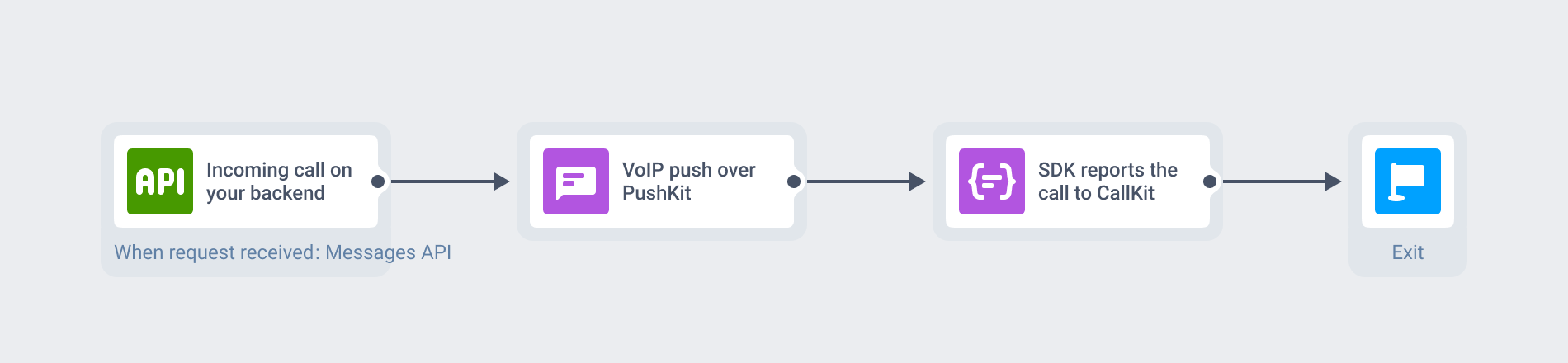
Pushwoosh sends the push, your backend runs the call
Pushwoosh sends the VoIP push and hands your app the incoming, answered, and ended events.
- Your backend triggers a VoIP push through the Messages API on an incoming call.
- The SDK reports it to CallKit and surfaces the answer and end actions.
- You bridge those actions to your existing call stack.
Pushwoosh carries the push, not the media. The audio and video stay on your own WebRTC or SIP path.
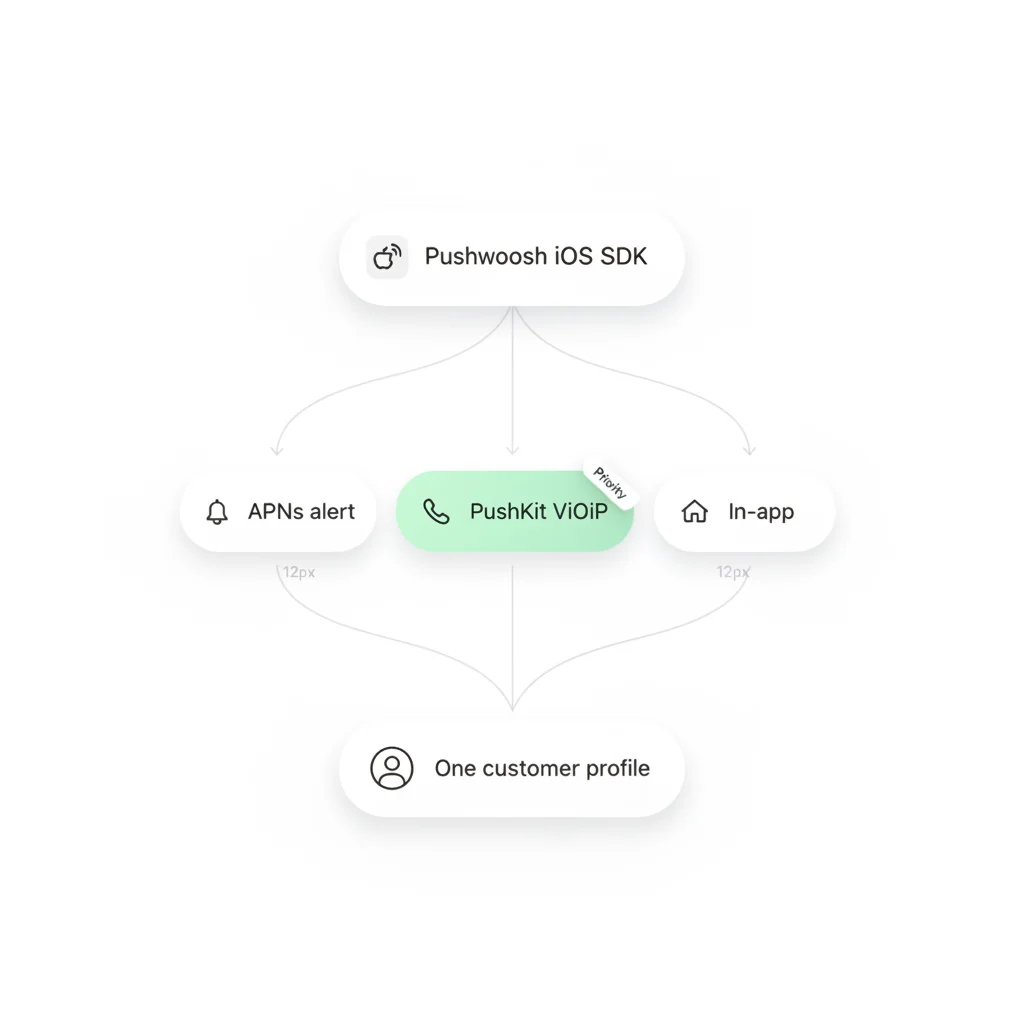
Same iOS SDK as the rest of Pushwoosh
VoIP push sits in the same iOS SDK and registration model as mobile push, in-app, email, SMS, and WhatsApp. Ship call delivery and your engagement messaging from a single integration.
VoIP simply runs at a different transport priority: one SDK, one customer profile.
Built for apps where a real call has to connect
Telehealth
The doctor starts a consult and the patient's phone rings, app closed.
Marketplaces
Connect buyer and seller without exposing a phone number.
Telecom & OTT
Your own calling app delivers the inbound call.
Fintech
Advisor callbacks, video KYC, and fraud-agent verification.
Insurance
An adjuster rings the policyholder to inspect a claim live.
Tutoring & coaching
Ring the student or member into a 1:1 session.
EU hosting for regulated calling apps
Your tokens, triggers, and profiles sit on Pushwoosh hardware, with EU data in Germany under GDPR and BDSG (ISO 27001:2022, HIPAA, SOC 2 Type 2, EU-U.S. DPF). The push travels via Apple, the call via your backend.







Set it up in three steps
-
Add the module
Add PushwooshVoIP via SPM or CocoaPods, turn on the Voice over IP background mode, and initialize.
-
Upload your VoIP certificate
In Settings, Configure platforms, connect iOS and select VoIP push notifications, then upload your VoIP Services certificate as a .p12 file on the Production gateway.
-
Receive and report the call
On an incoming call, your backend sends a VoIP push through the Messages API. The SDK reports it to CallKit and surfaces the call events to your app.
Add native call delivery to your iOS app
Talk to our team about VoIP push for telehealth and regulated calling, or start building on your own.
Explore related products
Mobile push notifications by Pushwoosh — every-device reach, rich content, precise targeting, cross-channel Journeys and 99% uptime. Turn notifications into loyal, paying users.
From sports updates to breaking news to weather alerts and travel updates, seconds can make a huge difference. Our powerful High-Speed Delivery technology allows sending up to 500,000 push notifications per second!
Offload your app and web messaging to Pushwoosh API. We manage push, email, SMS, and data streams — you build successful products without limits.
In-app messaging by Pushwoosh — onboard, upsell, announce and collect feedback right when app users are paying attention. No-code editor, native SDK layouts, per-element analytics. Free to start.
Message Inbox adds an in-app notification center to your app and website. Silent delivery reaches every user, including the ones who declined push, and saved messages stay available on their own time.
Your data is safe with Pushwoosh. Pushwoosh meets industry standards for online security, with ISO 27001:2022 and SOC 2 Type 2 certifications.