Capturing truly valuable customer insights from calls, interviews, and even cancellation conversations remains a major challenge for many businesses.
Churn reasons, feature requests, and the reasons customers stay all come up in calls. Most of them stay in the recording and never reach the CRM, so no segment or lifecycle campaign ever uses them. The result? Missed opportunities for proactive retention and personalized customer engagement.
This guide helps CRM, product, and growth teams pick the best AI note taker for turning those calls into retention data.
Why retention teams need an AI note taker (not just sales)
Sales teams adopted AI note takers to log deals. Retention teams have more reasons to record calls, and each call type feeds a different part of the CRM.
- Cancellation and exit calls 👉🏻 churn reasons. “Too expensive” or “missing feature X” becomes a property you can segment by, and a reason to reach similar customers before they cancel.
- Onboarding calls 👉🏻 activation blockers. New customers say where they got stuck. That’s the step where your onboarding flow needs a nudge.
- Renewal calls and QBRs 👉🏻 risk signals. Hesitation about renewing is an early warning. A request for more seats is an upsell.
- Customer interviews and VoC 👉🏻 messaging. The words customers use to describe their problem are the words your campaigns should use.
What to look for in an AI note taker for CRM and retention work
Sales-focused reviews mostly ask 1 question: does it log the call to the deal? Retention teams need a wider checklist.
- Bot or botless recording. A bot joins the call as a visible participant. Botless tools record from your device. Bots make consent obvious; botless tools feel less intrusive on sensitive churn calls.
- CRM write-back. Some tools only attach notes to a contact. Others fill custom CRM fields, like “churn reason” or “feature request”. Custom fields are what make segmentation possible.
- Languages. If your customers call in Spanish, Portuguese, or Japanese, a tool with 6 languages won’t cut it.
- Search across calls. At some point you’ll want to know how many customers mentioned price this quarter. Rereading 40 transcripts is an option (in theory).
- Export, Zapier, and API. If there’s no native integration with your stack, you need a clean way to move insights out.
- Pricing model. Per-seat pricing adds up fast when the whole team records. Per-file pricing suits teams that record a lot but have few users.
7 best AI note takers for CRM and retention teams
| Tool | Best for | Recording | CRM write-back | Languages | Free plan | Paid from |
|---|---|---|---|---|---|---|
| Hypescribe | Call and video summaries with action items | Bot + file and link uploads | Via export (DOCX, Markdown, Google Docs) | 99+ | Free trial: 3 files/mo | $6.99/mo |
| Fireflies.ai | Multilingual teams and CRM autofill | Bot + botless desktop app | HubSpot, Salesforce, Pipedrive; Autofill CRM on Business | 100+ | Yes | $10/seat/mo (annual) |
| Fathom | Free start and HubSpot field mapping | Bot + botless (Mac, beta) | HubSpot custom fields; Salesforce rolling out | 38 | Yes | $15/user/mo (annual) |
| Avoma | CS teams that need conversation analytics | Bot | Salesforce, HubSpot, Pipedrive, Zoho and more; two-way fields with add-on | 70+ | 14-day trial | $19/seat/mo (annual) |
| Otter.ai | Budget pick for English-language calls | Bot + botless desktop app | Salesforce, HubSpot; custom fields on Enterprise | 6 | Yes | $8.33/user/mo (annual) |
| Granola | Botless and in-person meetings | Botless | HubSpot, Attio, Affinity notes; Salesforce via Zapier | 31 (desktop) | Yes | $14/user/mo |
| tl;dv | EU data hosting and webhook automation | Bot + botless desktop app | HubSpot, Salesforce, Pipedrive, Zoho with field mapping | 30+ | Yes | $18/seat/mo (annual) |
1. Hypescribe: best budget pick for customer interviews, VoC and recordings of any length
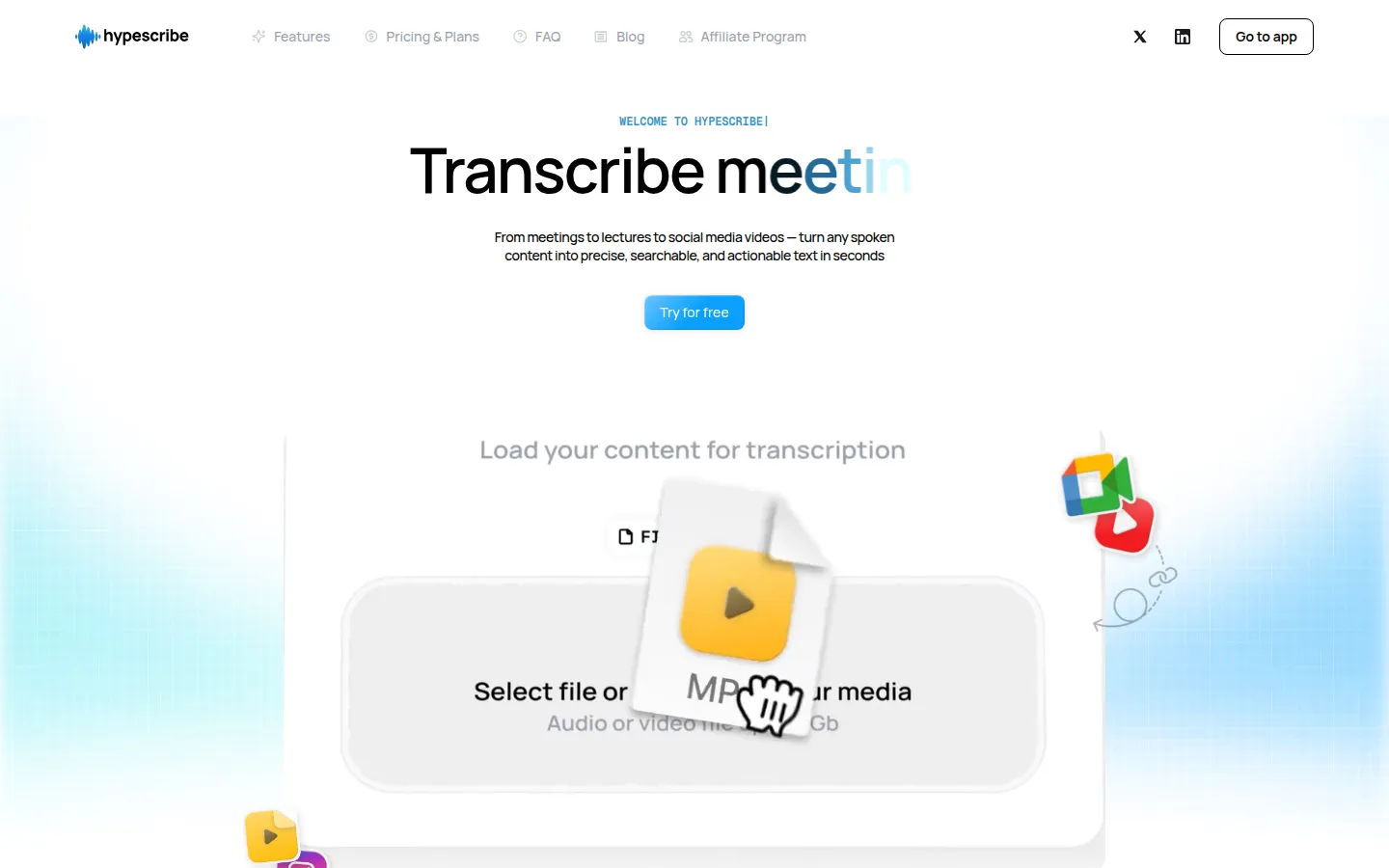
Hypescribe turns recordings of calls, interviews, and videos into transcripts, summaries, and task lists. You get the summary and the action items right after processing, so a churn call ends with follow-ups you can assign the same day.
Key features for retention teams:
- Notetaker bot. It joins your Zoom, Google Meet, or Microsoft Teams call and records it, so onboarding and renewal calls get captured without anyone hitting “record”.
- Uploads and links. Upload audio or video up to 2 GB, or paste a link from YouTube and 14 other platforms, including Zoom, Google Drive, Instagram, and TikTok. Customer video reviews of your app become VoC material too.
- 99+ languages. Auto-detection handles calls with customers in different markets.
- Overview and AI assistant. Each recording gets an outline and a task list. You can also ask questions about the recording with an AI assistant built on GPT, Claude, Grok, or DeepSeek.
- Export. TXT, SRT, PDF, DOCX, Markdown, or straight to Google Docs.
Pricing: token-based, where 1 token = 1 transcribed file of any length. Free trial: 3 files per month (up to 1 hour each), no credit card. Starter $6.99/mo (30 tokens), Pro $7.99/mo (60 tokens, 10 notetaker meetings/mo), Ultra $12.99/mo (300 tokens, 30 notetaker meetings/mo). Yearly billing is about 45% cheaper, and unused tokens roll over.
Pros:
- Highly cost-effective, especially for long recordings due to token-based pricing.
- Wide platform support for input (files, links, live meetings).
- Robust transcription and AI summary features with multilingual support.
- Free trial available without credit card.
Limitations:
- Notetaker meetings are capped by plan (10 or 30 per month)
- Insights move into your CRM through exports, so plan a step to map them to fields
2. Fireflies.ai: best for multilingual teams and CRM autofill
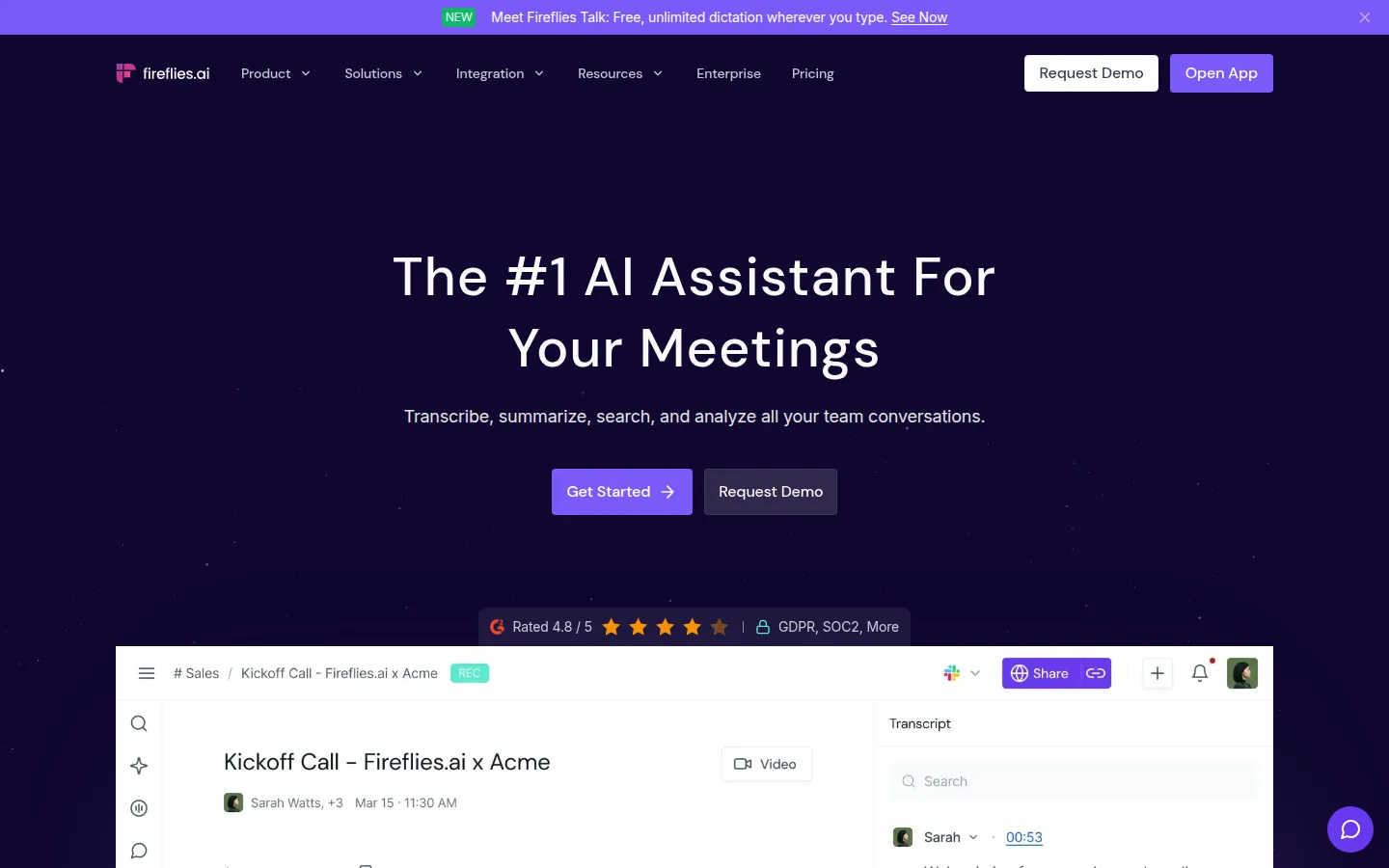
Fireflies.ai connects to more meeting platforms and CRMs than most tools here. It records Zoom, Google Meet, Teams, Webex, and more through its bot. The desktop app and the Chrome extension for Google Meet record without one.
Key features for retention teams:
- CRM sync. HubSpot gets notes, summaries, and action items on contacts, companies, and deals. Salesforce and Pipedrive get notes on matching records.
- Autofill CRM (Business plan) updates CRM records from the call.
- AskFred searches across all your meetings.
- Conversation intelligence (Business and Enterprise) adds sentiment and topic tracking.
- 100+ languages, with a multi-language mode on Business.
Pricing: free plan available. Pro $10/seat/mo and Business $19/seat/mo billed annually ($18 and $29 on monthly billing). Enterprise $39/seat/mo, annual only.
Pros:
- Widest CRM coverage, plus Intercom and monday CRM
- Mobile app for in-person recordings
- API access on every plan
Limitations:
- Sentiment and CRM autofill sit behind the Business plan
- No native customer success platform integrations
3. Fathom: best for a free start and HubSpot field mapping
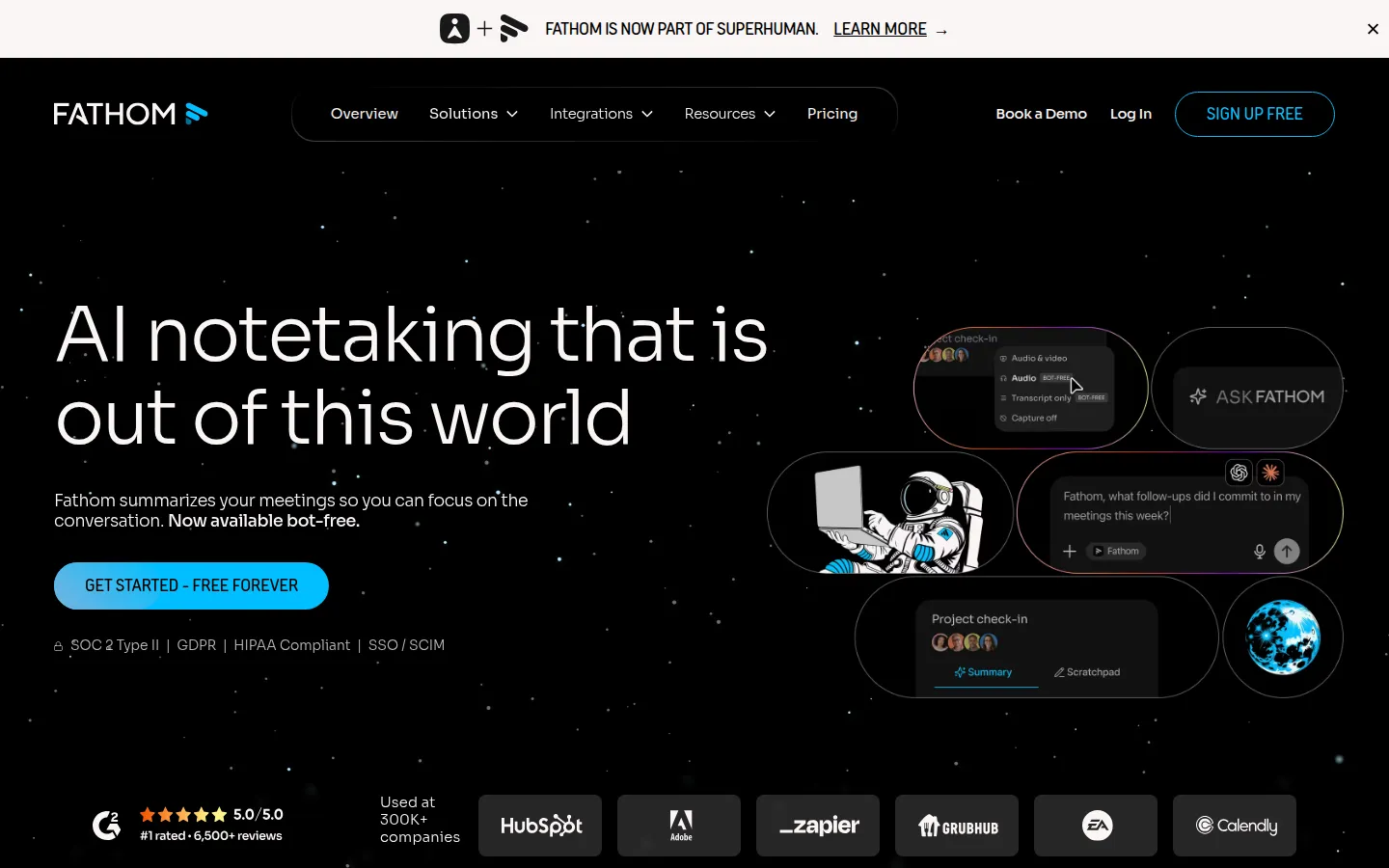
Fathom gives you unlimited recordings, transcriptions, and instant AI summaries on the free plan. For a small retention team testing the idea, that removes the budget conversation.
Key features for retention teams:
- HubSpot field mapping. Summaries and action items land on the matching record, and on Business you can map summary sections to custom HubSpot fields. Salesforce field mapping works through Deal View on Business and is still being rolled out.
- Keyword alerts and trackers (Team plan) flag risk language and competitor mentions.
- Bot-free mode on Mac records transcript or audio only, in beta.
- API and webhooks on all plans.
Pricing: free forever plan. Premium $16/user/mo, Team $15/user/mo (2-user minimum), Business $25/user/mo, billed annually; monthly billing costs about 25% more. Enterprise is custom. CRM field sync and Deal View come with Business.
Pros:
- Unlimited recordings on the free plan
- Native Pylon integration for support-led teams
- SOC 2 Type II and HIPAA
Limitations:
- Advanced summary templates on the free plan are limited to 5 calls a month
- No Android app
4. Avoma: best for CS teams that need conversation analytics
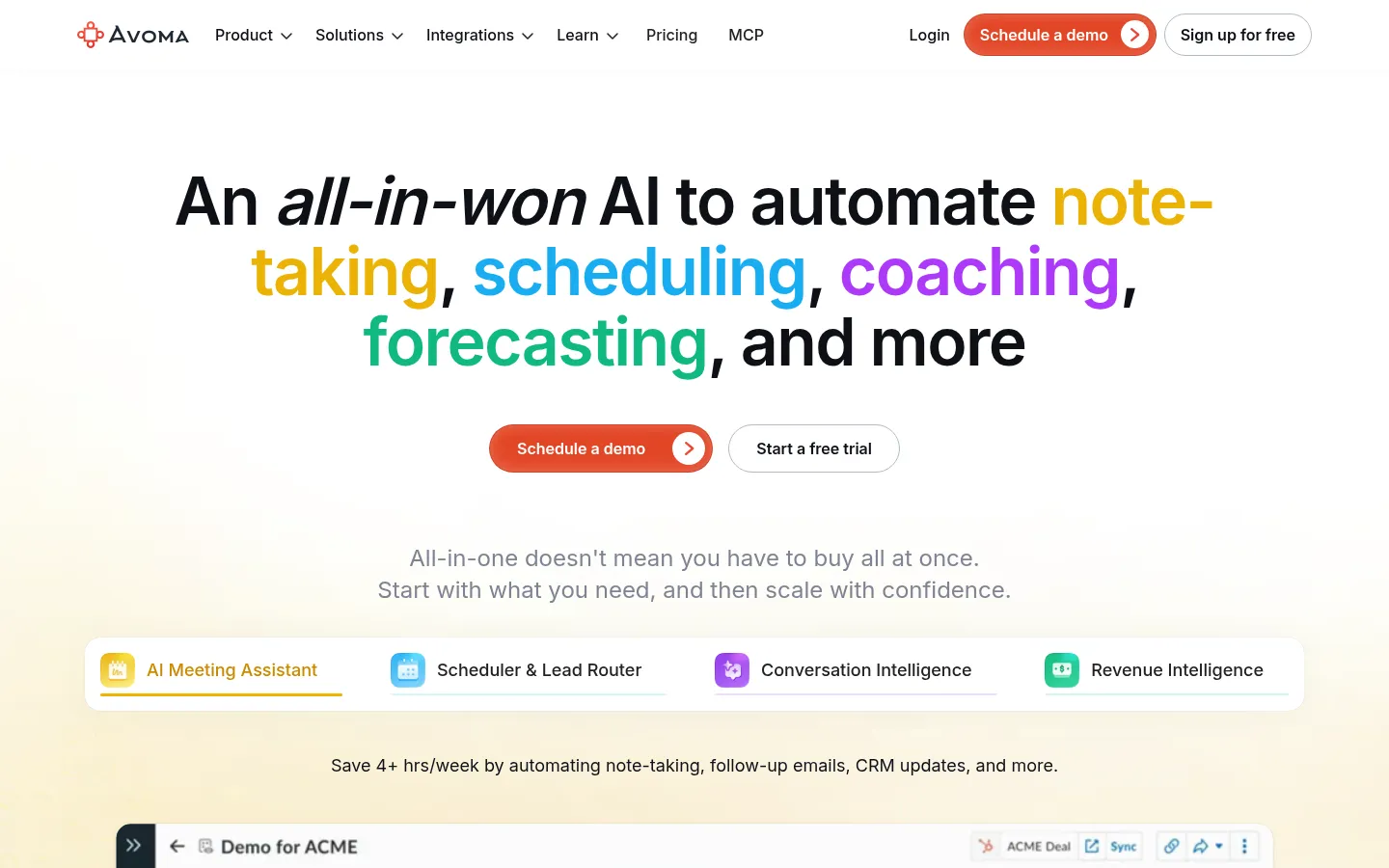
Avoma is built for teams that want analytics on top of notes. It records through a bot and connects to dialers like Aircall, Dialpad, and RingCentral, which matters if your CS team works the phones.
Key features for retention teams:
- CRM coverage: Salesforce, HubSpot, Zoho, Pipedrive, Copper, and Zendesk Sell. Notes save automatically from the Startup plan.
- Two-way CRM field updates with the Revenue Intelligence add-on.
- 40+ Smart Topics out of the box, plus custom trackers with the Conversation Intelligence add-on.
- Ask Avoma searches across all calls (add-on or Enterprise).
- 70+ languages for transcription and translation.
Pricing: no free plan, 14-day trial. Startup $19/seat/mo and Organization $24/seat/mo, billed annually; Enterprise $39/seat/mo, annual only. Organization and Enterprise add API and webhooks; HIPAA is Enterprise only. Add-ons are $29/seat/mo each on annual billing. Only “recorder” seats are paid.
Pros:
- Deepest analytics for spotting churn patterns across many calls
- Records phone calls through dialers as well as video meetings
- SOC 2 Type II and ISO/IEC 42001
Limitations:
- Bot-free recording only through Zoom and Webex cloud recording
- Google Meet and Teams need the bot
5. Otter.ai: best budget pick for English-language calls
Otter.ai has the lowest per-seat price on this list with annual billing. Its notetaker joins Zoom, Meet, and Teams, and the desktop app records without a bot.
Key features for retention teams:
- Salesforce and HubSpot sync from the Pro plan (with limits on how many users can sync notes). On Enterprise, it writes next steps, pain points, and summaries into custom fields on Salesforce Opportunities and HubSpot Deals.
- Otter AI Chat answers questions about your conversations, with plan-based limits.
- Zapier from Pro, API and webhooks on Enterprise.
Pricing: free Basic plan (300 minutes/mo, 30 minutes per conversation). Pro $8.33/user/mo and Business $19.99/user/mo, billed annually ($16.99 and $30 monthly).
Pros:
- Low entry price
- Botless desktop recording on Mac and Windows
Limitations:
- Only 6 languages: English, Spanish, French, German, Japanese, and Chinese (Simplified)
- Custom field write-back requires Enterprise
6. Granola: best for botless and in-person meetings
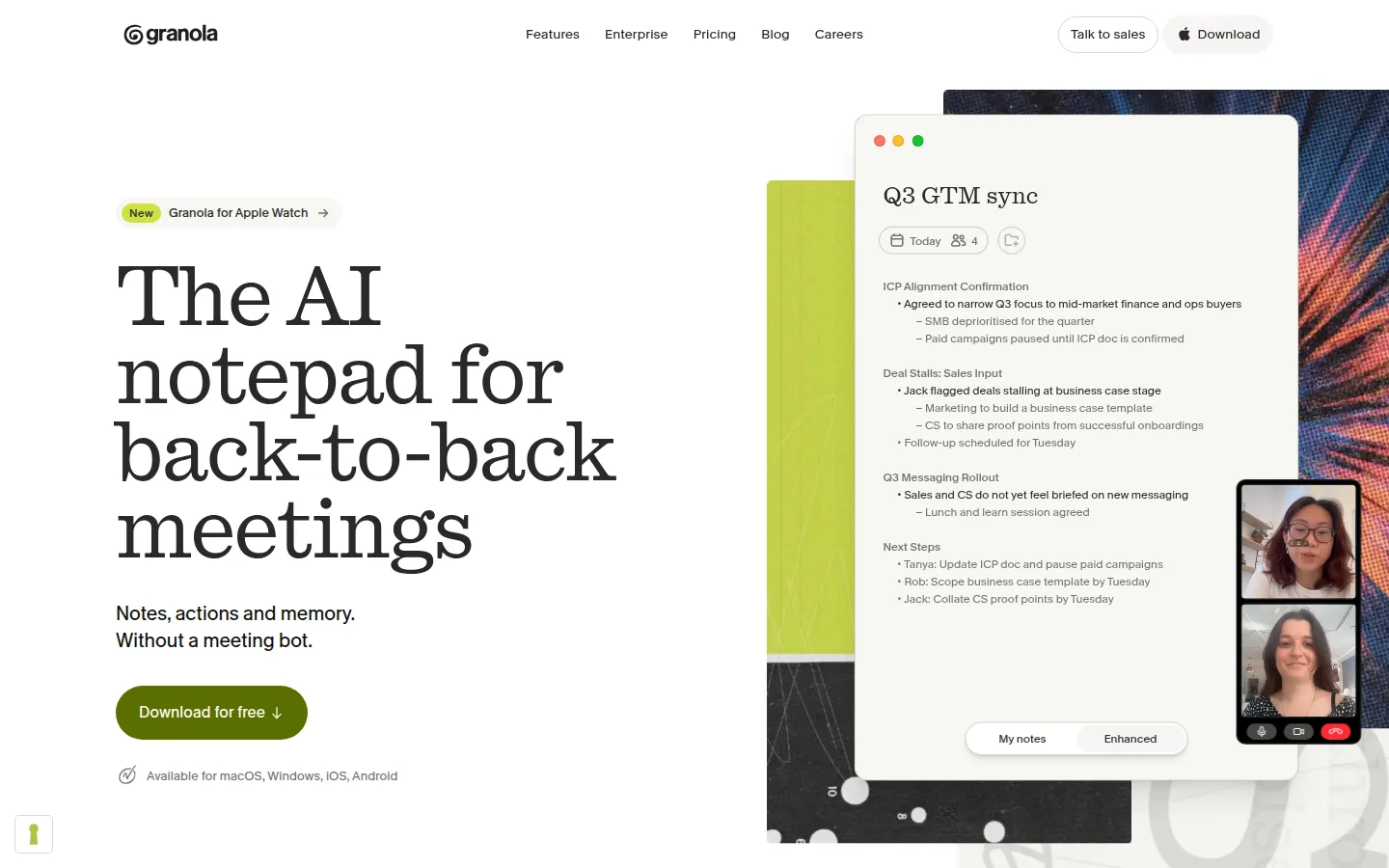
Granola never sends a bot. It captures audio on your device, which makes it the quietest option for sensitive conversations like exit interviews. It also works for in-person meetings, with desktop, iOS, Android, and Apple Watch apps.
Key features for retention teams:
- HubSpot integration (Business plan) adds notes to contacts, companies, or deals. Attio and Affinity are native too. Salesforce and Pipedrive connect via Zapier.
- AI chat across notes to find patterns across meetings.
- 31 languages on desktop, 17 on mobile.
Pricing: free Basic plan with 30-day note history. Business $14/user/mo (monthly billing), Enterprise from $35/user/mo.
Pros:
- No bot in the room
- Audio is deleted after transcription
- Gainsight connection via Zapier for CS teams (Business plan)
Limitations:
- Writes notes to CRM records, with no custom field mapping
- No API or integrations on the free plan
7. tl;dv: best for EU data hosting and webhook automation
tl;dv hosts data in the EU and states that no customer data is used to train its AI. If your customers are in Europe, that answers a lot of questions before they’re asked.
Key features for retention teams:
- CRM field mapping into custom fields for HubSpot, Salesforce, and Pipedrive, plus Zoho logging.
- Webhooks (Pro and up) fire when a meeting or transcript is ready
- Ask tl;dv AI across multiple meetings (unlimited on Business; 10 multi-meeting uses on Free and Pro)
- Botless desktop app on Mac and Windows, audio only
- 30+ languages.
Pricing: free plan with unlimited recordings (AI notes on 10 meetings, then on the first 10 minutes). Pro $18/seat/mo and Business $29/seat/mo billed annually ($29 and $39 monthly).
Pros:
- EU hosting and GDPR for all users
- Field mapping plus webhooks make automation easy
Limitations:
- Free plan limits are lifetime, not monthly
- No native customer success platform integrations
How to turn call notes into retention signals
A note taker gives you transcripts. Retention work starts when those transcripts change who gets which message. These 4 steps work with any tool on the list.
-
Define a short signal list
Pick 4–6 signals your team cares about: churn reason, feature request, competitor mention, onboarding blocker, renewal risk. More than that, and nobody tags consistently.
-
Map each signal to a CRM property
Store "Churn reason: price" as a field value. Buried in a paragraph of notes, it can't power a segment. Tools with custom field mapping do this automatically. With the others, it's a quick step after each call.
-
Review signals weekly
Search across calls for each signal and count. 5 "too expensive" mentions in a week is a pricing conversation. 1 is an anecdote.
-
Feed properties into segments
Once the signal is a property, it becomes a segment: customers who mentioned a missing feature get the announcement when it ships, and accounts flagged at renewal get a save offer before the date.
Recording customer calls: consent and privacy basics
When you record existing customers and reuse their words for research, set a few ground rules first.
- Tell people the call is recorded. Recording laws differ by country and state, and many require consent from everyone on the call. A visible bot helps, but say it out loud too.
- Check the AI training policy. Some vendors train their own models on de-identified customer data with an opt-out (Fathom, Otter, Granola). Others, like tl;dv, state they don’t use customer data for training.
- Decide how long to keep recordings. Some tools remove source files on their own: Hypescribe deletes source media after processing, and Granola deletes audio after transcription.
- Limit who can see what. Churn calls often include billing details and frustration. Not every recording needs to be visible to the whole company.