In a small app, a OneSignal SDK migration means swapping 1 init call and a click handler. In a large app, OneSignal sits in dozens of places: tags set in the profile module, an external user ID in auth, click handlers in navigation, in-app triggers somewhere in checkout.
Miss 1 of those calls and nothing crashes. Segments quietly drift, deep links open the home screen, and the push that used to bring users back stops arriving.
This guide covers 9 tools that make the swap safe, grouped by the 5 steps of a migration: map, replace, test, roll out, and monitor.
For the provider side, see our full OneSignal to Pushwoosh migration guide.
Why push SDK migrations break in large apps
A push SDK touches more of the codebase than most third-party libraries. 4 things usually go wrong:
- Scattered calls. Tags, external user IDs, and click handlers live in different modules, sometimes in different repositories. A text search for “OneSignal” finds the obvious ones and misses wrappers.
- Hidden dependencies. Analytics events, deep links, and A/B tests often hang on SDK callbacks. Remove the callback, and a dashboard downstream goes flat.
- 2 SDKs, 1 build. 2 push SDKs in 1 app compete for the same notification callbacks. That’s why the Pushwoosh migration guide says to remove the OneSignal SDK in the same release that adds the new one.
- Silent failures. An undelivered push doesn’t throw an error. Crash reports stay clean.
The migration workflow, step-by-step
Each step has its own failure mode and its own tools.
| Step | What can go wrong | Tools |
|---|---|---|
| 1. Map | A OneSignal call or dependency gets missed | CodeAlive |
| 2. Replace | Tokens, tags, or user IDs don't carry over | Pushwoosh |
| 3. Test | Registration or payloads break before release | Apple Push Notifications Console, Firebase Cloud Messaging, Proxyman |
| 4. Roll out | A bad build reaches every user at once | fastlane, App Store phased release and Google Play staged rollouts |
| 5. Monitor | Crashes or delivery drops go unnoticed | Firebase Crashlytics, Pushwoosh message statistics |
9 tools for a safe OneSignal SDK migration
| Tool | Step | What it solves | Free tier | Pricing model |
|---|---|---|---|---|
| CodeAlive | Map | Finds every OneSignal call and its dependencies across large codebases, gives AI agents full context | Yes: 1 user, 25 MB of repos, 100 chat requests/mo | From $15/mo, usage-based |
| Pushwoosh | Replace | Target push platform with audience import and SDKs for native and cross-platform apps | First 1,000 MAU free on push-only | $7 per 1,000 MAU (Push only) |
| Apple Push Notifications Console | Test | Sends test pushes through APNs, validates tokens, shows delivery logs | Included with the Apple Developer Program membership | No separate charge |
| Firebase Cloud Messaging | Test | Sends a test message to a specific FCM token | Yes, no cost | Free |
| Proxyman | Test | Inspects SDK network traffic and payloads | Free with limits (2-week trial for business use) | From $89 one-time |
| fastlane | Roll out | Automates releases with phased release and rollout options | Open source | Open source |
| App Store phased release / Google Play staged rollouts | Roll out | Limits a new build to a share of users | Built into the stores | Included |
| Firebase Crashlytics | Monitor | Crashes and non-fatal errors after the swap | Yes, no cost | Free |
| Pushwoosh message statistics | Monitor | Sends, deliveries, opens, and errors by platform | Included with Pushwoosh | Included |
Step 1. Map every OneSignal call
1. CodeAlive: best for mapping SDK calls across large and multi-repo codebases
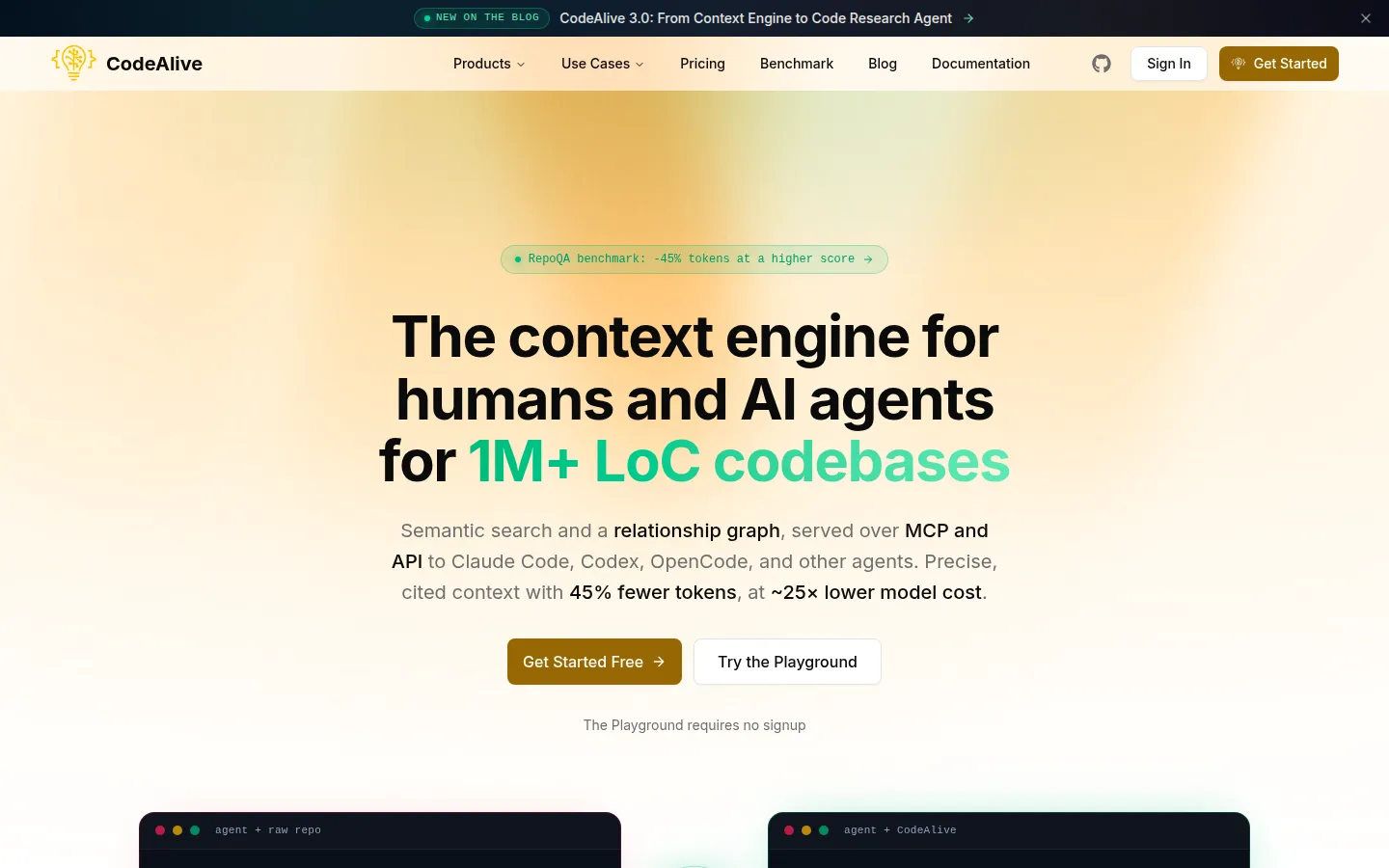
CodeAlive gives AI coding agents precise context across the whole codebase and cuts the tokens they spend looking for it. It’s a context engine built for codebases of 1M+ lines: semantic search plus a relationship graph of files, symbols, calls, dependencies, and tests, served over MCP and API.
What it does in the migration: before anyone edits code, you ask CodeAlive where OneSignal is used and what depends on it. The relationship graph shows calls beyond the obvious ones: wrappers, callbacks that analytics hangs on, tests that mock the SDK. The same context goes to the AI agent that makes the replacement.
Key features:
- Hybrid retrieval: semantic search, lexical matching, and graph traversal in 1 query
- Index refreshed on every push, so the map stays current while the migration branch moves
- MCP tools, including semantic_search, grep_search, and chat, for Cursor, Claude Code, Codex, Windsurf, Zed, Continue, and Cline
- AI pull request review that takes the whole system into account
- Git providers: GitHub, GitLab, Bitbucket, Azure DevOps, Gitea. IDEs: VS Code and JetBrains
Pros:
- Maps dependencies across repositories
- Works inside the agents and IDEs your team already uses
Step 2. Replace the SDK and move the audience
2. Pushwoosh: best for a target platform with audience import
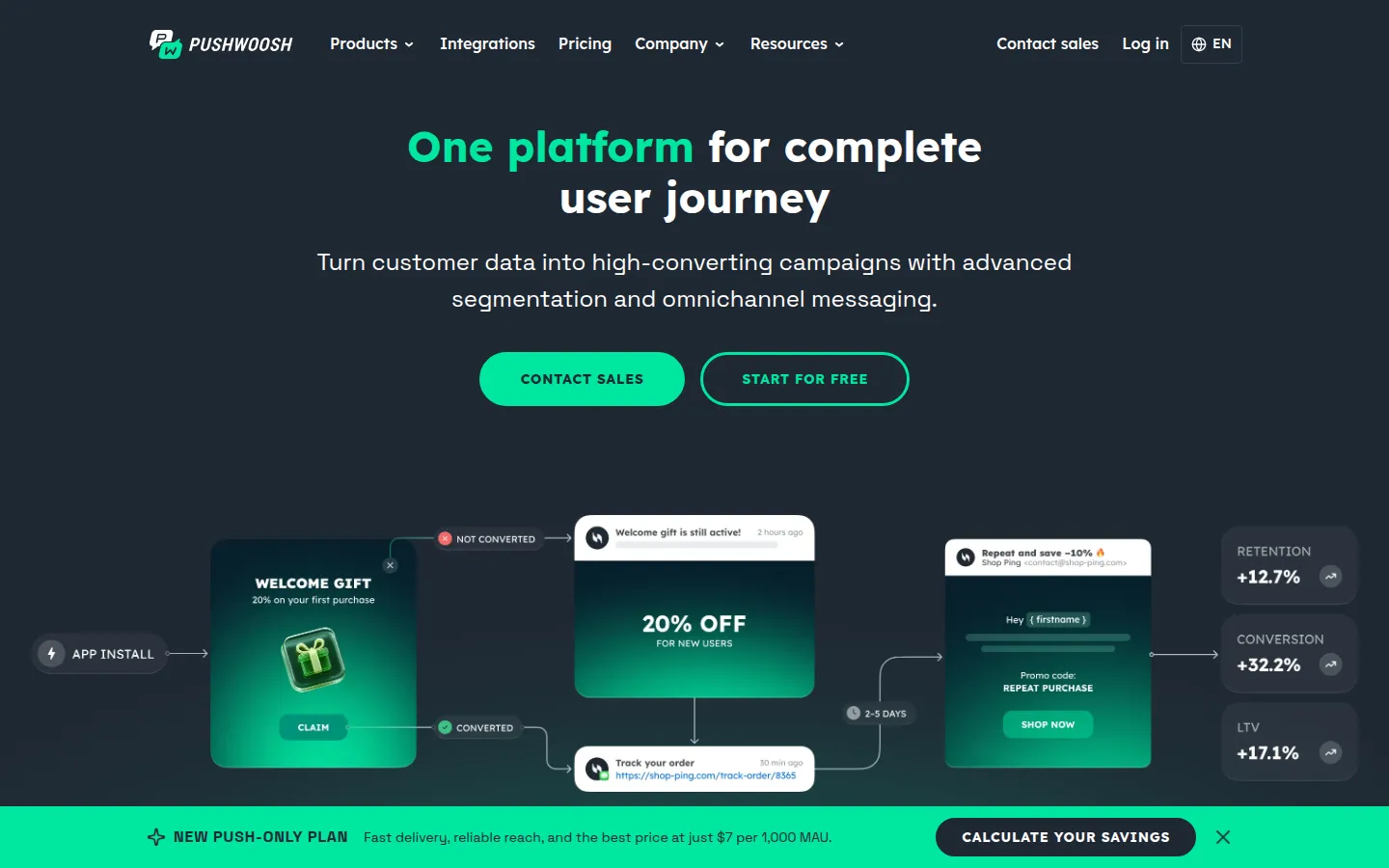
Pushwoosh is a customer engagement platform with push, in-app, email, SMS, and WhatsApp. In a migration, the Pushwoosh team imports your audience while your developers ship the new SDK.
What it does in the migration: iOS, Android, and Huawei push tokens are imported and keep working, because tokens belong to your app and your keys. Email and SMS subscribers come over in the import too. The external_user_id maps to the Pushwoosh User ID (request that column in your OneSignal export, it isn’t in the default one), and tags are recreated from your export. Web push is the exception: browser subscriptions can’t be transferred by any provider, so the Pushwoosh Web SDK re-subscribes visitors silently.
Key features:
- SDKs for iOS and Android, plus React Native, Flutter, Unity, Capacitor, Cordova, MAUI, Expo, and more
- Audience import that runs in parallel with the SDK release, so devices are reachable before users update
- Test devices to preview pushes on a real device before sending
Pros:
- The import doesn’t wait for app store adoption
- About a day of SDK work for 1 developer, per the migration guide
Pricing: the push-only plan is $7 per 1,000 MAU, with the first 1,000 MAU free. Compare your current bill with the OneSignal cost calculator.
Step 3. Test registration and delivery
3. Apple Push Notifications Console: best for testing iOS delivery through APNs
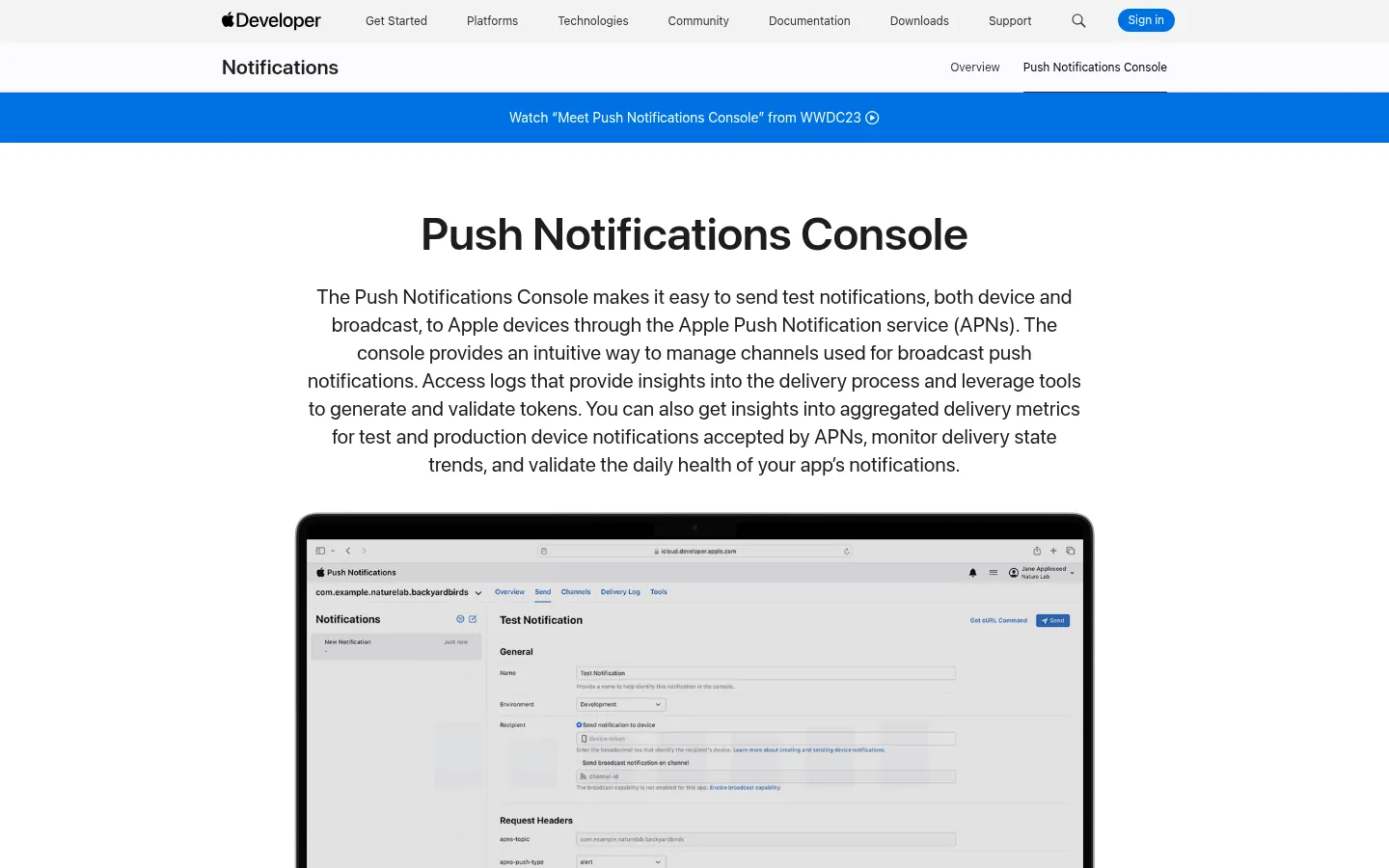
The Push Notifications Console is Apple’s web tool for sending test notifications through APNs. It’s a quick way to rule out the provider when an iOS push doesn’t arrive.
What it does in the migration: you send a push straight to a device token and check whether APNs accepted and delivered it. If it arrives here but not from your new provider, check the provider configuration first.
Key features:
- Test notifications to a device, with resend after changing attributes
- Delivery logs that show a notification’s path through APNs, for the development environment
- Token validation for a specific environment and push type
- Delivery metrics for test and production notifications
Pros:
- Straight from Apple, no third party in between
- Validates push tokens before you blame the SDK
4. Firebase Cloud Messaging: best for testing Android pushes by token
Android pushes on devices with Google Play services go through Firebase Cloud Messaging (Huawei devices without Google services use HMS Push Kit instead). The Firebase console can send a test message to 1 registration token, which makes it a simple push notification tester for Android builds.
What it does in the migration: after the new SDK registers a device, you paste its FCM token into the console and send a test. If it arrives, the token and Firebase setup are fine.
Key features:
- Send test message to a specific FCM registration token from the console
- No code needed for a quick check, beyond reading the token from the device
Pros:
- No cost to use Cloud Messaging
- Android push already runs through it
5. Proxyman: best for inspecting SDK traffic and payloads
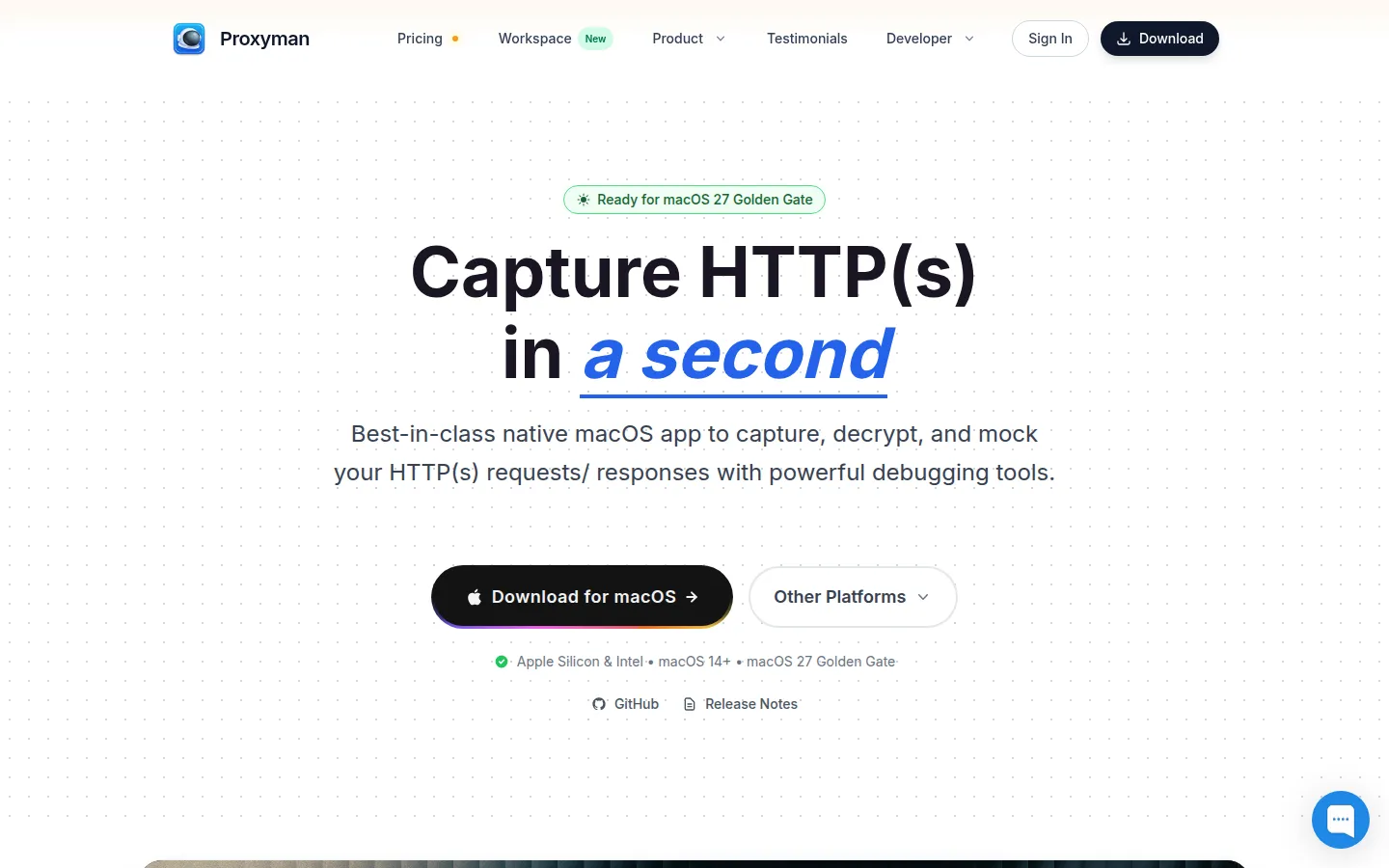
Proxyman is an HTTP debugging proxy for macOS, Windows, and Linux. It shows what the push SDK actually sends: registration calls, user ID updates, tag requests.
What it does in the migration: you run the app with the new SDK and watch its requests. If a tag never leaves the device, you see it here, long before a segment comes out empty.
Key features:
- HTTPS traffic capture from apps on devices, simulators, and emulators
- One-click iOS Simulator and Android Emulator capture on paid plans
- Breakpoints and Map Local/Remote to edit requests and responses
Step 4. Roll out in stages
6. fastlane: best for automating staged releases
fastlane is an open source platform for automating iOS and Android deployment. For a migration, its value is in 2 parameters you can script into your release lane.
What it does in the migration: upload_to_app_store takes phased_release: true, which releases the update over 7 days. upload_to_play_store takes a rollout value, the fraction of users who get the build (0.1 for 10%; 1 completes the rollout). The migration release follows the same staged path every time, and nobody forgets the checkbox.
Key features:
- deliver / upload_to_app_store with phased_release
- supply / upload_to_play_store with rollout and release_status (including halted)
- 1 lane for both stores
Pros:
- Open source
- Makes staged rollout the default instead of a manual step
7. App Store phased release and Google Play staged rollouts: best for limiting the blast radius
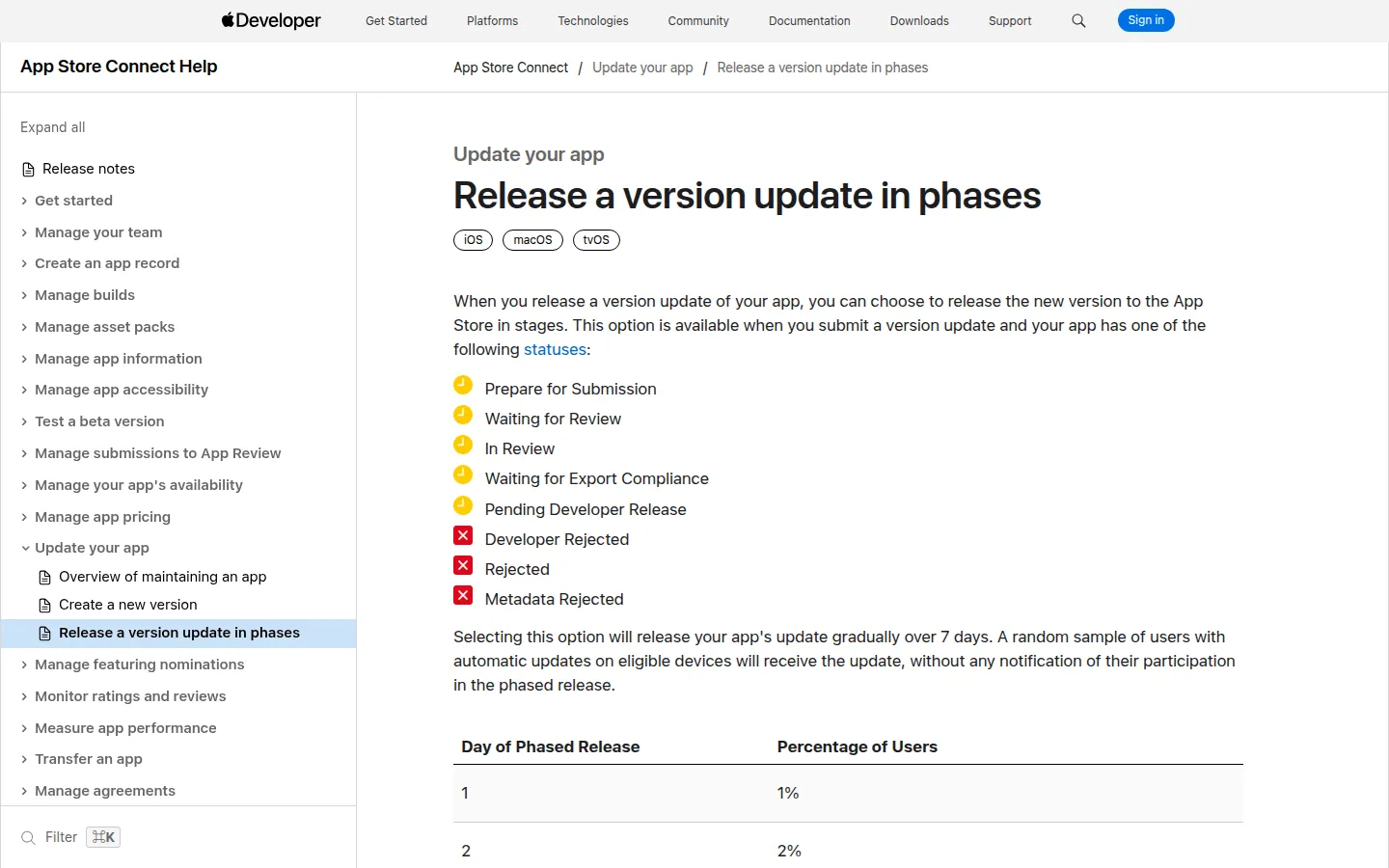
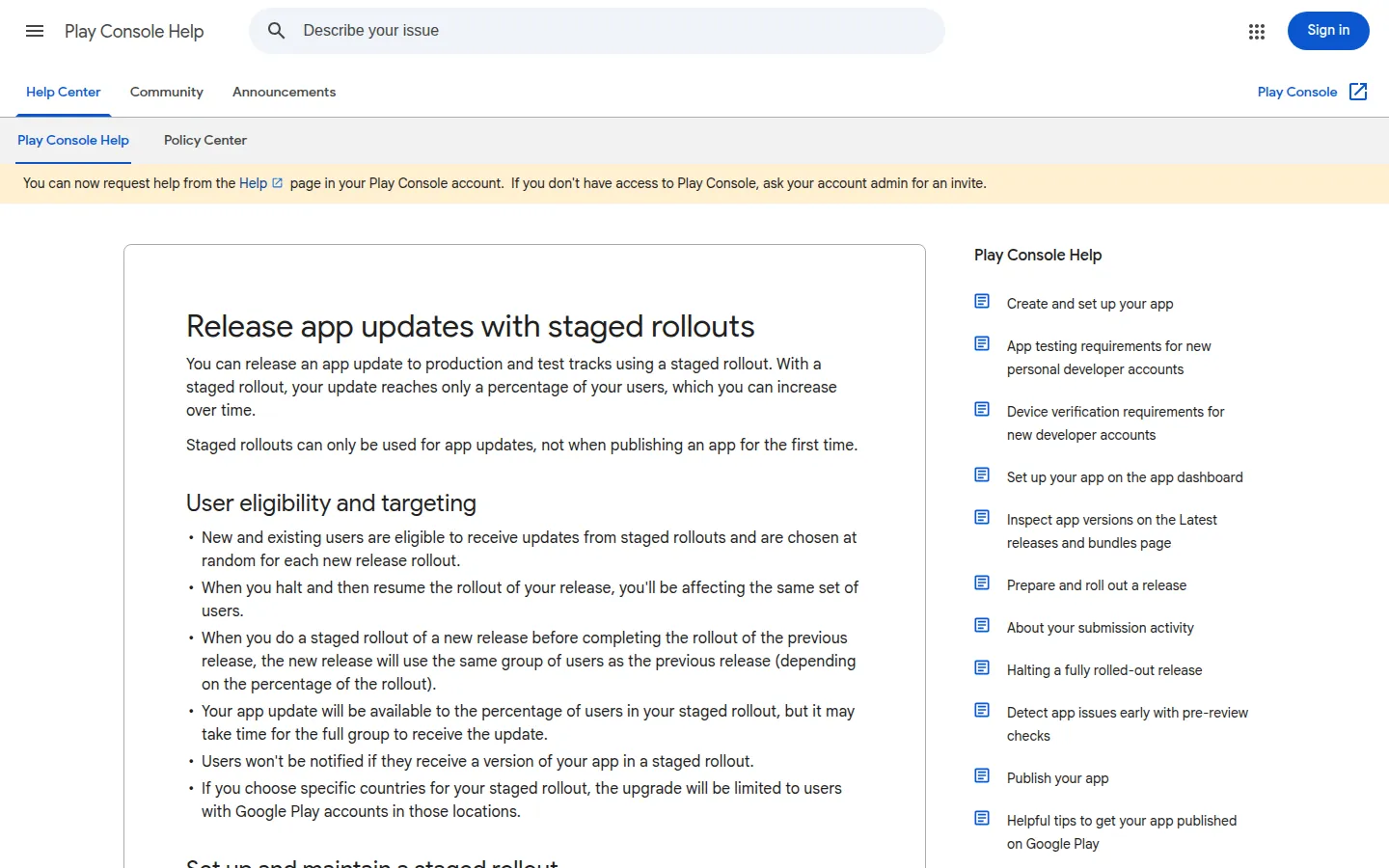
Both stores can ship an update to part of your users first. Whatever release tooling you use, this is the safety net for a push SDK swap.
What it does in the migration: the new build with Pushwoosh reaches a small share of users. If deliveries or crash rates look wrong, you stop the rollout before it reaches everyone. Meanwhile, OneSignal keeps sending to users who haven’t updated, so nobody misses a campaign.
Key features:
- App Store: releases over 7 days to 1%, 2%, 5%, 10%, 20%, 50%, then 100% of users with automatic updates. You can pause for up to 30 days in total or release to everyone at any time
- Google Play: you set the percentage and raise it manually. You can halt and resume the rollout, and users who already updated keep the build
- Random sampling of users in both stores
Pros:
- Built into the stores
- A bad build can stop at 1% of users
Step 5. Monitor crashes and delivery
8. Firebase Crashlytics: best for catching crashes after the swap
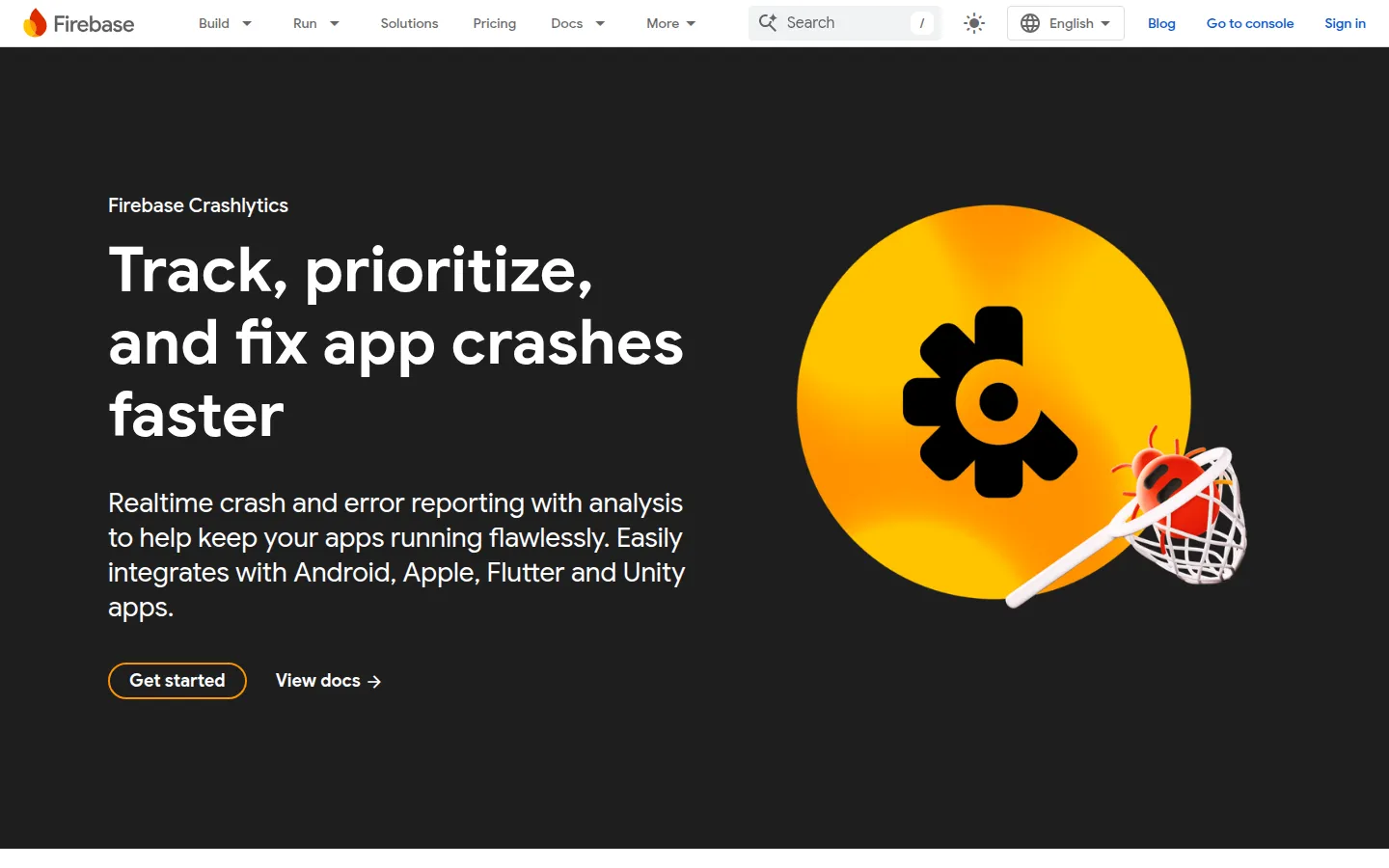
Firebase Crashlytics reports crashes and non-fatal errors from Android, Apple, Flutter, and Unity apps. Run it through the whole rollout and compare the new build against the previous one.
What it does in the migration: a crash in a notification handler or during SDK init shows up here first. Non-fatal events help with the quieter problems: log a non-fatal when push registration fails, and you’ll see it per build.
Key features:
- Crash reports grouped into issues, filterable by build
- Non-fatal events, logged on the device and sent on the next app launch
- Official SDKs for Android, Apple, Flutter, and Unity
9. Pushwoosh message statistics: best for spotting silent delivery drops
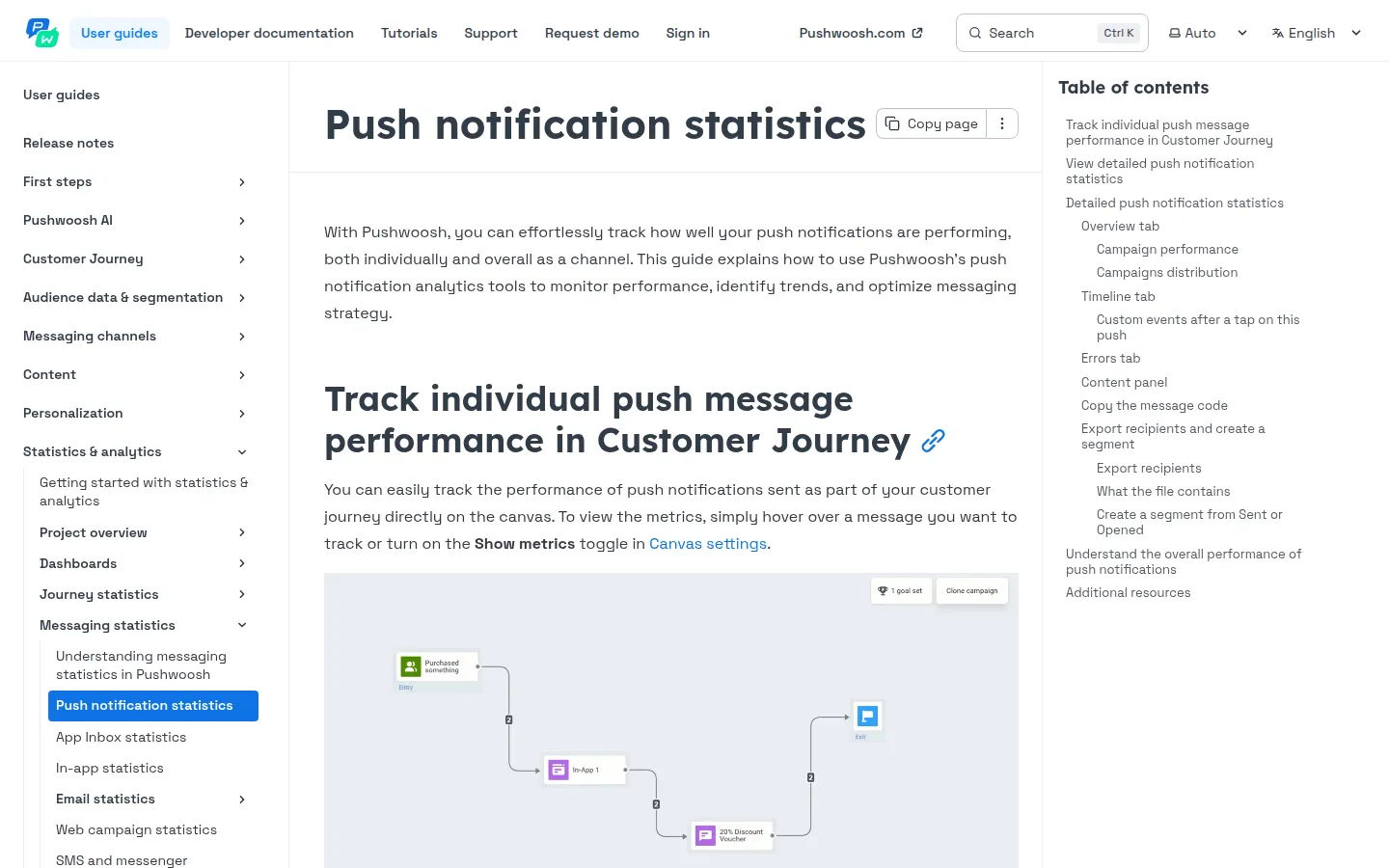
Crash reports won’t tell you that pushes stopped arriving. Pushwoosh push statistics will.
What it does in the migration: for every push, you see the funnel from audience to sent, deliveries, and opens, by platform, plus a separate errors tab. Compare the first campaigns after the switch with your OneSignal numbers from before. If iOS deliveries lag behind Android, check credentials before you check code.
A 5-step migration plan for large apps
Inventory every OneSignal call before you touch code
List every SDK call, wrapper, callback, and test, across all repositories. This list becomes the checklist for the replacement and for code review.
Wrap push behind 1 internal interface
Route every push call through a single internal service: login, logout, tags, notification handling. The migration then changes 1 implementation instead of 50 call sites, and the next provider change gets easier too.
protocol PushService { func login(userId: String) func setTags(_ tags: [String: Any]) func handleNotificationOpen(_ payload: [AnyHashable: Any])}Swap SDKs in 1 release
Add the Pushwoosh SDK and remove the OneSignal SDK in the same build. 2 push SDKs in 1 app compete for notification callbacks. While the new build rolls out, keep sending from OneSignal to users on the old version.
Release in stages and compare delivery metrics
Start with a small share of users through phased release or staged rollout. Watch crashes in Crashlytics and deliveries in Pushwoosh statistics, then widen the rollout.
Stop OneSignal sends only after delivery is verified
Until you stop sending from OneSignal, rollback means continuing to send from OneSignal. Cut it off once Pushwoosh delivery and the audience import are both confirmed.