Push notifications for Apple TV, Vision Pro and App Clips
Pushwoosh SDK modules for tvOS, visionOS and iOS App Clips. Reach the Apple screens beyond the phone from the same account that runs your iOS app.
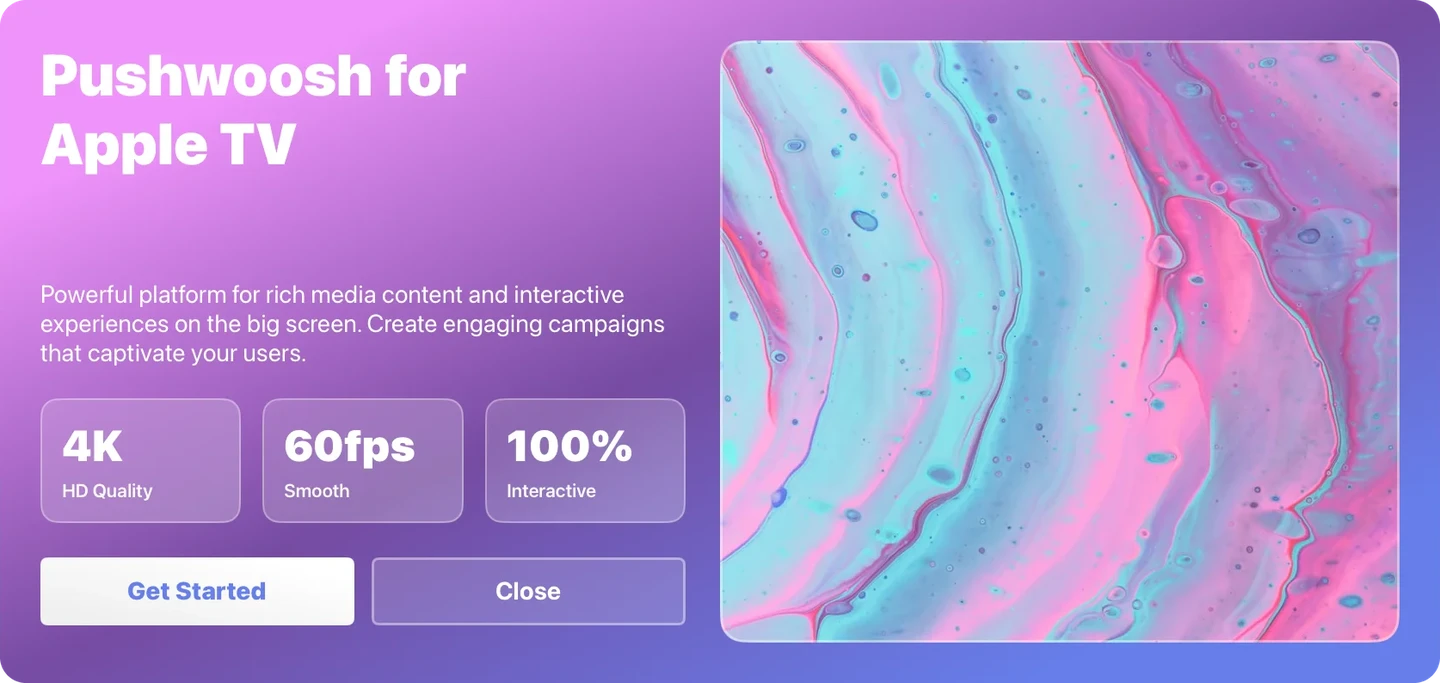
Message the Apple screens your iOS app doesn’t reach
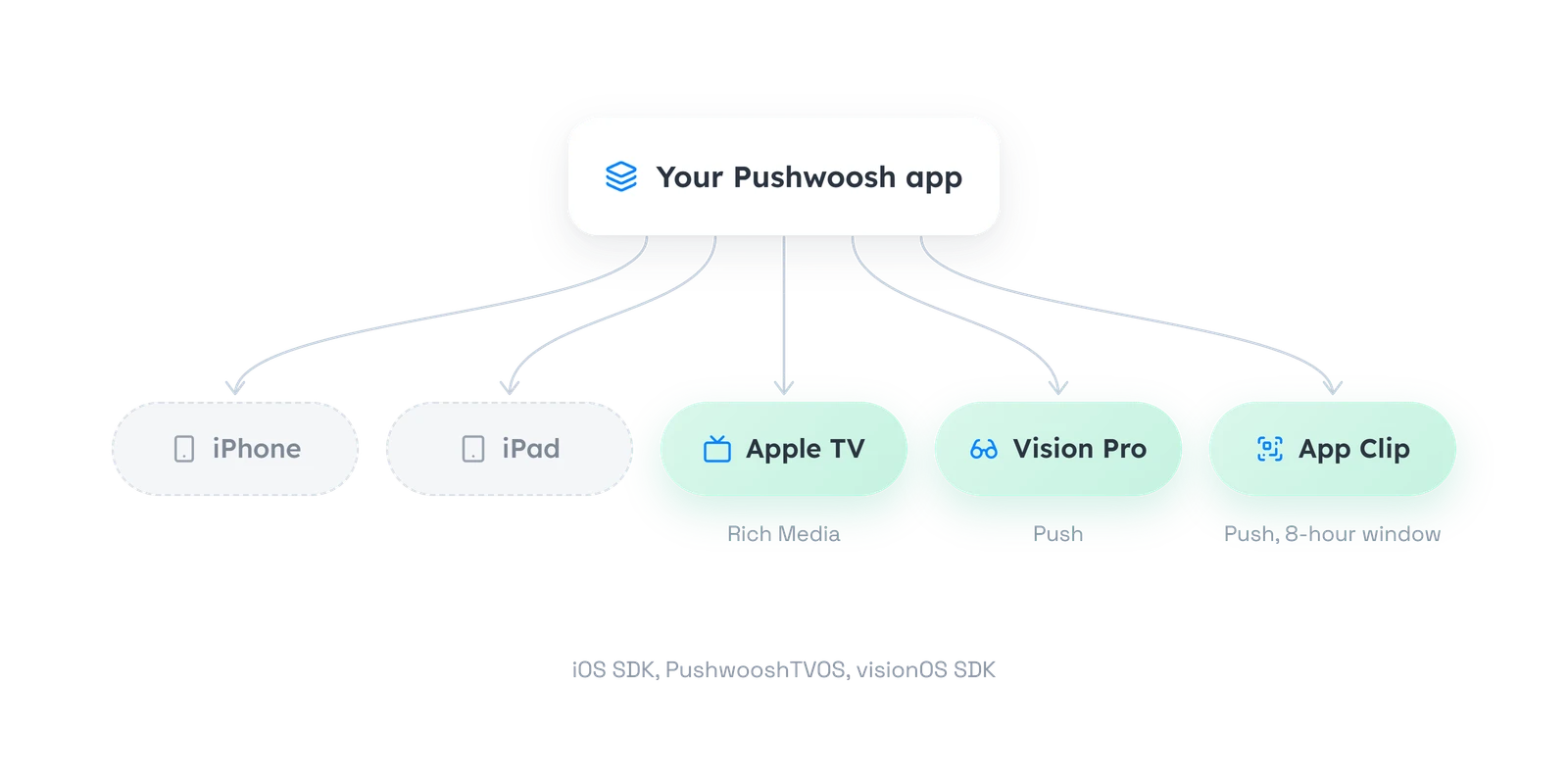
On Apple TV, a message opens as an HTML Rich Media page in one of 5 positions: center, left, right, top or bottom, each with its own present and dismiss animation. Buttons and links in the page become focusable, so viewers move between them with the remote.
On an App Clip, iOS grants notification access for 8 hours as soon as someone opens it, and you can use that window without showing a permission dialog. On Vision Pro, the visionOS SDK delivers standard push notifications.
Apple TV and App Clip support is part of the Pushwoosh iOS SDK, so adding a new Apple screen takes one more app in Control Panel and one more module in your project.
| Surface | What you can send | How it ships |
|---|---|---|
| Apple TV (tvOS) | Modal Rich Media, an HTML page over your app that viewers navigate with the remote | PushwooshTVOS module through Swift Package Manager or CocoaPods, tvOS 15.0+ |
| Apple Vision Pro (visionOS) | Push notifications | Pushwoosh visionOS SDK, a separate Swift Package |
| App Clips (iOS) | Push notifications with an 8-hour ephemeral permission | Pushwoosh iOS SDK 7.0.33+ in the App Clip target |
Why it matters for Native SDKs
The native SDKs exist to reach every device your product runs on while you ship only the modules you need. An app that also runs on Apple TV or behind an App Clip has a gap the moment one of those screens has no SDK. These modules close it for Apple TV, Vision Pro and App Clips, so your messages reach the TV and the headset as well as the phone.
How it works
-
Create an app for the surface
Add an app in Control Panel. An App Clip has its own bundle ID, so it gets its own Pushwoosh app and APNs key.
-
Add the SDK
In Xcode 15 or later, add PushwooshTVOS for Apple TV, the visionOS package for Vision Pro or iOS SDK 7.0.33+ for the App Clip.
-
Send from Control Panel
For Apple TV, choose Show Rich Media as the action and set the iOS push type to Silent Push. tvOS shows messages through silent push only.
A developer handles the first 2 steps, and Vision Pro work needs a Mac with Apple silicon. After that, your team sends from Control Panel like any other push.
One account across every Apple screen
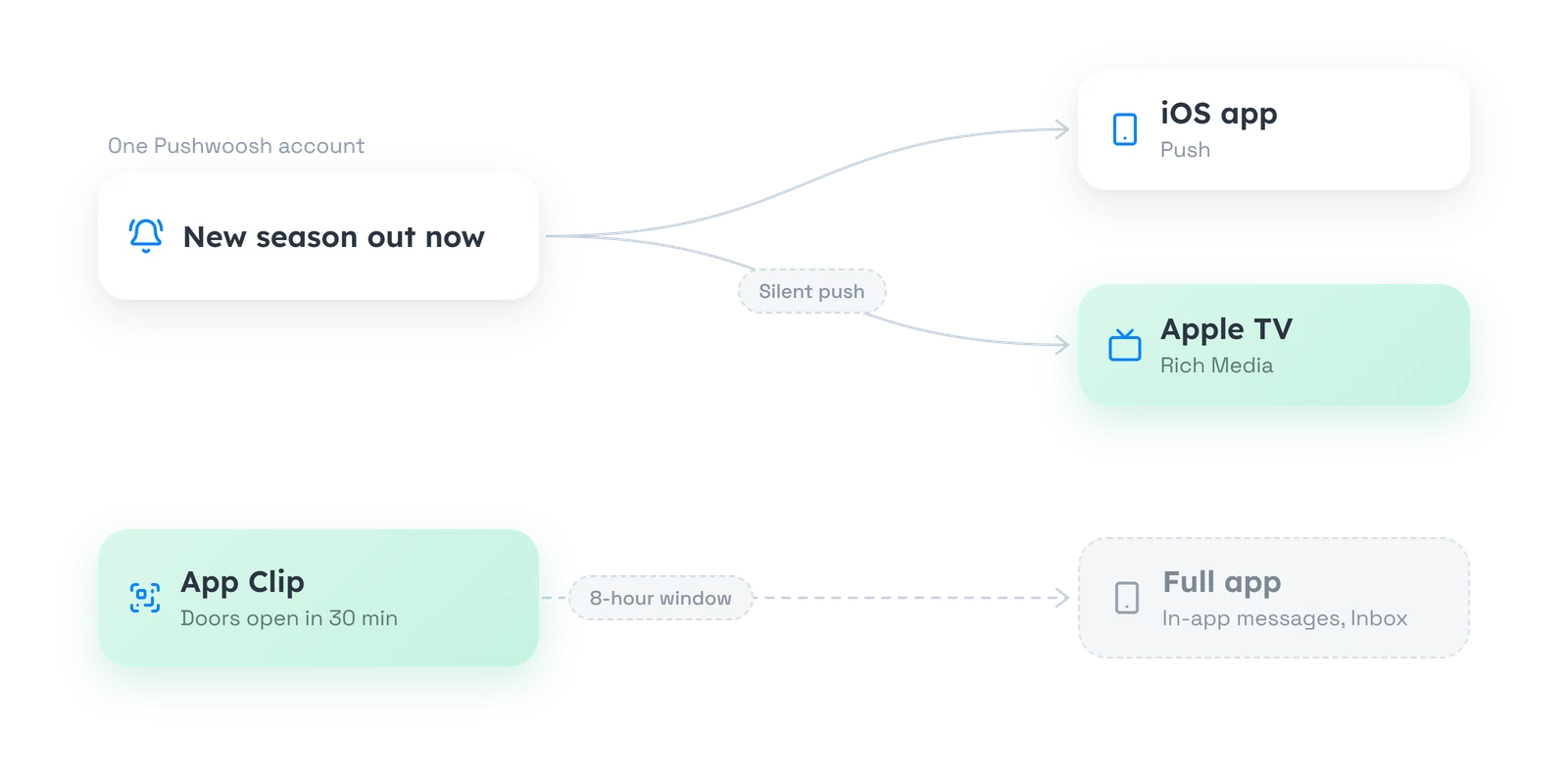
A streaming service runs one Pushwoosh account for all of its apps. When a new season drops, the iOS app gets a push and the Apple TV app gets a Rich Media page, carried by silent push, the same mechanism the phone app uses to refresh content in the background. At a concert venue, the App Clip behind the gate QR code covers the walk-up: the guest scans, and the doors-open reminder lands inside the same 8-hour window. Guests who install the full app move to the native iOS SDK, with in-app messages and the Inbox.
Native SDKs
The full iOS and Android SDK these modules extend. Learn more
Silent push
Every Apple TV message travels on it. Learn more
In-app messaging
Added once a guest installs the full app. Learn more
Cover every Apple screen your product runs on
Explore related products
Modular native SDKs for iOS and Android. Add push, in-app messages, inbox and Live Activities to your app, ship only the modules you use, and reach Android devices with or without Google Play Services.
Wake your app in the background to refresh data or sync state, with no alert or sound shown to the user. Free on every Pushwoosh plan.
In-app messaging by Pushwoosh — onboard, upsell, announce and collect feedback right when app users are paying attention. No-code editor, native SDK layouts, per-element analytics. Free to start.
Pushwoosh plugins for React Native, Flutter, Unity, Cordova, Capacitor, Expo, .NET MAUI, OutSystems and Mendix. Push, in-app and events without native code.
Add an image, an animated GIF or, on iOS, a video to the push you already send. Pushwoosh renders it natively on Android and web, adds it on iOS through a one-time extension, and sends it from the same campaign and Customer Journey.
When a push lands while your app is open, iOS hands the decision to you. The Pushwoosh iOS SDK draws it as an animated, haptic banner in your own colors and fonts, with a card image or GIF and Apple's Liquid Glass material on iOS 26. Same push, same payload, same Customer Journey.