May kept the shipping pace high. Vol.3 covers two bigger integrations and a few targeted controls.
Here’s what’s new 👇
Sync your journey audiences to Meta 🎯
The Audience sync element in Customer Journey Builder now connects to Meta Ads. Drop it into any journey, pick the ad account and the Custom Audience, and add or remove users as a step in the flow.
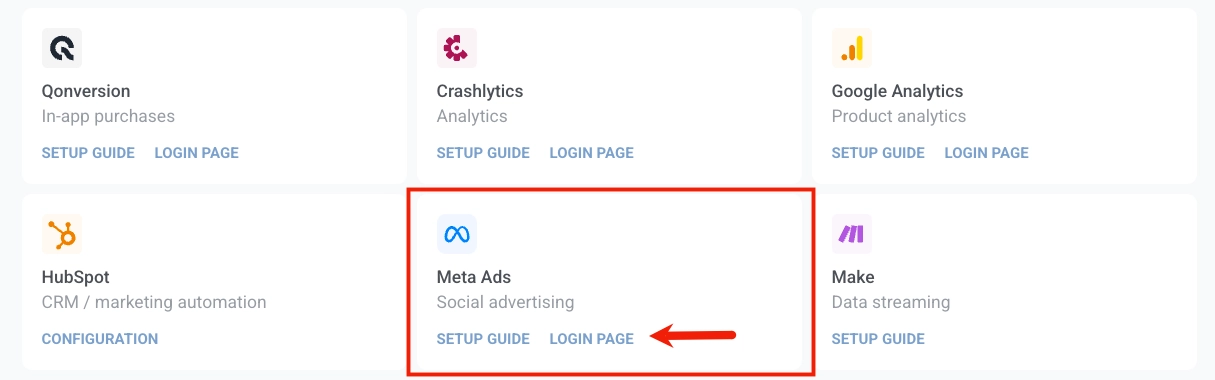

What it changes: behavioral cohorts you build in Pushwoosh now drive paid retargeting and exclusion lists in Meta automatically. No CSV uploads, no manual sync jobs, no waiting on a data team to bridge the two systems. The sync runs as part of the journey and stays up to date as users come and go.
Meta is the first ad platform supported with Audience sync in Pushwoosh. Google, Pinterest, and others come next, all through the same journey element.
Learn more about Audience sync element in Customer Journey →
Trigger journeys from external services with inbound webhook 🔌
Inbound webhooks let third-party services fire Pushwoosh events directly. Your CRM closes a deal, your e-commerce platform records a payment, your analytics tool flags a milestone — each one sends an HTTP POST to Pushwoosh, and a mapped event fires on the matching user.
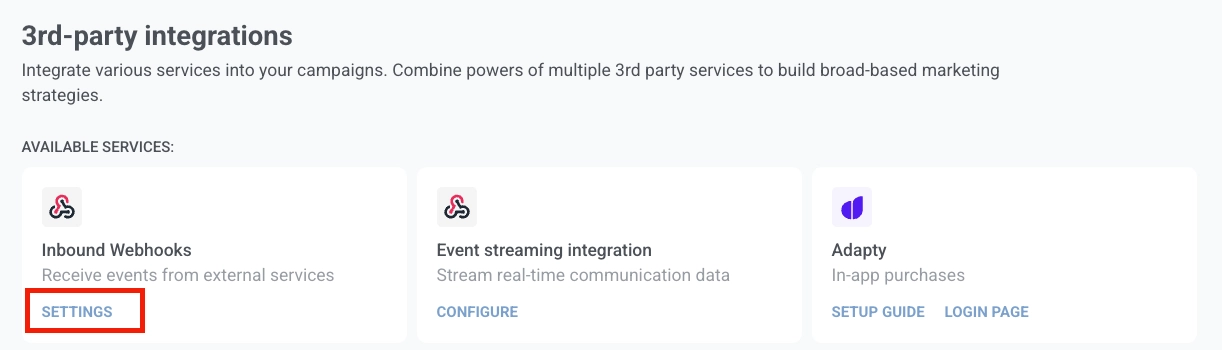
What it changes: previously, turning a third-party webhook into a Pushwoosh event meant running a small integration server on your side: receiving the webhook, parsing the payload, calling the Pushwoosh API, and handling retries. Now Pushwoosh does that part. You paste a sample payload (say, from Stripe), map fields to event attributes, pick how to identify the user (User ID, email, phone, or HWID), and that’s it.
Use case — Stripe → post-purchase journey: a successful charge in Stripe lands as a purchase event in Pushwoosh and triggers a thank-you flow or upsell journey.
Tighter delivery control ⚙️
Two smaller updates that come up a lot in day-to-day journey work.
⏱️ Set push TTL per campaign
Push TTL — how long the system keeps trying to deliver a notification if the device is offline — can now be set on the individual campaign, both in Customer Journey push steps and in one-time push. Until now, TTL lived on the preset, so every campaign using that preset inherited the same expiry.
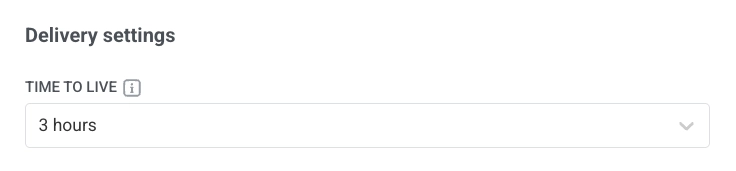
Why it matters: time-sensitive messages (e.g., flash sales, OTPs, breaking news, live event reminders) shouldn’t reach a user 3 days late when their phone finally comes back online. Set a short TTL, and stale notifications get dropped automatically. For everything else, the default works fine.
🗓️ Segment users by upcoming date events with daysahead
A new operator, daysahead, lets you segment users by Date-type tags or event attributes looking forward in time. It’s the mirror of daysago.
Use it to build segments like:
- subscriptions expiring in the next 7 days,
- birthdays in the next 3 days,
- trials ending in the next 14 days,
- bookings, reservations, or scheduled events coming up this week.
The operator always recalculates from now, so the segment stays fresh on its own, without manual updates, no scheduled refresh job. Pair it with a journey to trigger renewal nudges, birthday offers, or expiration reminders at the right moment.
Email preference center: more flexible category management 💌
In our Q1 2026 product update, we introduced the email subscription preference center — subscribers choose which email categories they want (newsletters, promos, product updates) instead of opting out of everything.
What changed since then: managing those categories is now more flexible.
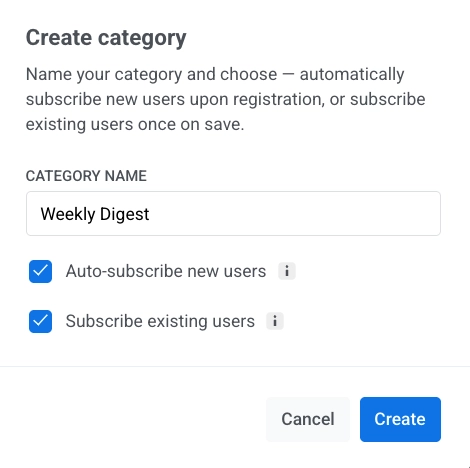
When you create a category, you can decide on the spot whether to:
- auto-subscribe new users as they register, and/or
- subscribe all existing users the moment you save it.
You can also import subscription categories in bulk via CSV. It’s useful when you’re migrating an existing audience or syncing preferences from another system. One column, comma-separated category names, done.
Try the updates yourself
Every feature above is live and ready to use in your account.
For the full list, check our release notes.