Geo-targeting and geozones
Draw a geofence around a real-world location and send a message the moment a customer's device enters it: a standalone push, or a live trigger inside a journey.
Timing a message to where someone actually is
You already know when a message lands best: the moment someone walks into the store, the hour before boarding, the third time this month they pass the same coffee shop. None of that fits a campaign calendar. Send on a schedule and you miss the moment. Send to everyone, all the time, and the location stops meaning anything. Geo-targeting lets the location decide when the message goes, instead of a clock.
What it does
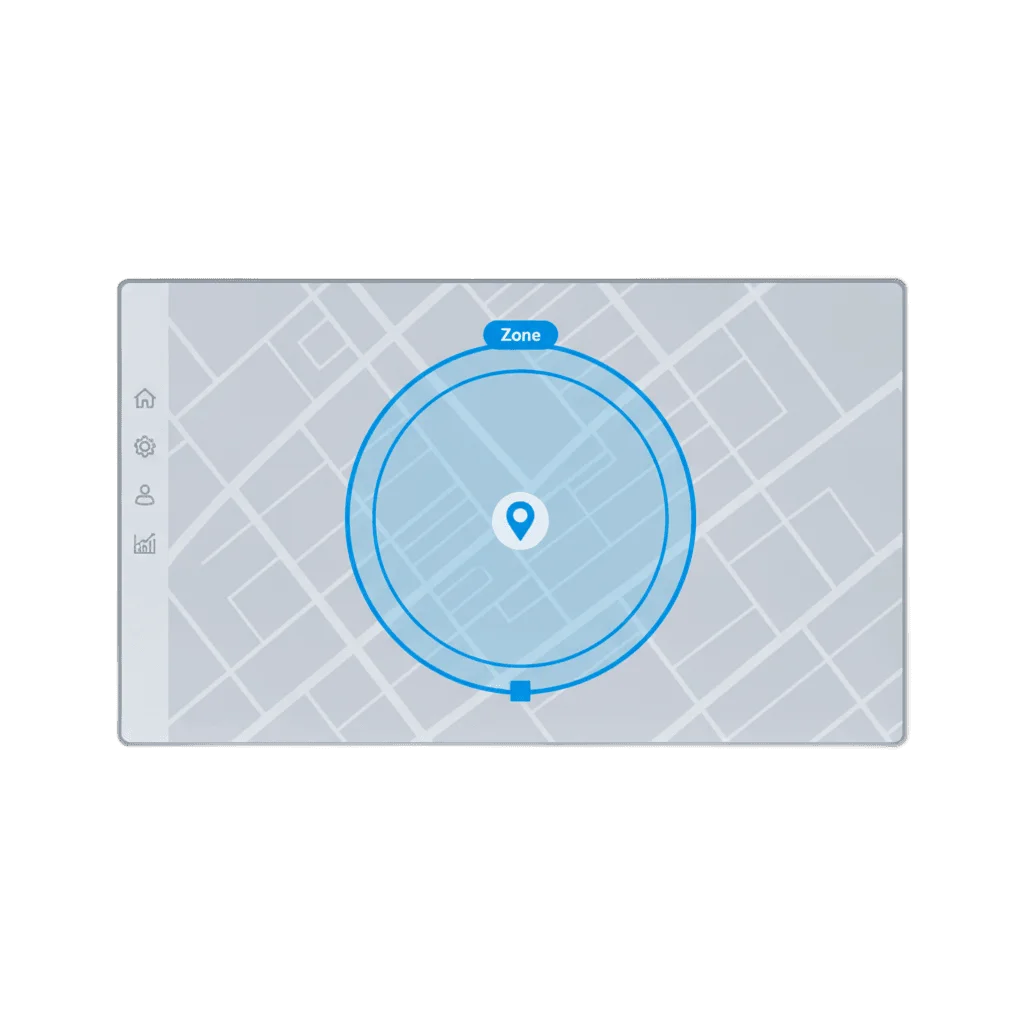
A geozone is a circle: a center point and a radius, drawn on the map in the Control Panel. The moment a device carrying the SDK enters it, two things can happen. A standalone Geo-based push fires once, tied to that single zone. Or, if the geozone sits inside a cluster, it fires User enters geozone cluster, a real event inside Customer Journey Builder that can branch, wait, and send like any other entry point.
| Mode | Scope | Where it lives |
|---|---|---|
| Standalone Geo-based push | One geozone | Campaigns |
| Geozone cluster | Several geozones grouped together | Customer Journey (event: User enters geozone cluster) |
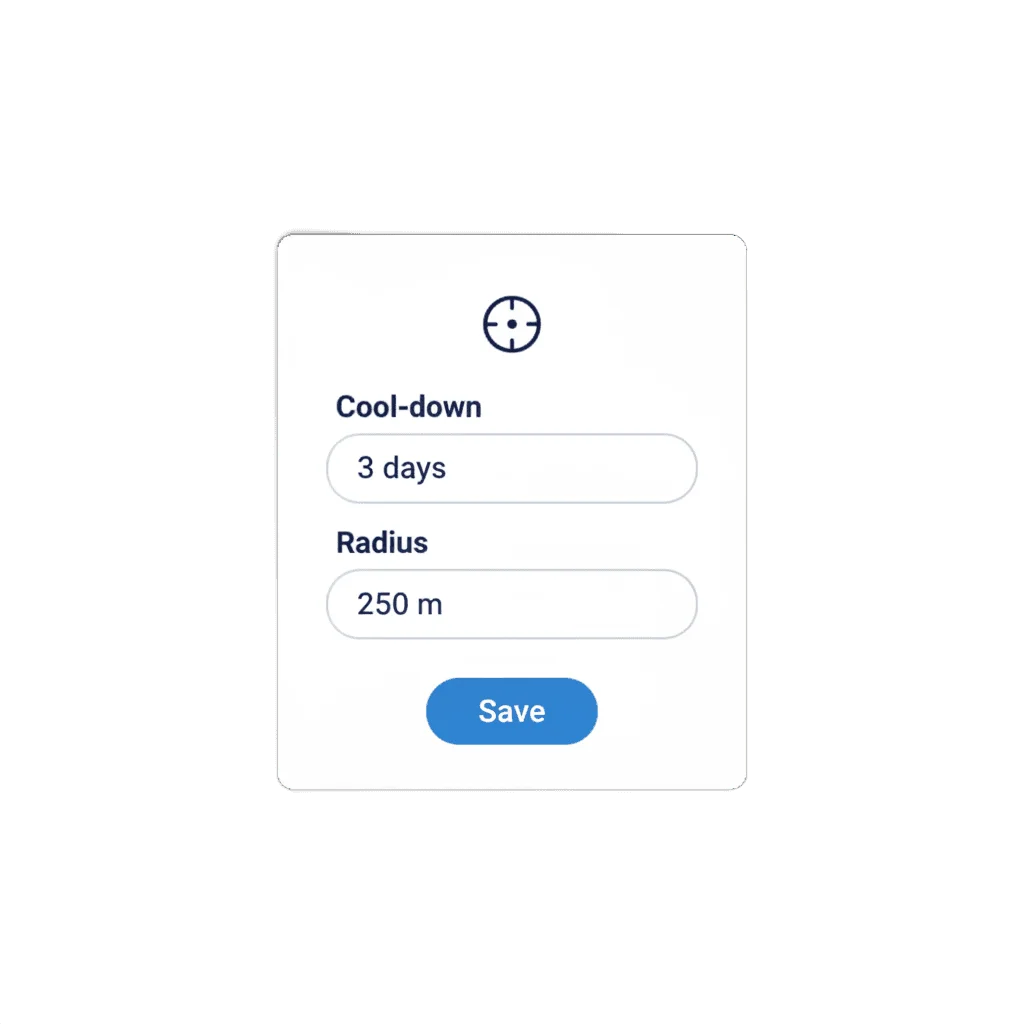
Cooldown keeps a repeat visit from re-triggering the same send: 1 minute to 41 days per geozone, or one shared value across the whole cluster. Unlike a location field checked once when someone signs up, a geozone reacts live, from where the device actually is right now.
One zone, or a whole cluster
Draw a single geozone for one location, or group several into a cluster (a mall, every branch of a chain, a string of airport gates), and the cluster fires as one trigger no matter which zone inside it gets crossed.
What it adds to a unified customer profile
Tags and events tell you what’s true about someone and what they just did. Neither tells you whether they’re standing in your store right now. A geozone cluster adds that as a live fact to the same unified customer profile that segments and journeys already read, so “walked into the mall” sits next to “opened the app” and “tagged high-value” instead of living in a separate system. Without it, location is a field you check after checkout, not a signal you can act on while it’s still true.
How it works
-
Draw the geozone
In Geozones, draw a circle on the map and set the radius to match the place: a doorway, a terminal, a whole retail park.
-
Group it into a cluster, or leave it standalone
A single geozone stays a standalone Geo-based push. Grouping several into a cluster turns them into one Customer Journey entry point.
-
Set the cooldown
Choose how long before the same person can re-trigger the same zone, from 1 minute up to 41 days.
All three steps are no-code, in the Control Panel. The device needs to be sending location through the SDK first: nothing here works without that.
Built to sit next to triggered entry and segmentation
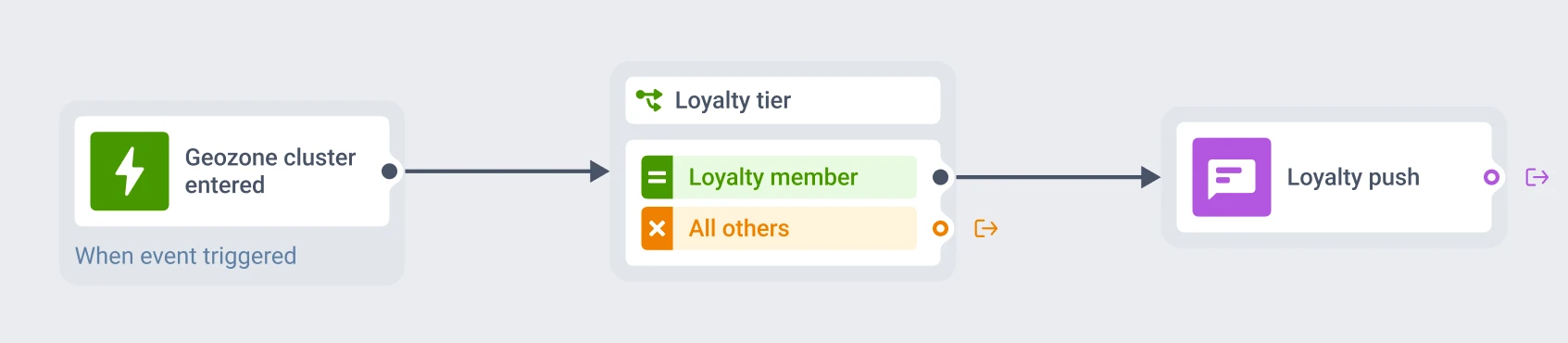
A geozone cluster gets someone into the journey. What happens next comes from its neighbors. Triggered entry is the mechanism that lets a location event open a journey the same way an app event or a scheduled date would. Advanced segmentation narrows who the cluster can trigger for in the first place: loyalty members walking into the mall, not every device that passes the door.
The pieces were built to sit together
A shopper carrying the loyalty tag walks into the mall cluster. Triggered entry opens the journey. The send that follows is the one segmentation already decided they should get.
A few places this fits
| Where | What the zone does |
|---|---|
| Retail store or mall | Fires as a shopper crosses the doorway, scoped to a loyalty segment |
| Airport or terminal | A cluster around the gates opens a journey timed to the boarding window |
| Coffee shop or QSR | A single geozone pings a nearby offer, and the cooldown blocks repeat pings on the same visit |
What to keep in mind
Reach people where they already are
A geozone doesn’t wait for a campaign calendar. It fires the moment someone’s actually there.
Explore related products
Combine tags, events, and platform data into nested AND, OR, and exclude logic, save it once as a named segment, and reuse it in any channel, Condition split, or Journey.
Start a journey the instant an event fires, with conditions on its attributes, controllable re-entry, and multiple sessions per user keyed to an order or product ID.
Attach text, numbers, dates, currency, and app version to a device or a user, then use it to build segments, branch journeys, and personalize messages.
Log what a customer did as a typed, timestamped event, with up to 100 attributes and per-event retention, then use it to trigger journeys and segment on frequency and recency.
Split journey traffic across up to 4 branches, score each one against your conversion goals, and route new users to the winning branch automatically once the result is significant.
Export any Pushwoosh segment to CSV, or bulk-import lists, tags, events and SMS contacts, plus live warehouse segments and Google Analytics 4 audiences.