Amazon Pinpoint is on its way out. AWS ends support for the service on October 30, 2026, and the console (endpoints, segments, campaigns, journeys, analytics) goes with it. If you’re reading this, you’ve probably already accepted that you need a new home for your messaging, and now you’re on the harder question: which one.
AWS spelled out the shutdown and its recommended replacements in its official end-of-support notice; this article is about where to go from there. If what you need first is the when and how of migrating (the deadline, what turns off, the export steps), that’s covered in detail in our Amazon Pinpoint end-of-support migration guide. This article picks up after that: what to move to.
What to evaluate
Feature checklists all start to look the same after the 3rd vendor demo. These are the 5 criteria that actually change the decision when you’re replacing Pinpoint specifically:
- Channels out of the box. Push (mobile and web), in-app, email, SMS/WhatsApp: which are native, and which are add-ons or partner integrations? In-app is the one to check hardest. It’s the channel Pinpoint users most often assume every platform has, and the assumption doesn’t hold: AWS’s own recommended path, Amazon Connect, doesn’t support in-app messaging at all.
- Pricing model. Per-MAU, per-profile, per-seat, or pure usage-based: the model matters more than the sticker number. A per-profile model punishes you for large inactive lists; a per-MAU model punishes you for engaged growth. Match the model to the shape of your user base, not just your current headcount.
- Migration effort. Can you import your endpoints through an API or UI, or do you need to build a custom ETL pipeline to reshape and load them? This is a real cost, in engineering hours, and it varies a lot between vendors.
- Parity with what you had. Pinpoint’s Campaigns and Journeys did specific things: multi-step automation, behavioral segmentation. Whatever you move to needs to reproduce that logic, or you’re not migrating, you’re rebuilding.
- Who it’s actually for. A solo developer, a product team, and an enterprise marketing org do not want the same tool. Half the bad fits in this category come from a small team buying enterprise software, or an enterprise outgrowing a starter tool 6 months in.
Now the options, roughly from “closest to AWS” to “furthest.”
Staying in AWS: Amazon Connect + AWS End User Messaging
The path AWS itself recommends. Your engagement workloads move to Amazon Connect outbound campaigns plus Customer Profiles, and your raw channels (SMS, push, voice, OTP) move to AWS End User Messaging, which is just Pinpoint’s old channel APIs under a name AWS switched to in 2024.
If you’re deep in the AWS ecosystem and mostly send transactional messages driven by your own backend, this can be the right call, since you stay on 1 vendor and 1 bill. But for mobile engagement specifically, there are 2 documented gaps: Connect has no native in-app messaging, and push isn’t a native campaign channel (you route it through a journey with a Lambda action). Both facts come straight from the AWS migration docs, and what they mean in practice is spelled out in the migration guide rather than repeated here.
Best for: teams already committed to AWS for contact-center use cases, with engineering capacity to fill the in-app and push gaps themselves.
Pushwoosh
Full disclosure: this is our platform, so read the criteria above and hold us to them.
Pushwoosh is a mobile-first customer engagement platform: mobile push, in-app, and web push are native, first-class channels, not features bolted onto a broader marketing suite. For the specific case of replacing Pinpoint’s push and in-app, that’s the whole point, because in-app is exactly the channel that goes missing on the AWS path. It’s the one option on this list where the 2 things Pinpoint users care about most are both native and both included at the entry price.
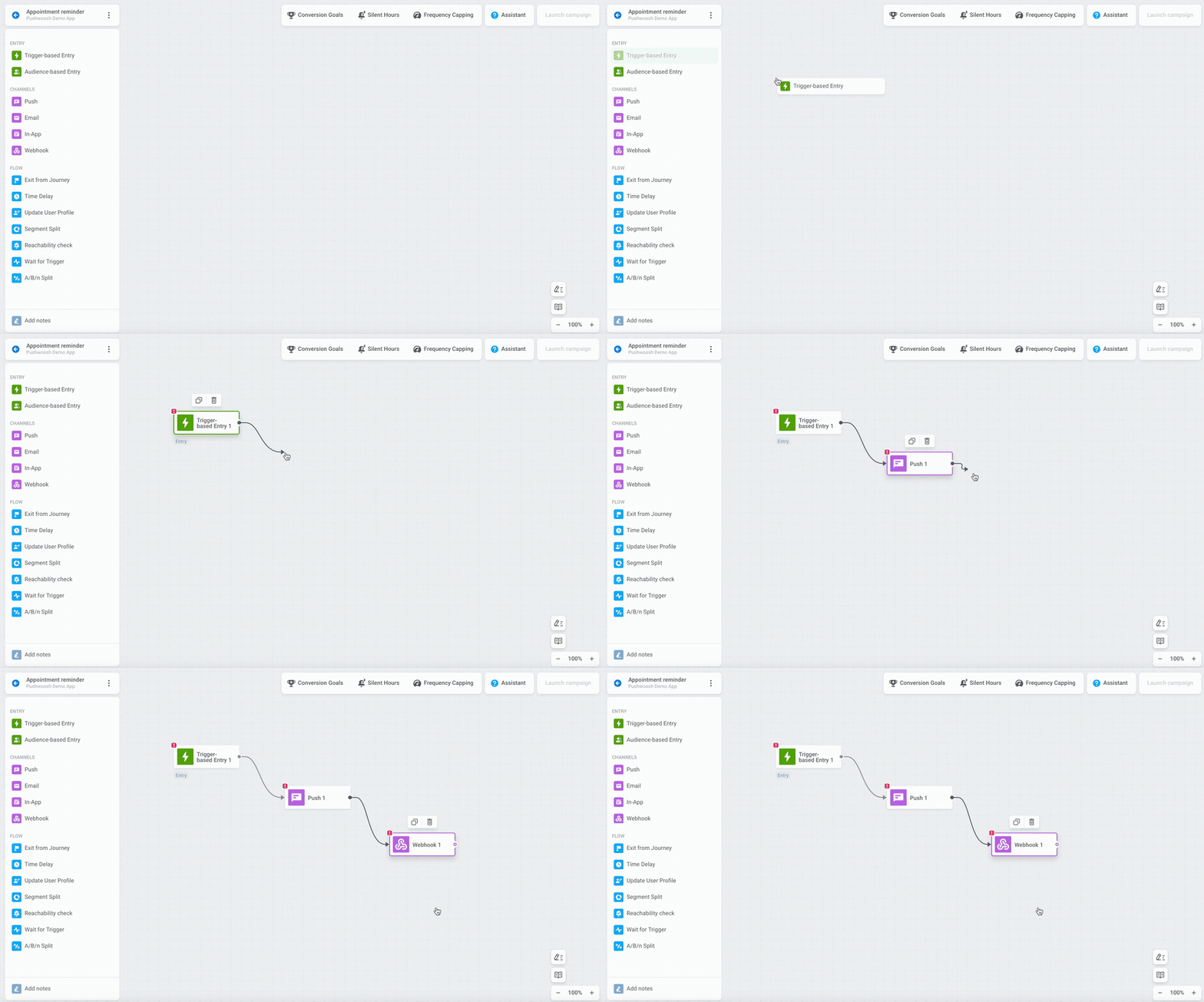
Run it against the 5 criteria and it holds up well. Channels: all 3 push channels plus email and SMS, with in-app native rather than promised. Migration effort: you import through the API or UI instead of writing a custom script to reshape endpoints (the AWS route has you run a Python job to map endpoints into Customer Profiles), and migrating teams get priority support with the price locked for 24 months. Parity: the full toolset comes standard, segmentation, Customer Journey Builder, A/B testing, analytics, with no feature gating and no “Enterprise only” tiers. Pricing: it’s per-MAU and deduplicated by User ID, so 1 person reached on both mobile and web push counts once, not twice.
On price specifically, the Push Only plan is $7 per 1,000 MAU and gives you the whole platform at the push-channel rate, not a cut-down version. The full pricing adds an omnichannel tier at $13 per 1,000 MAU when you want email and SMS in the mix, and every plan starts with 1,000 free MAU, enough to import a real segment and run a pilot before committing.
Best for: product and mobile teams whose core case is push plus in-app, who want a code-free import and the lowest entry price on this list without giving up in-app or the full feature set.
Braze
The name most people reach for when they hear “customer engagement platform.” It’s the parent brand of the category in most vendor comparisons, and that’s a fair reflection of where it sits. Braze is a mature, omnichannel CEP with strong journey orchestration (Canvas), used by large consumer brands with tens of millions of MAU, like Etsy, Grubhub, and HBO Max.
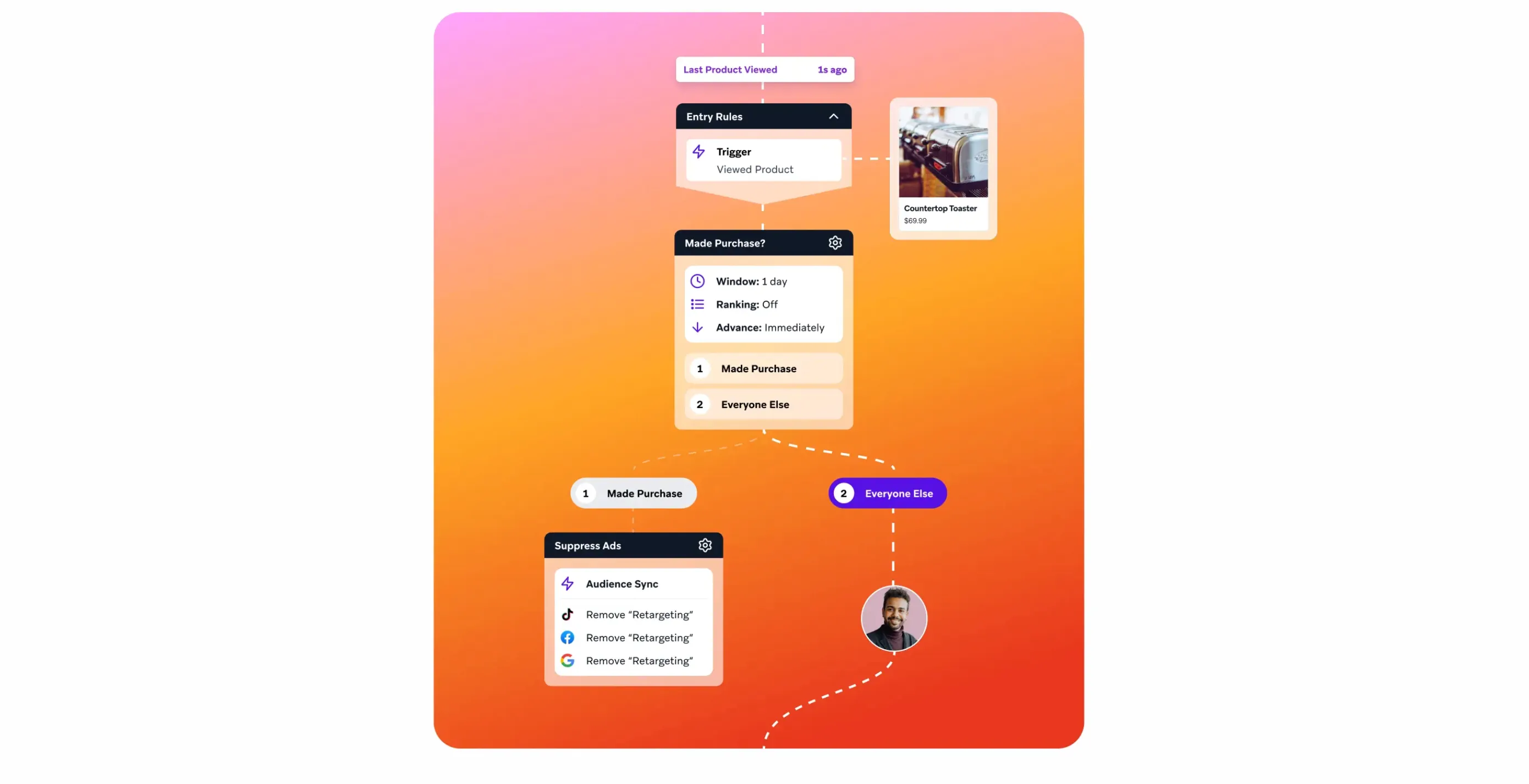
The trade-off is the ceiling of entry. Braze uses a usage-based model built around monthly active users and message volume, but it publishes no pricing, and third-party estimates put entry-level contracts in the tens of thousands of dollars a year. There’s no free trial either: access runs through a sales conversation and an annual contract. It’s a strong platform, just priced and packaged for enterprise, which is a heavier commitment than a team that mainly needs push and in-app is usually looking for.
Best for: enterprise marketing orgs with omnichannel needs and budget to match.
OneSignal
Historically push-first, and probably the most direct like-for-like on the pure push side. OneSignal has since expanded into email, SMS, and in-app, and it published its own Amazon Pinpoint migration guide ahead of the deadline. No need to rehearse their arguments here; the point is that it took the shutdown seriously enough to write about it, which tells you it’s an active, mobile-oriented option and not a legacy one.
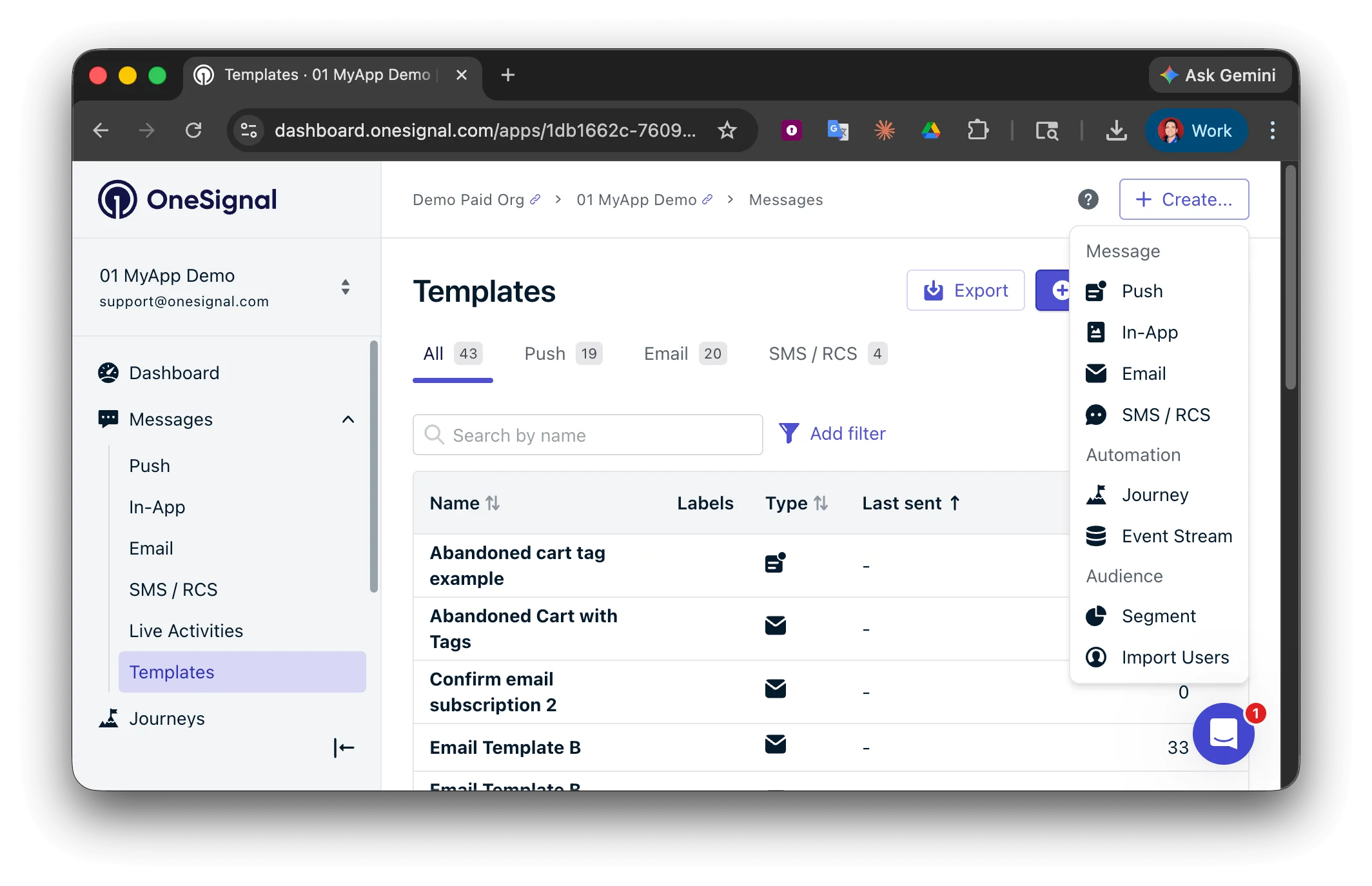
Best for: teams whose center of gravity is push notifications, who want a proven push engine with omnichannel added around it.
Customer.io and Iterable
2 email-led engagement platforms that AWS consultancy Caylent, in its Pinpoint deprecation write-up, named specifically as alternatives for marketing-oriented teams migrating off Pinpoint. Both are strong at lifecycle and behavioral email with automation layered on top, and both have pushed into push, SMS, and in-app.
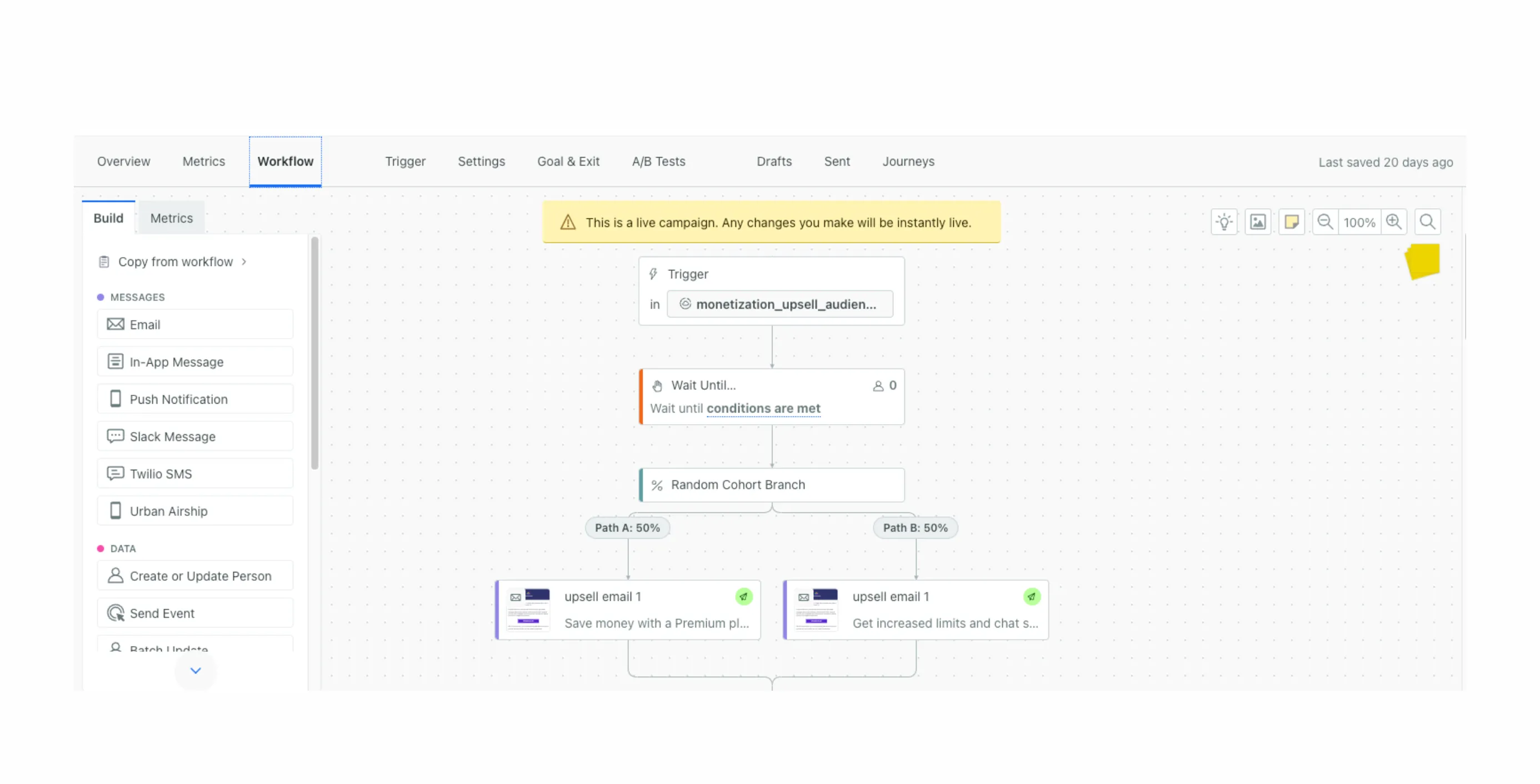
Check the pricing model here, because it works differently from the MAU model Pinpoint users are used to. Customer.io prices on the number of profiles you store rather than the messages you send, starting around $100/month for 5,000 profiles and scaling from there. That’s efficient if you send a lot to a tight list, and a “success tax” if you carry a large, low-engagement or free-tier user base. Iterable sits in similar enterprise territory with sales-quoted pricing. Both are more email-native than mobile-native, so weigh them by where your program’s center of gravity actually is.
Best for: marketing and lifecycle teams whose primary channel is email, with mobile as a secondary layer.
MoEngage
A mobile-first engagement player, and the name that keeps coming up as the reference point for “mobile customer engagement platform,” with deeper mobile-app and APAC penetration than most of this list. If your user base is mobile-heavy and skews toward Asia-Pacific markets, it belongs on the shortlist alongside Pushwoosh and OneSignal as a mobile-oriented option rather than an email-led one.
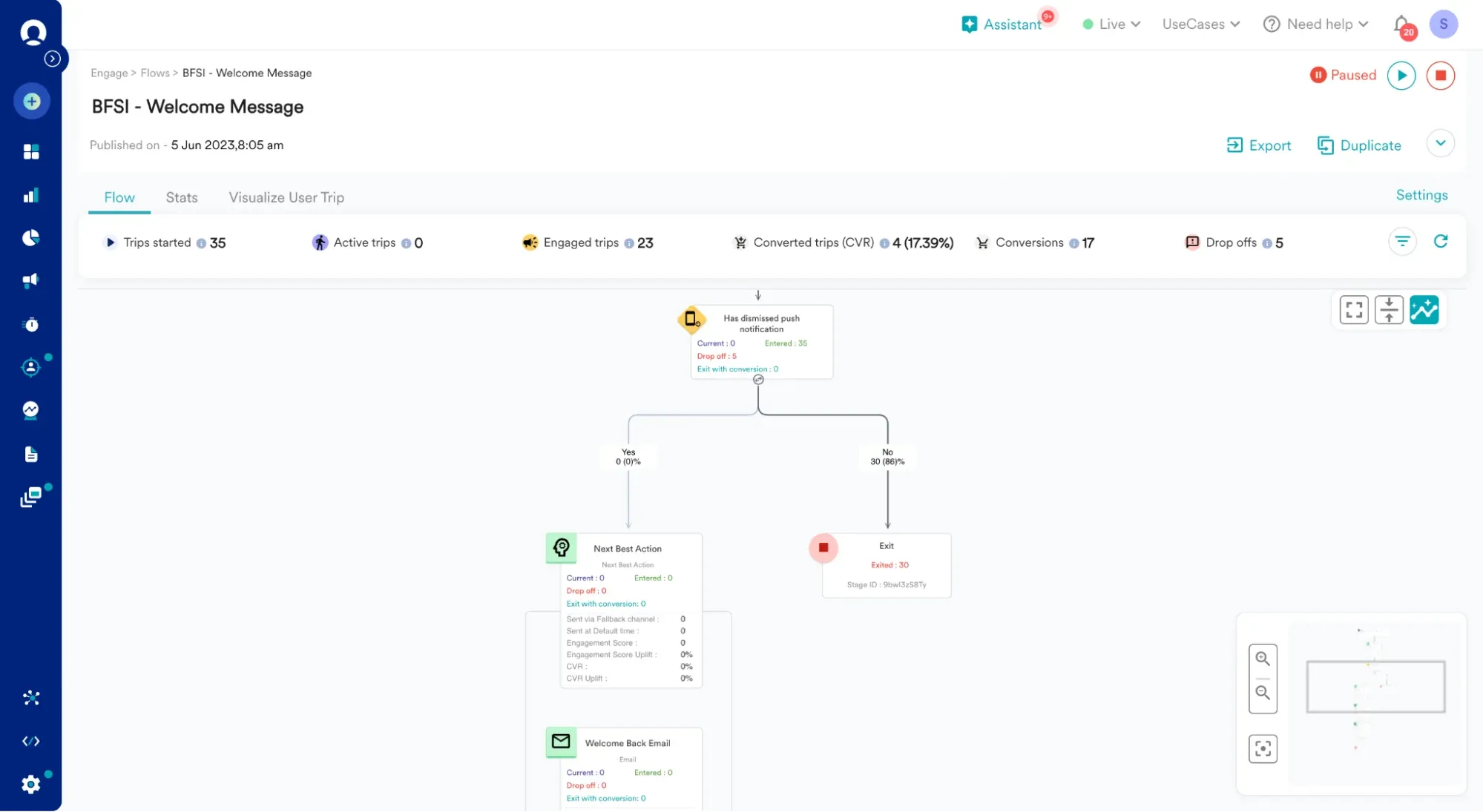
Best for: mobile-heavy consumer apps, particularly with a strong APAC footprint.
Side-by-side comparison
Prices below are entry-level indicators, not quotes. The enterprise vendors publish no fixed pricing, so read those cells as “sales conversation required.”
| Vendor | Push | In-App | Email/SMS | Entry price | Migration effort | Best for |
|---|---|---|---|---|---|---|
| AWS Connect + EUM | Via Lambda in journeys only | Not supported | Email (SES) + SMS (EUM) | AWS usage-based | High, custom script/ETL | Existing AWS contact-center teams |
| Pushwoosh | Native | Native | Both (omni tier) | $7 / 1,000 MAU | Low, API/UI import | Push + in-app product teams |
| Braze | Native | Native | Both | ~$60K/yr (est., no public price) | Medium, SDK + data model | Enterprise omnichannel |
| OneSignal | Native | Native | Both | Free tier, paid scales up | Low–medium | Push-centric teams |
| Customer.io | Native | Native | Email-led + SMS | $100/mo (5,000 profiles) | Medium | Email/lifecycle teams |
| Iterable | Native | Native | Email-led + SMS | Sales quote | Medium | Enterprise email/lifecycle |
| MoEngage | Native | Native | Both | Sales quote | Medium | Mobile-heavy / APAC apps |
The in-app column is the one to read twice. It’s the single place where the AWS path has a hard “no,” and where the other vendors range from mature to serviceable. If in-app onboarding, prompts, or paywalls are part of your app, that column probably decides more than price does.
Narrowing your shortlist
Once you’re down to 2 or 3, these 4 questions cut through most of the demo gloss:
- “Show me a live in-app message built in your editor, not a slide.” If it’s a real, native channel, they can demo it in 5 minutes. If it’s a roadmap item or a partner integration, you’ll hear hedging.
- “How do I import my Pinpoint endpoints: API, UI, or do I write the transform myself?” This is your migration-effort number in 1 answer.
- “What exactly does your pricing scale on: active users, stored profiles, seats, or messages?” Then map that against your real user base, especially any large inactive segment.
- “Can I run a pilot on real data before I commit?” A free tier or trial that takes actual imported data is worth more than any feature list.
Where to start
If your Pinpoint program was mainly push and in-app, which is true for most mobile teams that chose Pinpoint in the first place, the shortlist that fits that shape without enterprise pricing is short, and Pushwoosh is built squarely for it. You can start on a free tier of 1,000 MAU, import a real segment, and rebuild 1 journey to see parity for yourself before you move anything live.
And whichever way you lean, don’t let the evaluation eat the calendar. October 30, 2026 is a hard date. The migration guide walks through the steps and the parts that take real wall-clock time, so you’re scoping against the deadline rather than discovering it.