Vol.2 brought push stories to iOS and control groups that run in cycles. In this batch, events get tied to the messages that drove them, control groups work per market, and every email bounce comes with a reason.
Here’s what shipped 👇
See which message drove conversion 🎯
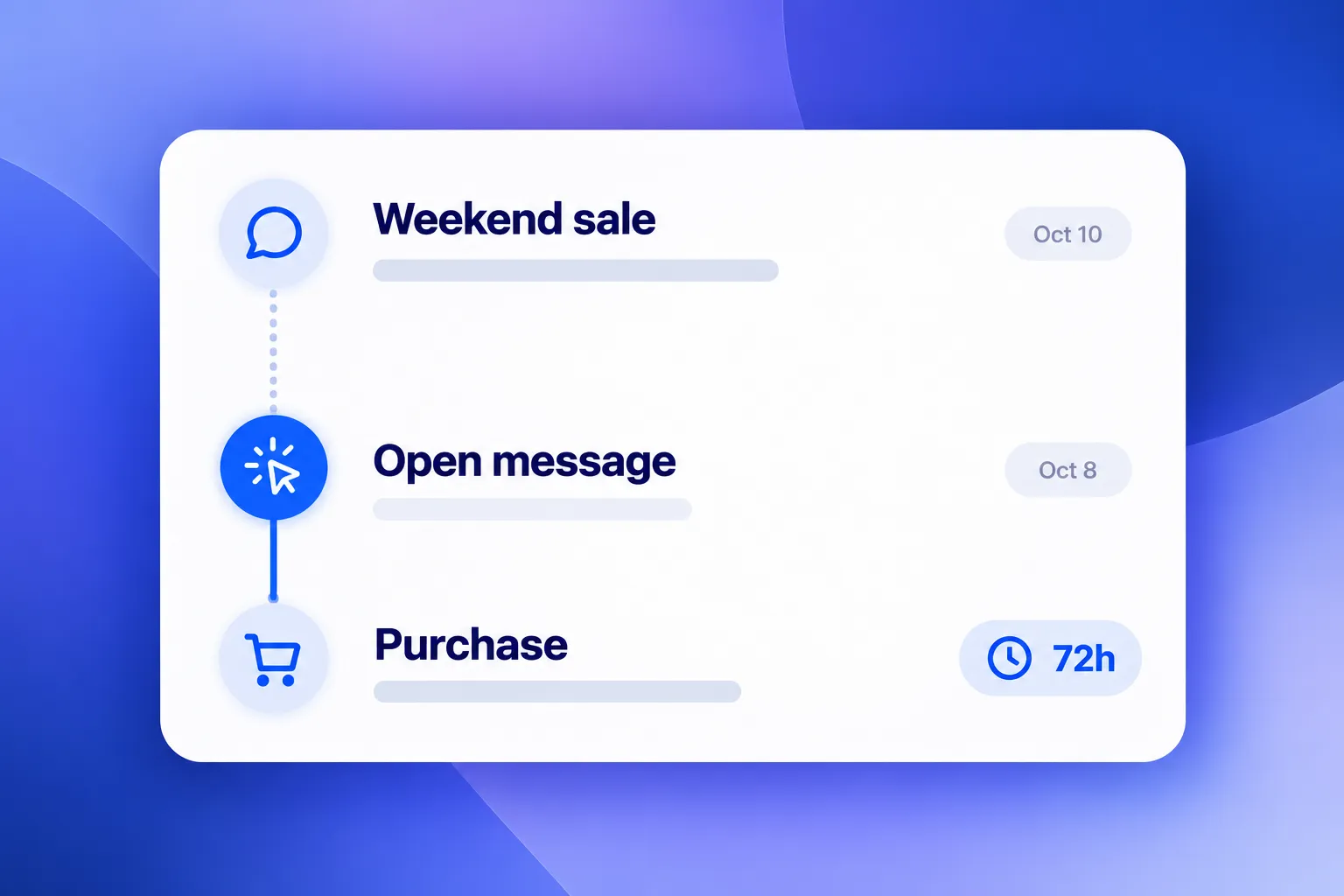
What changed: An event used to count on its own, with no link to the message before it. Now each event is credited to the last message the user clicked in the 72 hours before it. One event goes to one message.
You’ll find the results in 2 places:
- Message statistics: the Events table on the Timeline tab of push, email, App Inbox, and WhatsApp stats.
- Journey statistics: the Events block, broken down by step, so you can see which point of the journey brought the purchase.
Here’s how it looks: a user taps a “Your cart is waiting” push and buys two hours later. The purchase shows up in that push’s stats, not as an anonymous event in a general report.
Run control groups in parallel 🧪
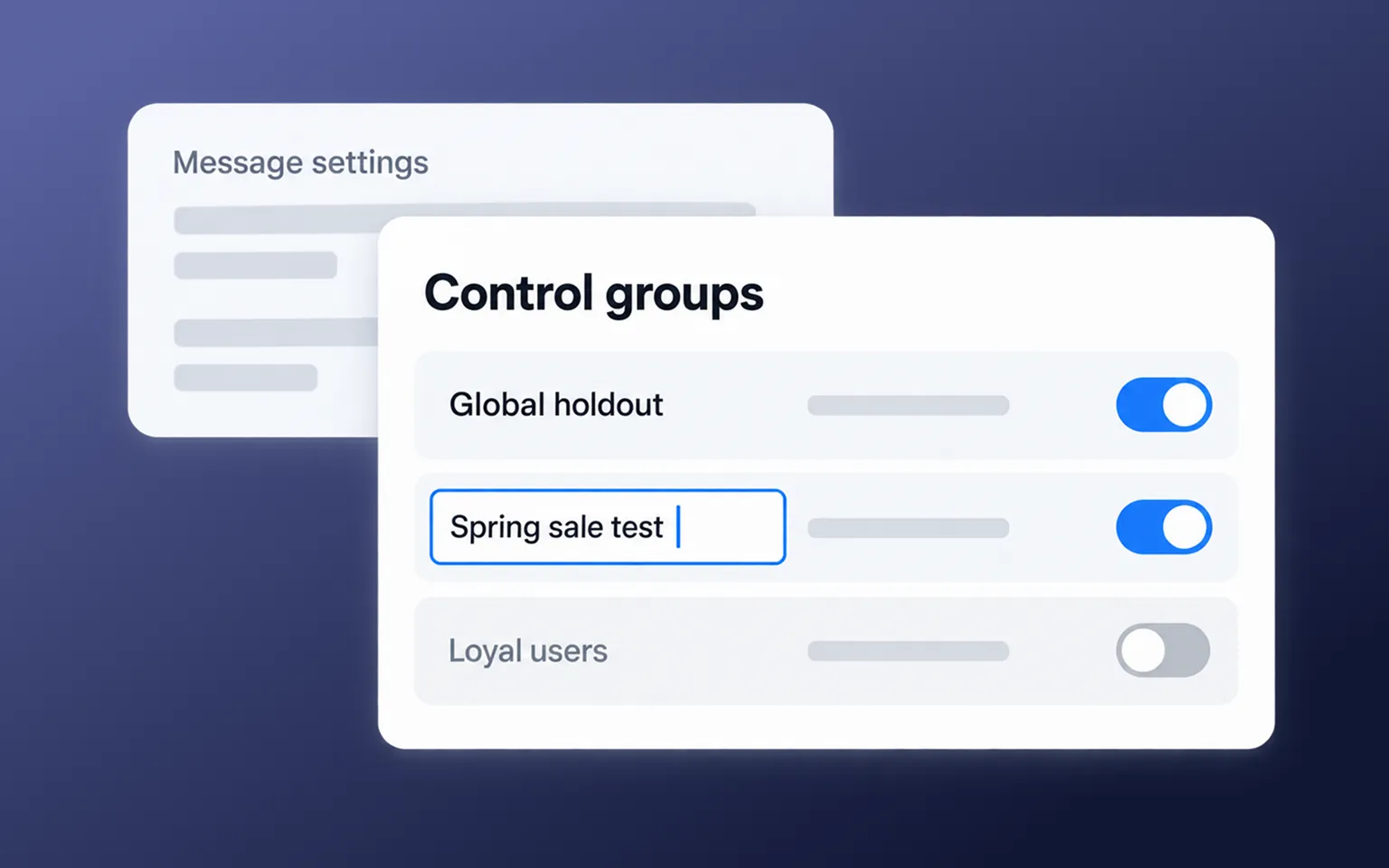
What changed: An app used to have one control group. Now you can run several at once, each with its own name that you can edit in place. Every enabled group applies to every marketing message.
Why it matters: You can measure uplift for different segments in Germany and in Brazil separately, with clean stats for each, instead of one blended number for the whole base.
Find out why each email bounced 📬
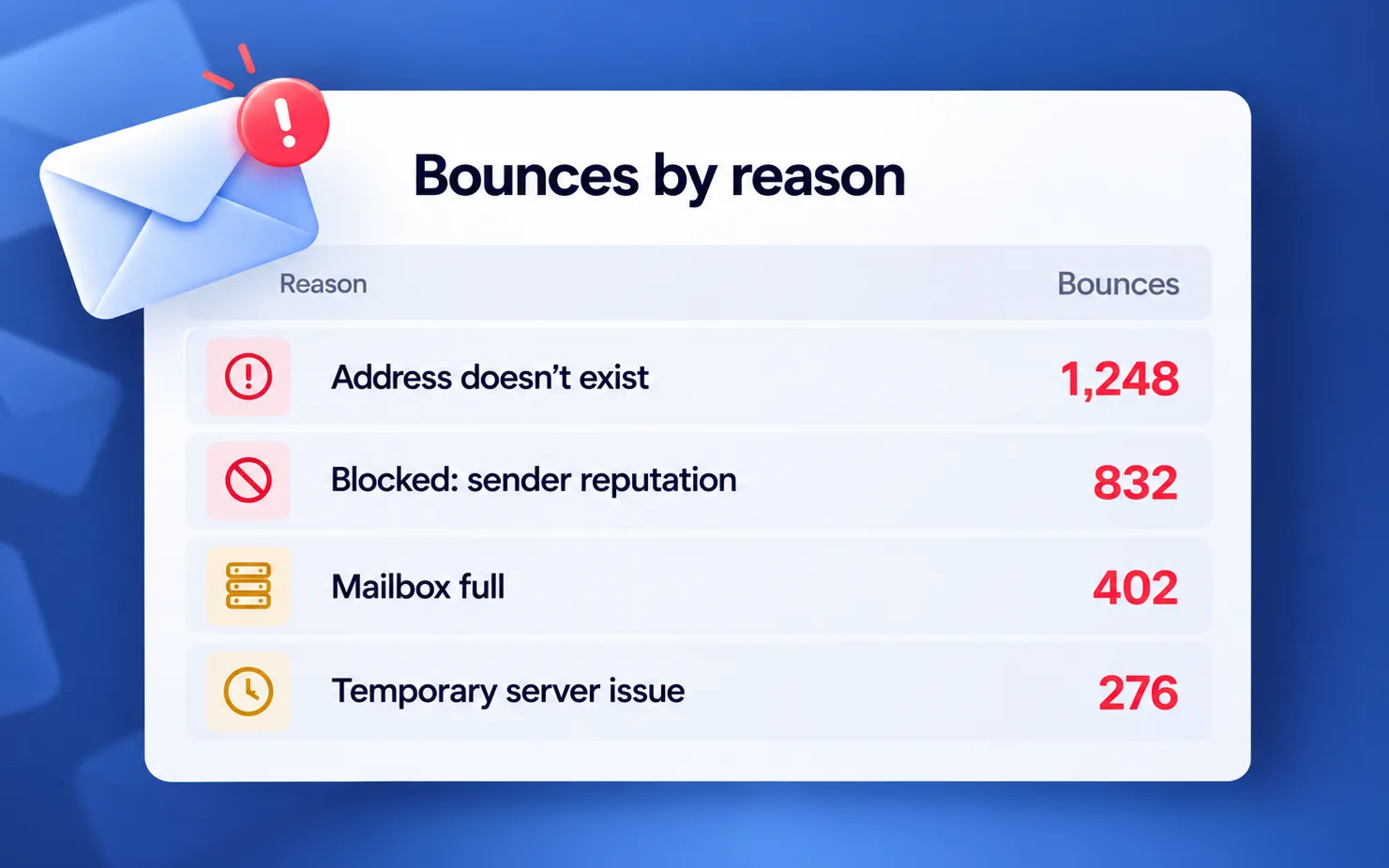
What changed: The email funnel used to show one total for bounces. Now the Bounces block on the Errors tab groups bounced addresses by the reason the mail server gave:
- Address doesn’t exist
- Mailbox inactive
- Mailbox full
- Blocked: sender reputation
- Rejected as spam
- Delivery failed
Why it matters: The reason tells you what to fix. Dead addresses mean it’s time to clean the list. Spam and reputation blocks mean the problem is the content or the sender.
Segment users by how much they spent ➕
What changed: Segments could compare a single value of an event attribute. Now they can add up a numeric attribute across all of a user’s matching events. Add an Event filter, click + Sum, and set the attribute, the operator, and the threshold.
Here’s where it fits: Purchase at least once in the last 90 days, sum of amount greater or equals 100. You get everyone who spent 100 or more in that window, in one order or in five. Send refunds as negative amounts with the same event, and they’ll subtract from the total.
Sums work in the segment builder, in Segmentation Language, and in the behavioral filter for in-apps.
Safer sends and data access 🔒
- Personal data is a separate permission. Anyone with access to a project used to be able to export audiences and open User Explorer. Now that takes the Personal data permission. Without it, recipient and audience exports, User Explorer, the tracking log, and device exports by event are hidden. Admins get it automatically; for other roles, you turn it on. Learn more →
- You pick the message type every time. A one-time push used to start as Marketing, so it could go out without anyone checking. Now the type cards start empty, and you can’t send until you choose. The type matters: marketing messages respect opt-outs, frequency capping, and control groups, and transactional ones skip all three. In journeys, new push, SMS, Viber, WhatsApp, in-app, and App Inbox elements show a warning until a type is set. Journeys created from November 5 won’t launch with an untyped send point after an event or API entry. Learn more →
- Phishing checks for email templates. Saved email templates are scanned automatically. If a template is confidently flagged as phishing, it can’t be sent through the API, the gateway, or a published email.
Faster setup and day-to-day work ⚙️
- Bulk actions in content lists. Select several rows and stop, resume, or delete them at once. Works for in-apps, web popups, subscription forms, deep links, and voucher pools. Learn more →
- Inbox widget and web popups in the Control Panel. Both used to live in your site’s code. Now they sit in Settings → Configure platforms → Web, next to the subscription widget from vol.2. Set placement, texts, and colors, and check the preview before you save. Learn more →
- Brand and legal steps in project setup. The setup wizard now includes your brand and the legal footer for emails. If you leave it halfway, you can pick it up from the home page. Learn more →
- Messengers in journey statistics. The communications summary and the delivery report now have messenger tabs and an Events block, alongside push, email, and SMS. Learn more →
Try the updates yourself
Every feature above is live in your account.
For the full list of what shipped, check the release notes.
Related articles
View all