Vol.3 brought wallet passes into journeys and put email clicks on a map. This week adds a new channel, a sign-off step for content, and journeys that talk back to your CRM and analytics tools.
Here’s what shipped 👇
Facebook Messenger is now a Pushwoosh channel 💬
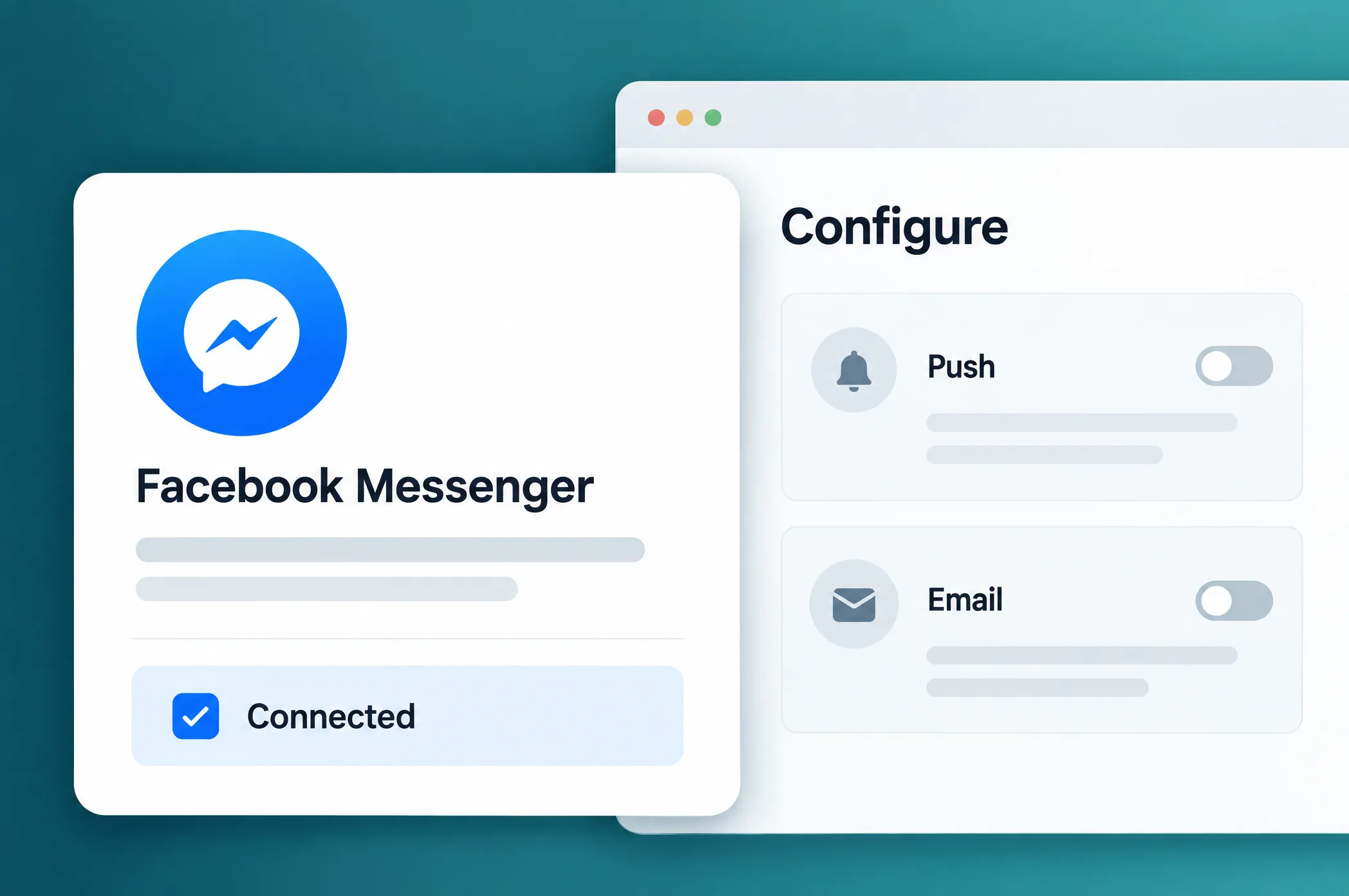
Connect your Facebook Page on the Configure page, and Messenger works like any other channel in your project: send a one-time message, add a Messenger step to Customer Journey Builder, or send through the API. Subscriber profiles come in from Meta.
Here’s where it fits:
- Promos for people who just talked to you. Someone asked your Page about sizes or prices? Follow up with an offer while the conversation is still fresh.
- Order and appointment updates in the app your users already chat in.
- Journeys that start with a message. When someone writes to your Page, that’s an entry trigger for a journey (
PW_FBMessengerStarted/PW_FBMessengerReceived). - One flow across channels. Start in Messenger and switch to push or email if the chat goes quiet. More on building omnichannel campaigns.
Journeys that talk to the rest of your stack 🔌
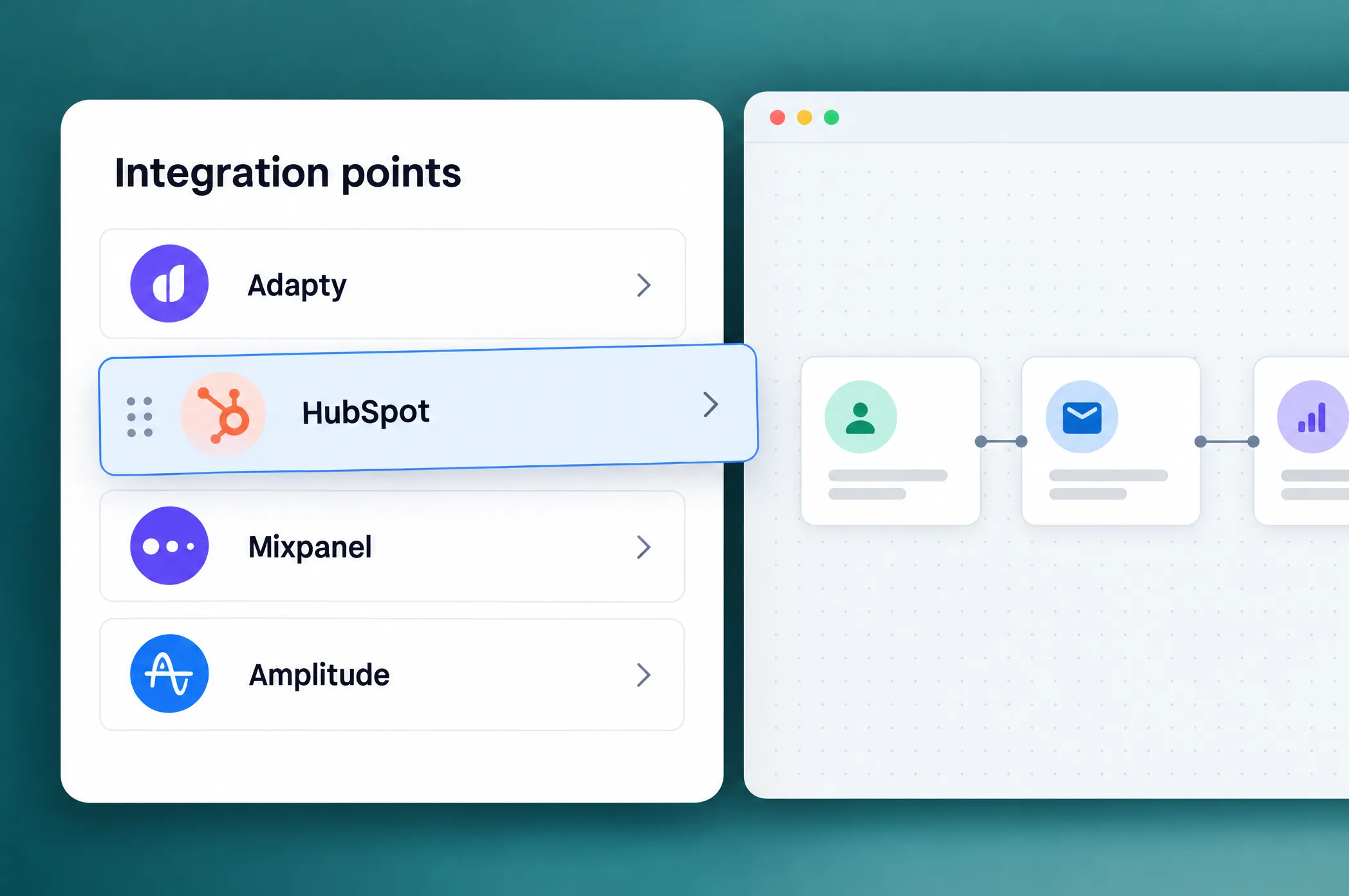
10 new integration elements let a journey read from and write to the tools your team already uses, with no webhook to set up.
- HubSpot (CRM). Pull contact properties into the journey and branch on them, write push subscription status and the journey step back to the contact, or add a line to the contact’s timeline.
- Mixpanel and Amplitude (product analytics). Send journey events next to your product events so they show up in the same funnels, and sync profile properties.
- AppsFlyer and Adjust (attribution). Send server-to-server events tied to install attribution, so journey conversions reach your ad networks. Adjust events can also carry revenue and currency.
- Adapty (subscriptions). Update profile attributes to steer which paywall a user sees, or grant an access level, say, a week of premium as a goodwill gesture.
Google Ads Customer Match
Create Customer Match audiences right from Pushwoosh, then add or remove users with the Audience sync element, which used to work only with Meta. A user completes a purchase in the journey? Remove them from your retargeting audience and stop paying to show them the same ad. Emails and phone numbers are hashed before they leave Pushwoosh.
Salesforce, Microsoft Dynamics 365, and Microsoft Azure are on the integrations page now too.
Approve content before it goes out ✅
What changed: Every time you save a push preset or an email template, Pushwoosh now keeps a version of it. The last 20 are stored, and you can compare them or restore an older one.
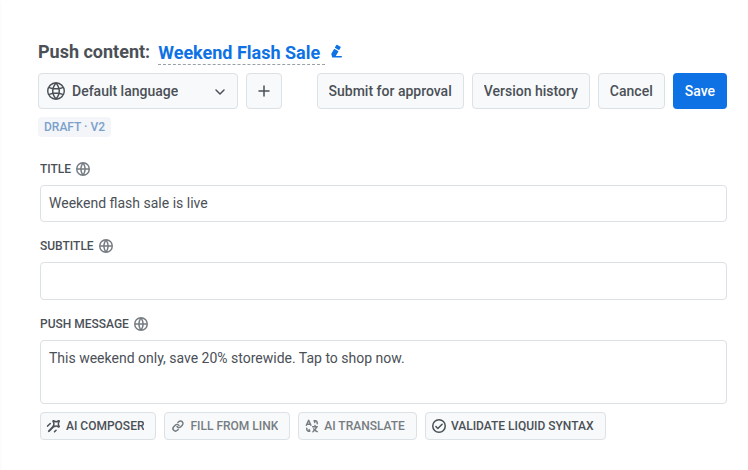
On top of that sits an optional approval flow. The author clicks Submit for approval, and the reviewer gets a queue in Content with a side-by-side comparison against the previous version. A rejection goes back to the author with the reason attached.
An unapproved version can’t be sent anywhere: one-time sends, journeys, and the API all block it.
Push that fills itself from your feed 📰
News feeds came to email and then SMS earlier this month. Now push presets can pull from them too, or from your Product Catalog.
When you create a push preset, pick the content source:
- Write it from scratch
- Use product recommendations (bestsellers, price drops, back in stock, and more)
- Use a news feed
The title, text, image, and link are filled in at send time, and the preview shows the real items that would go out today.
Why it matters: A “back in stock” push or a daily “trending now” digest no longer needs someone to copy product names into a form every morning.
More control across email, segments, and editors ⚙️
Smaller updates:
- Email suppression list, in Settings. Every address Pushwoosh stopped mailing after a spam complaint or a hard bounce now sits in Settings → Email suppression list. Filter by source and date, export to CSV, and reactivate an address when the recipient opts back in. Learn more →
- External Segments connect to MySQL and SQL Server / Fabric. The External Segments we introduced last week now read from two more database types. Learn more →
- Webhook: journey context in the body and headers. Journey and device placeholders now work in the request body and in header values, and the body supports typed JSON. Learn more →
- A new editor for web popups and in-app messages. Elements are now tiles you drag and drop, like in the email builder, and slot settings moved to a side rail. Buttons can subscribe users, and the in-app editor suggests the right image size. Learn more →
- Push translations by file. Export a preset’s title, subtitle, and message in every language as a CSV, hand it to your translators, and import it back as CSV or JSON. Learn more →
Try the updates yourself
Every feature above is live in your account.
For the full list of what shipped, check the release notes.