Wallet passes can now be issued inside a journey, email click data finally reads like a map, and you can segment users straight from your own database.
Here’s what shipped 👇
Wallet passes, issued right inside the journey 🎟️
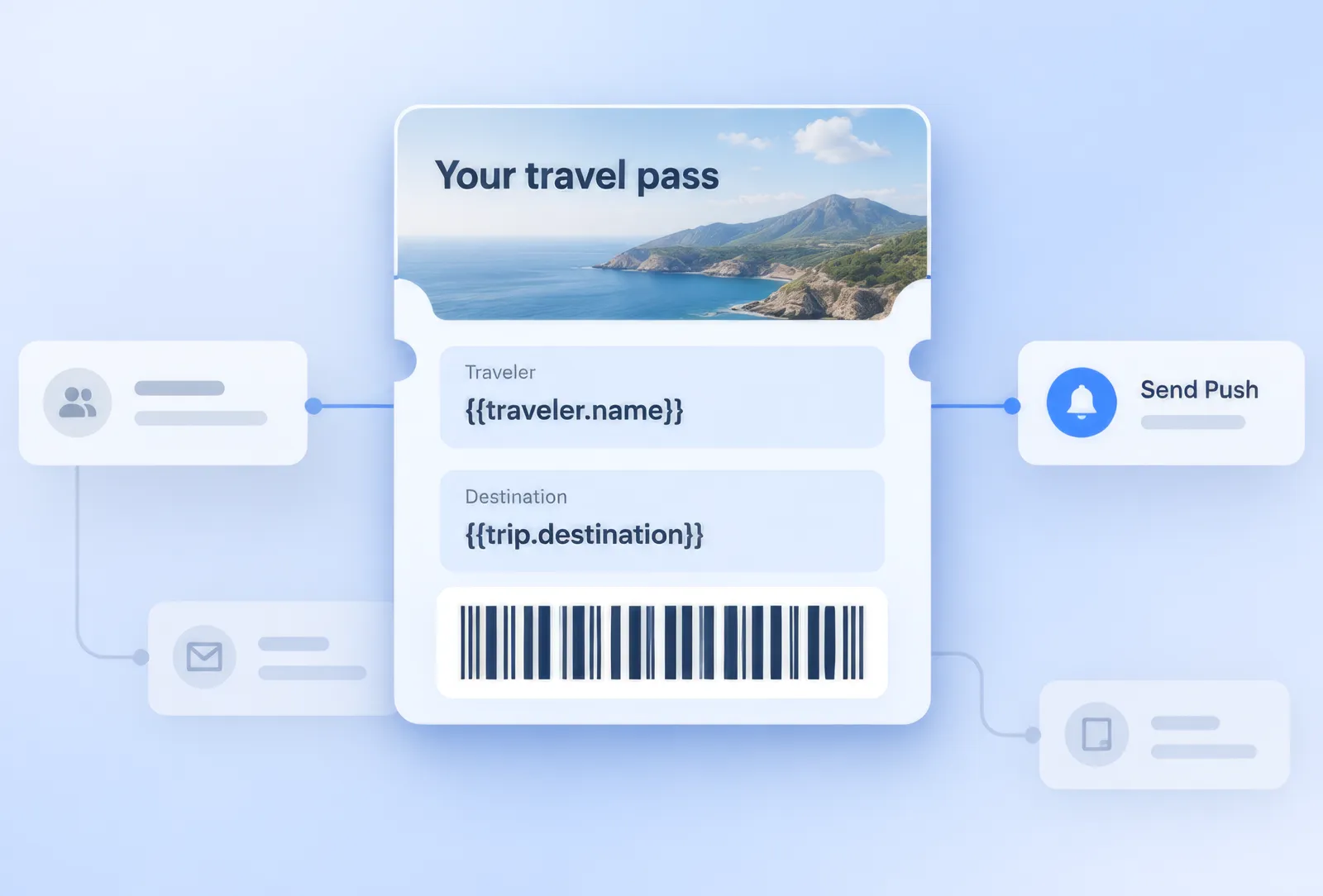

Meet the new Issue wallet pass element in Customer Journey Builder. Drop it into a flow, point it at your Apple and/or Google wallet campaign, and it issues the pass itself, with its own stats on the canvas.
See exactly where readers click in your emails 👀
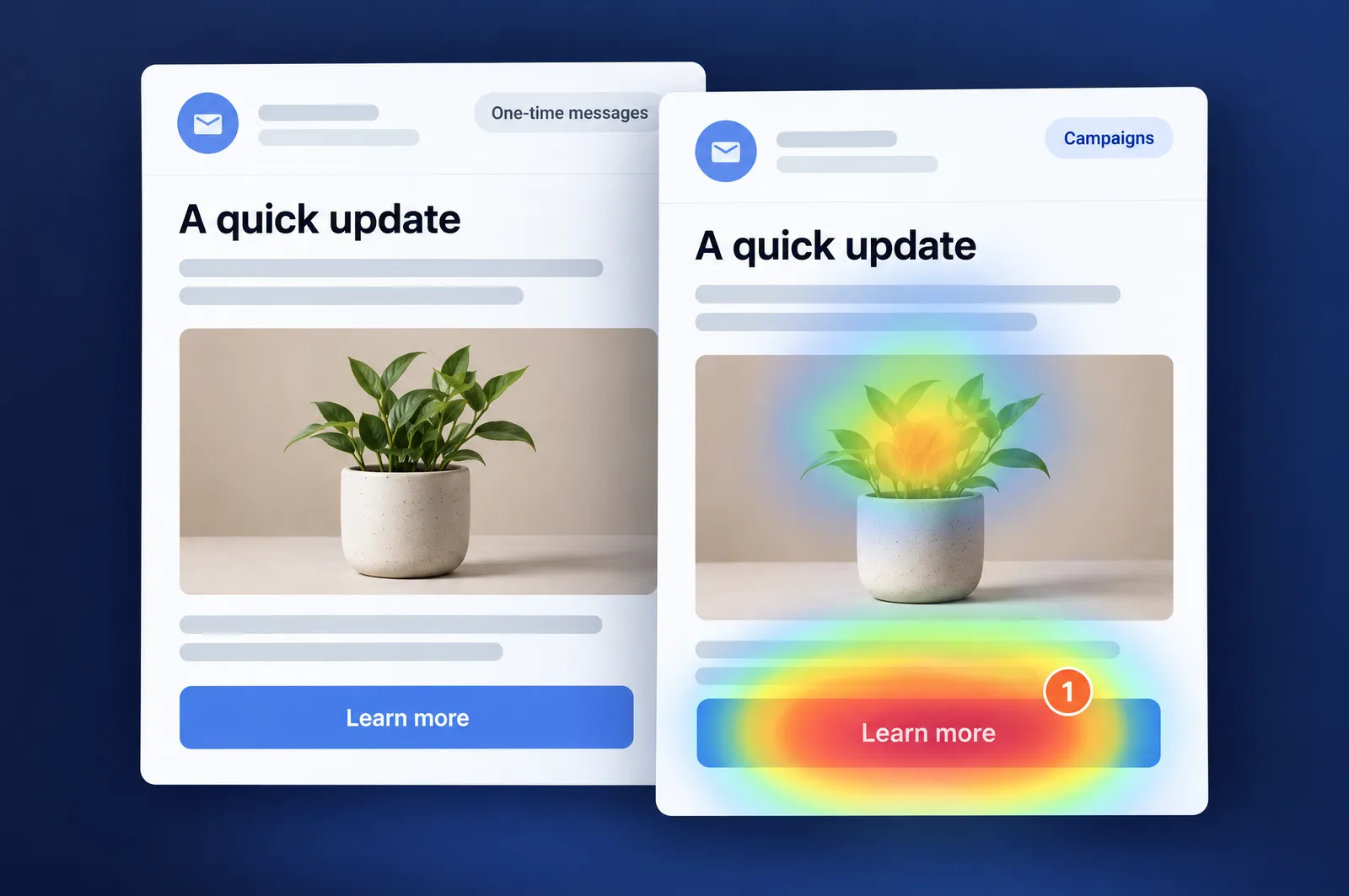
The new Click map tab draws a heatmap right over the email preview.
The busiest element gets the strongest shade, so your best and worst-performing links show up without you reading a single number. A toggle above the preview switches between all clicks and unique clicks, and a link table sits alongside for exact counts.
It’s available now for one-time and journey emails, opened from Campaigns → One-time messages.
WhatsApp: welcome messages, media, and 1 preview 💬
A few WhatsApp upgrades that make the channel easier to run day to day.
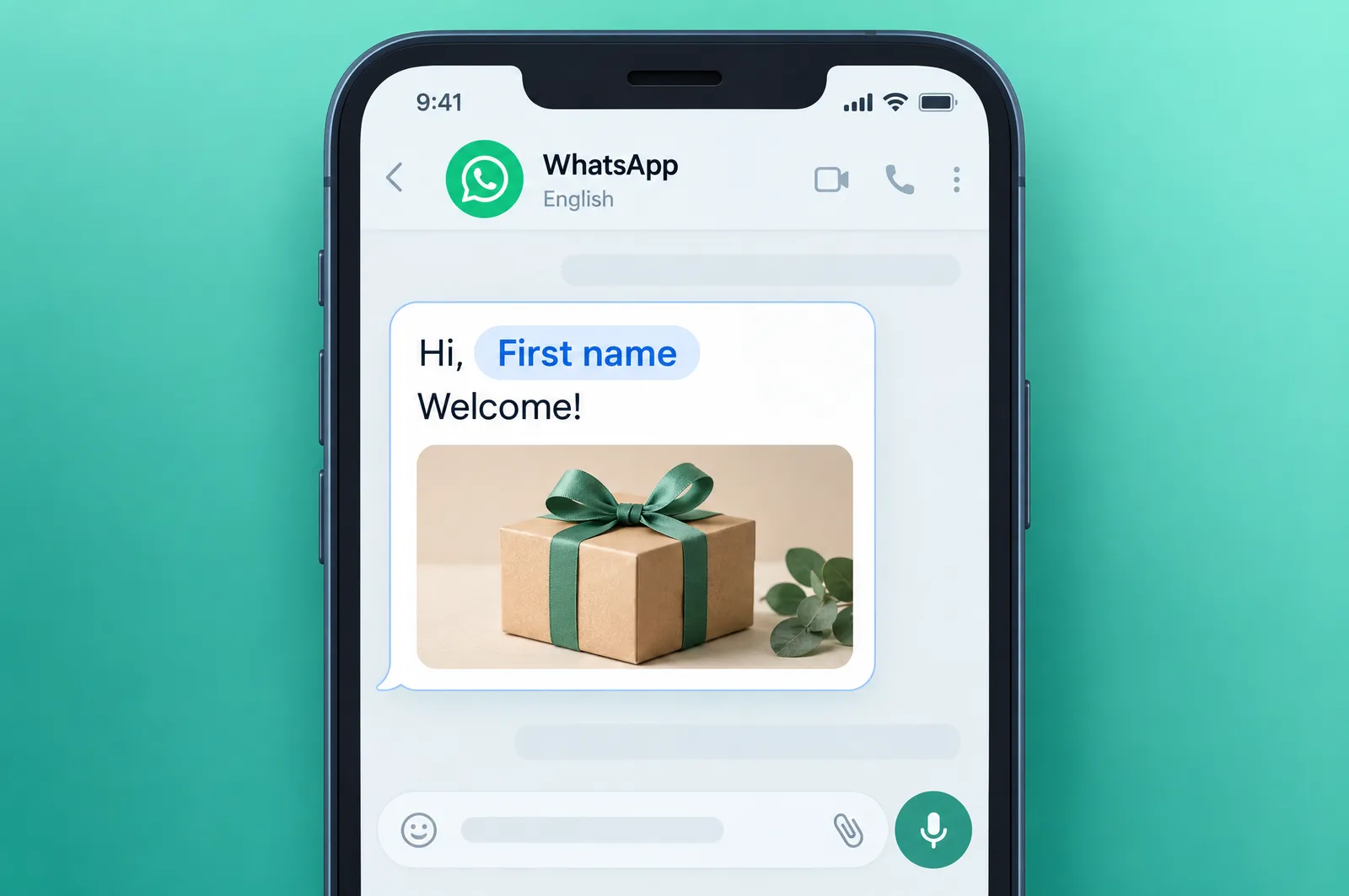
- The automatic welcome message now has real controls: enable, disable, or delete it from buttons on the card, pick the delivery language, and drop in personalization tokens with fallback values. Add language variants and Pushwoosh matches each recipient’s language tag, falling back to your default.
- The custom content element can now send a media attachment, not just text. And both the send form and the welcome message share one card preview, complete with the app badge and personalization shown as chips — so what you build is what you see.
Segment straight from your own database 🗄️
External Segments let you target people who already live in your own database (your CRM or data warehouse) instead of exporting them to a CSV and re-uploading it every time the list changes.
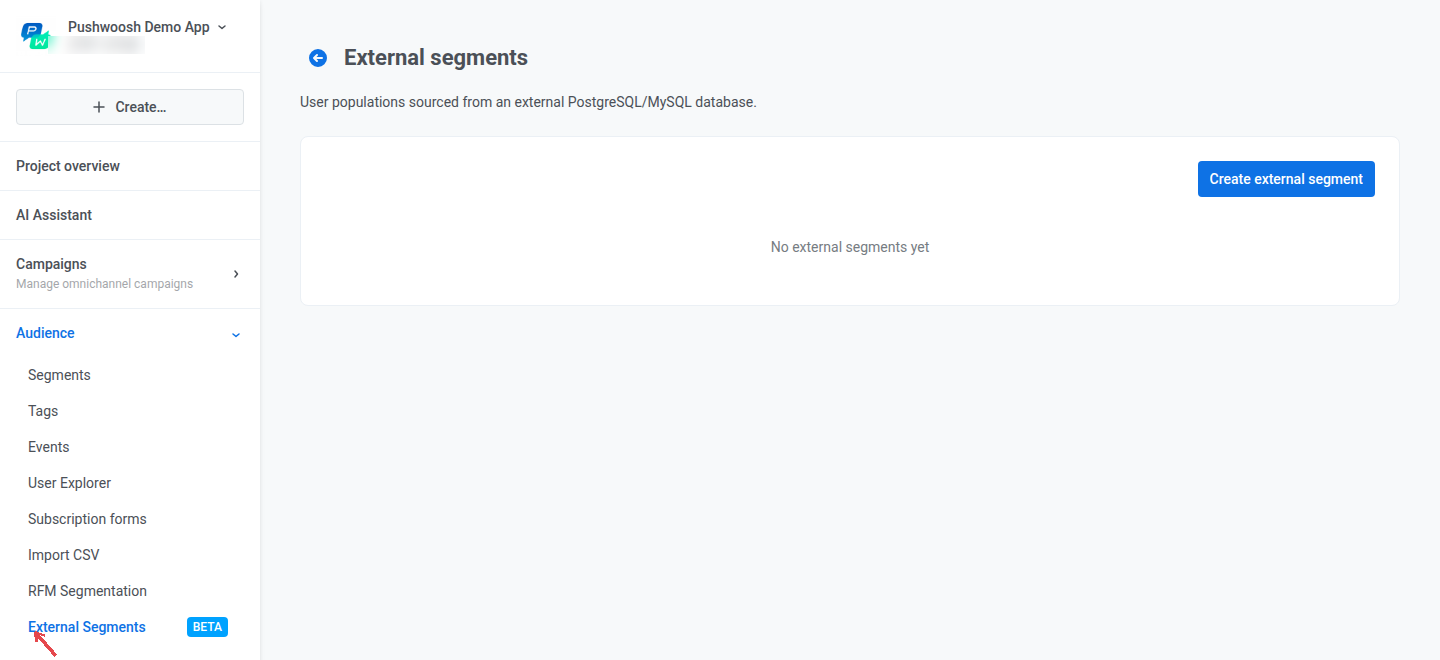
You give Pushwoosh a SQL query that returns the right User IDs, and Pushwoosh keeps rerunning it to keep the segment current. Once it’s set up, you use those people like any other segment: count them, send to them, or intersect them with your existing segments.
More control across journeys, email, and settings ⚙️
Smaller updates that come up a lot in day-to-day work.
- Reachability Check covers several channels at once. The element used to check one channel at a time. Now you tick a set of channels with their platforms in a single step — and you can give the step its own name. Learn more →
- Webhook element: secret headers, a calls log, and full-array mapping. Mark a header value as secret and Pushwoosh masks it everywhere — the UI, the API response, the journey’s version history (credential-style names like
Authorizationor anything withtokenare masked automatically). A calls log shows what the server actually returned, and you can map a whole array from the response at once instead of listing indexes one by one. Learn more → - Run the email audit on any address. The deliverability audit used to go only to a test device. Now you just enter an email address in the form and Pushwoosh runs its content and compliance checks against that inbox. Learn more →
- SMSAPI.ro is a new SMS provider. Connect it in the SMS form with your API token and Sender ID, and it returns delivery reports like the rest. Learn more →
And a handful of quality-of-life fixes:
- Email addresses are now case-insensitive — subscriber search, sending, and events treat
Ivan@…andivan@…as one person. - SSO sessions last 90 days at most, then ask for a fresh sign-in.
- A preset with a personalization token that sending can’t resolve no longer saves silently — the form flags it.
- Custom tracking domains now show a hint explaining exactly what changes in your links.
- Enabling a platform now asks for confirmation and warns that delivery on active campaigns will resume.
- The Journey editor shows save status in the header.
- In the passes list, the Overrides column got a clearer name.
Try the updates yourself
Every feature above is live in your account.
For the full list of what shipped, check the release notes.