October starts big. Inbox is now a channel you can send to on its own, live journeys keep versions, and Live Activities have moved onto the journey canvas. There’s also a new way to prove a journey pays off.
Here’s what shipped 👇
Edit live journeys safely 🚀
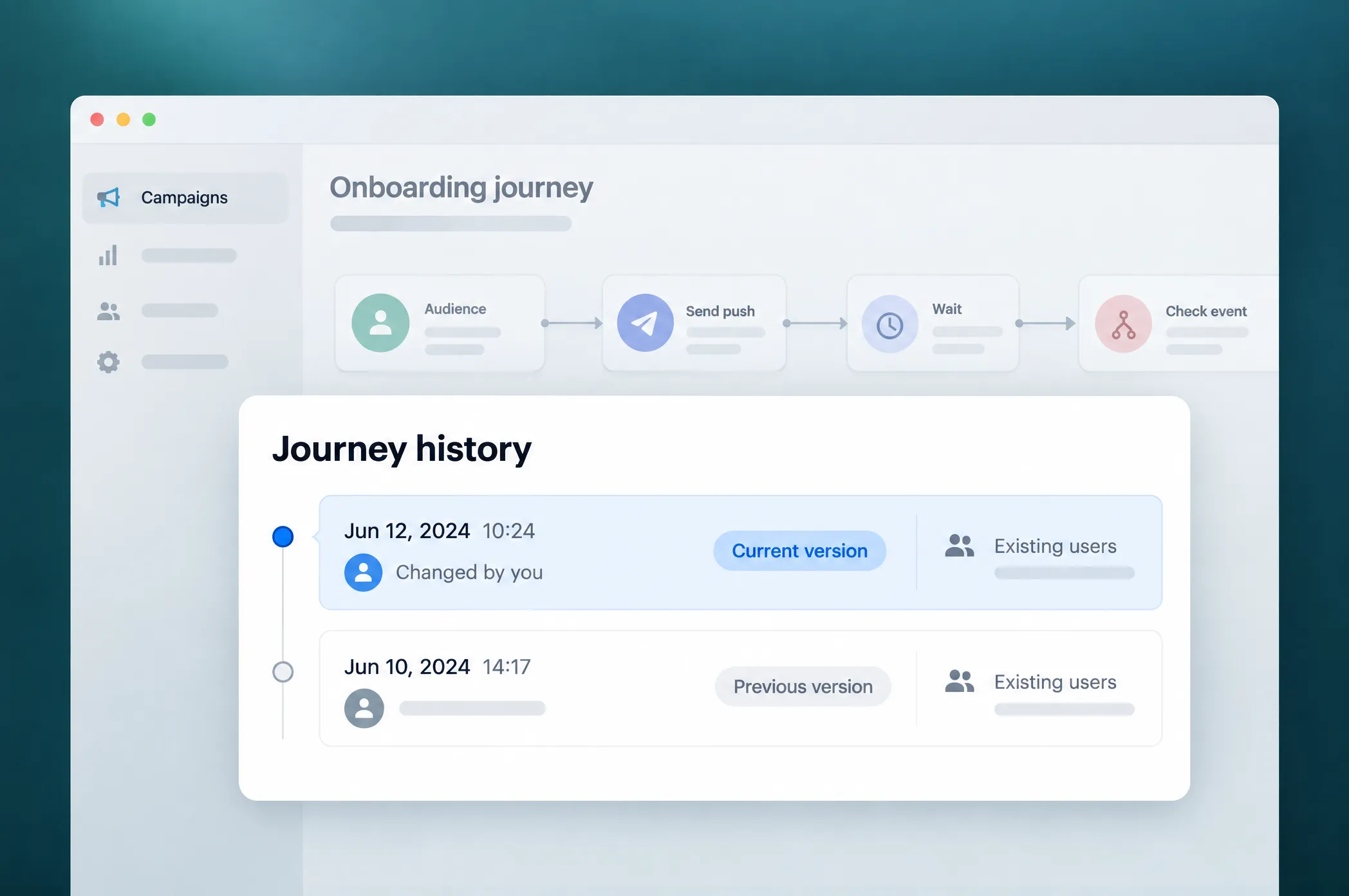
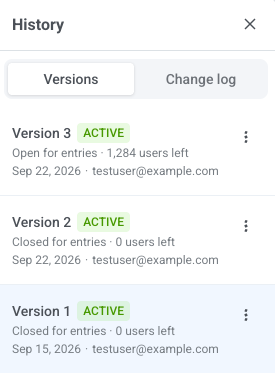
What changed: Changing the structure of a running journey used to affect everyone already in it. Now Pushwoosh creates a new version when you resume a journey after a structural edit. People already inside finish on the version they started; new users enter the latest one.
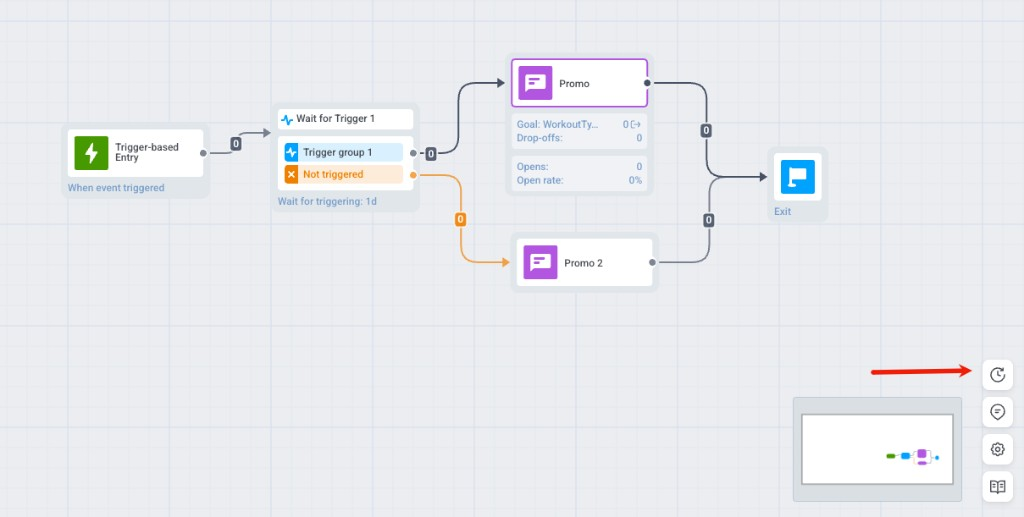
The History drawer (clock icon on the canvas) lists every version with its status and user count and keeps a change log of who changed what. To see where one person is, Find user path searches by User ID, HWID, email, phone, or token.
Why it matters: You can fix a journey that’s already running, without pausing it for a week or rebuilding it from scratch.
Inbox is now a channel of its own 📥
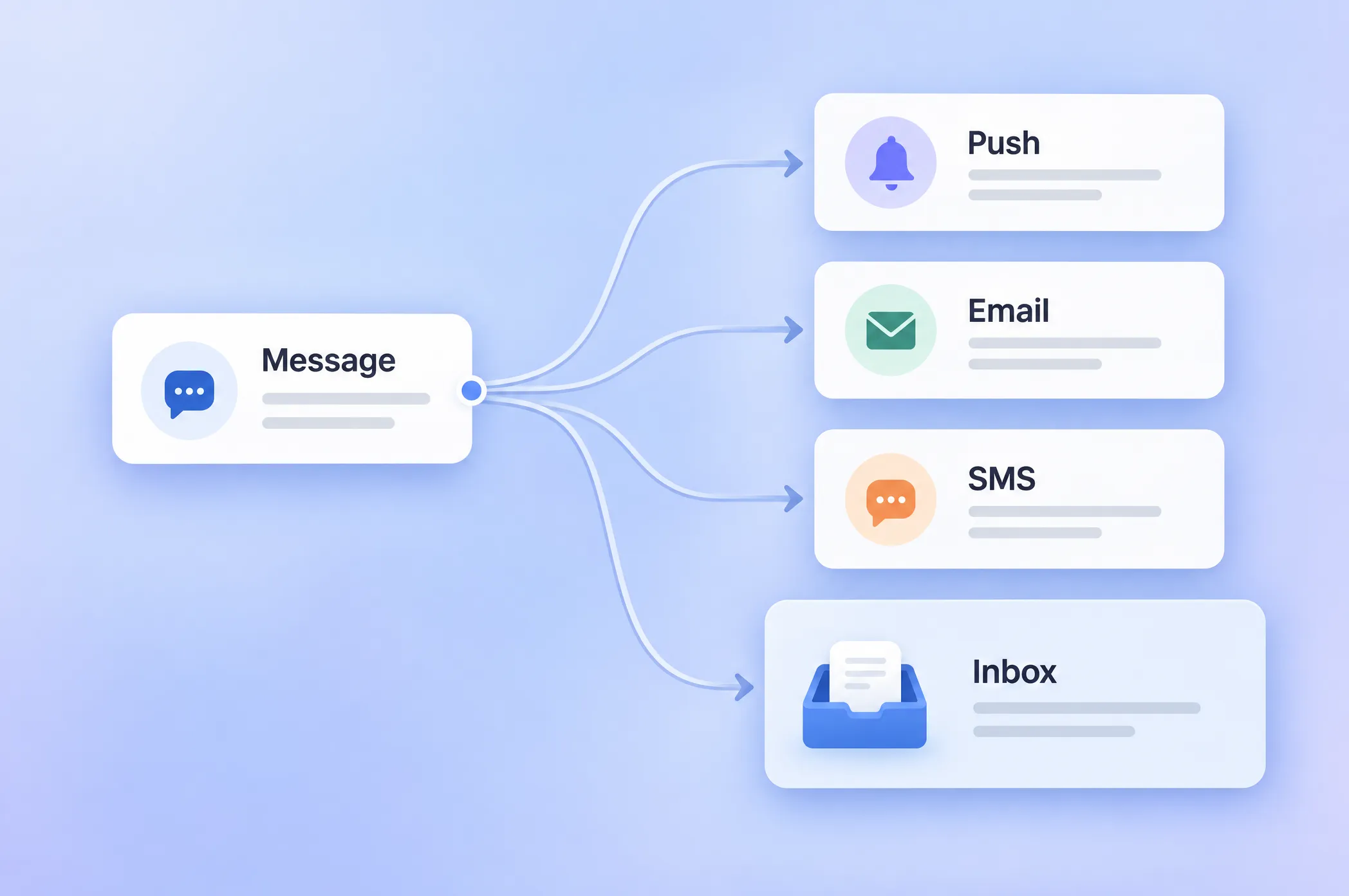
What changed: Inbox used to ride along with push: a message landed there as a copy of a notification. Now it’s a channel next to push, email, and SMS. An App Inbox message has its own content, audience, and schedule, goes straight to the inbox with no push attached, and reaches web and mobile.

What comes with it:
- Inbox Presets in Content, with their own editor: grid, three-line, and carousel layouts, display types, and custom data, same as in push.
- One-time Inbox messages and an App Inbox element in Customer Journey Builder.
- Web popups inside the inbox and frequency capping on a separate App Inbox channel. Transactional messages skip the cap.
- Its own stats on the journey element, in message stats, and in message history: sent, reached, read, clicked, and dismissed.
🛠️ Requires Web SDK 3.81.0, Android SDK 6.12.0, iOS SDK 7.0.40 or later (iOS 7.1.2 for carousels).
Send Live Activities right from the journey canvas ⚡️
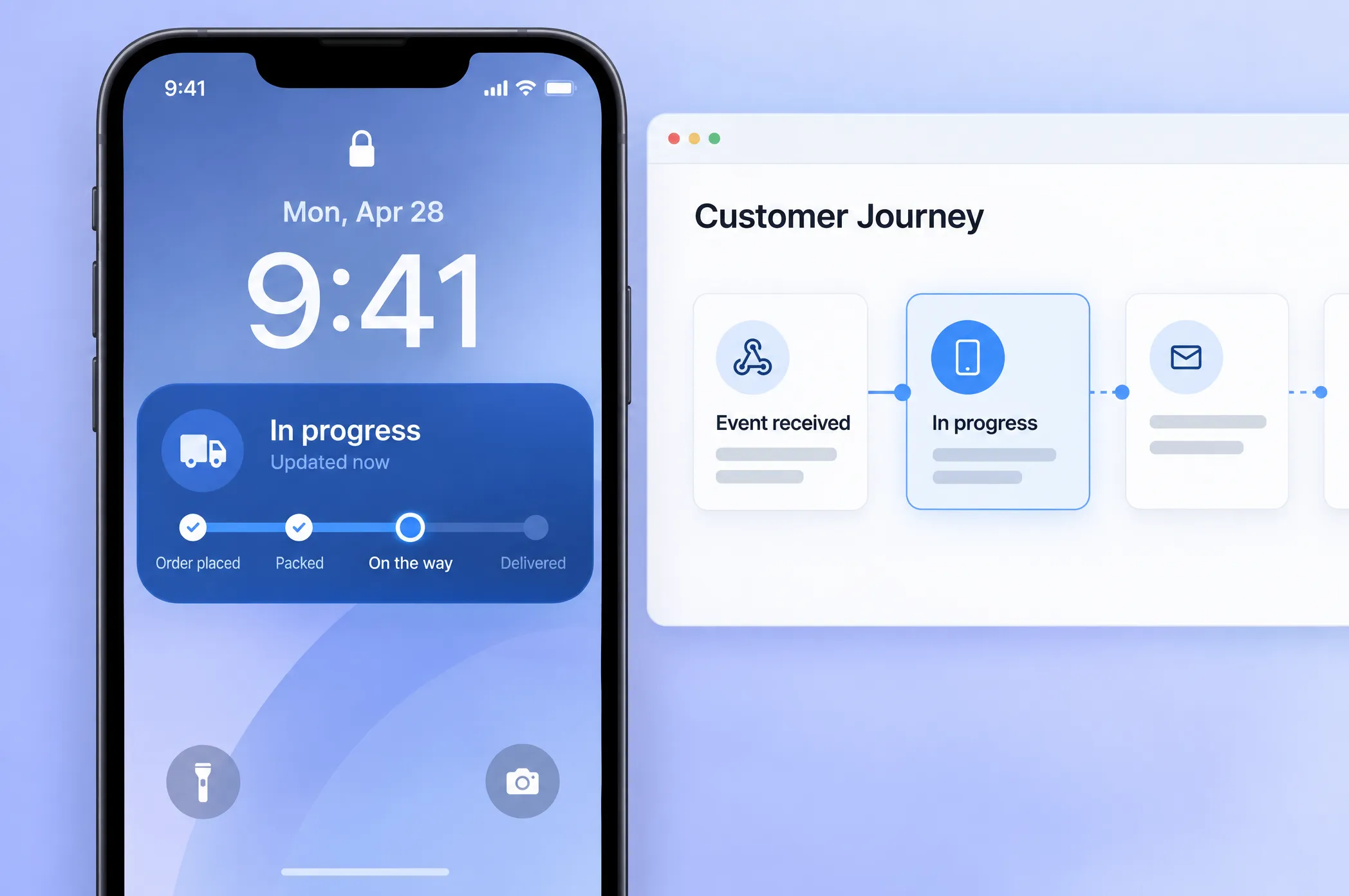
What changed: On the lock screen, a journey could only send push. Now there’s a Live Activity element that starts, updates, and ends a live card: an iOS Live Activity, an Android Live Update, or both from the same element.
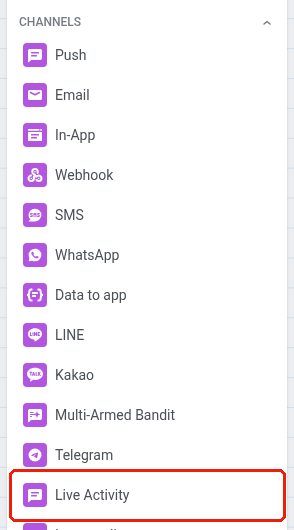
Your developers publish the card schema once in Configure → Live Activity schemas. After that, it’s all in the journey:
- Card content filled from event attributes, with a version per language.
- A relevance score to decide which card shows first when there are several.
- Delivery to all of a user’s devices or only the last active one.
- Update and End steps that pick up content from the Start step, so you only fill in what changed.
- A finished card can be dismissed right away.
Here’s where it fits: order tracking. The order is confirmed, and the journey starts a card on the lock screen. Each status event (packed, out for delivery, arriving) updates the same card instead of sending another push. On delivery, the card closes.
For when to use a Live Activity and when a push still makes sense, see our guide to combining push and Live Activities.
Your whole project on one screen 📊
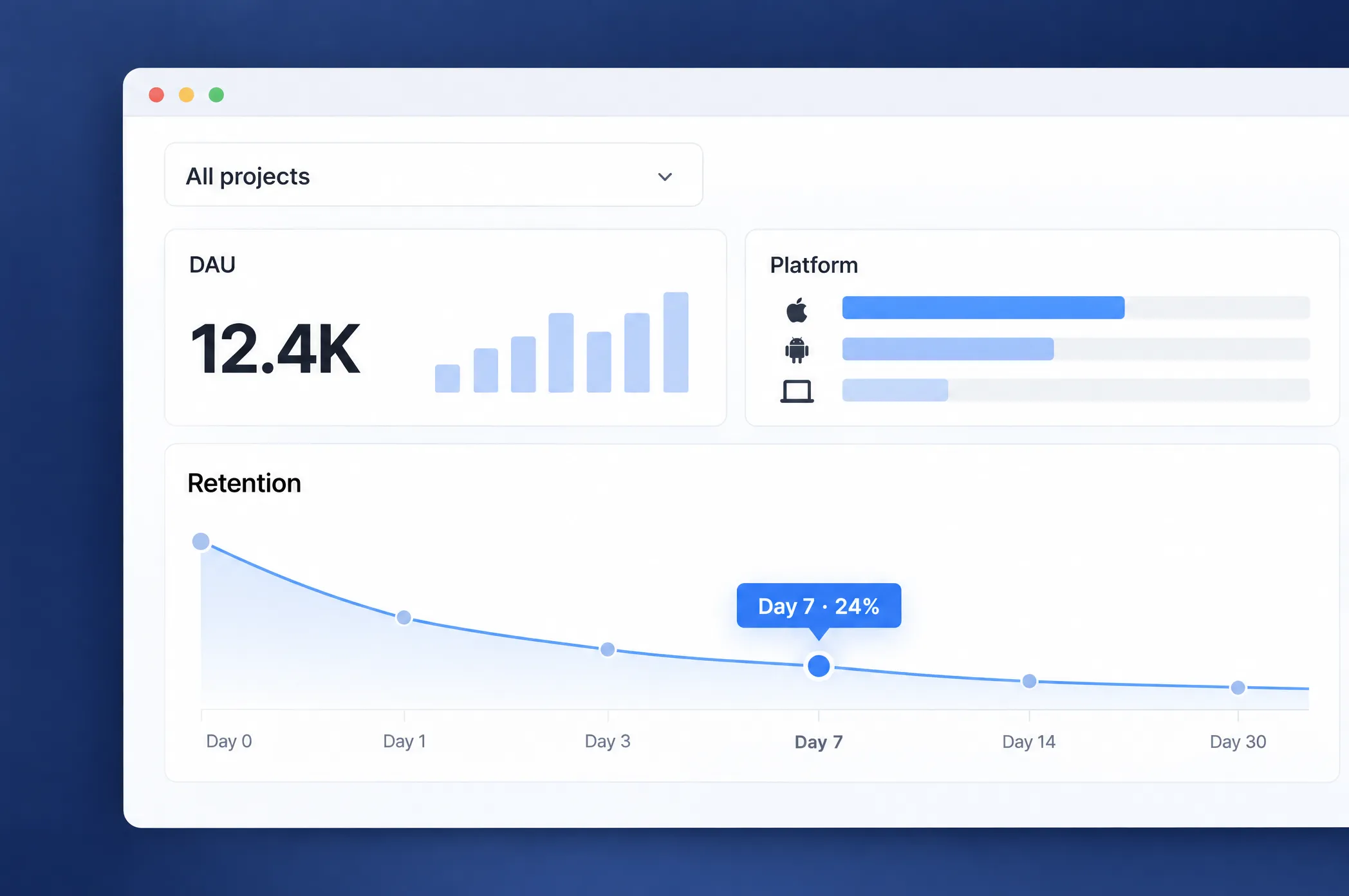
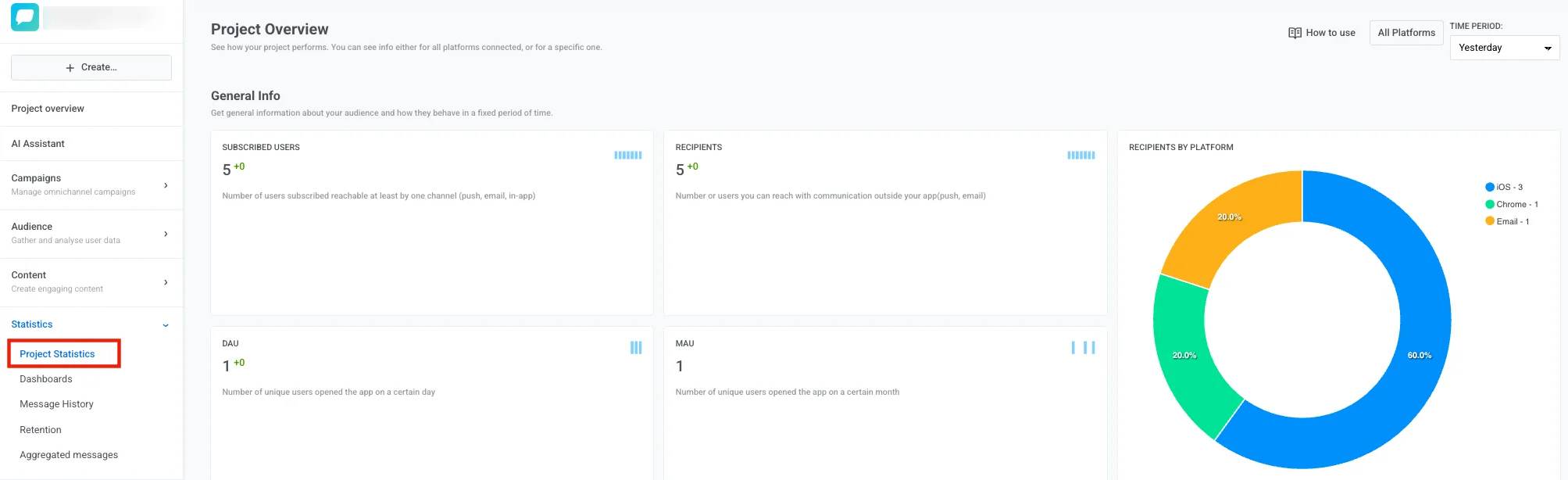
What changed: To see how a project was doing, you had to check several sections. The new Project overview puts it on one page: DAU and MAU, reachable users across every channel, retention on Day 1, 7, 14, and 28, plus Push and Email tabs. Push shows the audience funnel down to users you can actually reach, performance by platform, and frequency capping. Email adds complaint and bounce rates, performance by category, and a breakdown by mailbox provider.
See what your journeys actually earn 🎯
There was no clean way to tell if a journey worked or if those users would have converted anyway. Now there is, and it counts in money.
Holdout split
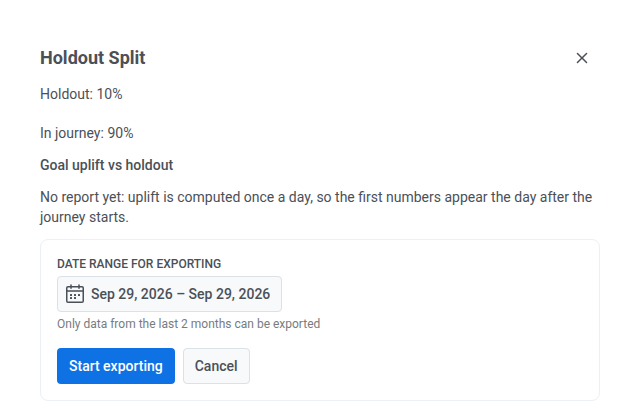
Add it at any point on the canvas, and a share of users (1–20%) leaves the journey there and gets no more messages from it. The element and the journey’s Campaign health dashboard then show uplift for each conversion goal against that group, with a significance badge. You can also export which user landed in which branch.
Revenue that counts itself
Point Pushwoosh at a purchase event you already send, pick the attributes that hold the price and currency, and every purchase is recorded as revenue. It feeds conversion goals, RFM segments, and dashboards, so you stop matching income to campaigns by hand. Learn more →
Why it matters: When someone asks whether the onboarding journey is worth it, you can answer with a number.
More control over journeys and data ⚙️
- Data requests, without a support ticket. Erase personal data yourself: one subscriber from their card in User Explorer, or in bulk from My account → Data requests with a CSV of User IDs, HWIDs, or emails. Count the matching records before you erase, filter the log by period, app, and initiator, and export it to CSV. Learn more →
- Segment journeys can close entry. A journey launched on a segment used to keep adding people forever. Now you can set an end date for entry, and the journey list marks those campaigns as closed to new travellers. Learn more →
- Control groups by country. A control group used to come from your whole base. Now you can limit it to a list of countries: only users there are held out, and everyone else keeps getting your marketing messages. Learn more →
- Every operator for identifiers in segments. User ID, HWID, email, phone, and push token now support the full set of operators, including lists of values. Learn more →
- Web SDK settings in the Control Panel. Set up the web SDK in a form in Settings instead of editing code on your site, and copy the integration code from there. New projects start on the unified web platform, so they don’t need a separate Safari setup.
Channels, integrations, and content ✍️
- Flight Status integration. Flight data used to be something you pulled in yourself. Now it’s an integration card: a booking subscribes the flight, and every gate change, delay, boarding, departure, and arrival comes back to the journey as a
PW_FlightStatusChangedevent, with local time for each airport. A ready-made journey template and a public subscriptions API are included. Learn more → - Viber with images and buttons. Add an image and a button with a link to Viber messages, in one-time sends and in journeys. Promo templates now sit next to transactional ones and open as editable content. Learn more →
- Brand book next to your emails. Open it straight from the email content list or from the editor menu. Add a separate dark-mode logo, which Apple Mail and Outlook show in dark mode, and set defaults for the new Logo header block once for all your templates. Learn more →
- Email translations by file. Export a template’s translations as CSV or JSON for the languages you pick, then import them back and choose whether to overwrite what’s already filled in. The Language / Subject / Preheader panel now collapses, and the News card block has a Newsletter digest preset. Learn more →
- The AI assistant finishes its answer even if you close the tab. The reply arrives as a web push and shows up when you come back. It also asks before doing anything that can’t be undone.
- Alerts you won’t miss. Notification Center alerts now come as web push too. The app dashboard flags “messages sent, zero opens”, and you’ll get an alert when a dormant project suddenly starts registering devices.
Try the updates yourself
Every feature above is live in your account.
For the full list of what shipped, check the release notes.