Set the clock once. Let the audience refresh itself
Launch a journey for a pre-built segment on a clock instead of a behavioral event — once, on hand-picked dates, or on an open-ended repeating cadence. On every recurring run, the segment is recalculated fresh, so new subscribers are never left waiting for the next campaign to be rebuilt by hand.
Trusted by 80,000+ companies to scale their engagement
The format, in full
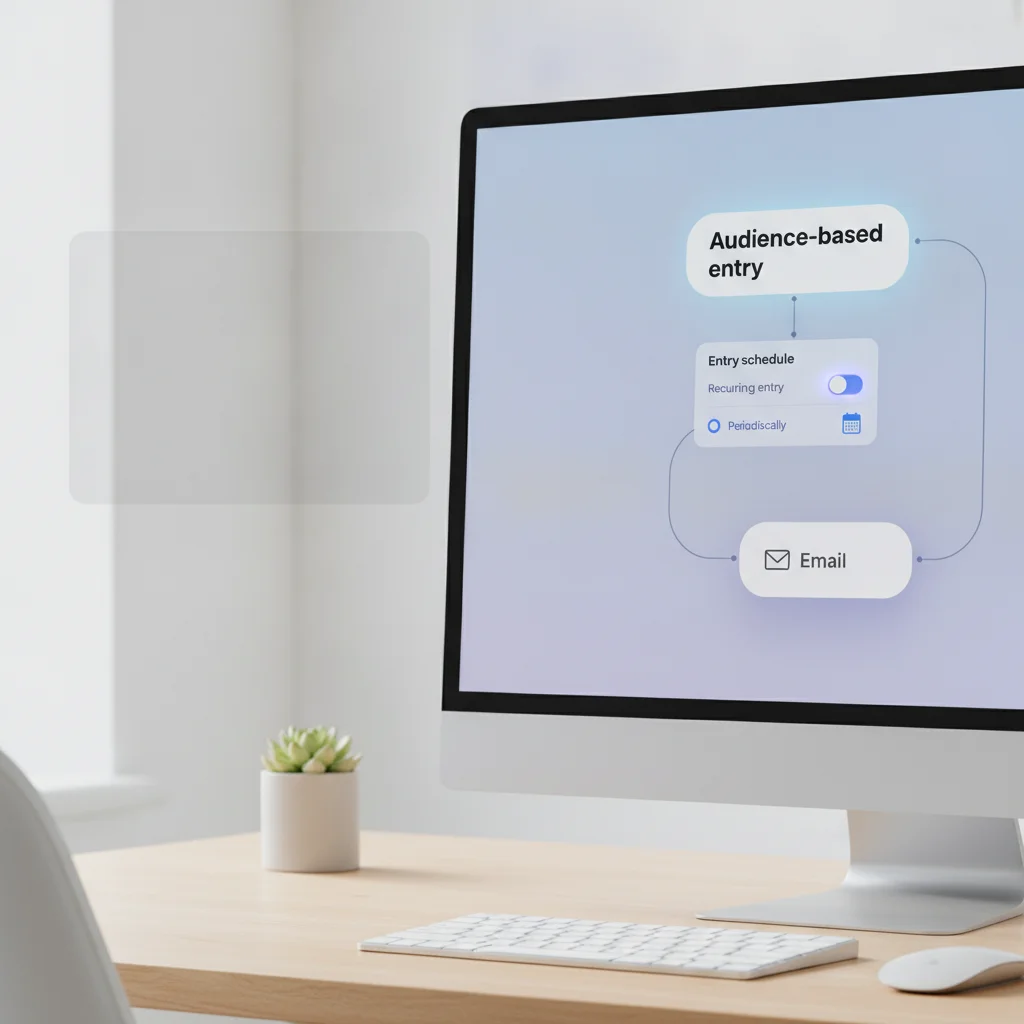
Not every journey should wait for a user to do something. A weekly digest doesn’t need a trigger — it needs a day. A renewal reminder doesn’t react to behavior — it fires on the billing date. Entry schedule, the setting on the Audience-based entry element, launches a journey for a pre-built segment on exactly that kind of clock.
Immediately
Every subscriber in the segment enters the moment the journey is activated. No date, no timezone math — the fastest one-time launch.
Schedule for a specific day
Pick one future date and time. The segment enters once, at the moment you set, in the timezone you choose.
On specific dates
Hand-pick a list of calendar dates — every holiday sale this quarter, every scheduled webinar — and the same flow re-runs on each one.
Periodically
Set an open-ended interval — every 1 day, every 1 week on Mondays — and the journey keeps re-running until you stop it. No end date to plan around.
What you control
| What you set | What it does | Where it lives |
|---|---|---|
| One-time entry: Immediately / Schedule for a specific day | Runs the segment through the journey exactly once | Entry schedule on the Audience-based entry element |
| Recurring entry: On specific dates / Periodically | Re-opens the same flow for the same segment on every scheduled date or interval | Entry schedule, Recurring entry mode |
| Subscriber's device timezone + fallback | Fires at the set time in each subscriber's own timezone; the fallback covers subscribers with no timezone signal | Timezone option, editable fallback value |
| A specific timezone | Fires at the same clock time for every subscriber, regardless of where they are | Timezone option, fixed dropdown value |
The segment checks itself before every run
Refreshed before every recurring run
Recurring entry doesn't cache the segment from the first launch. Before each scheduled run, Pushwoosh recalculates who actually qualifies right now, so a subscriber who joins the segment after the last run enters at the next one automatically.
A missed window isn't a missed subscriber
If a subscriber's scheduled entry time has already passed for one run, they're picked up on the next scheduled date or interval — not skipped for good.
The job it does inside a journey
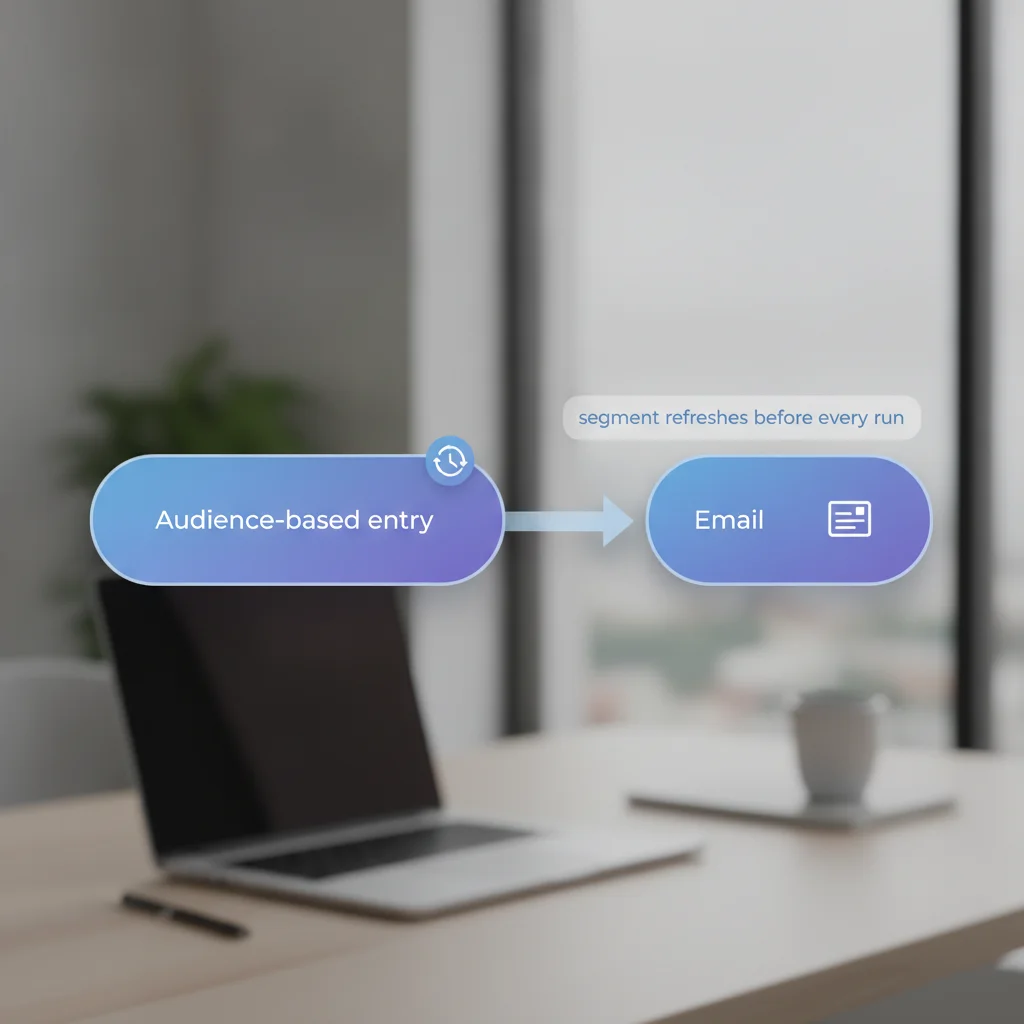
One clock setting, every channel downstream
Entry schedule lives on the Audience-based entry element, not on the message itself — so it governs whatever runs after it on the canvas: an email digest, a push reminder, an SMS, or all three in the same Customer Journey. Set the cadence once, and every channel block downstream inherits it.
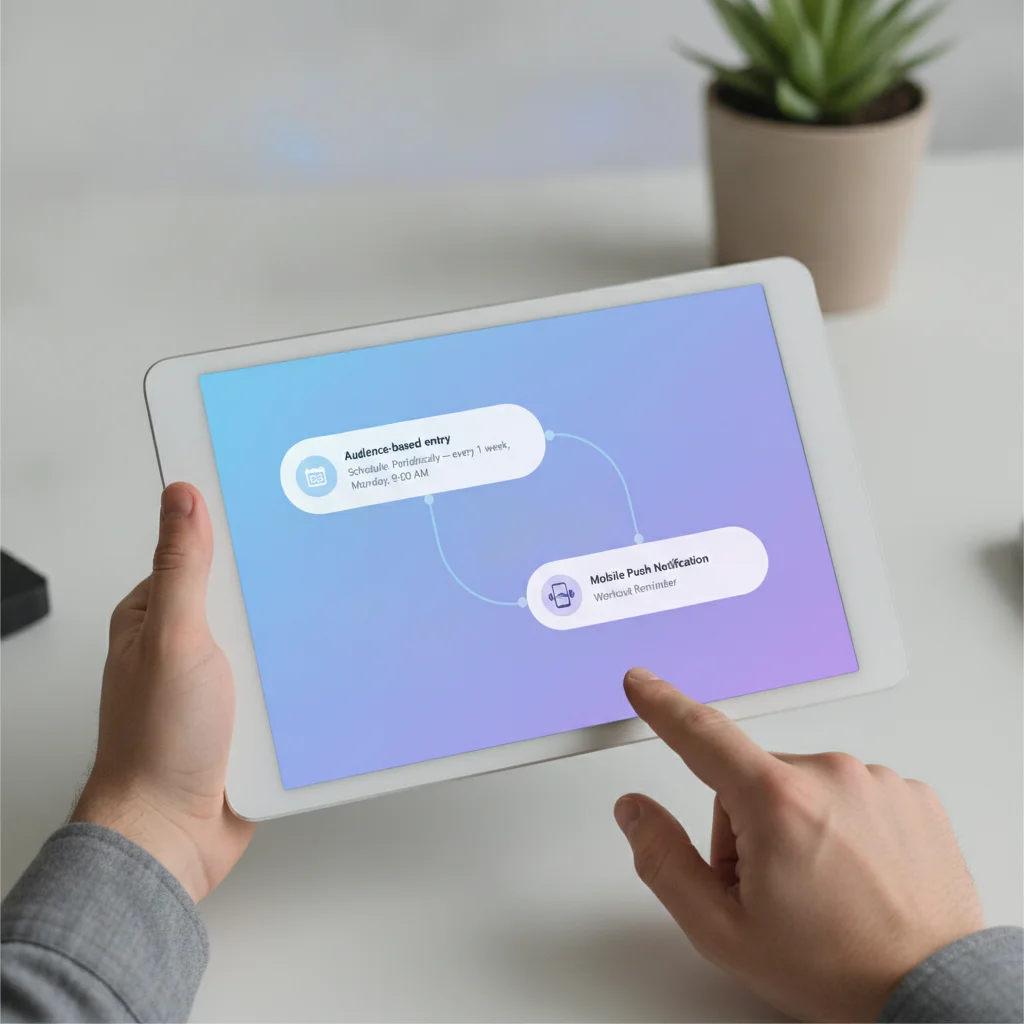
The same Monday reminder, without the manual rebuild
A fitness app sets Entry schedule to Periodically, every 1 week on Monday at 9:00 AM, subscriber’s device timezone. Every Monday, Pushwoosh recalculates the segment and sends the same reminder to whoever qualifies that week — including subscribers who signed up on Tuesday. Nobody has to touch the journey again to keep the cadence running.
What to use it for
Scheduled and recurring entry pays off where the business runs on a real calendar — a digest, a billing cycle, a season — rather than where it lives and dies on in-the-moment behavior.
| Industry | Use case | Why it fits |
|---|---|---|
| Media, news & streaming | Periodically (daily/weekly) → editorial digest for the current subscriber segment | Digest reliability matters more than reacting to a single click |
| Creator & subscription apps | Periodically (weekly/monthly) → content digest and renewal/payment reminders | Recurring revenue runs on a calendar; the refreshed segment picks up new subscribers automatically |
| Fintech & banking | Periodically (monthly) → statement-ready or bill payment reminder for the current customer segment | Billing cycles are calendar-bound, not behavior-bound |
| Insurance | Schedule for a specific day on the policy anniversary → renewal reminder | Renewal dates are the single biggest calendar use case in finance |
| Airlines & aviation | Schedule for a specific day off the booking date → pre-flight reminder pack | The travel date is known in advance — it's a clock, not a behavior |
| E-commerce & marketplaces | On specific dates → a pre-loaded seasonal sale calendar for the whole quarter | Sets up every holiday promo once instead of building each one by hand |
Periodically (daily/weekly) → editorial digest for the current subscriber segmentPeriodically (weekly/monthly) → content digest and renewal/payment remindersPeriodically (monthly) → statement-ready or bill payment reminder for the current customer segmentSchedule for a specific day on the policy anniversary → renewal reminderSchedule for a specific day off the booking date → pre-flight reminder packOn specific dates → a pre-loaded seasonal sale calendar for the whole quarterNot the same as the standalone one-off scheduler
Pushwoosh also has a much simpler scheduler entirely outside the journey builder: Campaigns → One-time messages → One-time push / one-time email. It picks a date, a time and a timezone for a single send — no journey, no segment refresh, and no recurrence at all.
| Audience-based entry (this page) | Campaigns one-time scheduler | |
|---|---|---|
| Lives in | The Customer Journey Builder canvas | Campaigns → One-time messages |
| Recurrence | Yes — On specific dates or Periodically | None — a single scheduled send |
| Segment on repeat runs | Recalculated fresh before every run | Not applicable — there's only one run |
| Editing a pending send | Edit-and-resume through the journey itself | Content and audience only; the send time is fixed — cancel and recreate to change it |
The standalone form is the right call for a genuine one-off blast that doesn’t need a segment recalculated later — the Journey Builder’s Audience-based entry is overkill for that case. Reach for Entry schedule when the campaign needs to repeat, or when it’s one step inside a longer flow.
When it isn’t worth the setup
- A true event reaction: use event-based triggers instead — a clock can’t react to what a user just did.
- A pause between two steps already inside a running journey: that’s Time Delay, not an entry schedule.
- A single blast with no future segment recalculation planned: the standalone Campaigns one-time scheduler does that job with less setup.
- A segment built by CSV import: those lists are static, so recurring entry has nothing new to pick up between runs.
- A guaranteed to-the-second send time: no vendor, Pushwoosh included, publishes a numeric SLA for schedule-to-fire accuracy — “on schedule” is a setting, not a stopwatch commitment.
Security & hosting
Pushwoosh runs on its own hardware in the US and Germany, under GDPR and BDSG.





How it works
-
Pick the audience (no-code)
Drag an Audience-based entry element onto the canvas and select a pre-built segment, or create one on the spot.
-
Set the clock
Open Entry schedule. Choose One-time entry (Immediately or Schedule for a specific day) or Recurring entry (On specific dates or Periodically), then set the time and timezone.
-
Build the flow once (no-code)
Add the message blocks, waits and branches after the entry element. Every channel downstream inherits the same schedule — no per-channel timing to repeat.
-
Launch and leave it running
On a recurring schedule, Pushwoosh recalculates the segment before every run automatically. Nothing needs to be rebuilt to keep the cadence going.
Limits worth knowing
Explore related products
Map out and streamline your campaigns with one visual tool. Communicate, engage, retain, convert, segment, and experiment using Pushwoosh Customer Journey Builder.
Drive engagement with event-based triggers. Automatically launch campaigns when customers take actions, capturing perfect moments for conversion and retention.
Pushwoosh segmentation tools help you reach your users with the most relevant offer based on their unique preferences and behavior.
Drive on-time payments with bill payment reminders. Send strategic notifications, easy payment links, and personalized messages that reduce delinquency.
Pre-made templates, available right inside Pushwoosh email builder — tailor them to your brand or use as inspiration for your next send.
Build a push, email or in-app message once, with every language version, and reuse it across campaigns, journeys and API sends on all 7 Pushwoosh channels.